When a user finishes browsing a collection page without finding what they want, most stores provide no next step. The page ends with a product grid and nothing else.
Risify's Related Search adds a suggestion row at this point - showing alternative collections or products that give users a reason to continue browsing.
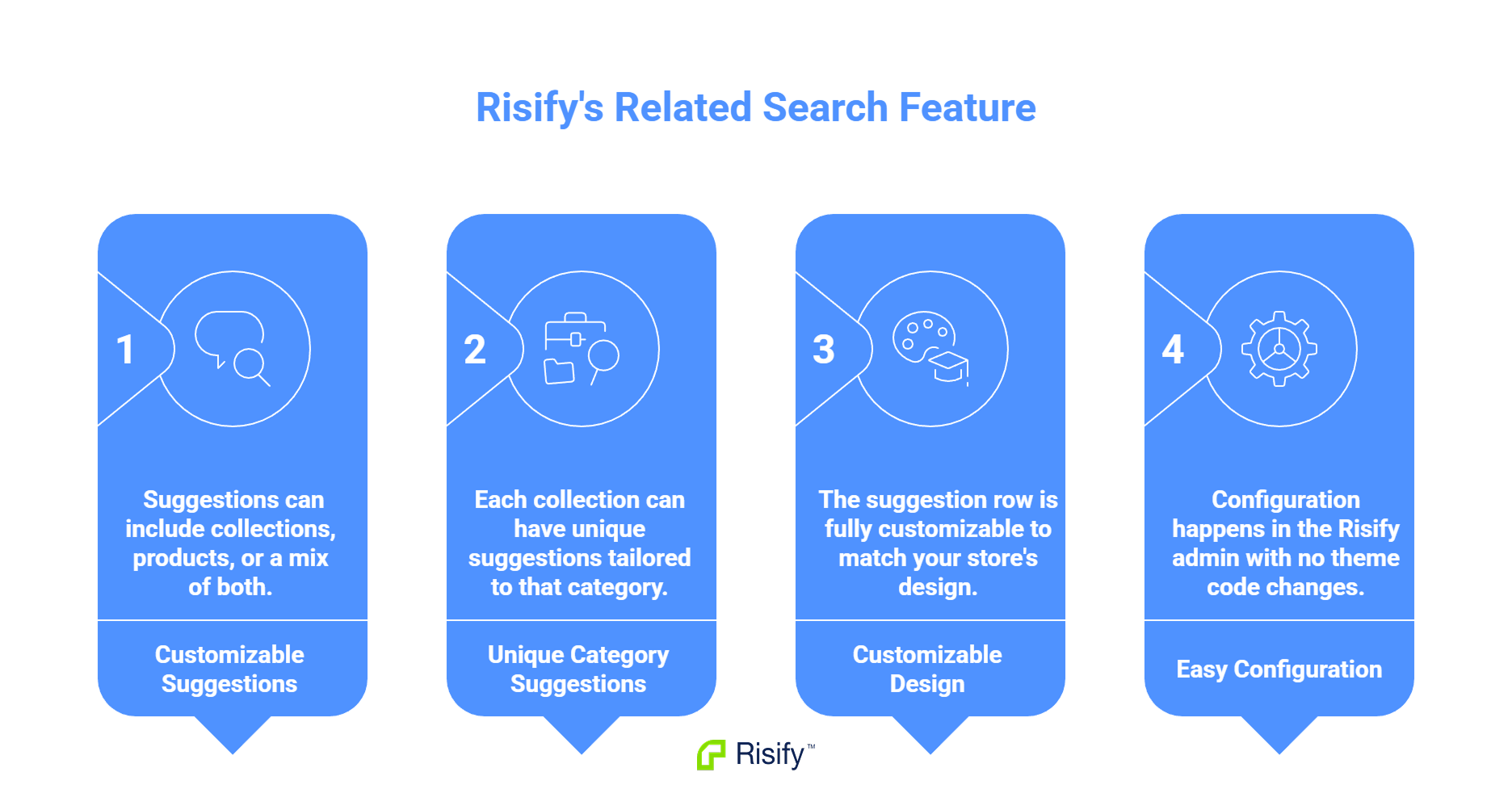
- You define which suggestions appear on each collection page.
- Suggestions can include collections, products, or a mix of both.
- Each collection can have unique suggestions tailored to that category.
- The suggestion row is fully customizable to match your store's design.
- Configuration happens in the Risify admin with no theme code changes.
What Collection Pages Are Missing
Most collection pages follow the same structure: header, optional filters, product grid, footer. The page displays what the collection contains and nothing more.
This structure assumes every user finds what they want. But users often land on a collection that is close to what they need but not quite right. They browse through the products, reach the end of the grid, and find themselves with no contextual guidance on where to go next.
The Gap
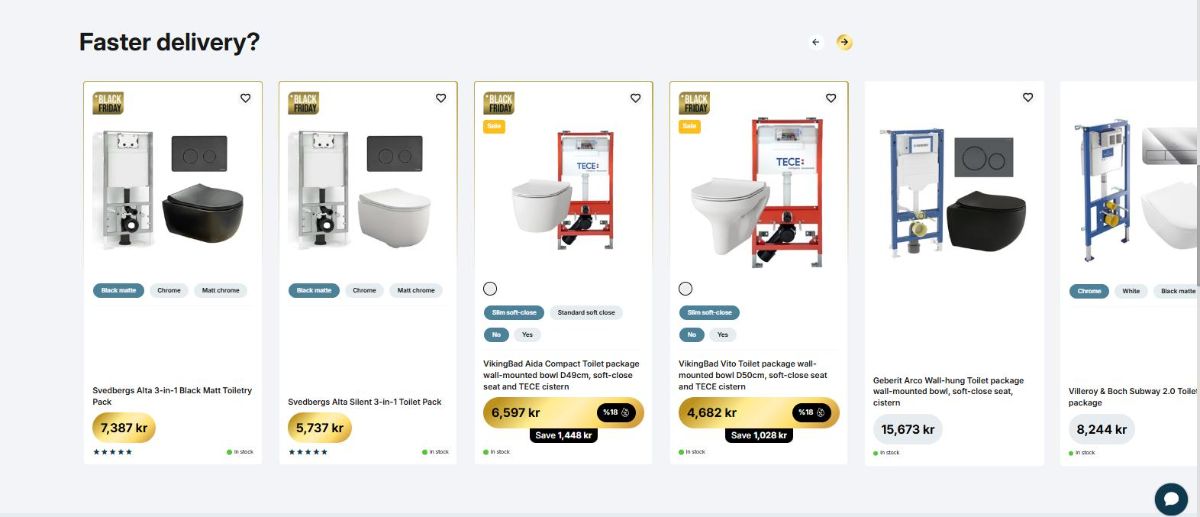
There is no section that says "if this wasn't what you were looking for, try these." The page offers no suggestions based on the current collection context. Users must figure out their next step on their own - typically by opening the main navigation menu and starting over.
This gap exists because Shopify does not provide a native way to add related suggestions to collection pages. The feature requires either custom development or a third-party solution.
What Related Searches Display
Related Search adds a row of clickable suggestions to collection pages. The suggestions can include other collections, specific products, or a combination of both.
Collections as Suggestions
You can suggest other collections that relate to the current one. These might be:
- Adjacent categories that serve similar needs
- Broader collections for users who want more options
- Narrower collections for users who want something more specific
- Collections that cover complementary product types
A user browsing outdoor furniture who did not find what they wanted might see suggestions for patio accessories, garden decor, or outdoor lighting.
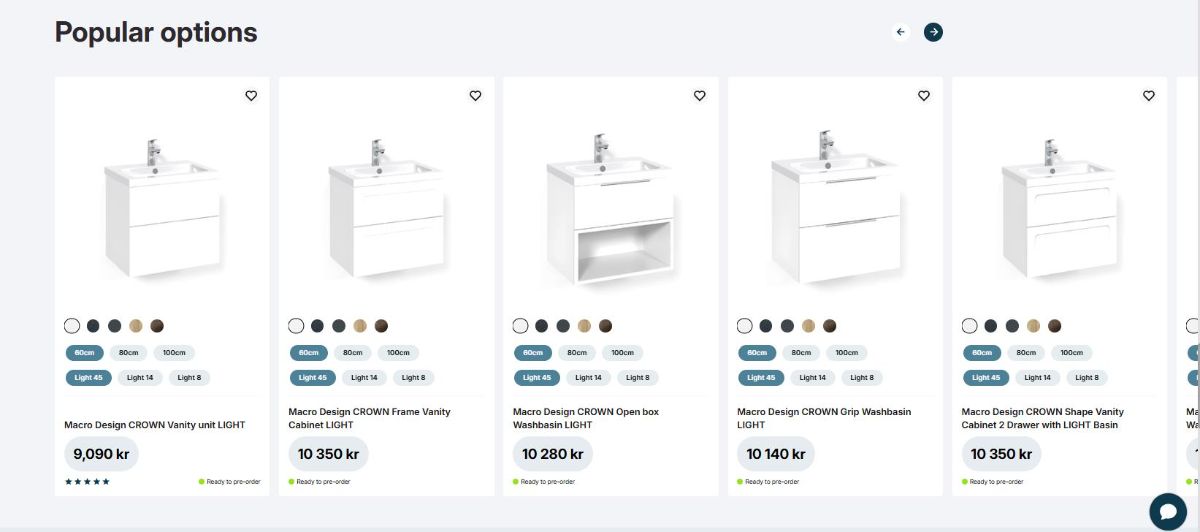
Products as Suggestions
You can also suggest specific products. This works well for:
- Bestsellers that appeal to a wide audience
- New arrivals relevant to the category
- Products with faster delivery times
- Items that frequently cross-sell with the current collection
How Risify Related Search Works
You define related searches per collection in the Risify admin. The configuration determines what appears on each collection page.
Setting Up Suggestions
Inside the Risify Navigation panel, you open any collection and access the related search editor. From there you can:
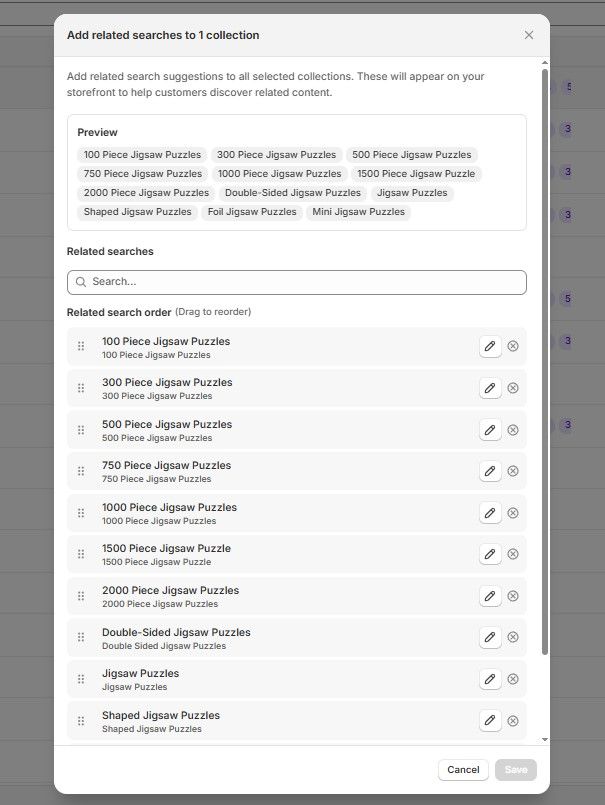
- Search for collections or products to add
- Select multiple items from either tab
- Combine collections and products in the same suggestion row
- Drag and drop to reorder so the most relevant suggestions appear first
Each collection has its own independent configuration. What appears on one collection page has no effect on others.
Displaying on Your Storefront
After defining suggestions in the admin, you add the Related Search section to your collection template in the Shopify theme editor. You choose where the section appears - typically near the bottom of the page where users have finished browsing.
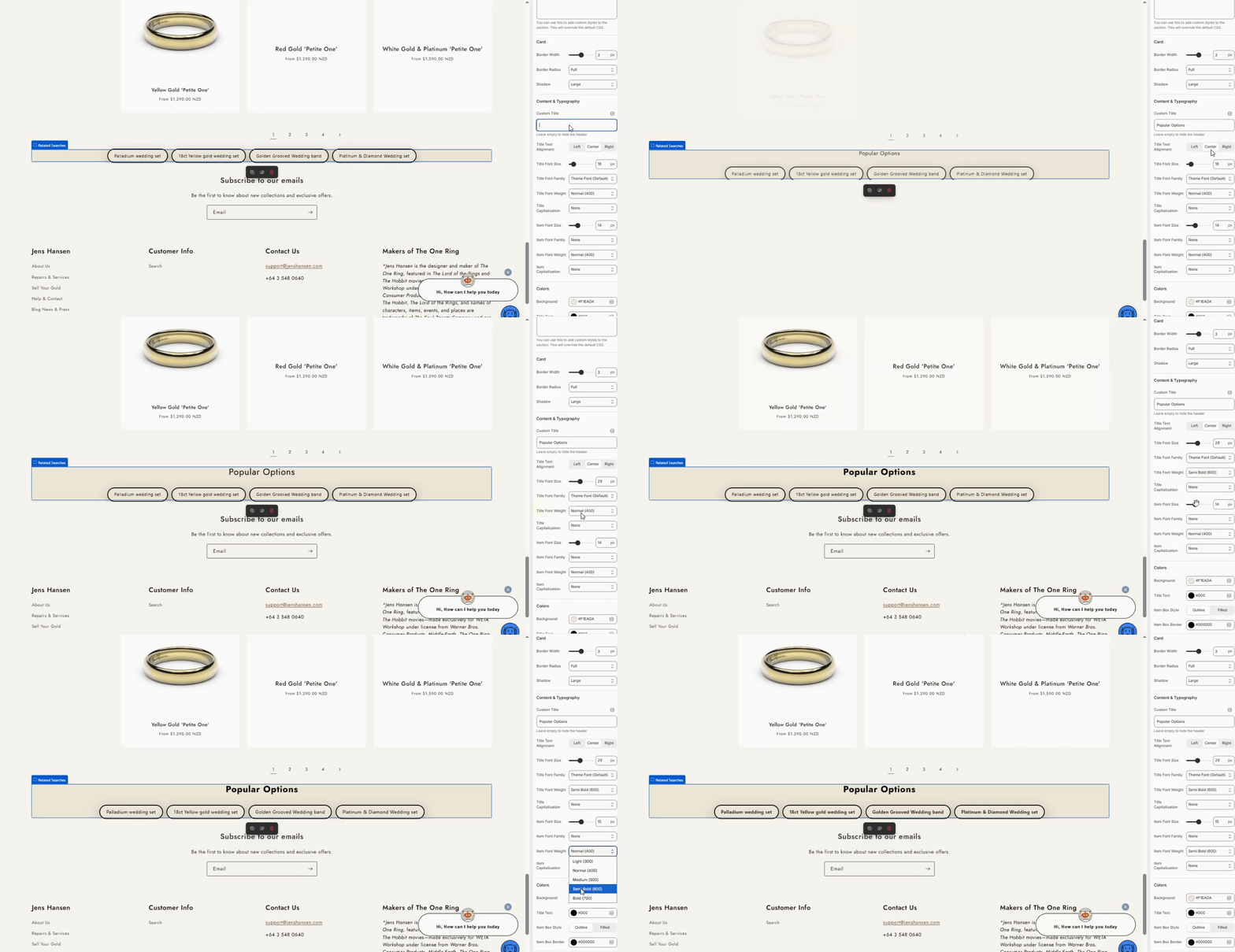
The section is fully customizable:
- Alignment and spacing
- Border styles and corner radius
- Typography for headers and item text
- Colors for backgrounds, borders, and text
The suggestions integrate with your store's design rather than looking like an external add-on.
Keep Users Browsing with Risify Related Search
Collection pages that end with only a product grid leave users without a next step. Related Search provides contextual suggestions at the moment users need alternatives, giving them reasons to continue exploring your catalog.
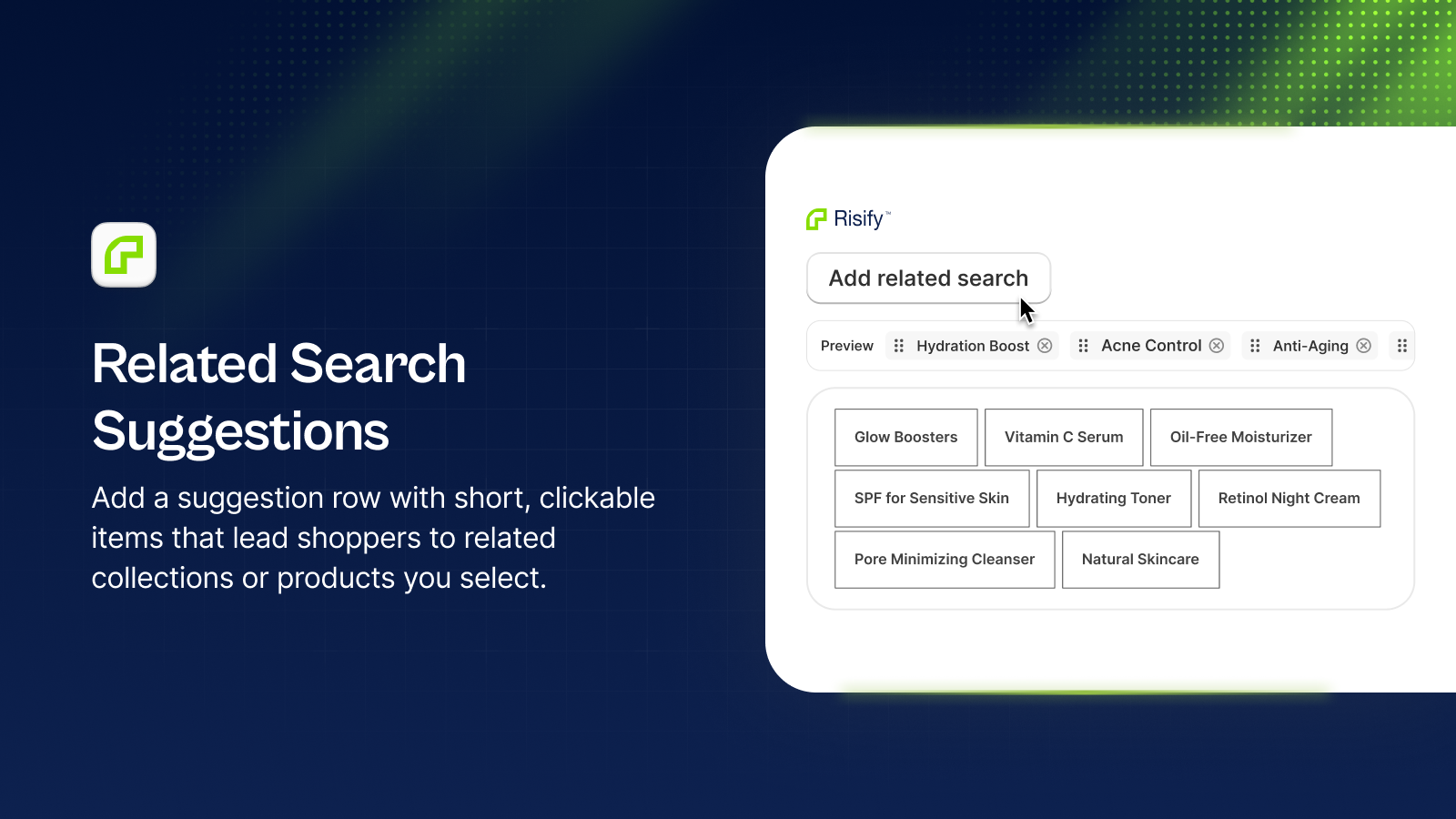
Risify lets you define related collections and products for each collection page, displayed as clickable suggestions styled to match your store.