Different schema types produce different effects in search results. Product schema can display price and availability. Breadcrumb schema shows the navigation path. FAQ schema structures your Q&A content for search engines. Understanding what each type does helps you prioritize which to implement first.
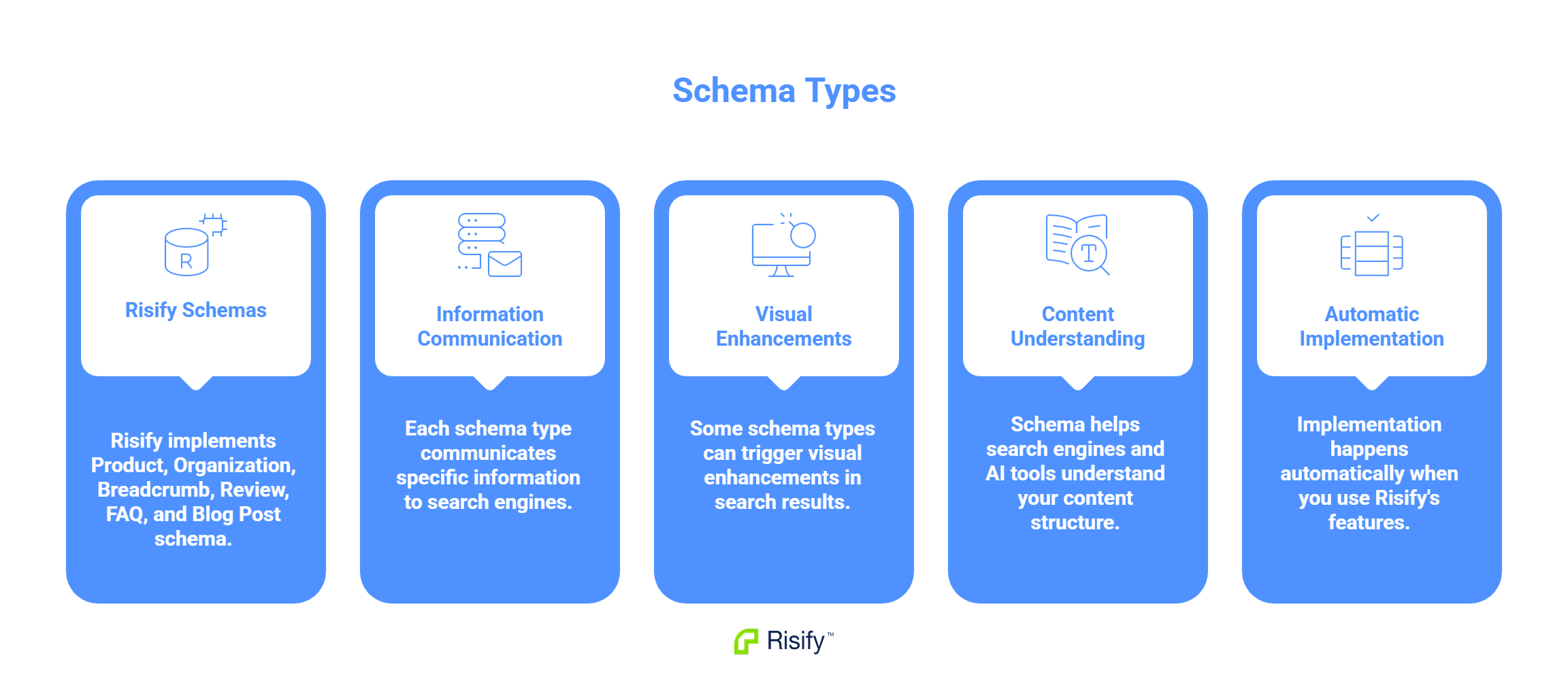
- Risify implements Product, Organization, Breadcrumb, Review, FAQ, and Blog Post schema.
- Each schema type communicates specific information to search engines.
- Some schema types can trigger visual enhancements in search results.
- Schema also helps search engines and AI tools understand your content structure.
- Implementation happens automatically when you use Risify's features.
Product Schema
Product schema communicates details about individual items you sell. Search engines use this structured data to understand what a product is, how much it costs, and whether it is available.
What It Includes
Product schema can contain:
- Name: The product title
- Price: The current price and currency
- Availability: In stock, out of stock, or preorder status
- Images: Product photos
- Brand: The manufacturer or brand name
- SKU and identifiers: GTIN, MPN, or other product codes
- Description: Product details in structured format
Potential Search Result Effects
When Google reads valid Product schema, it may display additional information in search listings:
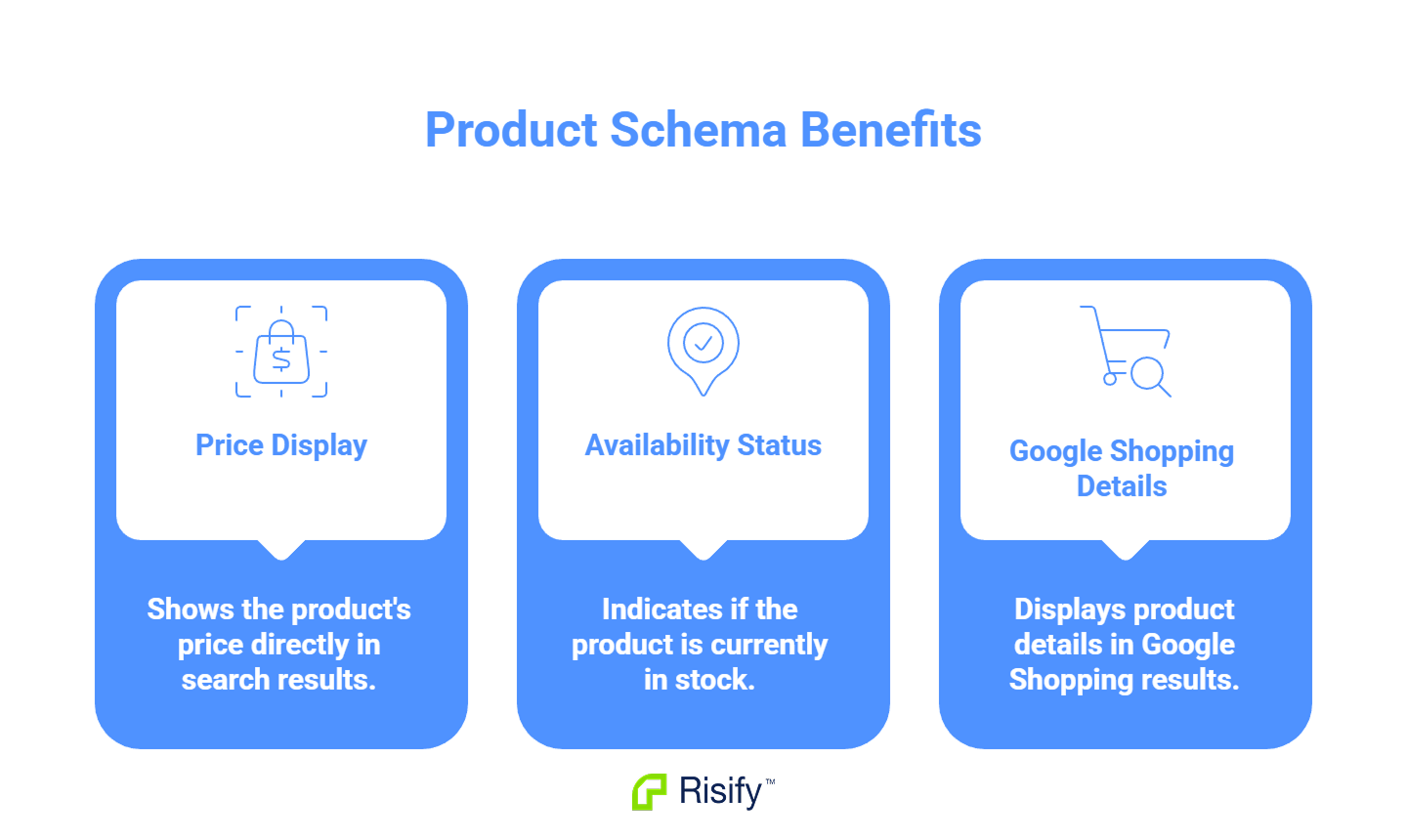
- Price shown directly in the search result
- Availability status indicating whether the item is in stock
- Product details appearing in Google Shopping results
These enhancements depend on Google's discretion and your eligibility for merchant features. The schema makes the information available - Google decides whether to display it.
Breadcrumb Schema
BreadcrumbList schema communicates the navigation path to a page. It tells search engines where the page sits within your site structure.
What It Includes
A breadcrumb path for a product page might be:
Home > Furniture > Living Room > Sofas > Corner Sofas
The schema encodes each step in this path as a structured list, including:
- The name of each level
- The URL of each level
- The position in the sequence
Search Result Effect
When Google reads BreadcrumbList schema, it can display the breadcrumb trail in search results instead of showing the raw URL.
After implementing Risify Breadcrumbs, every product and collection page displays the path you defined. This happens whether the visitor clicked through from a collection, landed from a Google search, or pasted a direct link into their browser.
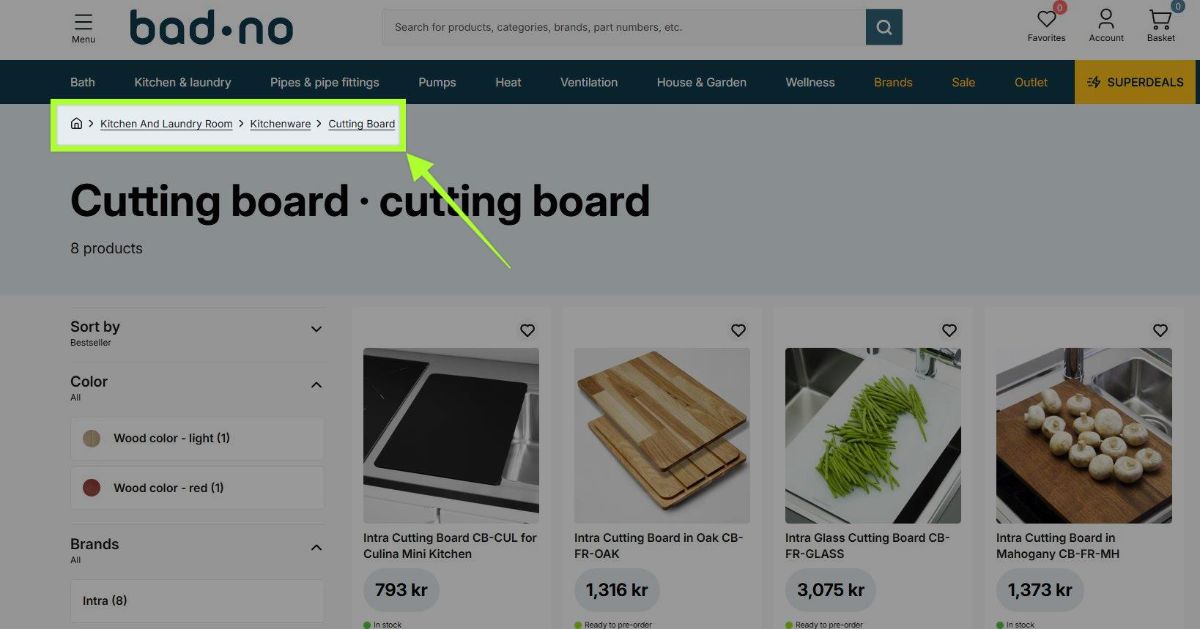
The navigation path is predictable across your entire store.
This gives searchers immediate context about where the page sits in your catalog. It also signals to Google that your pages have clear hierarchical relationships.
Risify generates BreadcrumbList schema automatically when you define breadcrumb paths for your collections and products.
FAQ Schema
FAQPage schema marks up question-and-answer content on your pages. It tells search engines that specific text on the page follows a Q&A format.
What It Includes
Each FAQ entry in the schema contains:
- The question text
- The corresponding answer text
- Proper nesting within the FAQPage structure
Current State
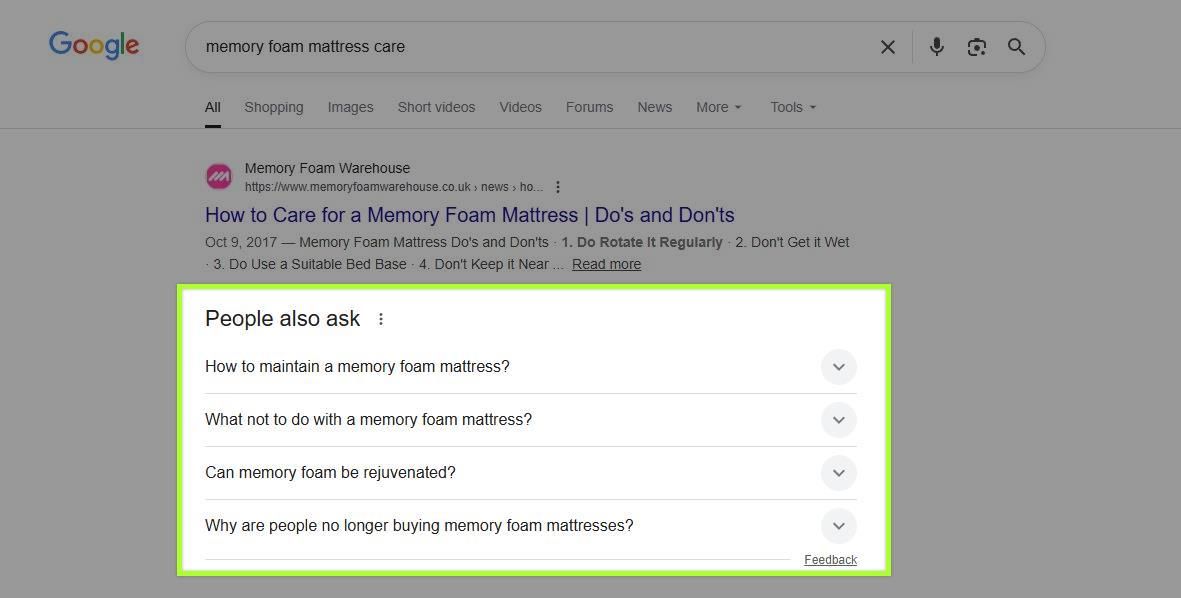
Google previously displayed FAQ schema as expandable dropdowns directly in search results. This feature has been limited to specific site types like official brand pages and government sites. Most ecommerce stores no longer see these visual enhancements.
However, FAQ schema still provides value:
- Search engines understand your Q&A content structure
- AI tools can extract and reference your answers
- The content is indexed as explicit question-answer pairs rather than unstructured text
Risify generates FAQPage schema automatically when you assign FAQs to products or collections.
Organization and Additional Schema Types
Beyond Product, Breadcrumb, and FAQ schema, Risify implements additional structured data types.
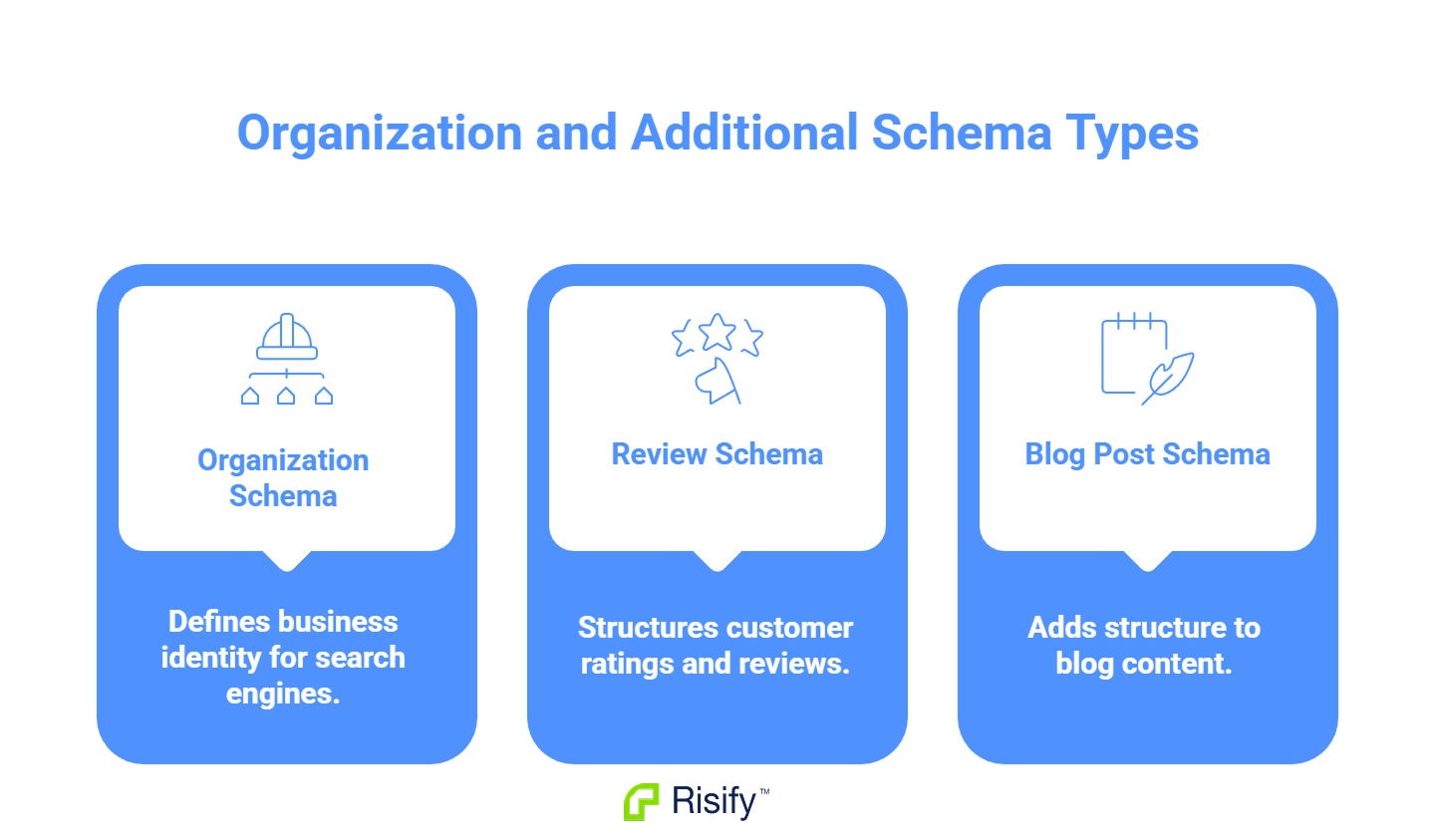
Organization Schema
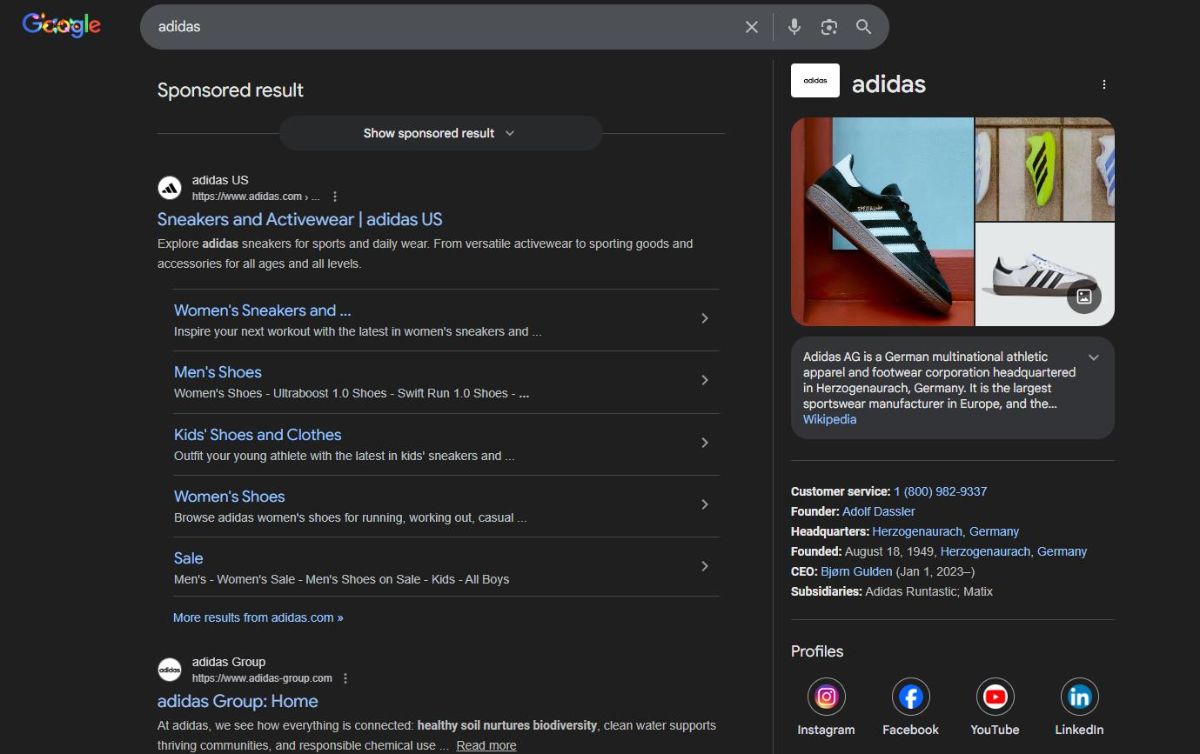
Organization schema communicates information about your business:
- Business name
- Logo
- Contact information
- Social media profiles
This helps Google understand your brand and can contribute to Knowledge Panel information for brand searches.
Review Schema,
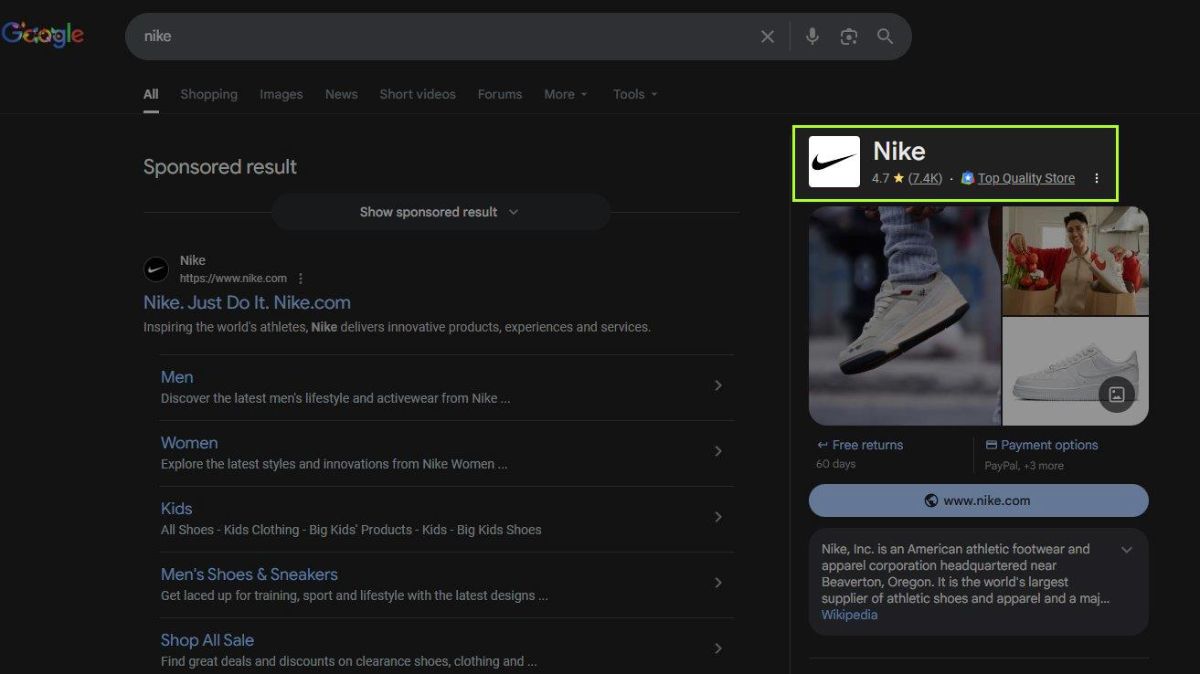
Review schema marks up customer ratings and reviews:
- Star rating (1-5 scale)
- Number of reviews
- Individual review content
When Google reads valid review schema, it may display star ratings in search results. This can increase click-through rates by showing social proof directly in the listing.
Blog Post and Article Schema
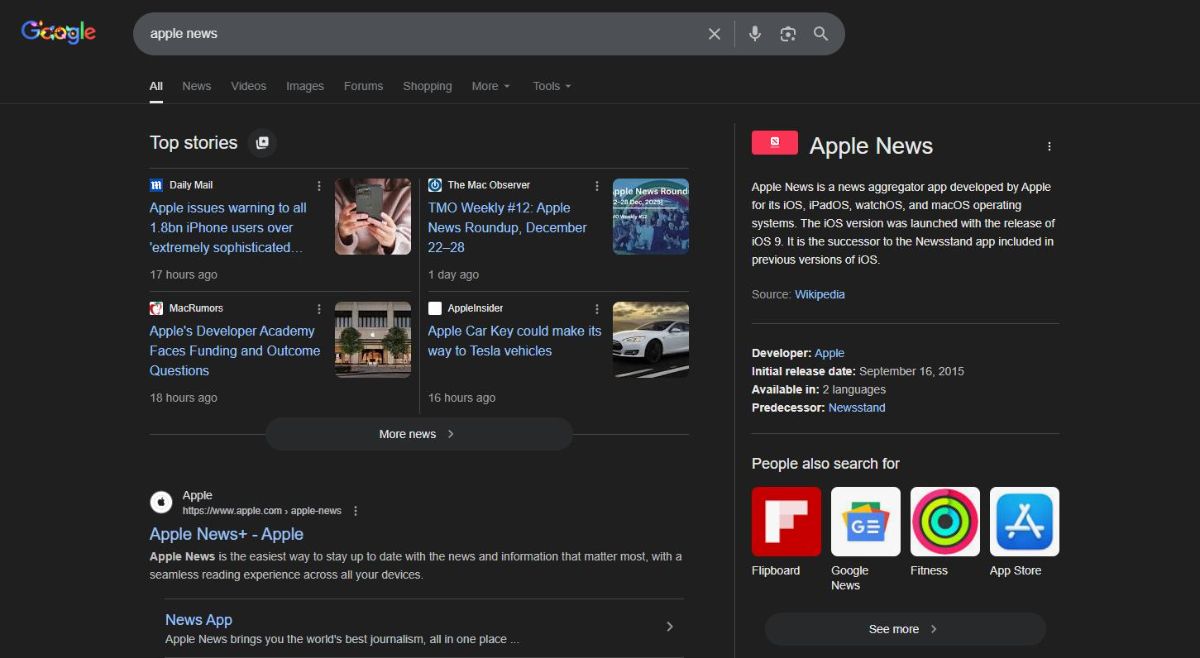
For stores with blog content, Article schema communicates key signals such as author information, publish date, and the article headline.
These signals help search engines understand that the page is an article rather than a product or collection page.
In some cases, this clear classification can influence how content is evaluated for article- or news-related search features.
Implement Schema with Risify
Each schema type serves a different purpose. Product schema communicates pricing and availability. Breadcrumb schema shows hierarchy. FAQ schema structures Q&A content. Organization schema identifies your business. Review schema displays ratings.
Risify generates these schema types automatically as you use its features - when you define breadcrumb paths, assign FAQs, or configure your store settings.