Shopify stores tend to have predictable SEO problems. Broken links from deleted products, missing meta descriptions on auto-generated pages, and slow loading from unoptimized images appear across stores of all sizes. Knowing what issues to expect helps you identify and fix them faster.
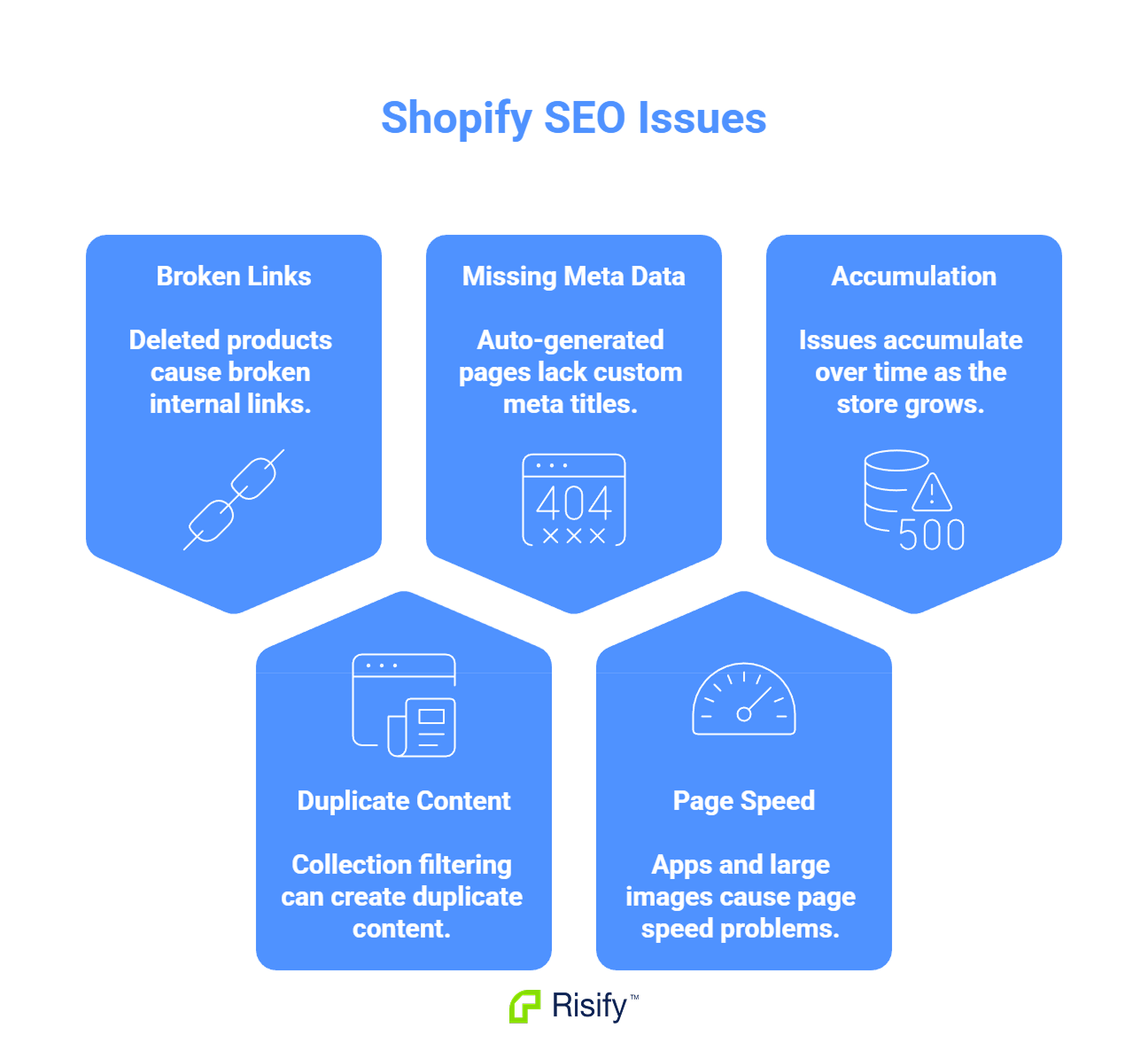
- Deleted products and collections leave behind broken internal links.
- Collection filtering can create duplicate content if not handled correctly.
- Auto-generated pages often lack custom meta titles and descriptions.
- Third-party apps and large images frequently cause page speed problems.
- These issues accumulate over time as your store grows and changes.
Broken Links from Deleted Products
When you delete a product, Shopify removes the product page. But links to that product may still exist elsewhere in your store - in collection pages, blog posts, navigation menus, or other product descriptions. Those links now point to nothing.
How This Accumulates
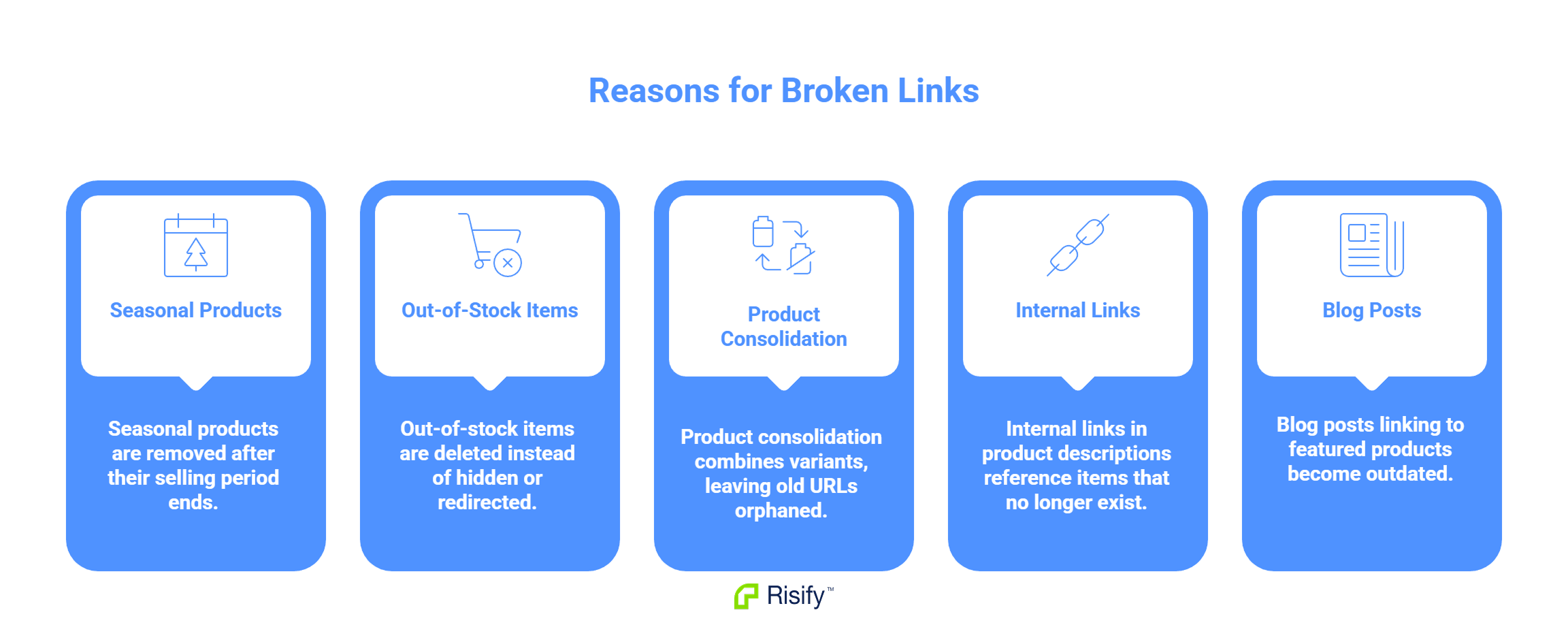
Broken links build up through normal store operations:
- Seasonal products get removed after their selling period ends.
- Out-of-stock items get deleted instead of hidden or redirected.
- Product consolidation combines variants, leaving old URLs orphaned.
- Internal links in product descriptions reference items that no longer exist.
- Blog posts linking to featured products become outdated.
Each broken link is a dead end. Visitors who click them see an error page. Search engine crawlers record the broken URL and may reduce their assessment of your site quality.
The Compounding Problem
The longer your store operates, the more products cycle through. A store that has been running for three years has likely deleted hundreds of products. Unless someone actively checks for and fixes broken links, they accumulate silently.
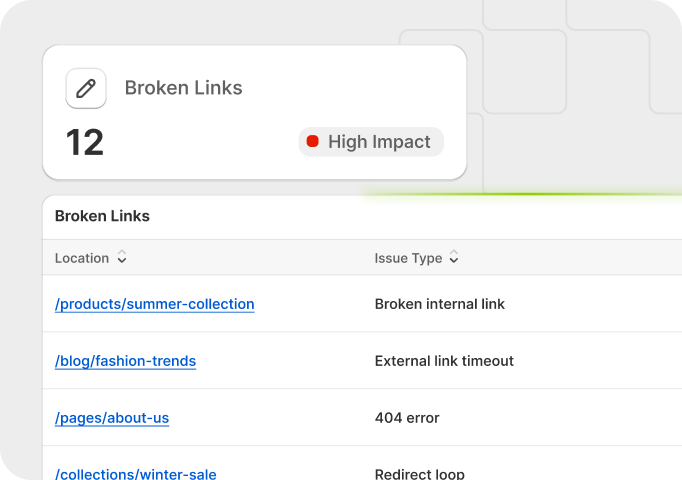
Most store owners do not notice until the number becomes significant - and by then, tracking down every broken link manually is impractical.
Missing or Default Meta Descriptions
Shopify auto-generates pages for products, collections, and other content. Each page has fields for meta title and meta description. If you do not fill these in, Shopify uses defaults - typically the product title for the meta title and the first lines of the product description for the meta description.
Why Gaps Are Common
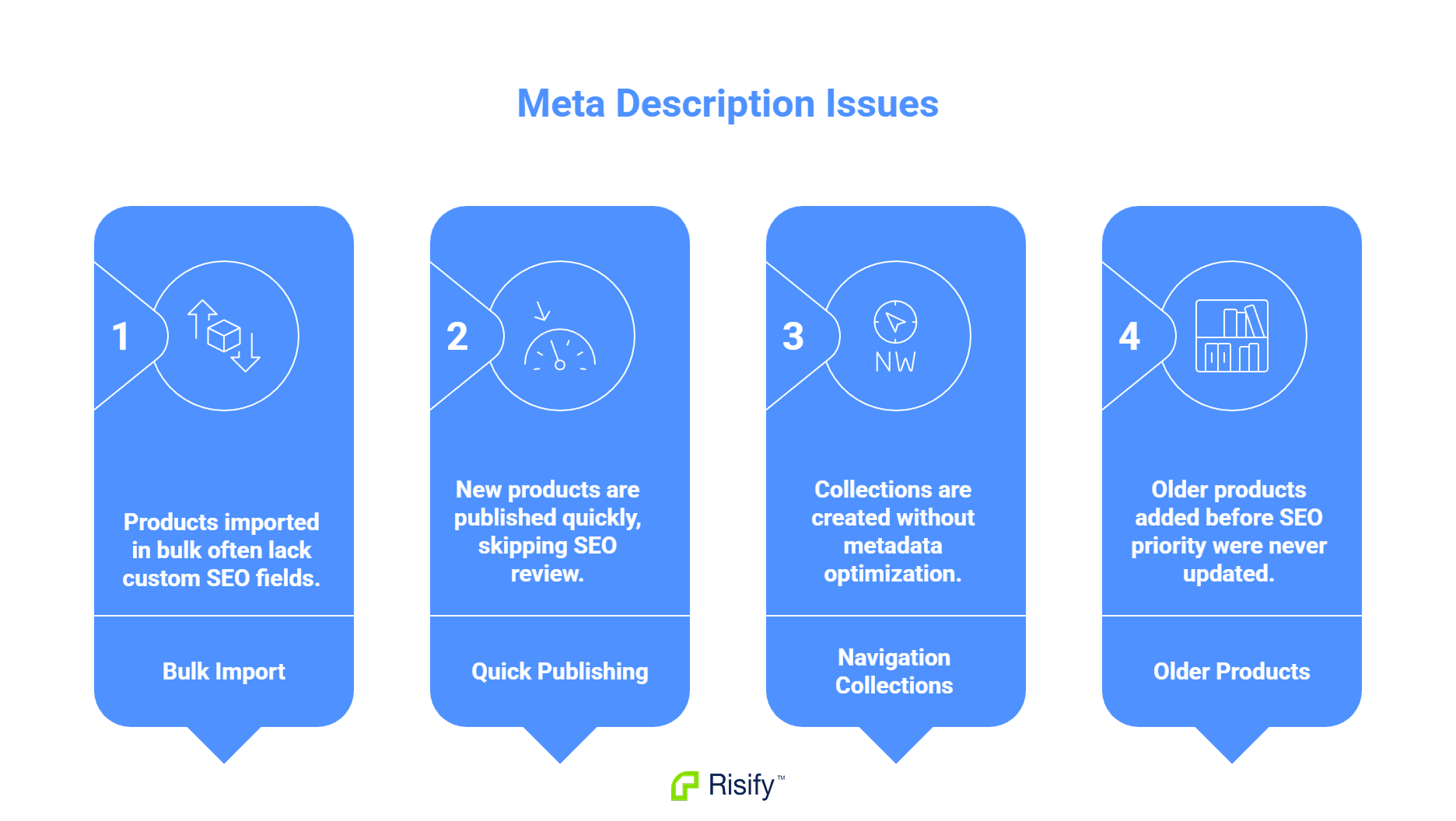
Several workflows lead to missing or weak metadata:
- Products imported in bulk from suppliers or other platforms rarely include custom SEO fields.
- New products get published quickly to meet inventory timelines, with SEO review skipped.
- Collections are created for navigation purposes without anyone optimizing their metadata.
- Older products added before SEO became a priority were never updated.
The result is inconsistency. Some pages have carefully written metadata. Others have whatever Shopify generated automatically.
What This Looks Like in Search Results
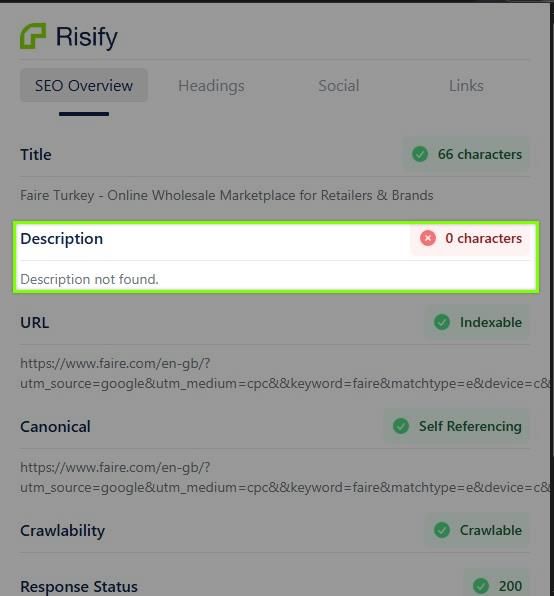
Pages with default metadata display generic information in search results. A product page might show just the product name as the title, with a description that starts mid-sentence because it pulled from the product description.
This affects click-through rates. Searchers scanning results see a well-crafted description from one store and a fragment from another. The well-crafted one gets the click.
Page Speed Issues from Images and Apps
Shopify stores often load slower than they should because of two factors: unoptimized images and third-party apps. Both add to the amount of data a browser must download and process before the page becomes usable.
Image Problems
Product images are frequently uploaded at full resolution from cameras or supplier files. A single product page might load several multi-megabyte images when properly compressed versions would be a fraction of the size.
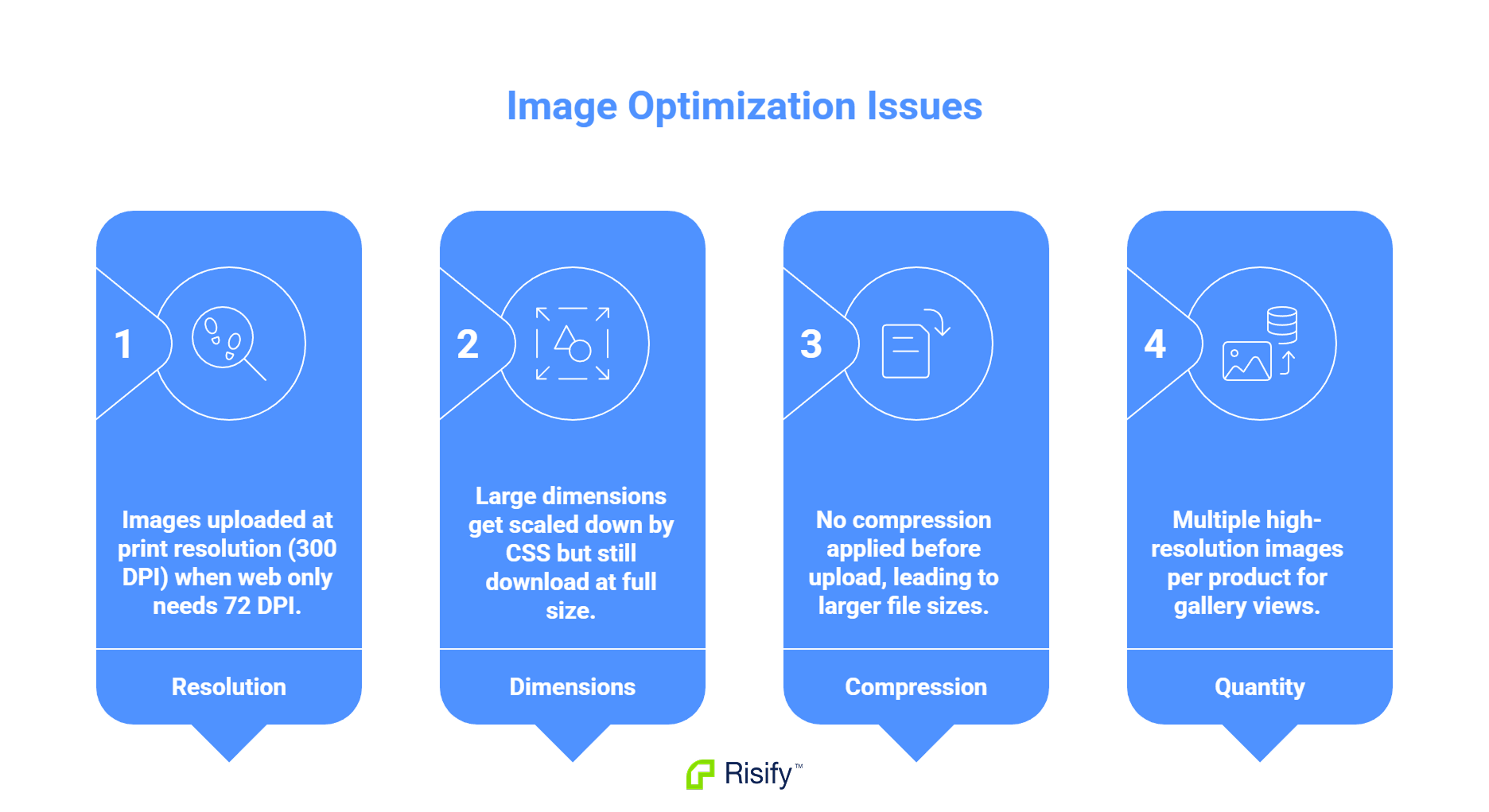
Common issues include:
- Images uploaded at print resolution (300 DPI) when web only needs 72 DPI
- Large dimensions that get scaled down by CSS but still download at full size
- No compression applied before upload
- Multiple high-resolution images per product for gallery views
Each oversized image adds to load time. On mobile connections, this delay is significant.
App Bloat
Third-party apps extend Shopify's functionality, but each app typically adds JavaScript that runs on every page load. A store with ten apps installed may be loading ten separate scripts before the page becomes interactive.
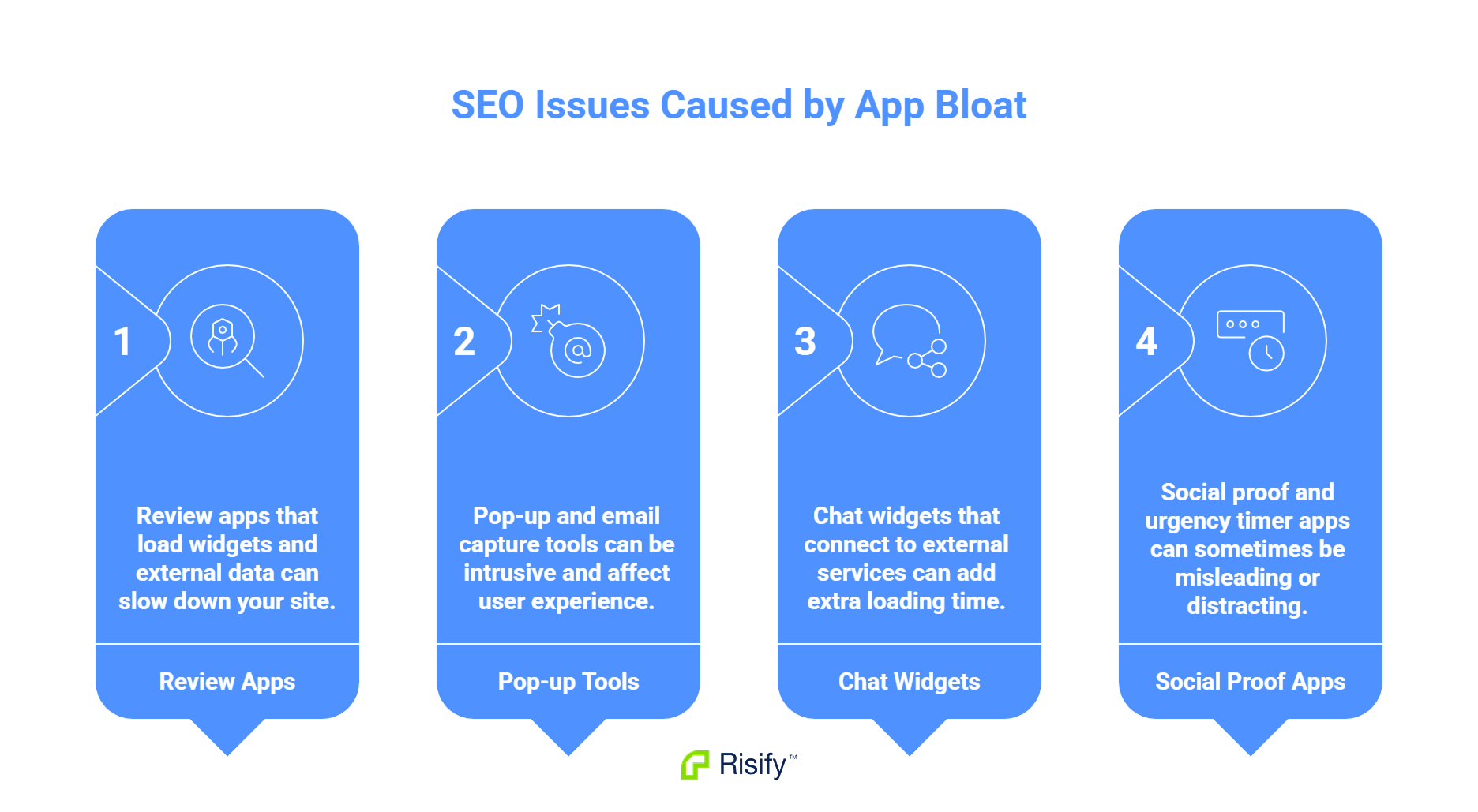
Common contributors:
- Review apps that load widgets and external data
- Pop-up and email capture tools
- Chat widgets that connect to external services
- Analytics and tracking scripts beyond the basics
- Social proof and urgency timer apps
Individually, each app adds a small delay. Collectively, they can add seconds to page load time.
Why This Matters
Page speed affects both user experience and search rankings. Google uses page speed as a ranking factor, particularly for mobile searches. Slow pages also have higher bounce rates - visitors leave before the page finishes loading.
A store that loads in two seconds will outperform an identical store that loads in six seconds, both in rankings and in conversion rate.
Find These Issues with Risify Store Audit
Shopify stores share common SEO problems because they share common workflows - products get deleted, pages get created quickly, apps get installed. Recognizing these patterns helps you audit your store with a clear sense of what to look for.
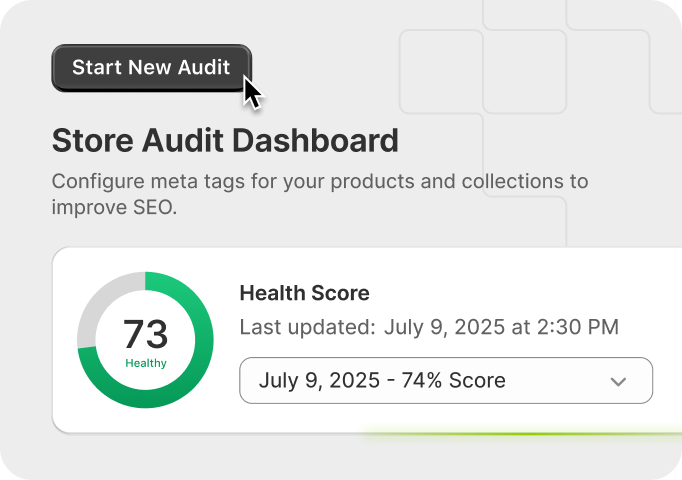
Risify Store Audit scans for broken links, meta issues, and page speed problems automatically, showing you exactly where issues exist so you can fix them.