Risify Store Audit scans your store and reports issues across three categories: broken links, meta issues, and page speed. Each category shows specific problems with enough detail to fix them directly. The audit generates a Health Score that reflects your store's overall SEO condition.
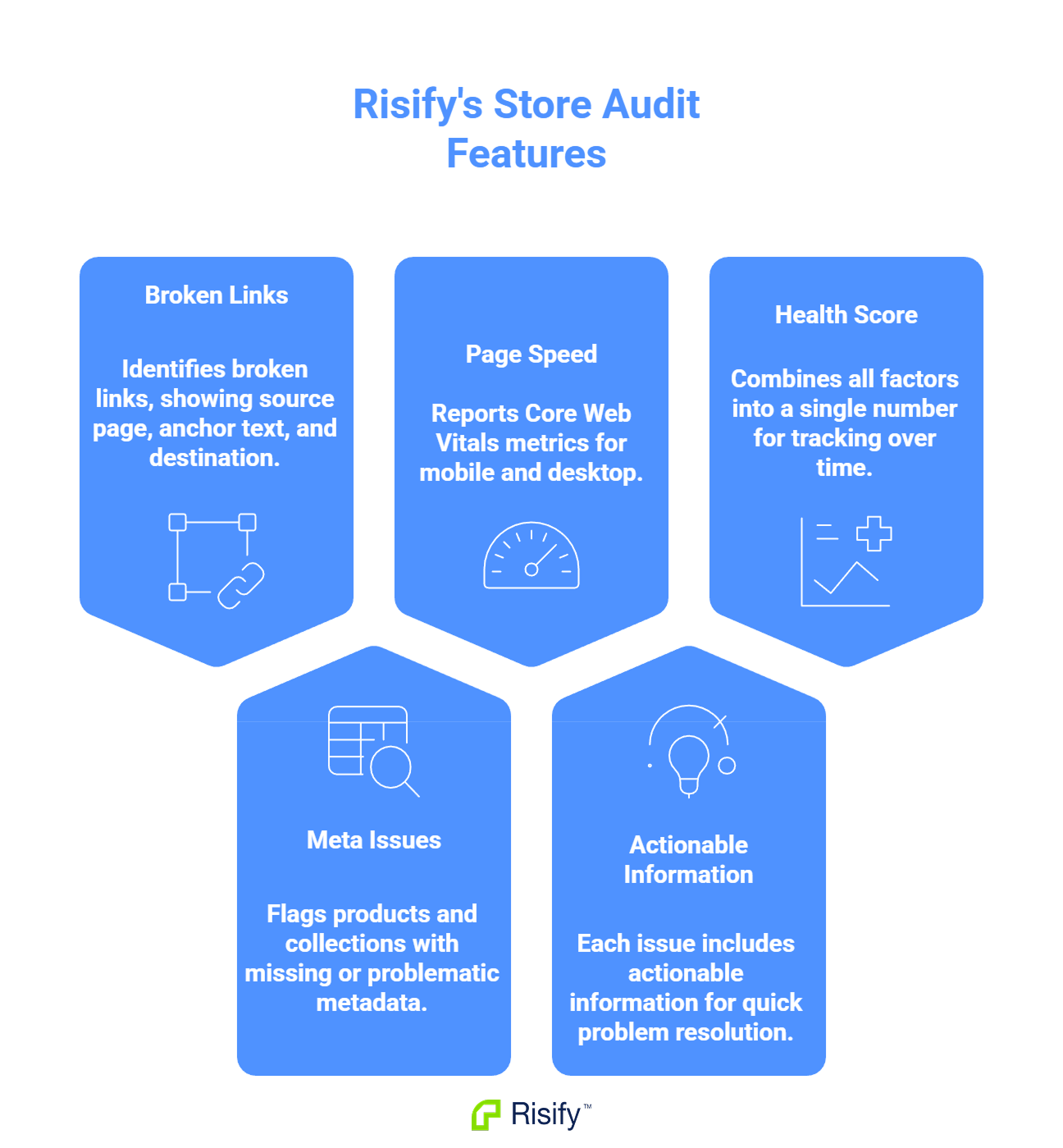
- Broken Links shows the source page, anchor text, and broken destination for each issue.
- Meta Issues flags products and collections with missing or problematic metadata, with priority levels.
- Page Speed reports Core Web Vitals metrics for both mobile and desktop.
- Each issue includes actionable information so you can fix problems without investigating further.
- The Health Score combines all factors into a single number you can track over time.
Broken Links
The Broken Links section identifies URLs in your store that lead to error pages. Each broken link entry includes the information you need to locate and fix it.
What the Report Shows
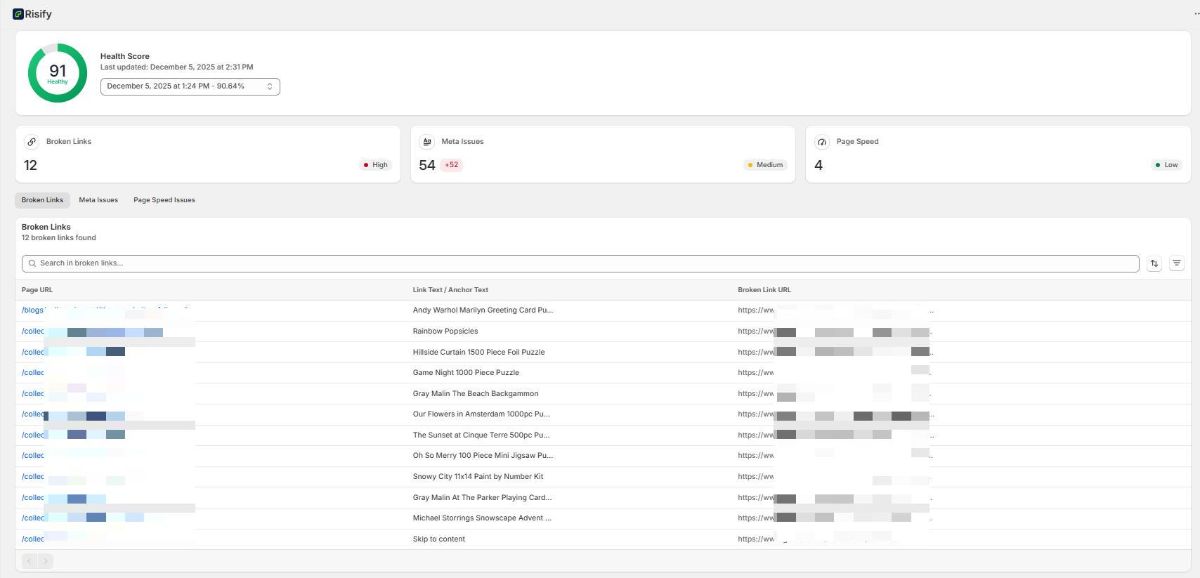
For each broken link, Risify displays:
- Source page: The page in your store where the broken link exists.
- Anchor text: The clickable text of the link.
- Broken destination: The URL the link points to that returns an error.
- Severity level: High, Medium, or Low based on the impact.
How to Use This
The source page tells you exactly where to go. You open that page, find the link with the specified anchor text, and either update the URL, remove the link, or set up a redirect for the broken destination.
High-severity broken links typically appear on important pages or are frequently encountered by visitors. Prioritize these first.
Meta Issues
The Meta Issues section flags products and collections with missing, incomplete, or problematic metadata. These are the titles and descriptions that appear in search results.
What the Report Shows
Risify checks for:
- Missing meta title: No custom title set, using Shopify default.
- Missing meta description: No description set, leaving the field empty or auto-generated.
- Title too short: Under 30 characters, not using available space effectively.
- Title or description too long: Exceeds the character limit and will be truncated in search results.
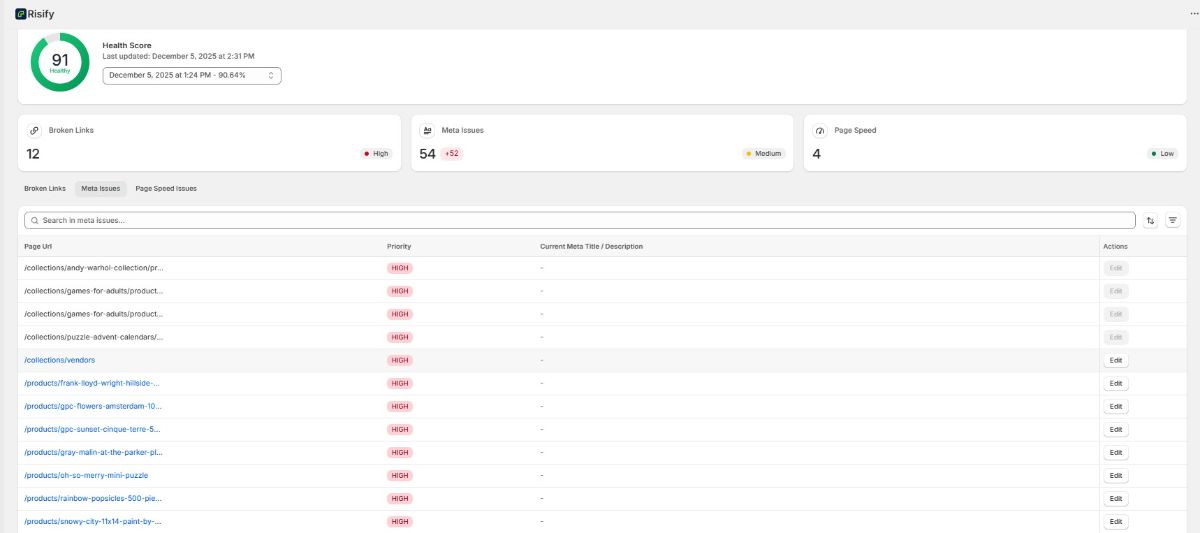
Each issue shows:
- The affected product or collection
- The specific problem identified
- A priority level (High or Medium)
- An Edit button
How to Use This
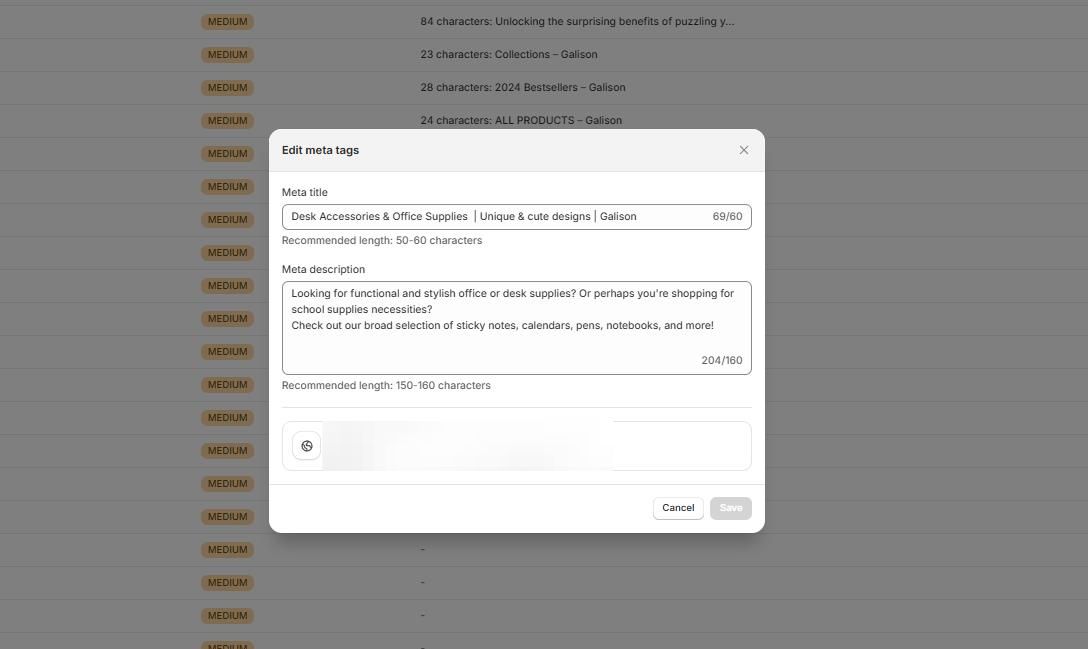
Click Edit to open the metadata fields directly. You can write or revise the meta title and description without navigating to the product or collection page in Shopify admin.
High-priority issues typically affect pages with higher traffic potential or more significant problems. Work through these before addressing medium-priority items.
Page Speed Issues
The Page Speed section measures how quickly your store loads and identifies what slows it down. Performance is tested separately for mobile and desktop.
Performance Score
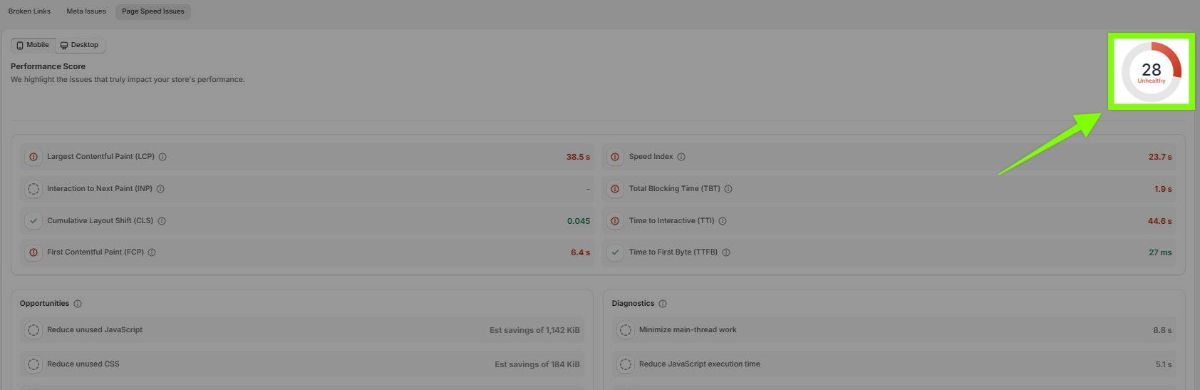
The overall Performance Score indicates how efficiently your store loads. A score closer to 100 means faster loading and better user experience. Lower scores indicate room for improvement.
Core Web Vitals
These are the metrics Google uses to evaluate page experience:
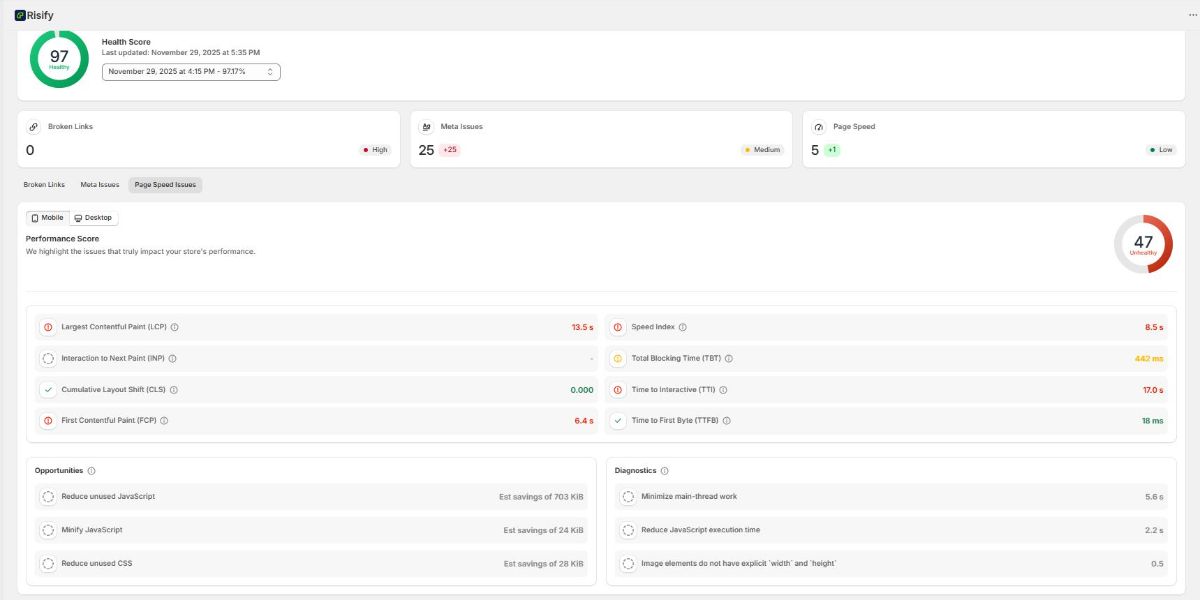
- LCP (Largest Contentful Paint): How long until the main content is visible. Target: under 2.5 seconds.
- FCP (First Contentful Paint): How long until any content appears. Target: under 1.8 seconds.
- CLS (Cumulative Layout Shift): How much the page layout moves during loading. Target: under 0.1.
- INP (Interaction to Next Paint): How responsive the page feels when users interact. Target: under 200 milliseconds.
- TTFB (Time to First Byte): How long the server takes to respond. Target: under 800 milliseconds.
Additional Metrics
Risify also reports:
- Speed Index: How quickly content becomes visually complete.
- TBT (Total Blocking Time): How long the page is unresponsive during loading.
- TTI (Time to Interactive): When the page becomes fully usable.
Opportunities and Diagnostics
Below the metrics, two additional sections provide guidance:
- Opportunities: Specific suggestions to improve load speed, such as avoiding multiple redirects or compressing images.
- Diagnostics: Technical checks like ensuring text remains visible while web fonts load.
Switch between Mobile and Desktop tabs to see how performance differs by device.
Health Score
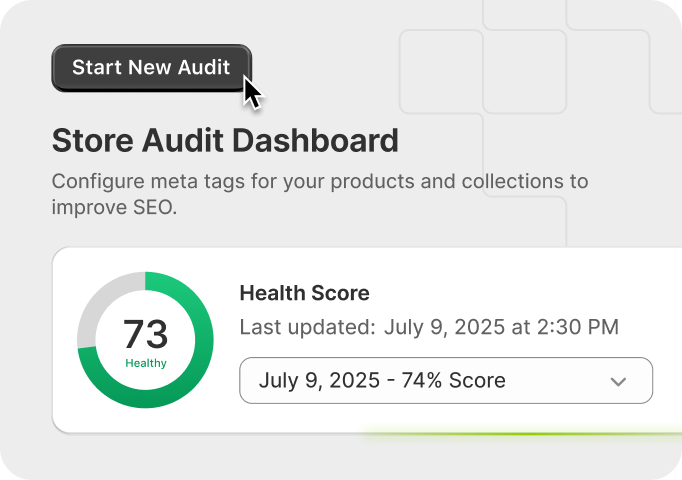
The Health Score is a single number that reflects your store's overall SEO condition. It combines findings from broken links, meta issues, and page speed into one metric.
How It Is Calculated
The score accounts for the number and severity of issues across all categories. Fewer issues and lower severity result in a higher score. More issues or higher severity lower the score.
How to Use It
The Health Score serves as:
- A quick indicator: Glance at the number to understand overall condition without reviewing every category.
- A benchmark: Compare today's score against previous audits to measure progress.
- A signal: A declining score indicates new issues appearing; a rising score confirms fixes are working.
When you run a new audit after making fixes, the Health Score updates to reflect the current state.
Audit Your Store with Risify
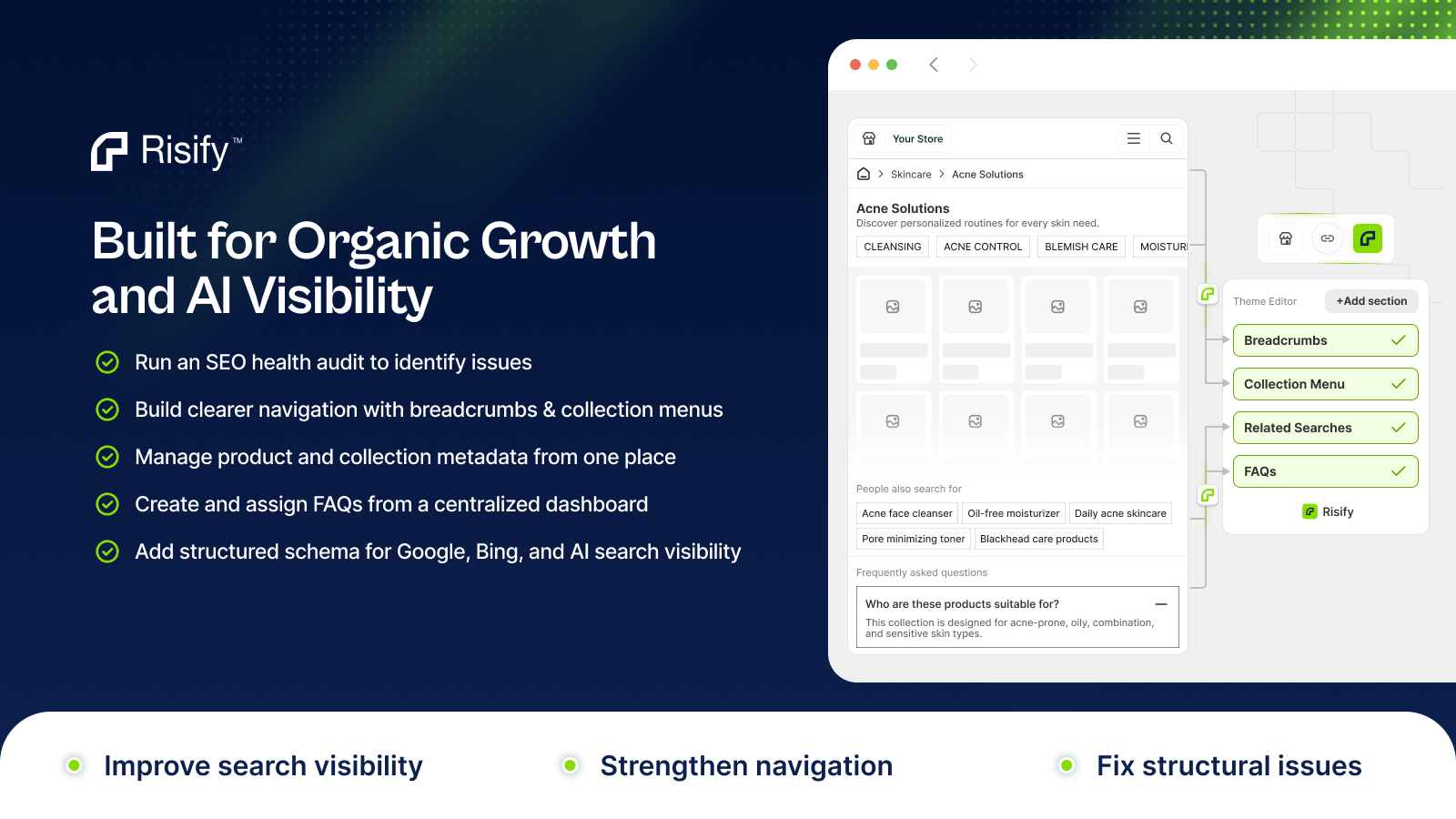
Risify Store Audit gives you specific, actionable information about your store's SEO issues. Broken links, meta problems, and page speed data all include the details you need to fix problems directly. The Health Score lets you measure your store's condition and track improvement over time.