A single audit tells you the current state of your store. It shows what issues exist right now. But one snapshot does not tell you whether things are getting better or worse. Weekly audits reveal trajectory - you can see if your fixes are working and catch new issues before they accumulate.
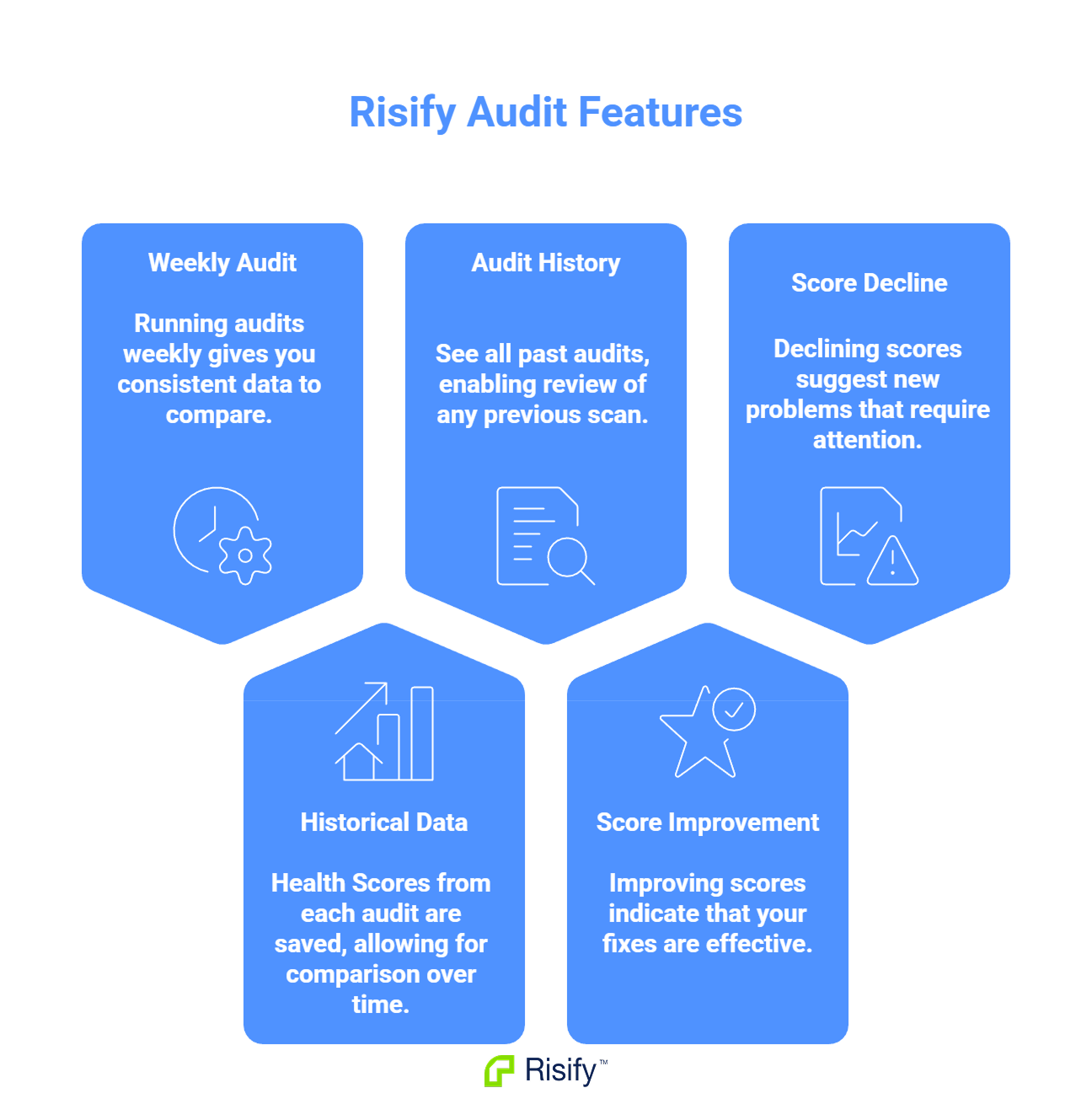
- Running audits weekly gives you consistent data to compare.
- The Health Score from each audit is saved, letting you compare over time.
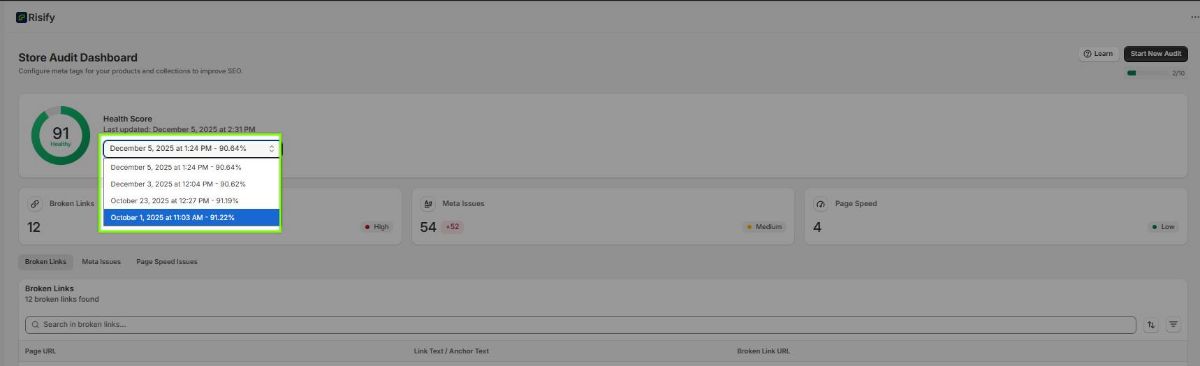
- A dropdown menu shows all past audits so you can review any previous scan.
- Improving scores confirm your fixes are working.
- Declining scores signal new issues that need attention.
What a Single Audit Shows vs. What It Misses
A single audit is a snapshot. It tells you how many broken links exist today, what metadata is missing today, and how fast your pages load today. That information is useful for creating a to-do list of things to fix.
The Limitation
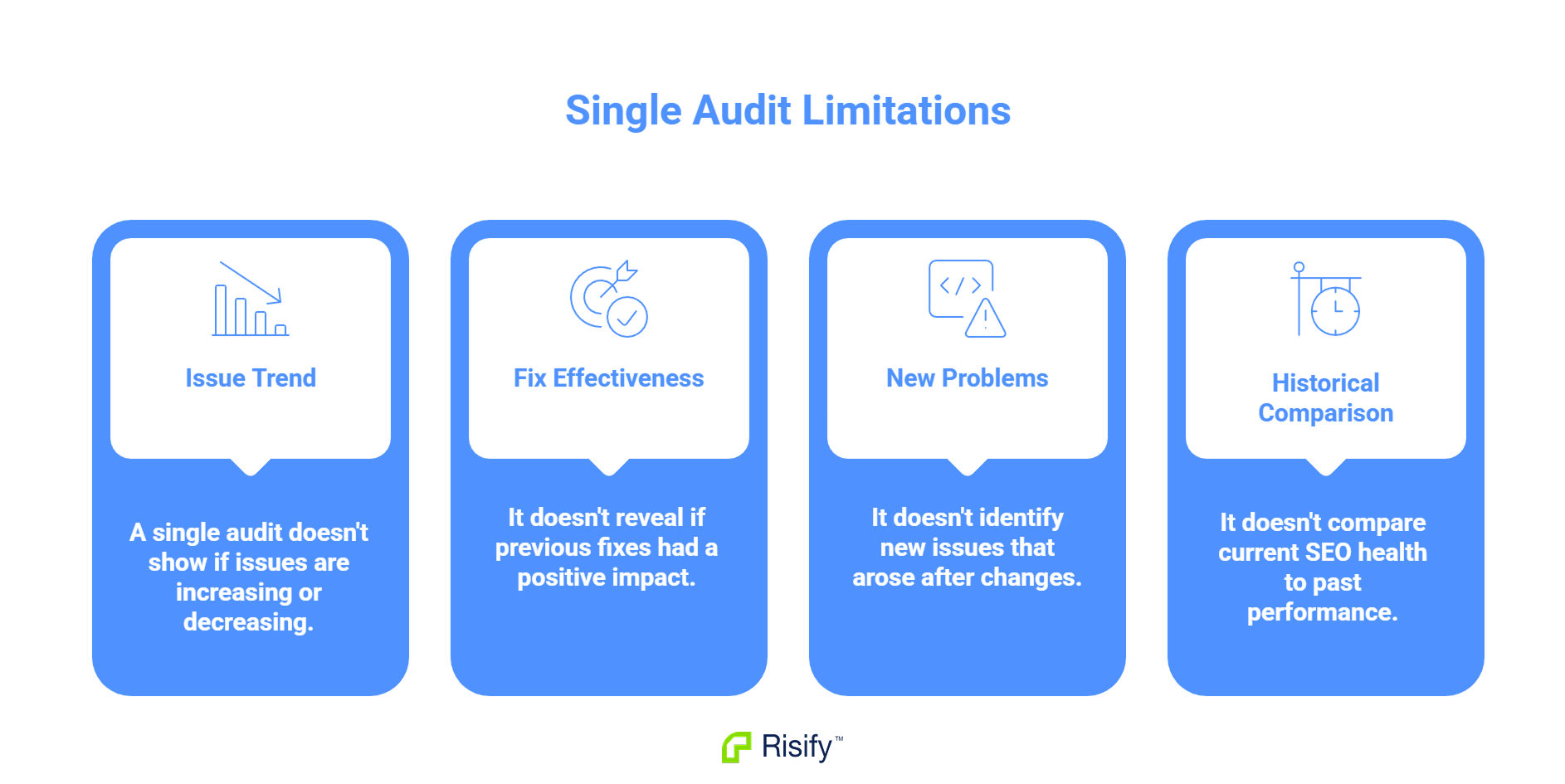
One audit cannot tell you:
- Whether the number of issues is growing or shrinking
- Whether fixes you made last month actually improved anything
- Whether new problems appeared after your last round of changes
- How your store's SEO health compares to where it was three months ago
Without a second data point, you have no sense of direction. You know where you are, but not whether you are moving forward or backward.
The Common Mistake
Many store owners run an audit once, fix some issues, and never audit again. They assume the work is done. But stores are not static - products change, pages get added, apps get updated. New issues appear continuously.
Six months later, the store may have more problems than it did before the original audit. Without ongoing checks, there is no way to know.
How Weekly Audits Reveal Trends
When you have audit results from multiple weeks, patterns become visible. The Health Score is no longer just a number - it becomes a trend line that tells you whether your SEO work is effective.
Rising Health Score
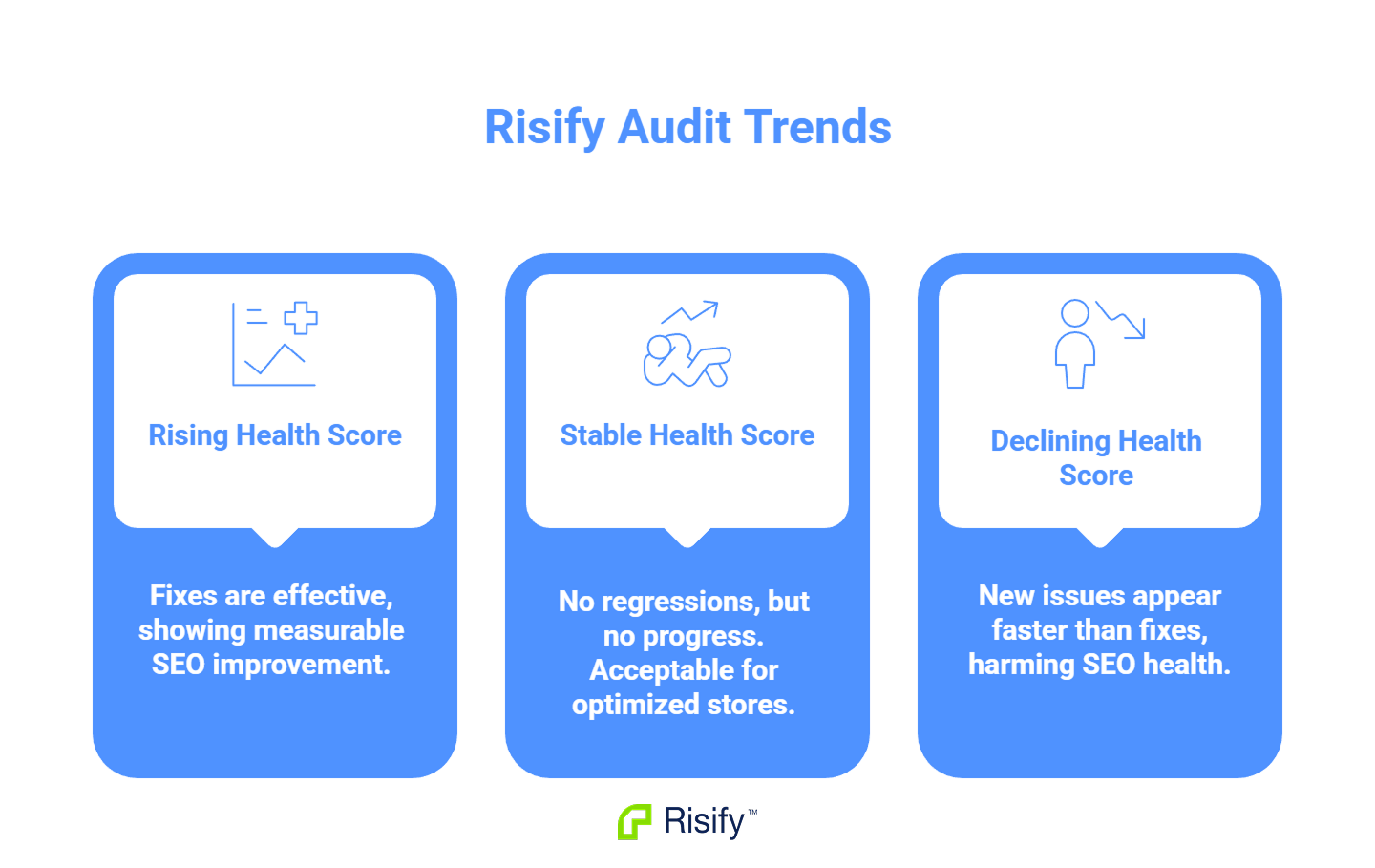
Your fixes are working. Broken links you repaired stayed fixed. Metadata you added is still in place. Page speed improvements held.
A rising score over several weeks confirms that your effort is translating into measurable improvement. You can see the progress rather than just hoping it happened.
Stable Health Score
You are maintaining current state. No major improvements, but no new problems either.
For a well-optimized store, stability is fine - there may not be much left to fix. For a store with known issues, stability means you are fixing problems at the same rate new ones appear. Progress requires fixing faster than new issues accumulate.
Declining Health Score
New issues are appearing faster than you are fixing old ones. Something is introducing problems.
Common causes:
- Deleted products creating broken links
- New pages published without metadata
- Recently installed apps slowing page speed
- Theme updates affecting performance
A declining score is a signal to investigate. Something changed, and you need to identify what.
Comparing Audits in Risify
Risify saves the results of each audit automatically. You can access any past audit to see what your store's SEO health looked like at that point in time.
Accessing Past Audits
The audit dashboard shows the date of your most recent scan. Clicking that date opens a dropdown menu listing all previous audits with their Health Scores.
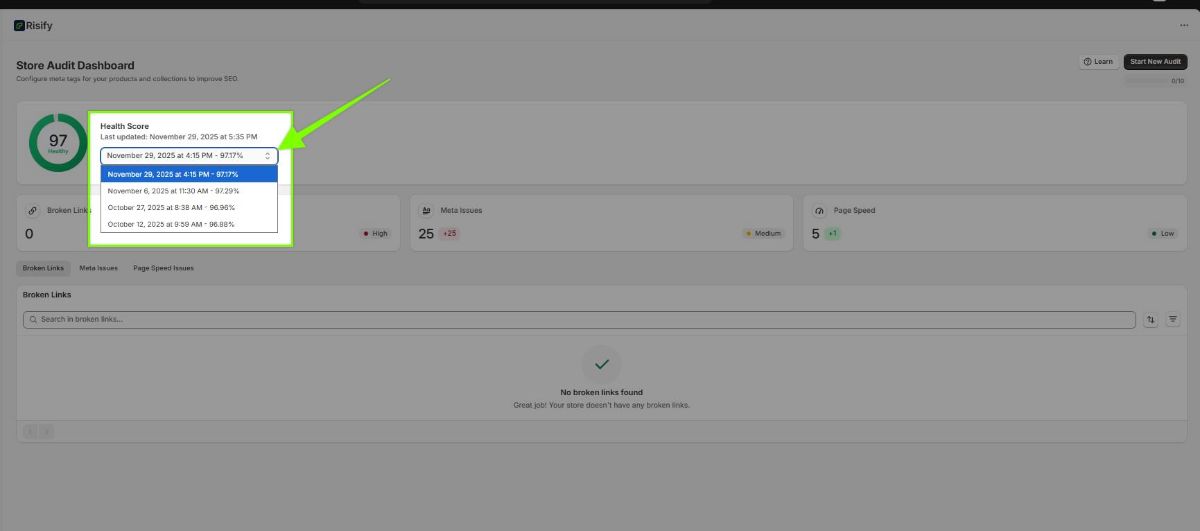
Select any past audit to view its full results - the same breakdown of broken links, meta issues, and page speed data you see in your current audit.
What to Compare
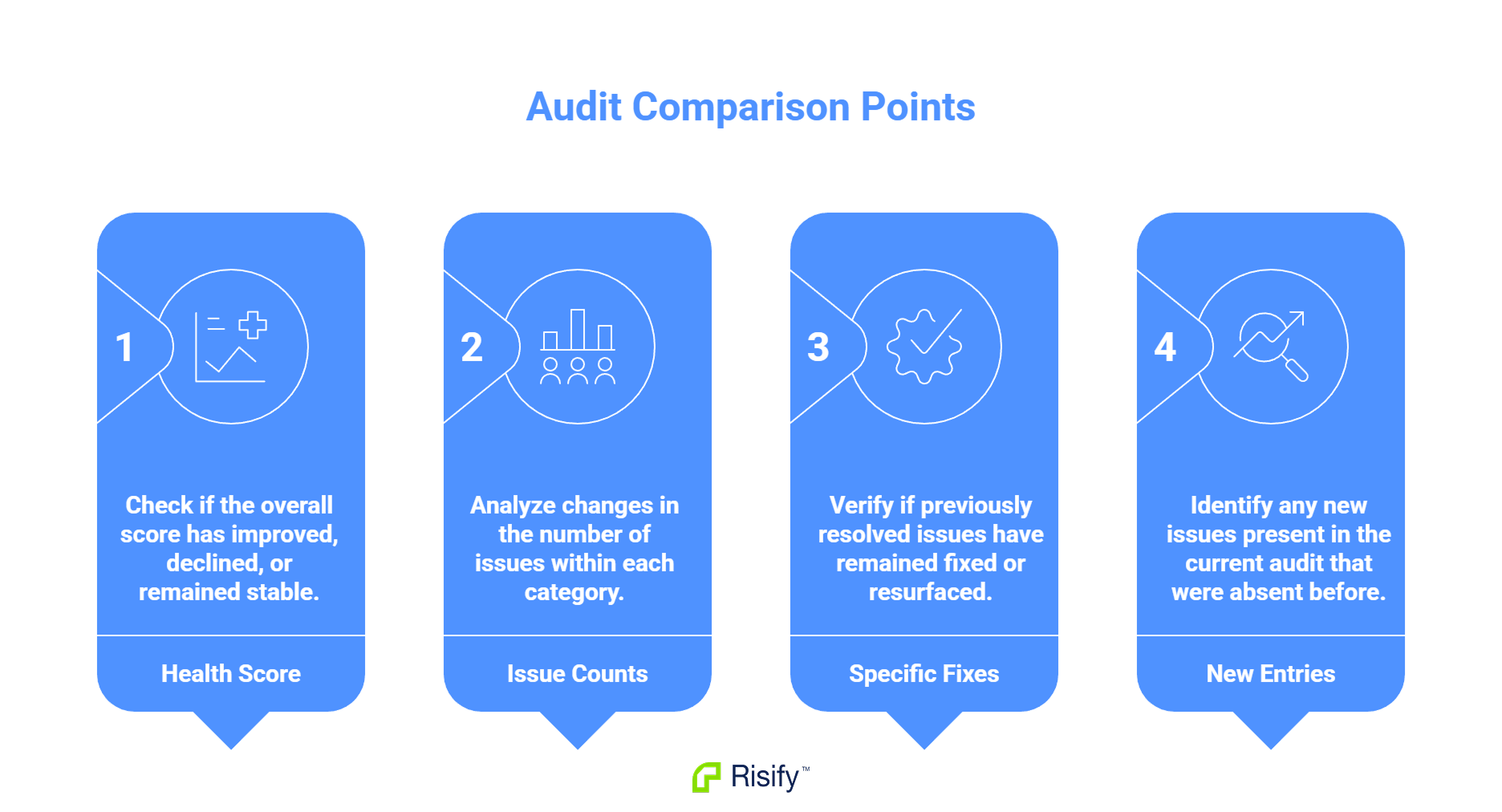
When reviewing past audits against current results, look at:
- Health Score movement: Is the overall score higher, lower, or the same?
- Issue counts by category: Are broken links increasing? Are meta issues decreasing?
- Specific fixes: Did the broken links you repaired stay fixed, or did they reappear?
- New entries: Are there issues in the current audit that did not exist in previous scans?
This comparison answers practical questions. "Did last month's work help?" becomes answerable by comparing scores. "When did this problem start?" becomes traceable by checking when an issue first appeared.
Track Your Progress with Risify
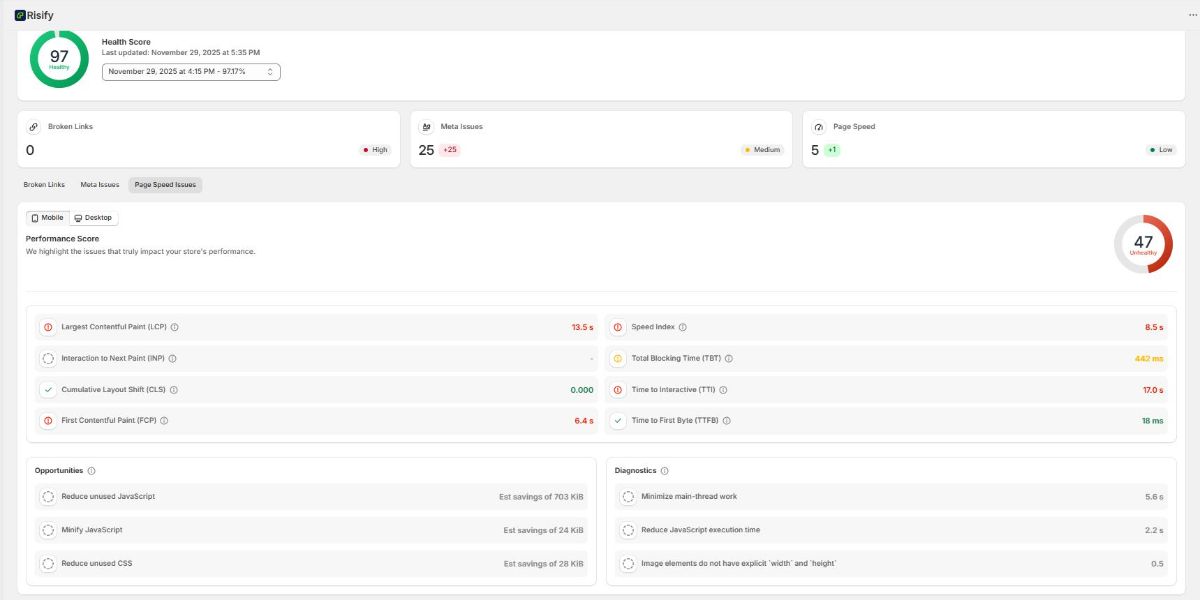
A single audit shows current state. Weekly audits show trajectory. By comparing Health Scores over time, you can confirm that your fixes are working and catch new issues before they accumulate.
Risify runs automated weekly audits and saves the results, turning your store audit into an ongoing monitoring system rather than a one-time check.