Most stores add FAQs only to product pages, but collection pages rank for different types of queries. When someone searches "what's the difference between memory foam and spring mattresses," they land on a category page, not a product page.
They have a comparison question, but the collection page has no FAQ section to answer it. Placing the right FAQs on the right pages matches user intent and improves relevance for the queries each page actually ranks for.
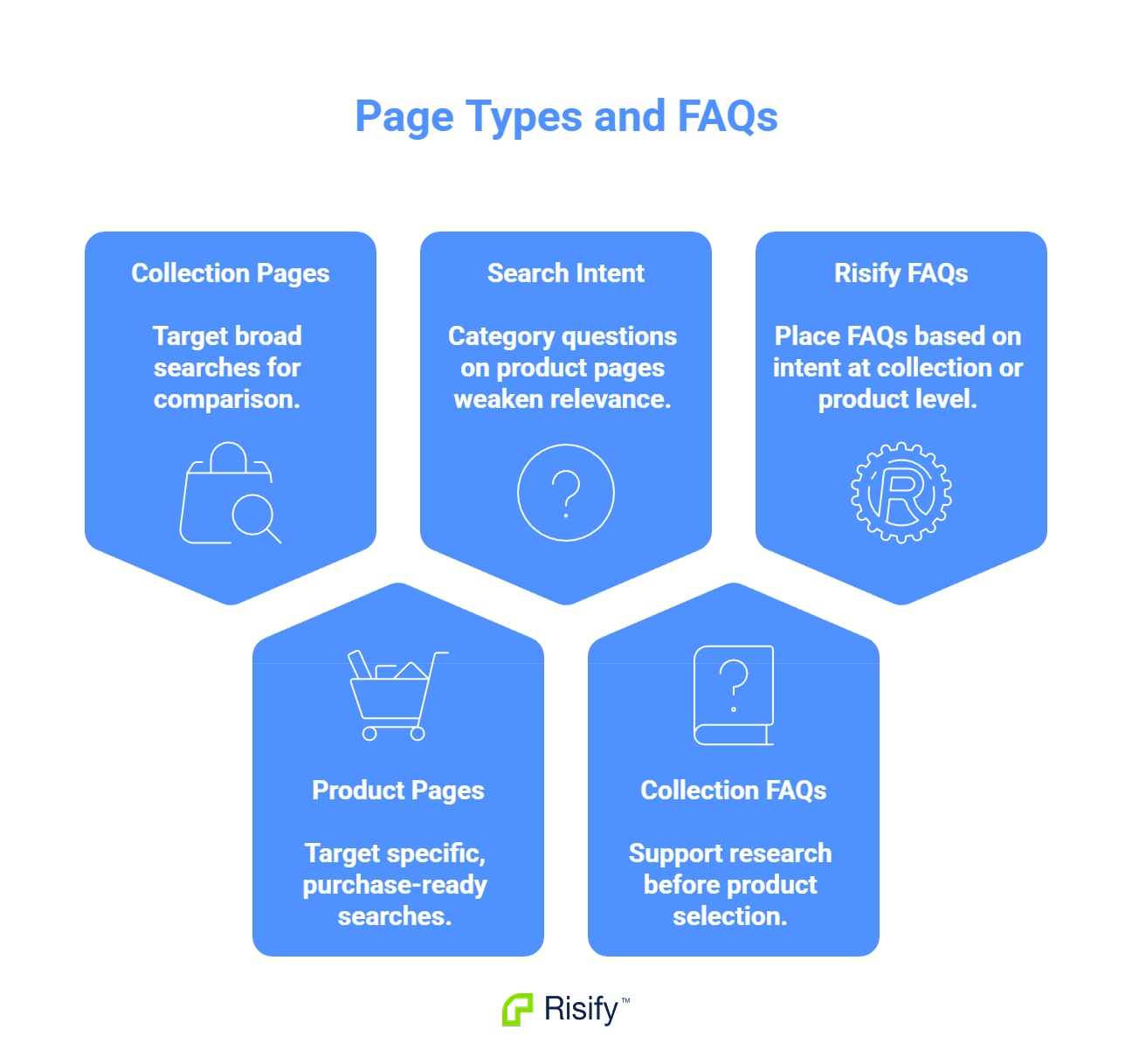
What Collection Pages Rank For
Collection pages and product pages attract different search queries. Understanding this distinction determines where your FAQ content should live.
Collection Page Queries
Collection pages typically rank for category-level searches where users are still exploring:
- Category terms: "memory foam mattresses," "running shoes," "leather sofas"
- Comparison queries: "memory foam vs spring mattress," "gas vs electric stove"
- Research queries: "best mattress for back pain," "types of running shoes for flat feet"
These users are in the research phase. They want to understand a product category before committing to a specific item.
Product Page Queries
Product pages rank for narrower searches where users have already identified what they want:
- Specific product names and model numbers
- Long-tail queries with exact attributes: "Nike Pegasus 40 women's size 8 black"
- Purchase-intent queries: "buy [product name]," "[product name] price"
These users are closer to purchase. They have moved past category research and are evaluating a specific item.
The queries that bring users to each page type reveal what questions they are likely to have when they arrive.
Why Most Stores Only Add FAQs to Product Pages
The common pattern in ecommerce is to treat FAQs as product-level content. The FAQ section gets added to product page templates, questions focus on shipping, returns, materials, or sizing, and collection pages are left without any FAQ content.
This happens for practical reasons:
- Product pages are where conversion happens, so they receive the most optimization attention.
- Many FAQ apps and theme sections default to product templates.
- Collection pages are often treated as simple listing pages rather than content destinations.
The result is a gap. Collection pages rank for queries where users have questions, but no FAQ content exists on those pages to answer them.
The Mismatch Problem
When category-level questions have no home on collection pages, one of two things happens.
The Question Goes Unanswered
A user searches "what's the difference between memory foam and spring mattresses" and lands on your Mattresses collection. They have a comparison question. The collection page shows a grid of products but no FAQ section. The user leaves to find the answer elsewhere.
Your store ranked for the query but failed to address the user's actual question.
The Question Ends Up in the Wrong Place
Alternatively, you add the comparison question to every mattress product page. Now the FAQ exists, but it appears on dozens of pages where users have already moved past category comparison. Someone viewing a specific mattress has already chosen - they do not need a "memory foam vs spring" explanation anymore.
The content exists, but it serves no purpose where it is placed. Meanwhile, the collection page where users actually have this question still has no FAQ.
Matching FAQs to Page Intent
Each FAQ belongs on the page type that matches the question's intent. Here is a framework for deciding.
Questions That Belong on Collection Pages
These address the category as a whole and serve users who are still researching:
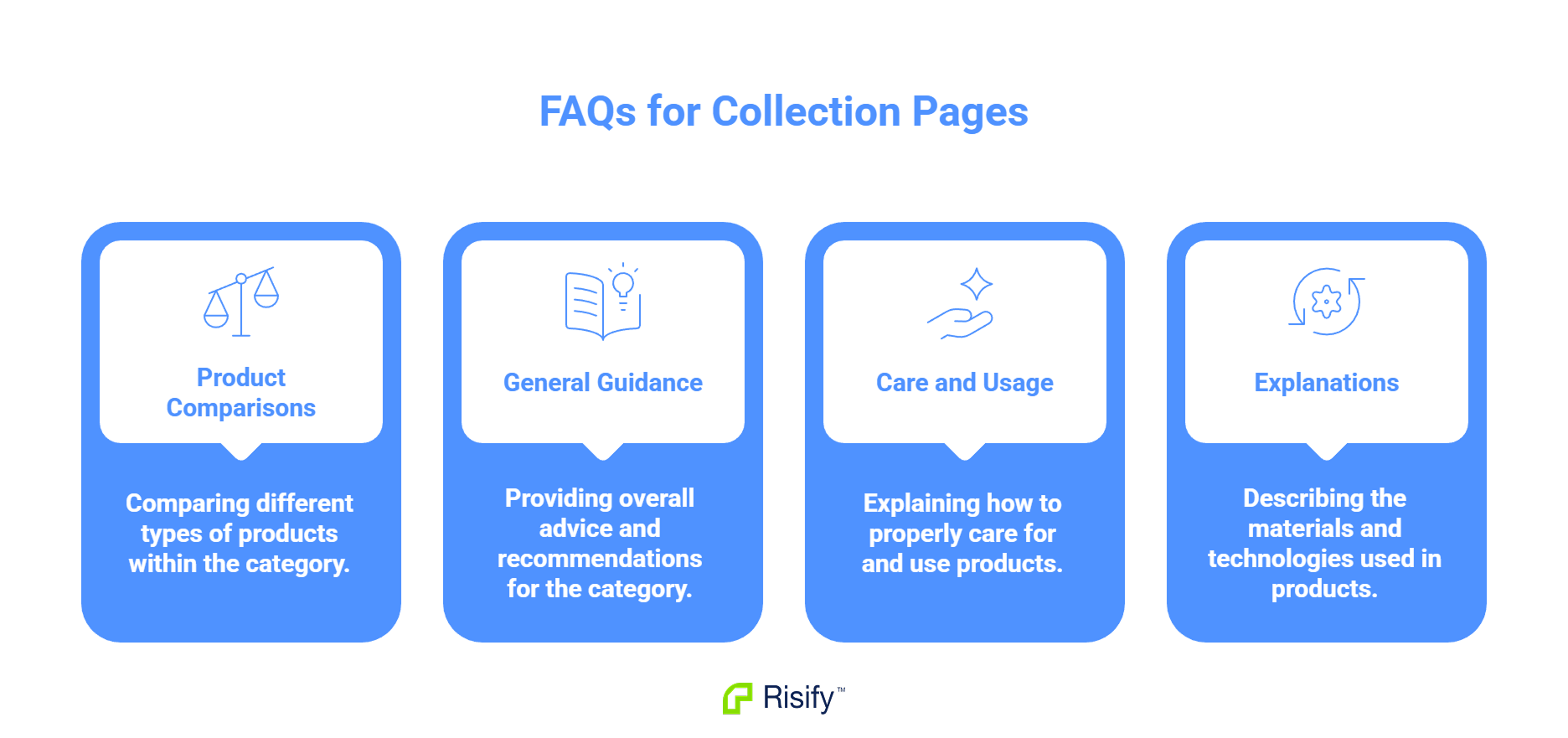
- Comparisons between product types: "What's the difference between memory foam and hybrid mattresses?"
- General guidance: "How do I choose the right mattress firmness?"
- Category-wide care or usage: "How long do memory foam mattresses last?"
- Material or technology explanations: "What is gel-infused memory foam?"
These questions make sense before a user selects a specific product.
Questions That Belong on Product Pages
These address the specific item and serve users who are evaluating a particular product:
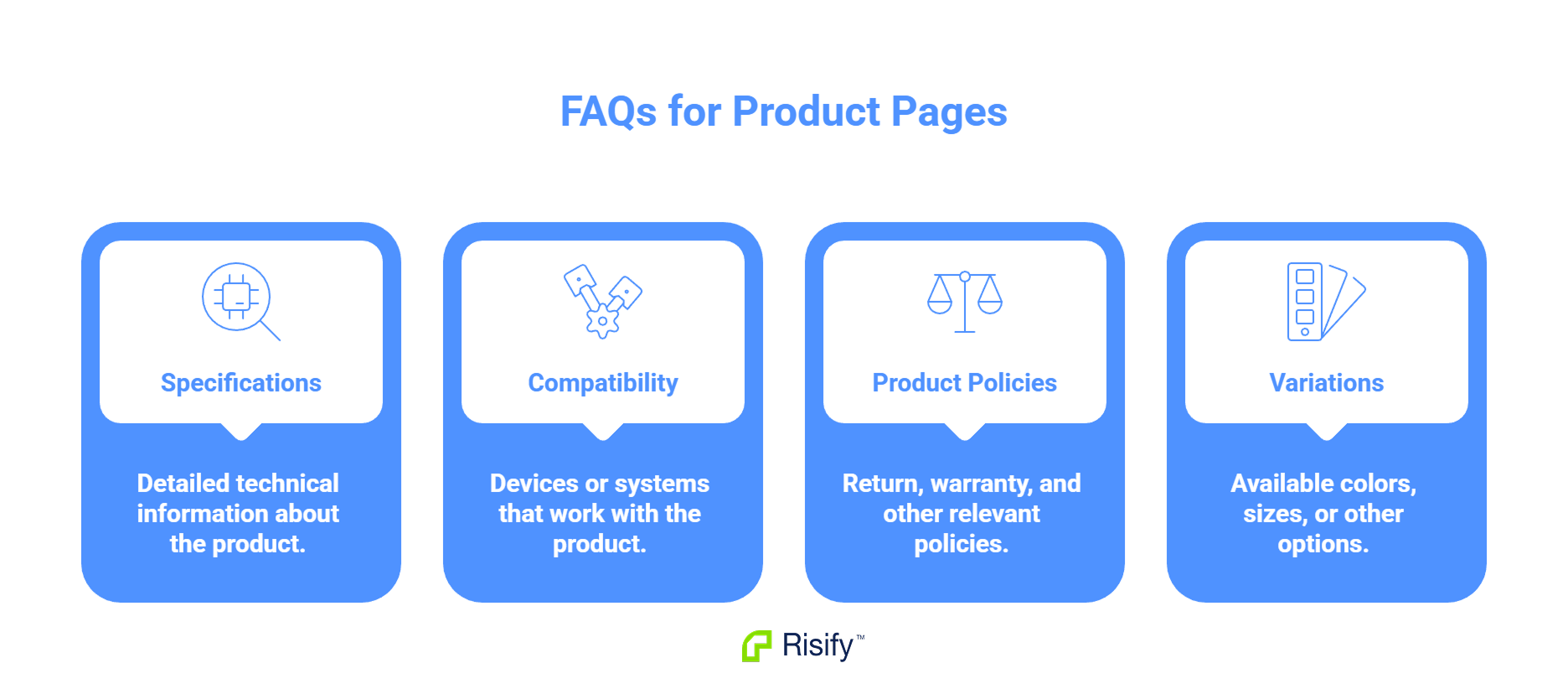
- Specifications: "What are the dimensions of this mattress?"
- Compatibility: "Will this mattress fit my adjustable bed frame?"
- Product-specific policies: "What is the warranty on this mattress?"
- Variations: "What firmness options are available for this model?"
These questions only make sense in the context of a specific product.
Questions That May Belong on Both
Some FAQs apply broadly across your store or category:
- Return policy (if store-wide)
- Shipping timeframes (if consistent across products)
- General care instructions (if applicable to an entire collection)
For these, you decide whether to place them on collections, products, or both based on where users are most likely to need the answer.
How Risify Handles Collection and Product FAQs
Risify does not limit FAQs to product pages. When you create an FAQ, you choose exactly where it appears.
Assigning to Collections
Inside the Risify admin, each FAQ has an assignment section with two tabs: Collections and Products. To place an FAQ on collection pages, you open the Collections tab and select which collections should display that question.
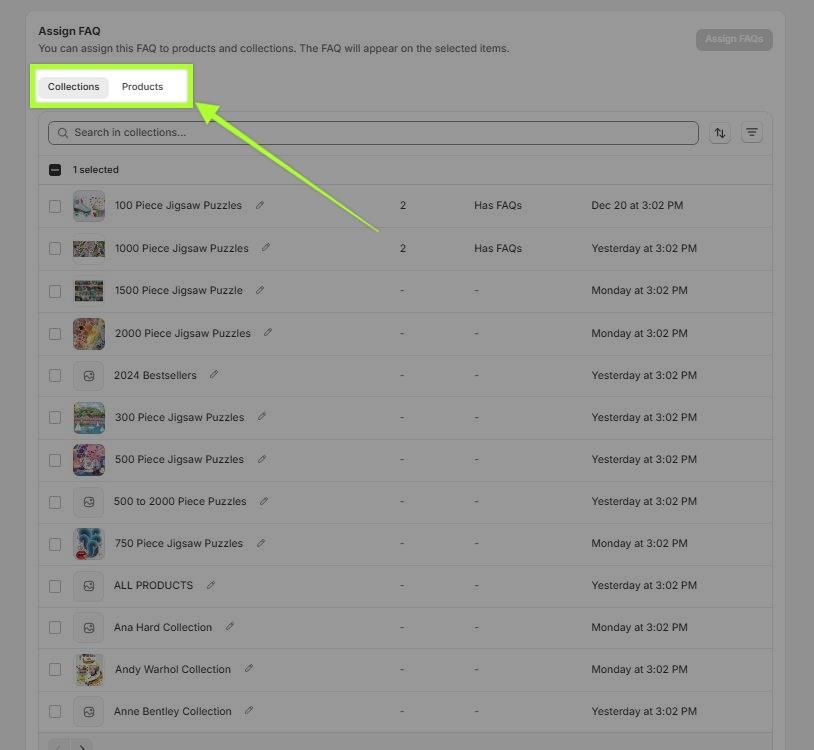
A comparison FAQ like "What's the difference between memory foam and spring mattresses?" can be assigned specifically to your Mattresses collection. Users who land on that collection from a comparison search will find the answer waiting for them.
Assigning to Products
The same process works for products. Open the Products tab and select which product pages should display the FAQ. Product-specific questions like "What firmness options are available?" get assigned only to the relevant product.
Assigning to Both
Some FAQs belong in multiple places. You can assign a single FAQ to any combination of collections and products. A category-wide care question might appear on both the collection page and every product within that collection.
The FAQ content stays in one place - your Risify library. Where it displays is controlled entirely by your assignments.
Place Your FAQs Where They Belong
Collection pages rank for category queries where users have broader, research-phase questions. Product pages rank for specific queries where users are closer to purchase. Placing the right FAQs on the right pages serves user intent and makes your content relevant to the queries each page actually targets.
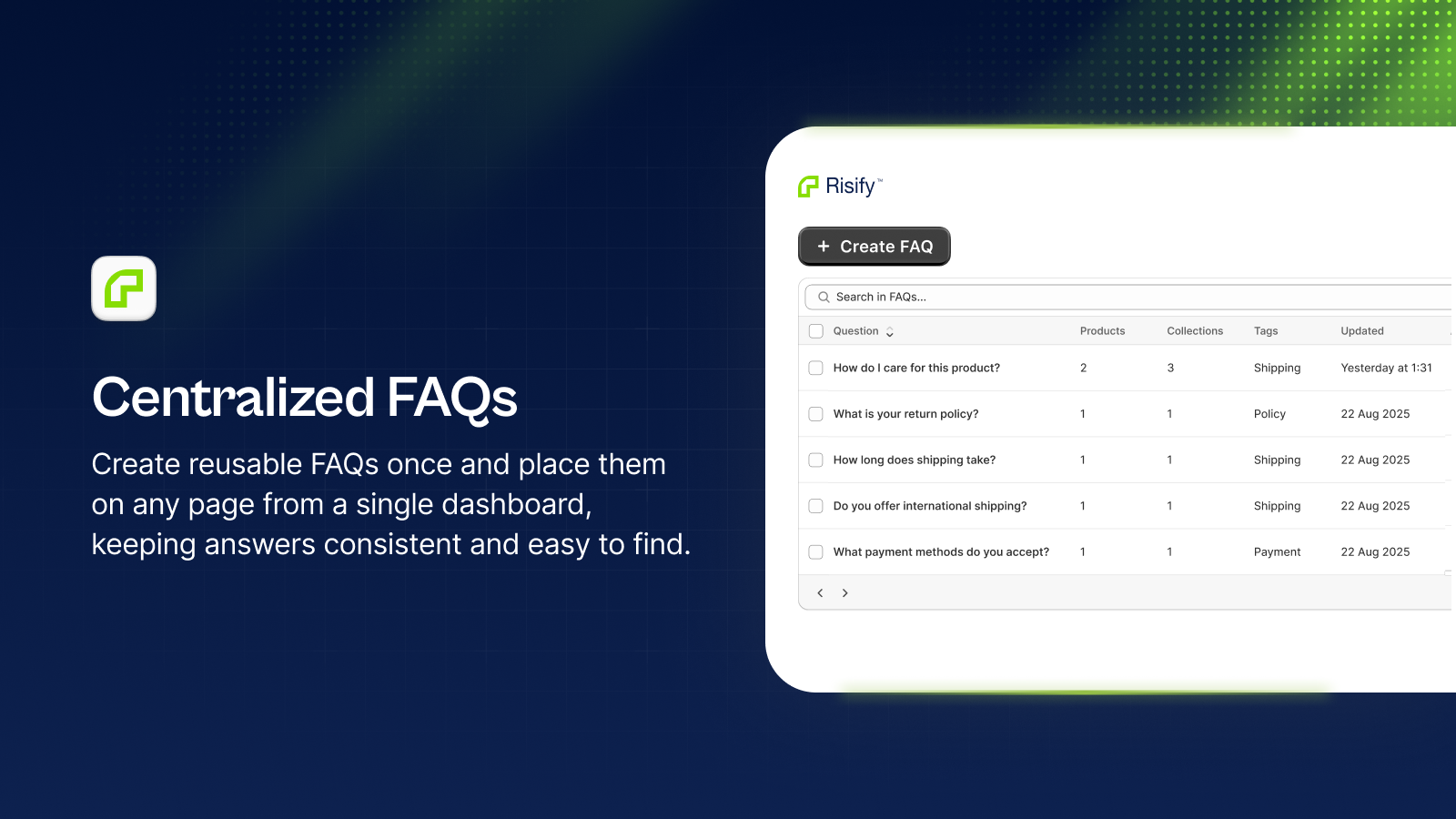
Risify lets you assign FAQs to collections and products independently, so your content appears where users need it.