When an FAQ applies to multiple products, managing it page by page quickly becomes inefficient and leads to inconsistent answers over time.
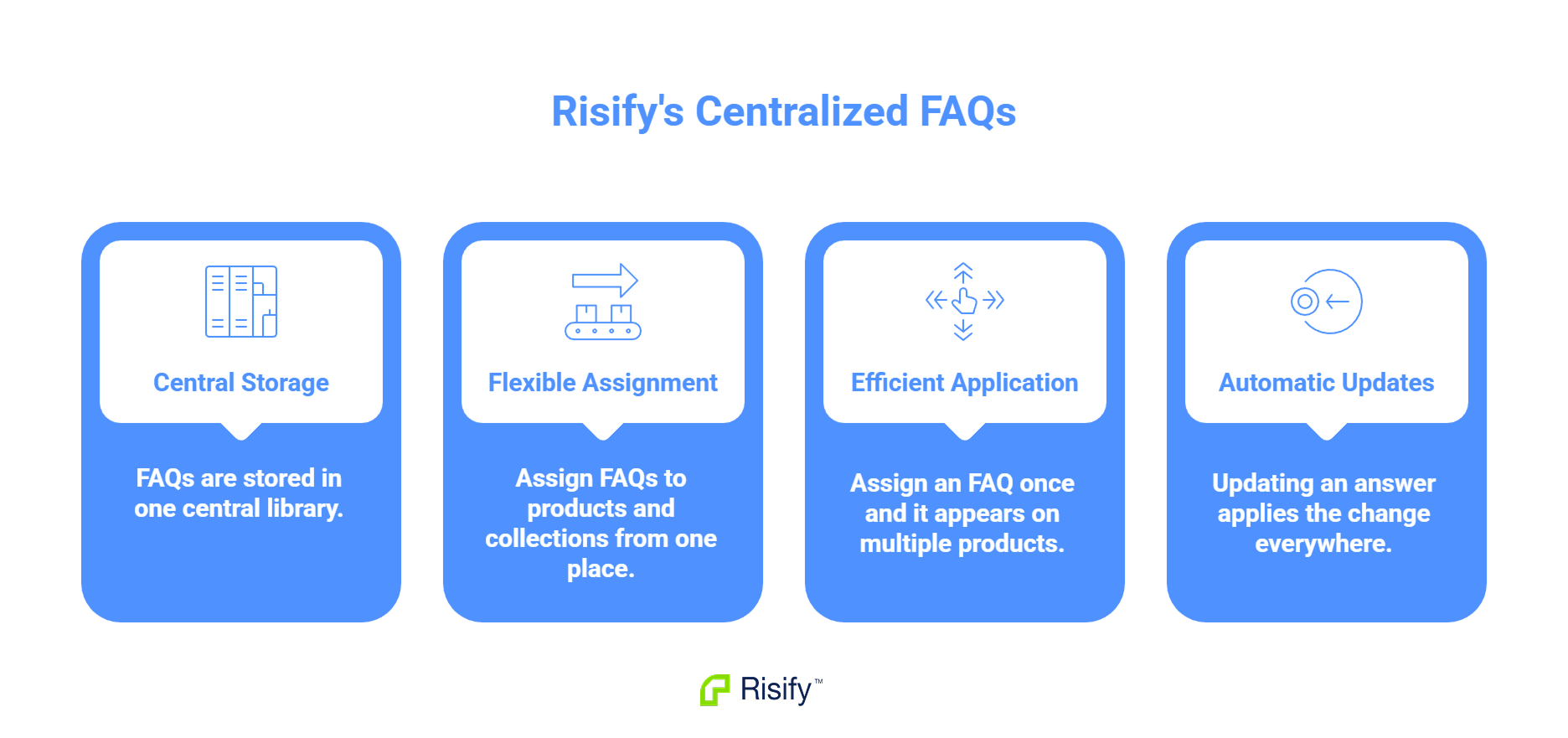
Risify uses a central library approach:
- All FAQs are stored in one central library, where each question and answer is created once.
- You assign each FAQ to any combination of products and collections from a single place.
- If an FAQ applies to 50 products, you assign it once and it appears on all 50.
- When an answer is updated, the change applies everywhere that FAQ is assigned.
This eliminates duplicate content management and ensures consistent answers across your store.
Why Product-by-Product FAQ Management Fails
Most FAQ solutions work at the page level. You open a product page, add an FAQ section, and write questions and answers for that specific page. Then you move to the next product and repeat the process - either rewriting the same content or copy-pasting from the previous page.
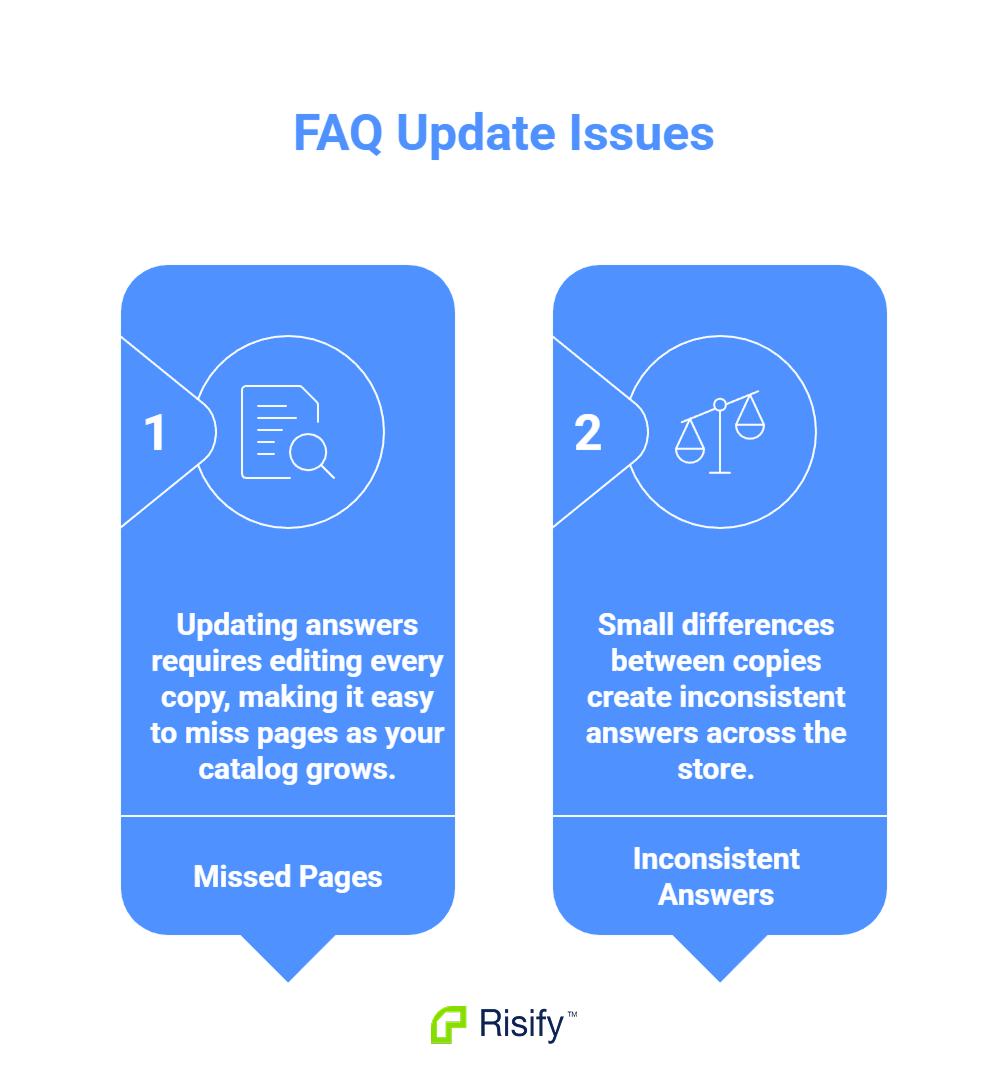
This approach has two problems that get worse as your catalog grows.
Update Complexity
When an answer changes, you need to find and edit every instance. If your return window extends from 30 days to 60 days, you hunt through product pages updating each copy. Miss one, and customers see conflicting information depending on which page they visit.
The more products you have, the more likely you are to miss pages during updates.
Inconsistency
Copy-pasting leads to drift. One version gets edited, another does not. Small wording differences accumulate. Eventually, different pages show different answers to the same question. Customers notice. Support teams get confused about which version is correct.
How Risify's Central Library Works
Risify separates FAQ content from FAQ placement. You create questions and answers in a central library, then assign them to pages. The content exists once. Where it appears is controlled by assignments.
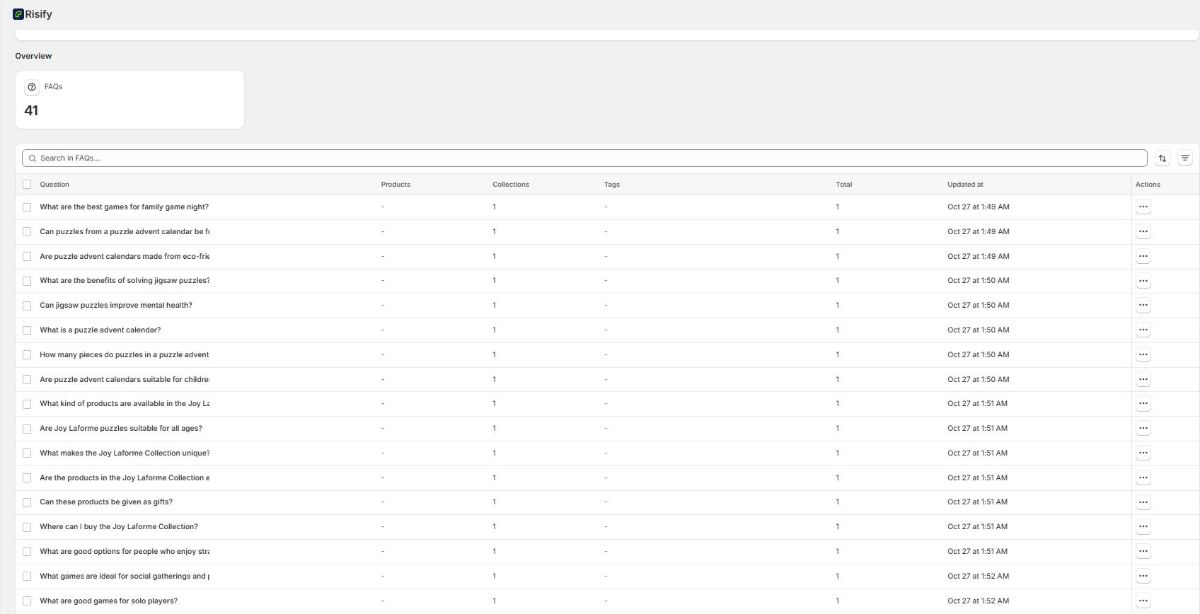
Creating FAQs
Inside the Risify admin, you create each FAQ as an independent content block. You write the question, write the answer, and save. The FAQ now exists in your library, ready to be assigned anywhere.
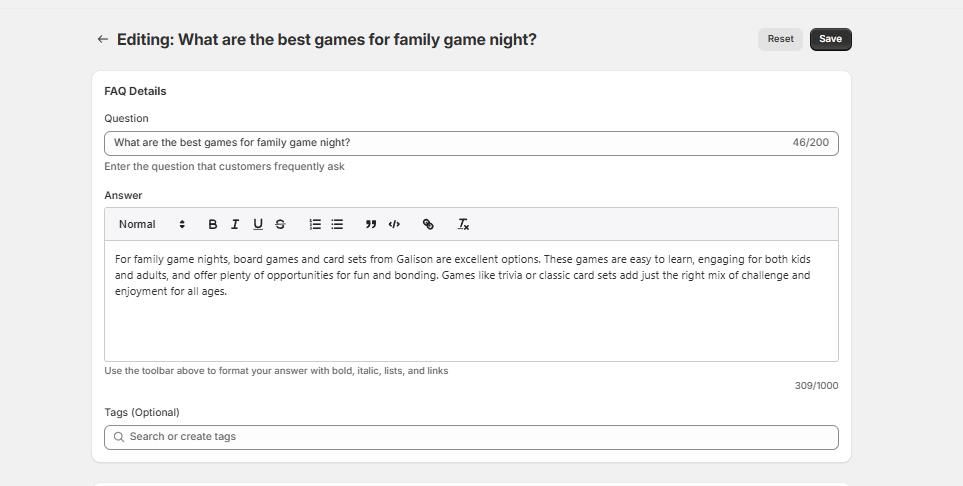
Assigning FAQs
Each FAQ has an assignment panel with checkboxes for every collection and product in your store. You select where the FAQ should appear and save. One FAQ can be assigned to any number of pages - 1 product, 50 products, 5 collections, or any combination.
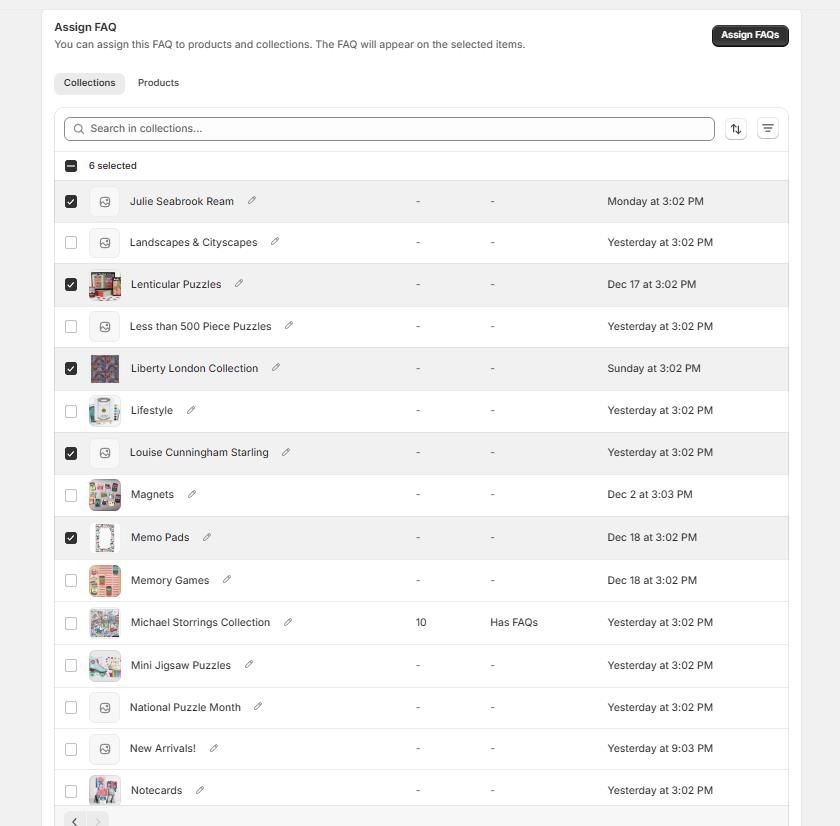
- Check one box: the FAQ appears on one page.
- Check fifty boxes: the FAQ appears on fifty pages.
Updating FAQs
When you edit an FAQ in the library, the updated content appears immediately on every page where that FAQ is assigned. You make one edit in one place. Every assigned page reflects the change.
Manage Your FAQs with Risify
Creating FAQs product by product does not scale. Updates become inconsistent, content gets duplicated, and management turns into a time sink as your catalog grows.
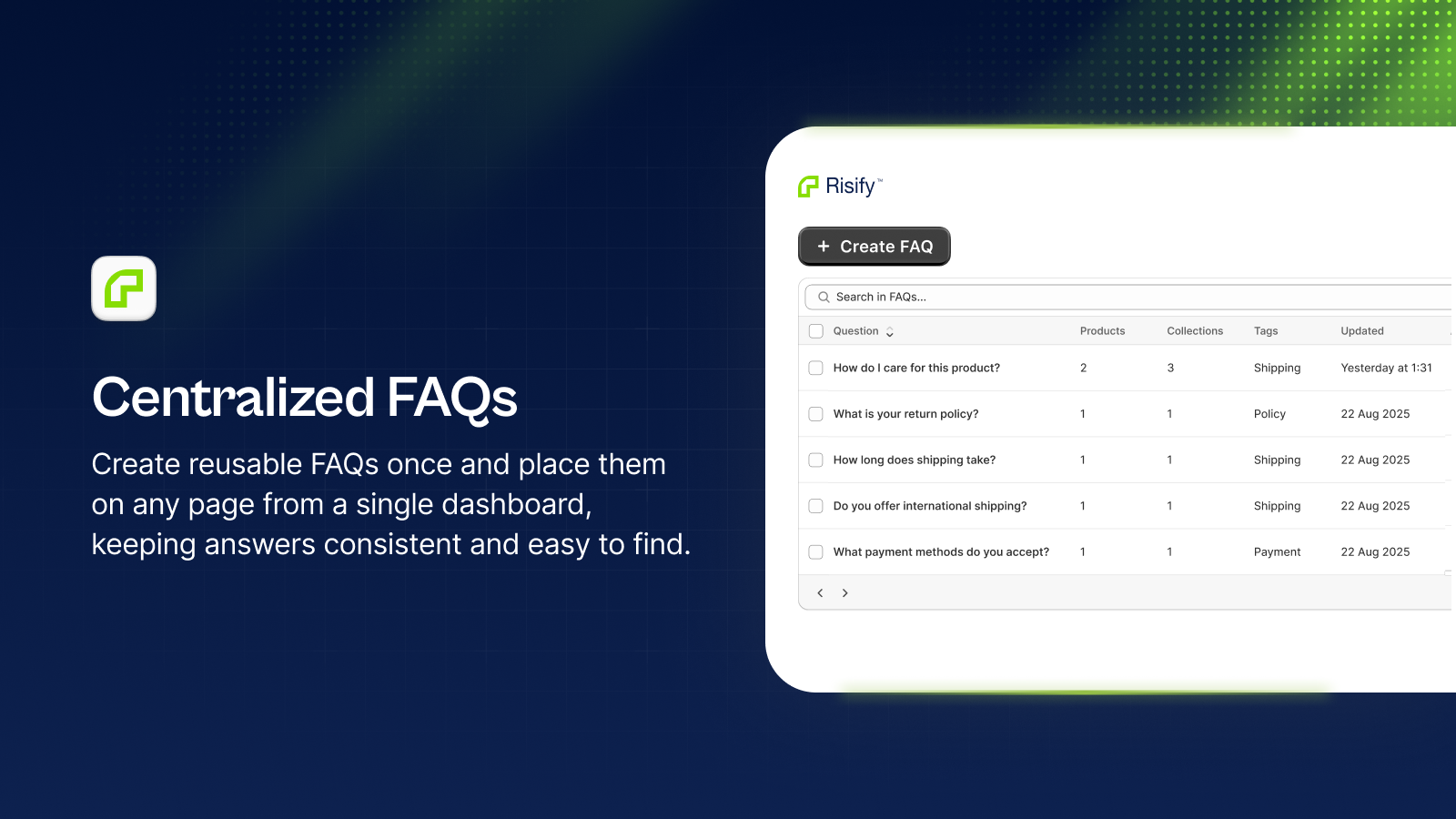
Risify's central library lets you create each FAQ once, assign it wherever it belongs, and update it everywhere with a single edit. Your answers stay consistent, your workflow stays efficient, and your FAQ content stays under control.