When a parent collection page links directly to its subcollections, you create connections that search engines can follow and interpret. These internal links signal which pages are related and how they group together topically.
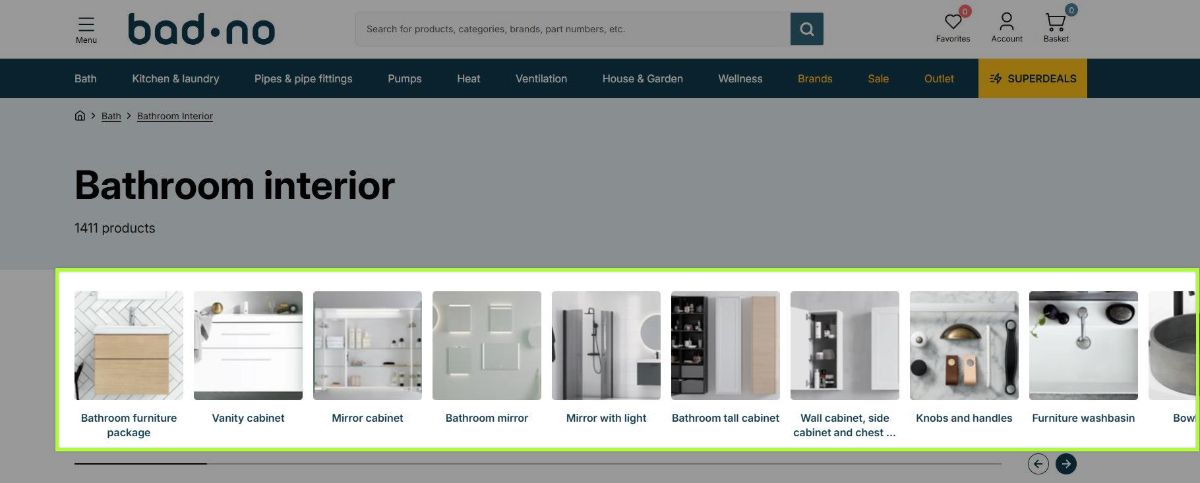
- Internal links between related collections create topic clusters that search engines recognize.
- Links from parent collections to subcollections distribute page authority downward.
- Collection pages without outbound links to related collections become isolated from your site's link structure.
- Risify Collection Menu adds internal links between collections you define as related.
What Topic Clusters Are
A topic cluster is a group of related pages connected by internal links. The structure typically has a main page covering a broad topic and several supporting pages covering specific subtopics within that category.
To illustrate this, consider a furniture store with these collection pages:
- Sofas (broad category)
- Corner Sofas (specific type)
- Leather Sofas (specific type)
- Fabric Sofas (specific type)
- Two-Seater Sofas (specific type)
When the Sofas page links to each subcategory and each subcategory links back to Sofas, these five pages form a cluster. They are connected by internal links that make the relationship explicit.
The cluster structure tells search engines that these pages belong together - they all cover the topic of sofas at different levels of specificity. A user searching for "leather sofas" lands on a page that is clearly connected to a broader catalog of sofa content.
What Search Engines Learn from Internal Links
When Googlebot crawls a page , it follows internal links to discover other pages on your site. But discovery is only part of what happens. Google also interprets the pattern of links to understand your site structure.
Relationship Signals
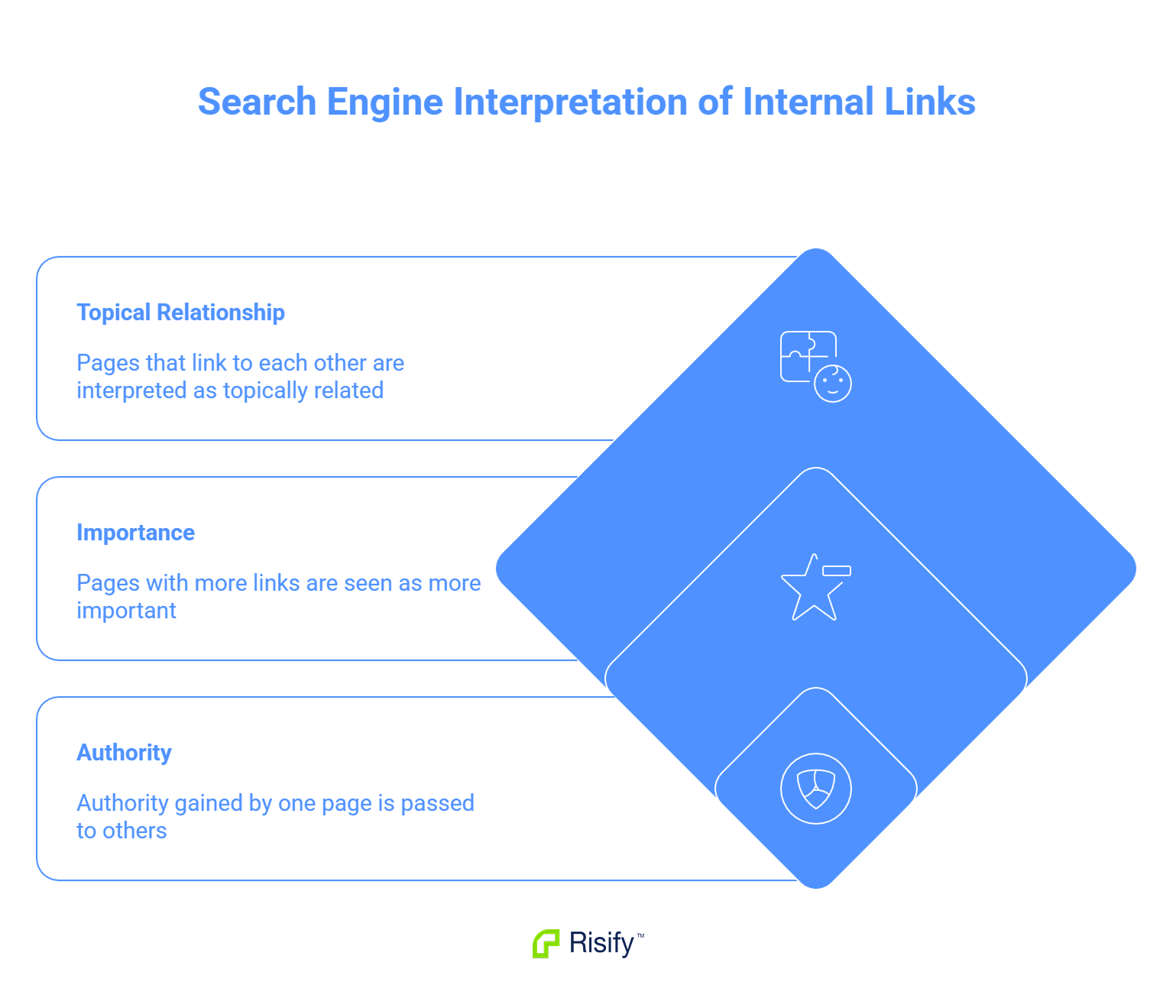
Pages that link to each other are understood to be related. When your Sofas collection links to Leather Sofas, Google registers that these two pages share topical relevance. The more interconnected a group of pages, the stronger the signal that they form a cohesive topic area.
Anchor text adds context. A link with the text "Leather Sofas" pointing to your Leather Sofas collection tells Google what that target page is about. This reinforces the page's relevance for related queries.
Importance Signals
Pages that receive many internal links are interpreted as more important than pages with few internal links. A collection page that receives links from its parent category, related subcategories, and product pages sends a signal that it is a hub within your site.
Pages with no internal links pointing to them appear unimportant by comparison. Google may crawl them less frequently or rank them lower.
Authority Distribution
Pages accumulate authority from external backlinks. When other sites link to your Sofas collection, that page gains authority. Some of that authority passes through internal links to connected pages.
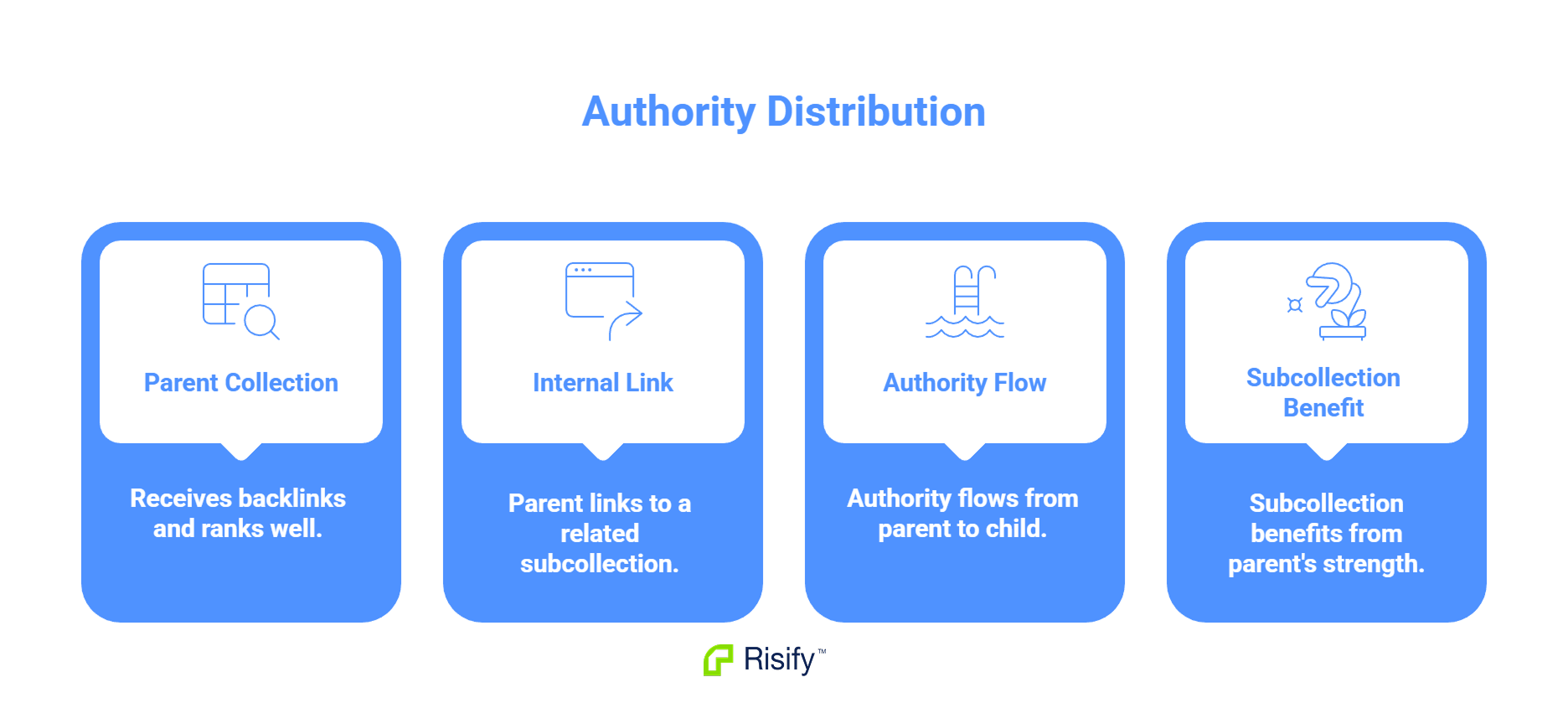
This is how a strong parent collection can lift weaker subcollections:
- Your Sofas collection has backlinks and ranks well.
- You link from Sofas to Leather Sofas.
- Authority flows from the parent to the child.
- Leather Sofas benefits from the parent's strength.
Without that internal link, Leather Sofas competes entirely on its own authority.
Why Most Shopify Collection Pages Are Isolated
Many Shopify stores have collection pages that exist in isolation from each other. The collections appear in the navigation menu, but no collection page links directly to another collection page.
How This Happens
The default Shopify setup focuses on menu navigation. Visitors click a menu item to reach a collection. The collection page shows products. There is no section on the page linking to related collections.
If a customer wants to move from Leather Sofas to Fabric Sofas, they go back to the menu. The collection pages themselves have no direct connection.
What Search Engines See
To Googlebot, these pages are separate entities. They may share some products. They may have similar content. But without internal links connecting them, there is no structural signal that they belong together.
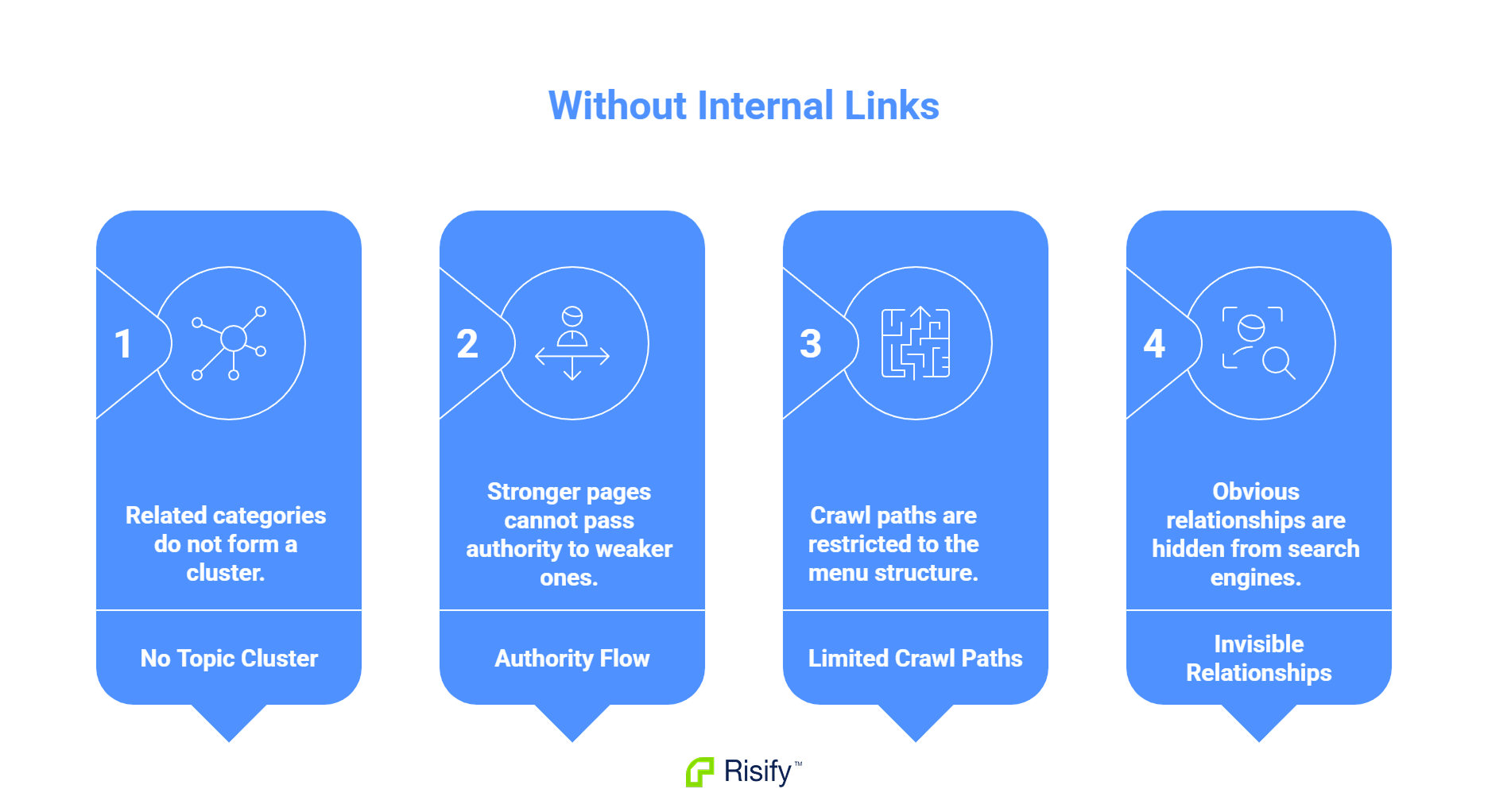
- No topic cluster forms around related categories.
- Authority from stronger pages does not flow to weaker ones.
- Crawl paths are limited to what the menu provides.
- The relationships that are obvious to you are invisible to search engines.
The hierarchy exists in your navigation design, but it does not exist in your page-to-page link structure.
How Risify Collection Menu Connects Your Collections
Risify Collection Menu adds a navigation section to collection pages that displays links to related collections as clickable tiles. You define which collections should appear on each page and in what order.
What You Configure
Inside the Risify admin, you open a collection and add related collections to its menu.
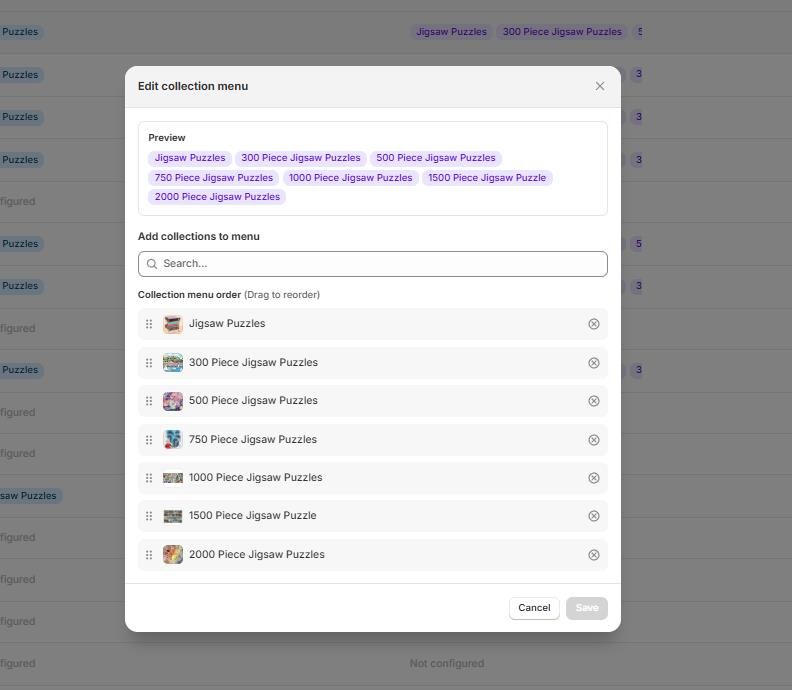
Visitors see a visual way to browse subcategories. Search engines see internal links connecting related pages.
What This Creates
The links do two things simultaneously:
- For users: A browsing path to explore related categories without returning to the main menu.
- For search engines: Crawlable internal links that signal topic relationships, distribute authority, and create cluster structure.
Each collection can have its own unique menu. Your Leather Sofas collection might link back to Sofas and also to Leather Chairs, creating cross-category connections where they make sense.
The topic cluster you intended now exists as actual page-to-page connections that search engines can follow and interpret.
Build Topic Clusters with Risify Collection Menu
Internal links between related collections create topic clusters that search engines recognize. They signal relationships, distribute authority, and improve crawl efficiency. Without these links, your collections exist in isolation even if your navigation menu shows hierarchy.
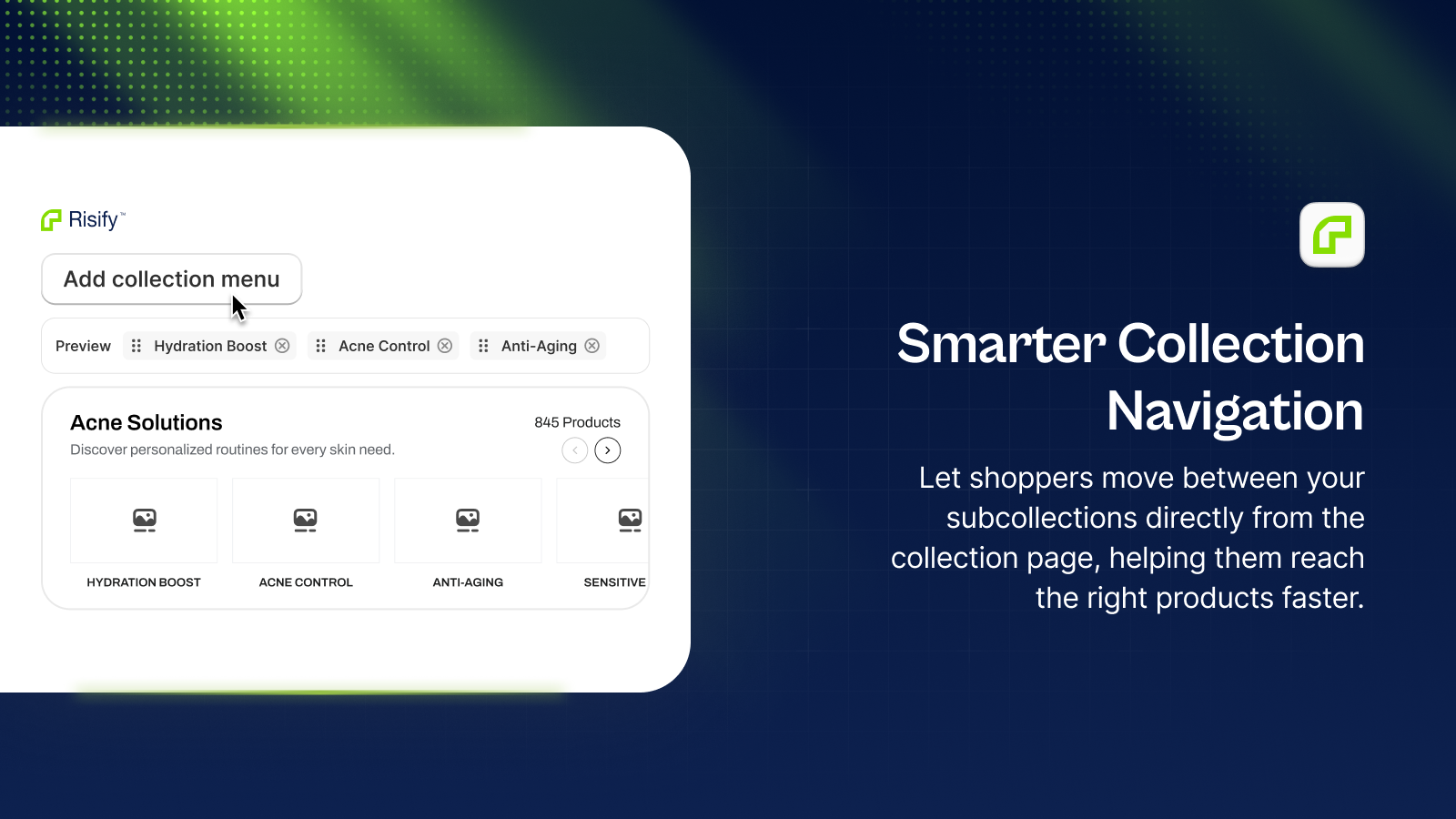
Risify Collection Menu adds the internal links that connect your collections into a structured topic cluster.