When a customer lands on a large collection page, they see a grid of products that can span dozens or hundreds of items. Without a way to narrow their focus, they scroll endlessly or leave.
Risify's Collection Menu solves this by letting customers see and click through to specific subcategories without leaving the page or hunting through your main navigation.
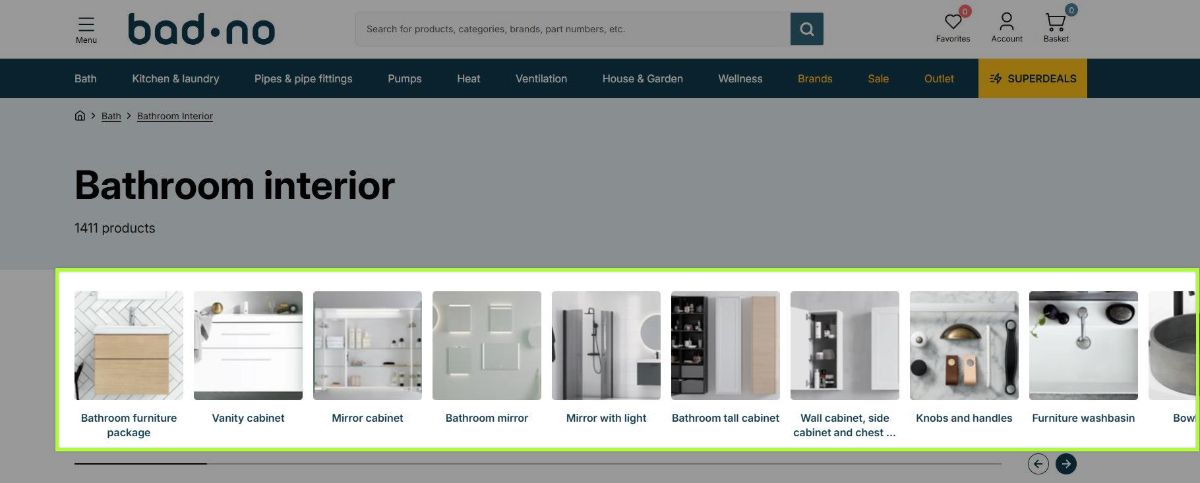
- Subcollections display as clickable tiles directly on the collection page.
- You define which subcollections appear and arrange them in any order.
- Each collection can have its own unique menu tailored to that level of your catalog.
- Tiles can display as text only, image with text, or icon with text.
- The navigation section is fully customizable to match your store's design.
How Subcollection Navigation Helps Customers Browse
Subcollection navigation adds a row of clickable tiles to the collection page, each representing a category within that collection. Instead of seeing only a product grid, customers see their options immediately.
A customer landing on a broad category now sees tiles at the top of the page showing the available subcategories. Each tile is clickable. They identify what they want, click through, and land on a focused collection.
What Changes
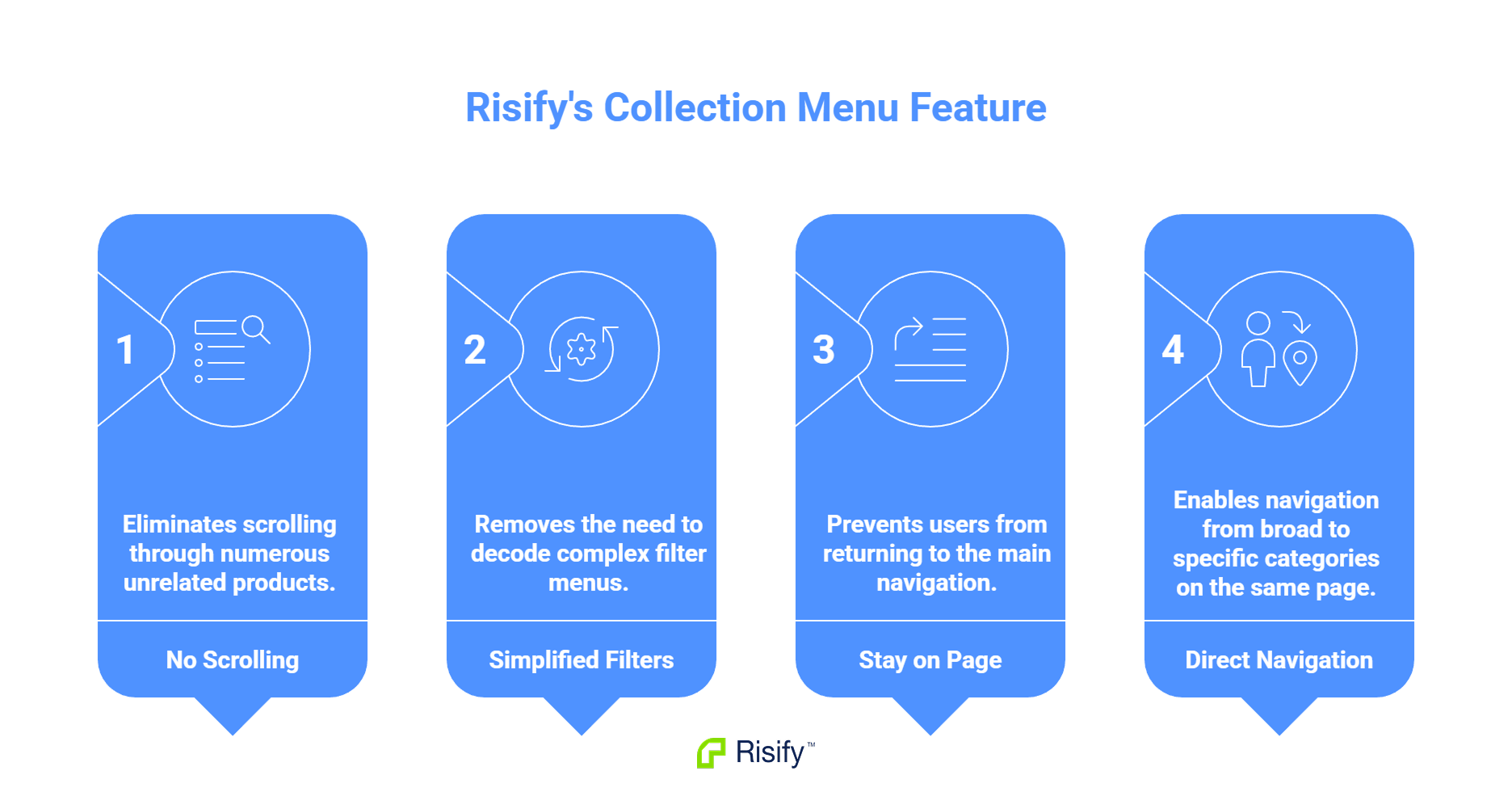
The browsing experience shifts:
- No scrolling through hundreds of unrelated products
- No decoding filter menus
- No returning to the main navigation
- The path from broad category to specific category happens on the page itself
The collection page becomes a navigation hub. Customers see where they can go and choose their direction.
Unique Menus for Each Collection
What appears on a parent collection page should differ from what appears on a subcollection page. A customer on a top-level category needs broad options. A customer who has already drilled down needs more specific choices.
How This Works in Practice
Consider a three-level structure:
- Top-level collection shows broad subcategories - the main product types within that category.
- Mid-level collection shows style or material options within the selected product type.
- Lower-level collection shows specific variations or use cases.
Each level presents the next logical step. The customer never sees irrelevant options - only the subcategories that make sense at their current position in your catalog.
Per-Collection Configuration
Risify lets you define a unique menu for each collection. You select which subcollections appear and arrange them in the order you want. Each menu is independent from the others.
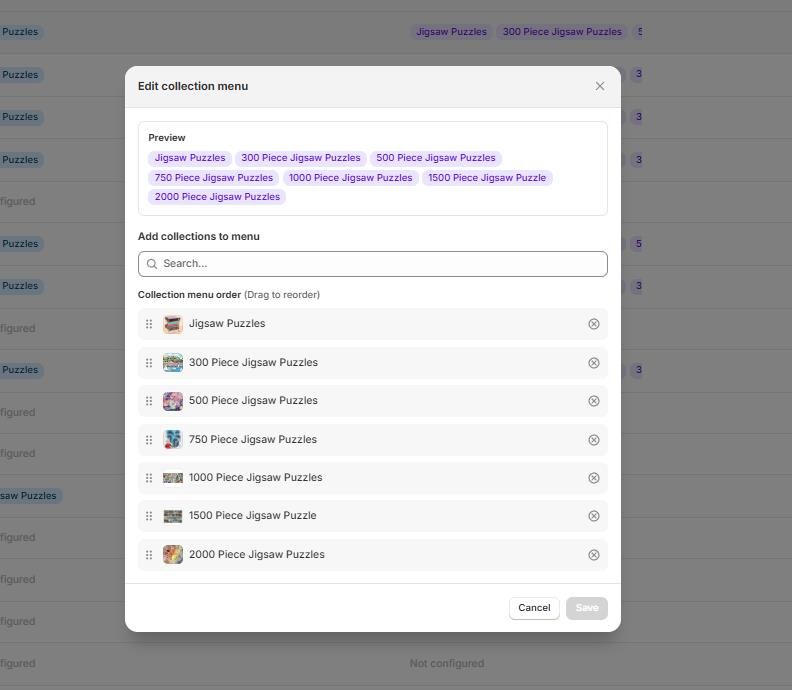
This flexibility means you control the browsing path at every level, not just at the top of your catalog.
Visual Presentation Options
Collection Menu displays subcollections as tiles that can be styled to match your store's design. The tiles appear as a row of clickable elements, typically placed below the collection header and above the product grid.
Display Types
You choose how each tile presents the subcollection:
GeneralGeneral
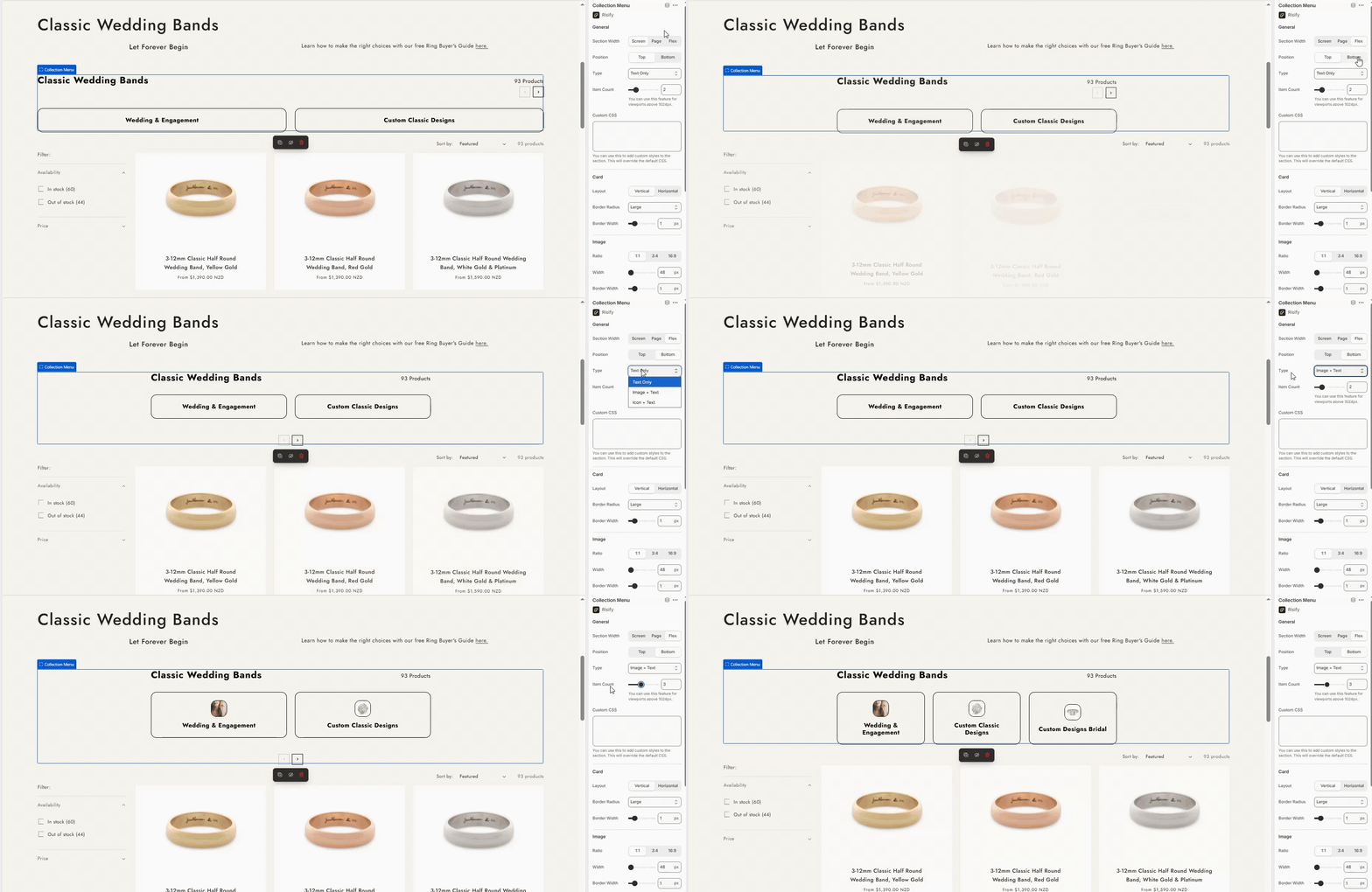
- Text only: Clean appearance showing just the collection name. Works well for stores with a minimal design.
- Image + Text: Collection images with names beneath. Gives customers a visual preview of what they will find.
- Icon + Text: Custom icons representing each category. Useful when your collections do not have distinct images.
Layout Controls
Beyond display type, you configure how the tiles appear on the page:
- Tile shape: Vertical or horizontal rectangles depending on your theme's proportions.
- Items visible: How many tiles appear at once before scrolling.
- Border radius: Square corners or rounded to match your store's style.
- Typography and colors: Font sizes, text colors, and background colors that align with your theme.
The navigation section integrates with your store visually rather than looking like an external element.
Break Down Large Collections with Risify
Large collection pages overwhelm customers with products they have to scroll through. Subcollection navigation gives them a clear path to narrow their focus without leaving the page or hunting through menus.
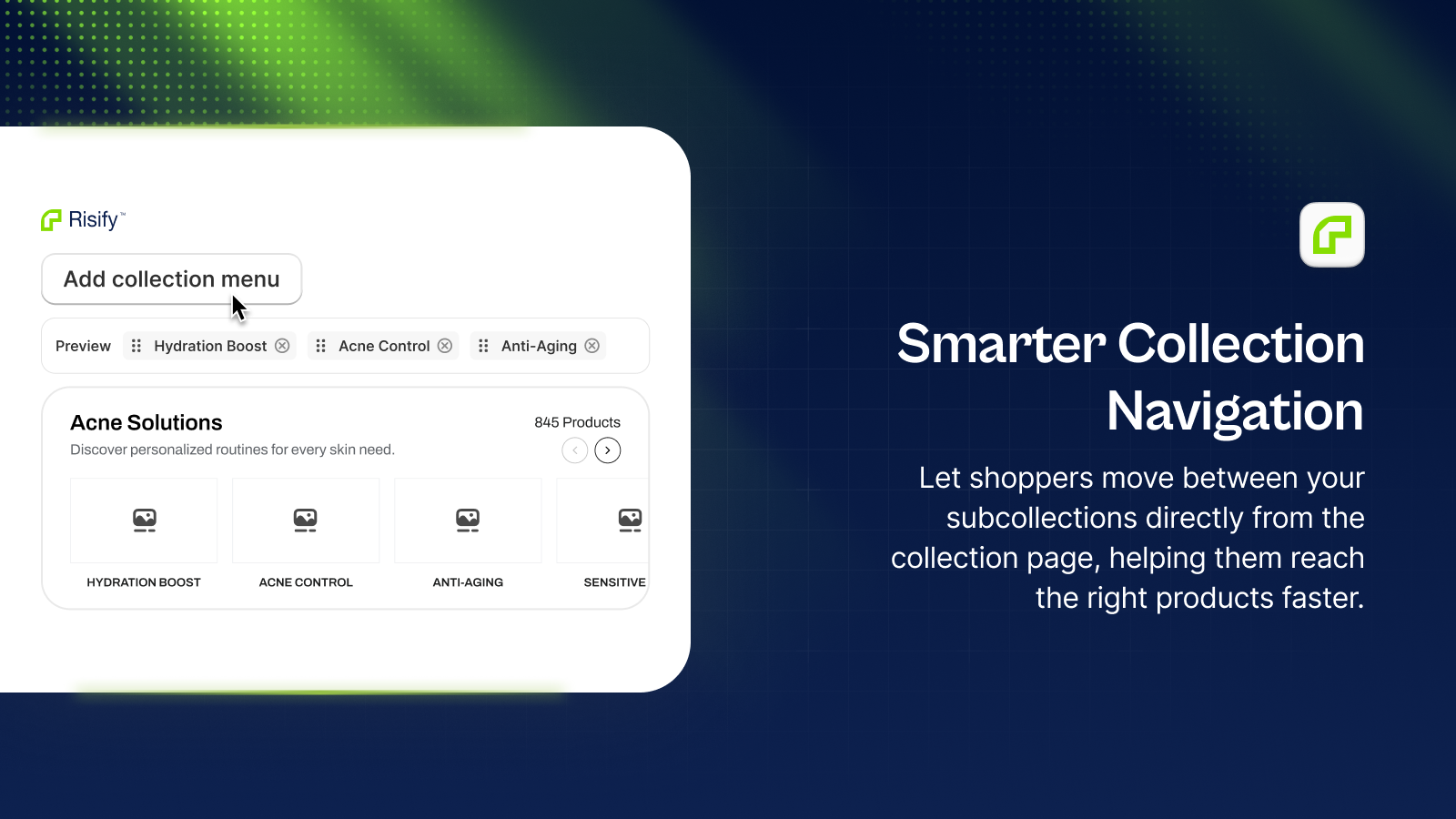
Risify Collection Menu lets you define which subcollections appear on each collection page, displayed as customizable tiles that match your store's design.