You may have organized your collections into a logical structure - categories, subcategories, and product types that make sense for your catalog. In your navigation menu, visitors see this hierarchy clearly. But Shopify does not actually store any relationship between those collections.
To Google, they are separate pages at the same level with no connection to each other.
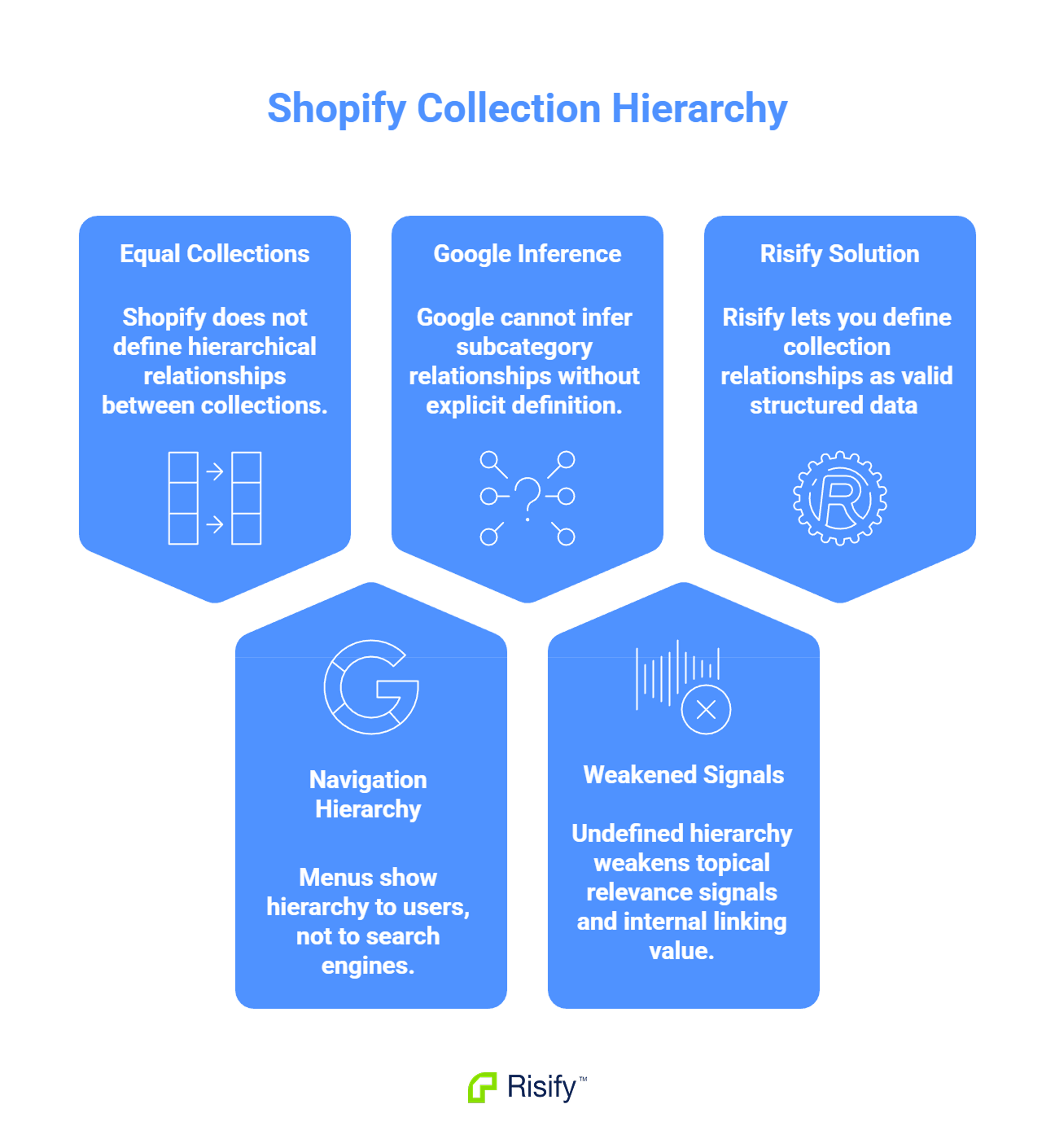
- Shopify treats all collections as equal - there is no built-in parent-child relationship between them.
- Your navigation menu creates visual hierarchy for users but does not communicate structure to Google.
- Google cannot infer that a subcategory belongs under a parent category unless you define that relationship explicitly.
- Undefined hierarchy weakens topical relevance signals and internal linking value.
- Risify lets you define collection relationships that output as valid structured data Google can read.
How Shopify Stores Collections
Shopify's collection system is flat by design. Every collection exists at the same level in the database, regardless of how you intend them to relate to each other.
To illustrate this, consider a furniture store with four collections: "Furniture," "Living Room," "Sofas," and "Corner Sofas." The store owner knows that Corner Sofas is a subset of Sofas, which belongs under Living Room, which falls under Furniture. But Shopify stores these as four separate, unrelated entities.
There is no field anywhere in Shopify where you can define that "Corner Sofas" is a child of "Sofas." That relationship simply does not exist in the platform's data model.
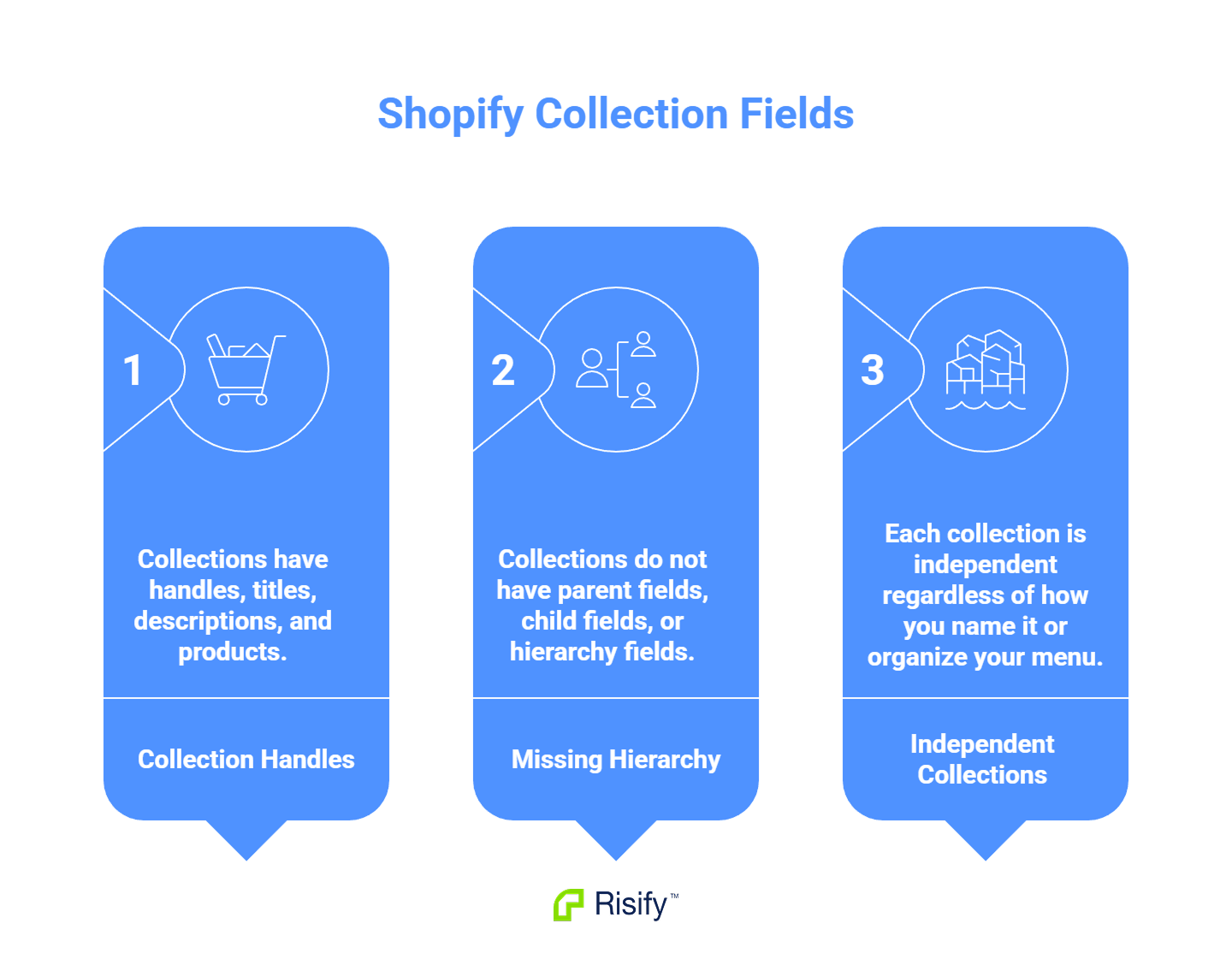
- Collections have handles, titles, descriptions, and products.
- Collections do not have parent fields, child fields, or hierarchy fields.
- Each collection is independent regardless of how you name it or organize your menu.
The navigation menu you build in your theme is purely visual. You can nest menu items to create the appearance of hierarchy, but this nesting only affects front-end display. It does not change how Shopify stores those collections or how external systems read them.
Why Flat Structure Weakens SEO Signals
The absence of defined hierarchy affects two areas that matter for search performance.
Topical Relevance
Search engines use site structure to evaluate how deeply a site covers a topic. A clear hierarchy from "Furniture" down through "Living Room" to "Sofas" to "Corner Sofas" signals that your store has organized, in-depth coverage of this product category.
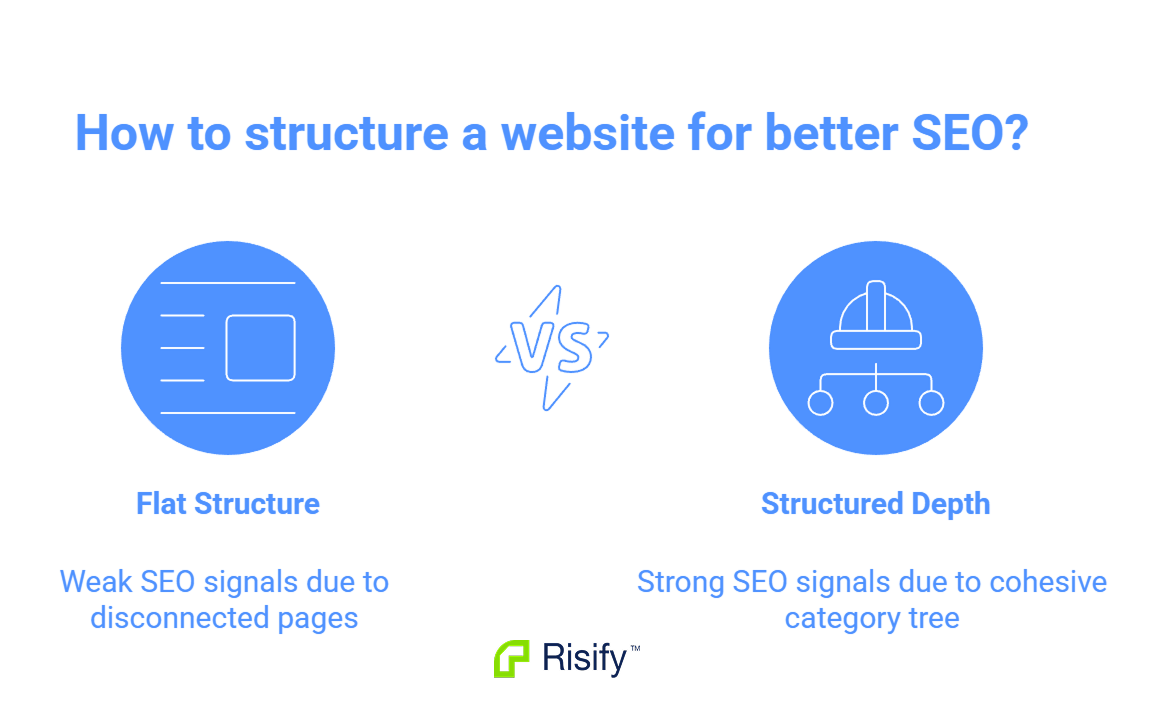
When Google sees structured depth, it has more confidence that your store is a relevant result for queries across that topic cluster. A search for "corner sofas" may favor a store that clearly demonstrates expertise in sofas, living room furniture, and furniture broadly.
Flat structure removes this signal. Google sees disconnected pages rather than a cohesive category tree.
Internal Linking Value
Links between pages pass value, but context affects how much. A link from a parent category to a child category carries meaning because the relationship is logical.
Without defined hierarchy, that link is just another internal link. Google cannot distinguish between a structured category relationship and a random cross-link. The contextual value is lost.
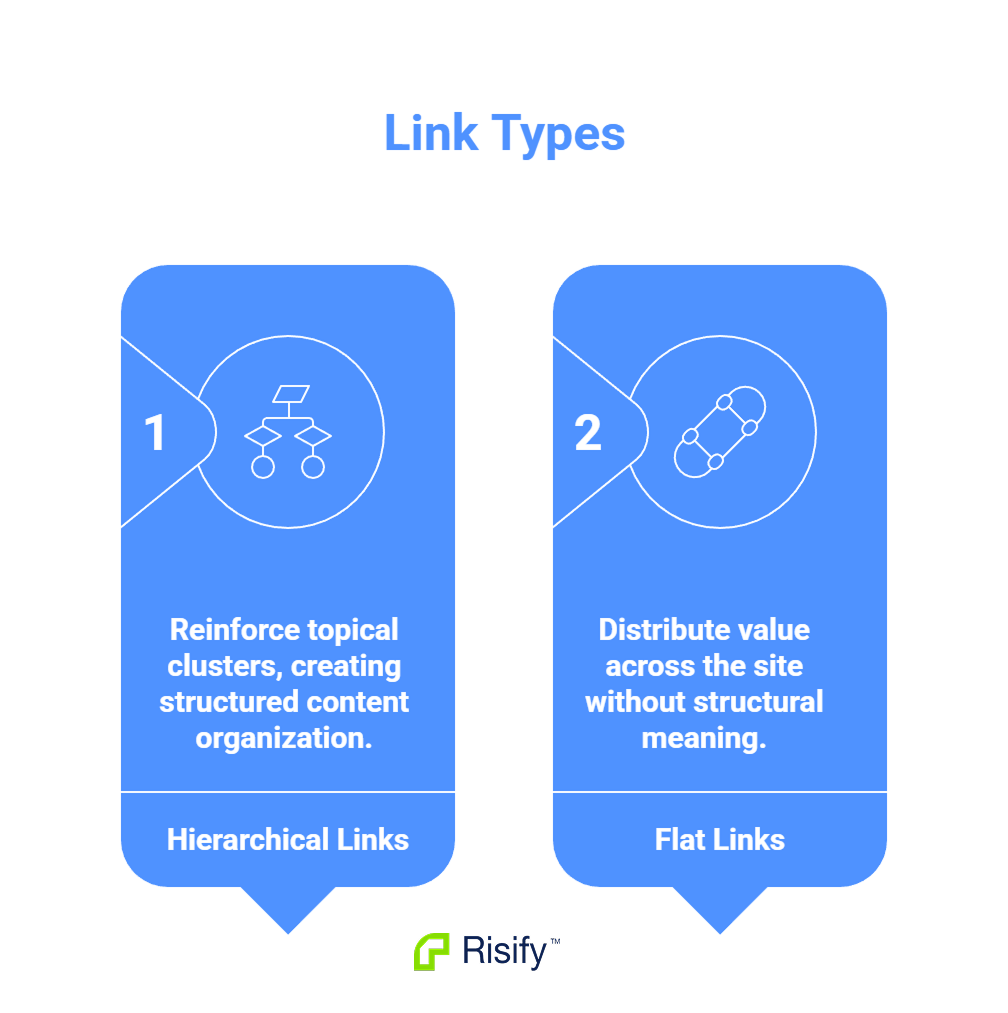
- Hierarchical links reinforce topical clusters.
- Flat links spread value without structural meaning.
- Your internal linking strategy loses effectiveness when Google cannot see the relationships.
Risify users avoid this problem because the breadcrumb paths they define create explicit hierarchy signals that Google can read and interpret.
How Risify Defines Collection Hierarchy
Risify provides a dedicated system for defining and outputting collection hierarchy without theme modifications.
Defining Paths in the Admin
Inside the Risify admin, you select collections and arrange them in order to create breadcrumb paths. Using the furniture store example, a product in the Corner Sofas collection would have this path:
Home > Furniture > Living Room > Sofas > Corner Sofas
This path is stored by Risify and associated with that collection. Every product in the collection inherits this hierarchy.
What Risify Outputs
Once you define the path, Risify handles two outputs automatically:
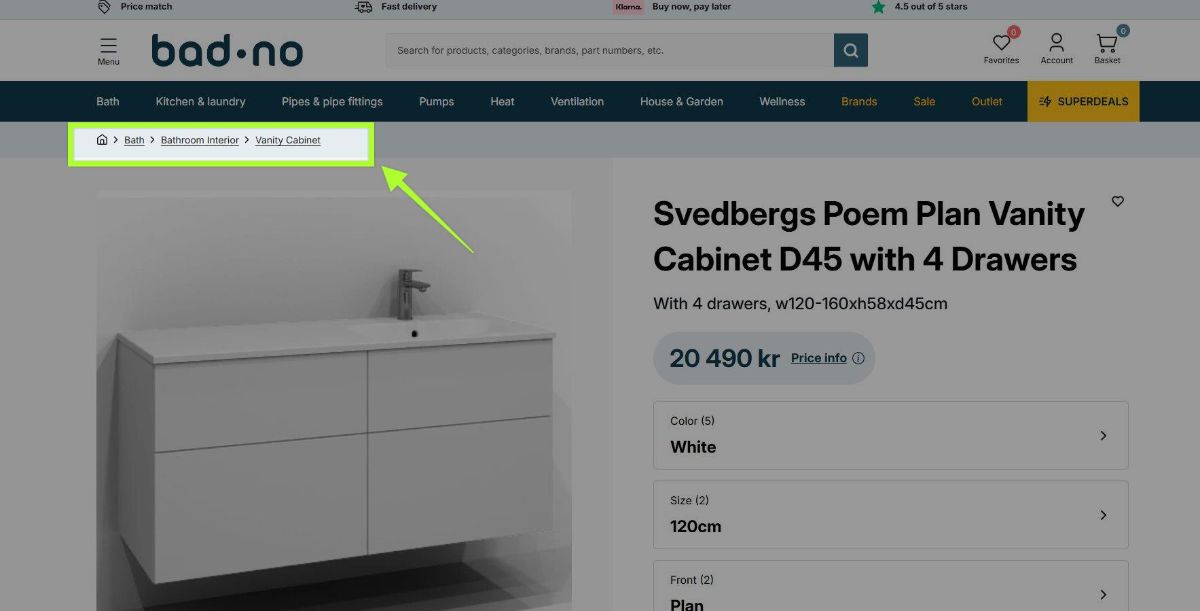
- Visible breadcrumb: The navigation path appears on your storefront, allowing visitors to click up through parent categories.
- BreadcrumbList schema: Valid structured data is added to the page source in a format Google can read during crawling.
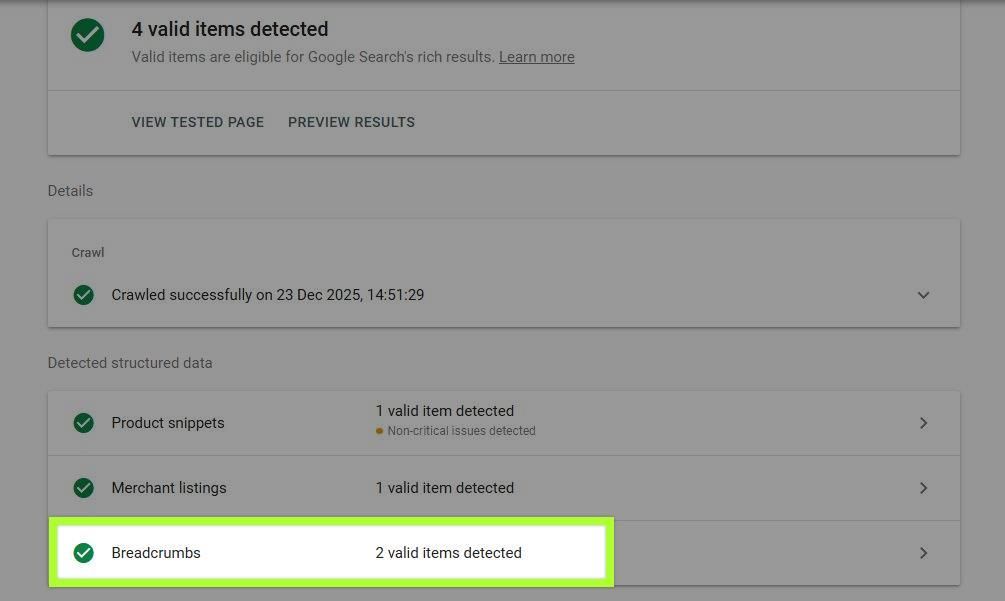
The hierarchy you define becomes part of your site's structured data. Google can now see that "Corner Sofas" sits under "Sofas," which sits under "Living Room," which sits under "Furniture."
Why This Matters
The relationship you always assumed was obvious is now explicitly communicated. Google no longer sees four disconnected collection pages. It sees a structured category tree with clear parent-child relationships.
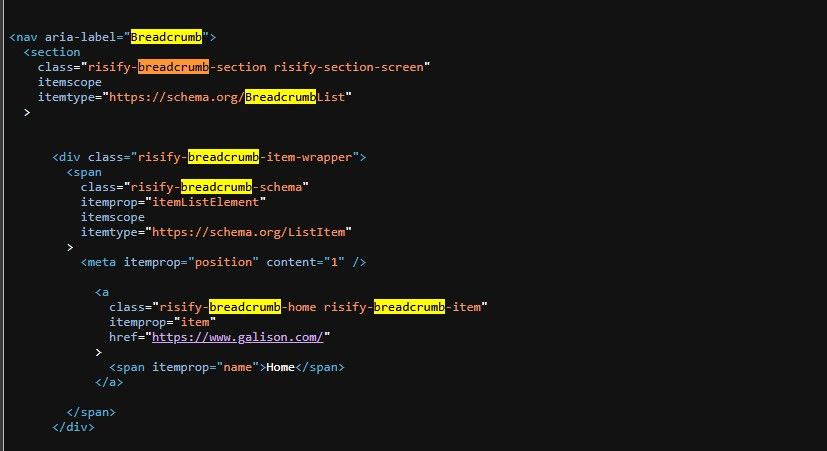
- Your topical depth becomes visible to search engines.
- Internal links between related collections carry structural context.
- Your collection organization translates into SEO signals rather than existing only in your navigation menu.
Fix Your Collection Hierarchy with Risify
Shopify's flat collection system does not communicate structure to search engines. The hierarchy you see in your navigation menu exists only for visitors - Google cannot read it. Without explicit signals, your collections appear as disconnected pages with no relationship to each other.
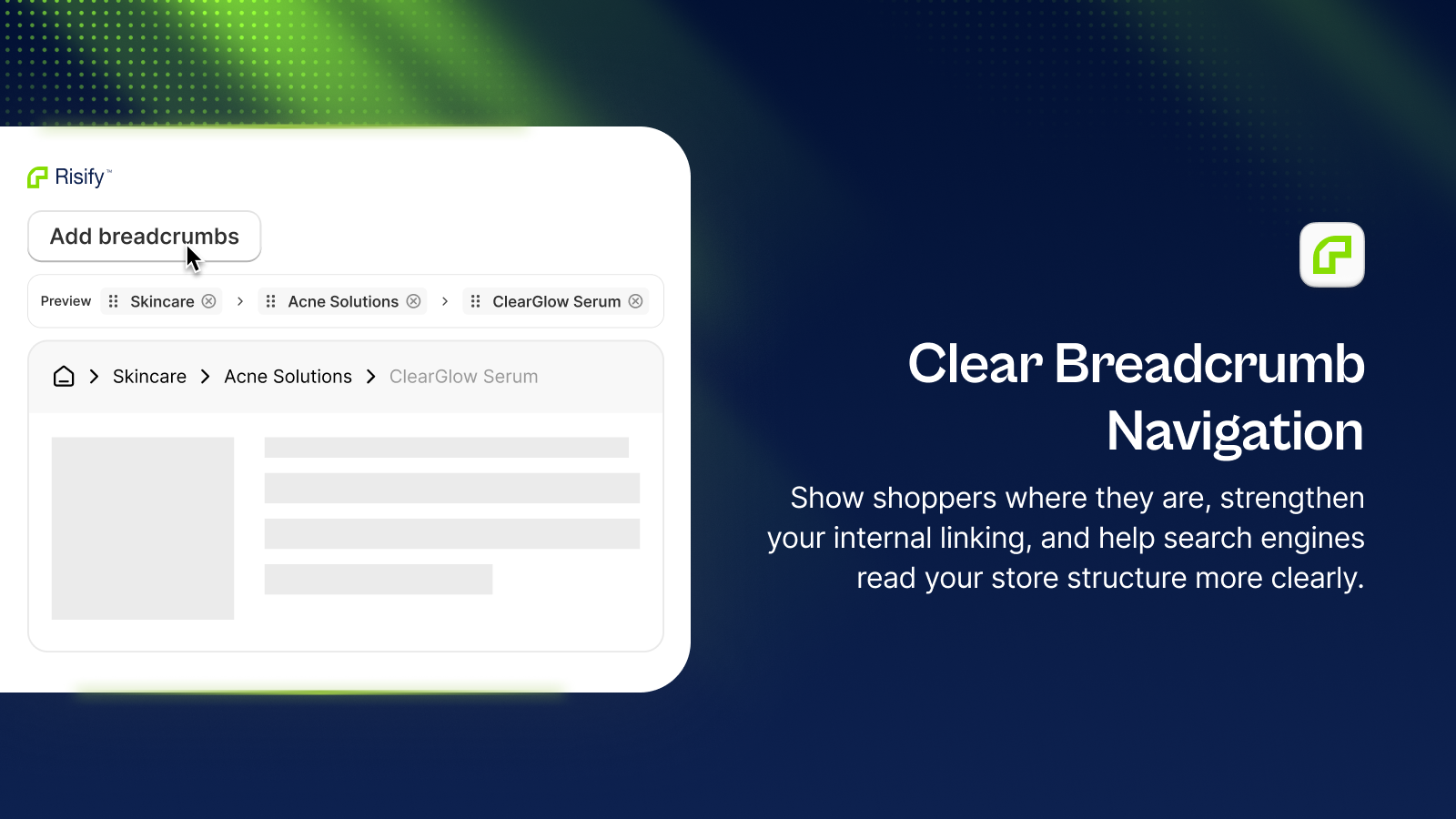
Risify Breadcrumbs let you define collection hierarchy and output valid BreadcrumbList schema that Google can index. The structure you build becomes visible to search engines, strengthening topical relevance and giving your internal links the context they need.
Install Risify from the Shopify App Store to define your collection hierarchy today.