Store Structure & Navigation

Build the internal paths that help shoppers find products and search engines understand your catalog.

Every Click Should Lead Somewhere Useful

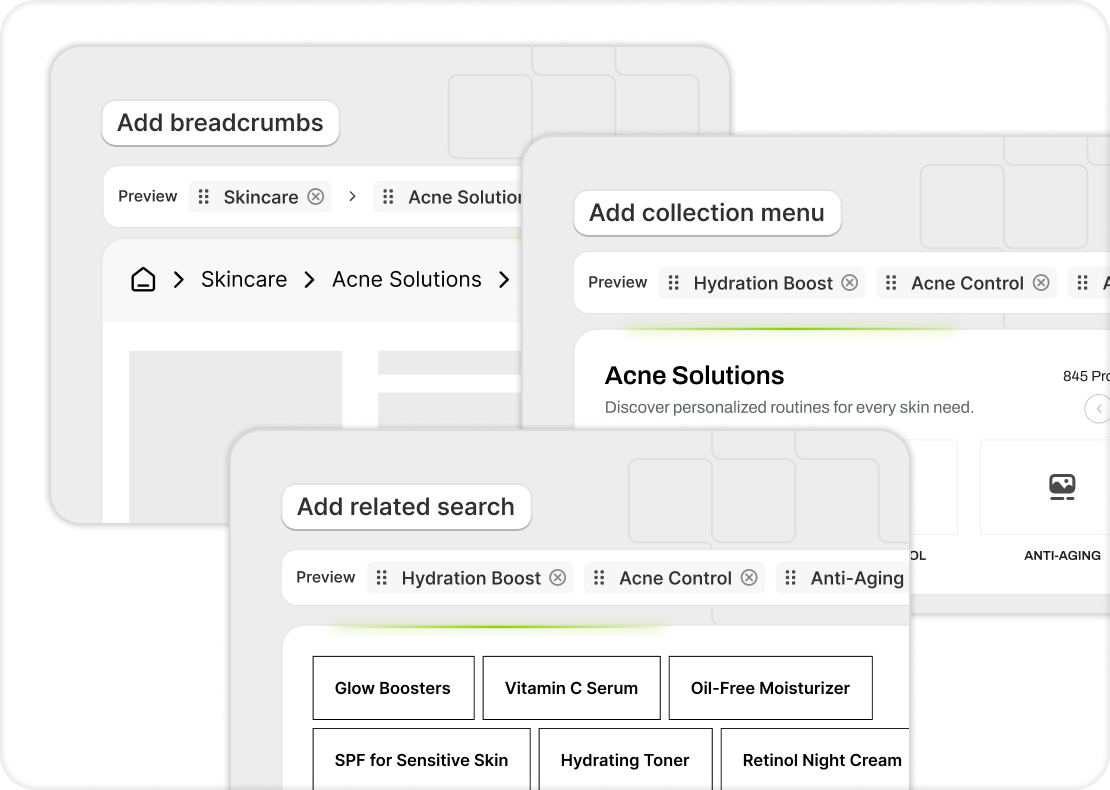
Most Shopify stores have products scattered across collections with no clear connections between them. Risify builds breadcrumbs, collection menus, and related searches that create real paths through your store.


Every Click Should Lead Somewhere Useful

The Paths That Connect Your Store

icon

Breadcrumbs

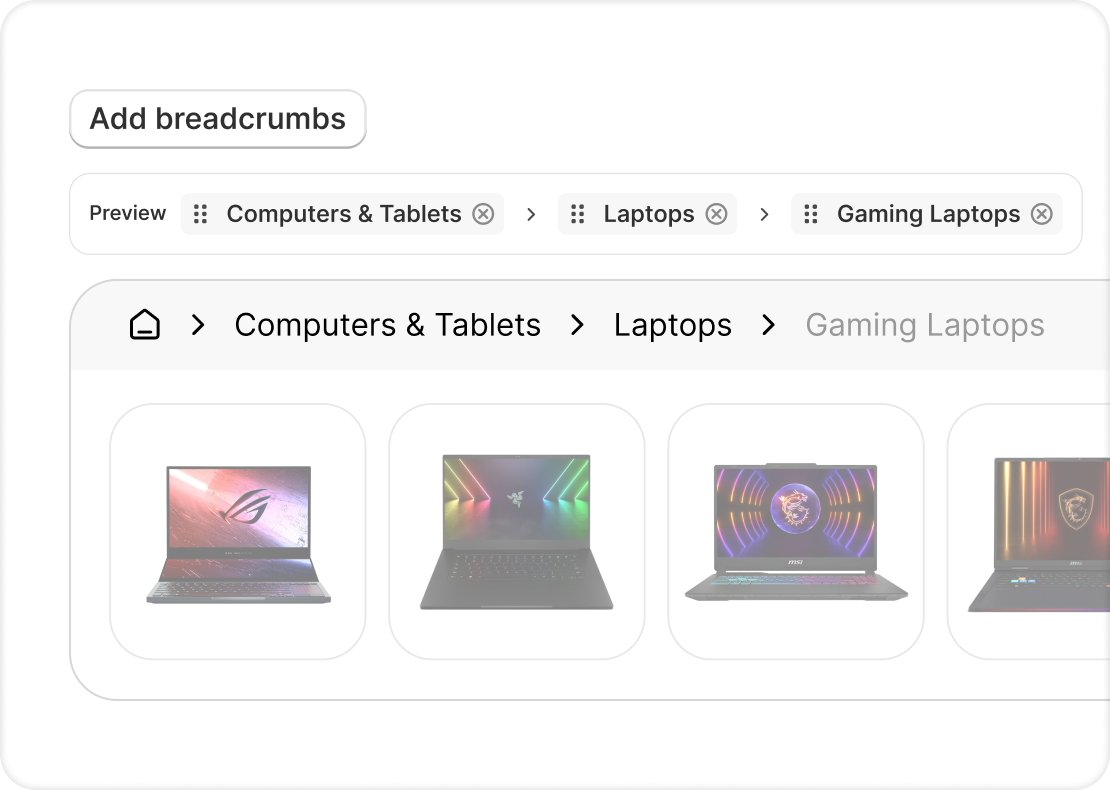
Hierarchical navigation with BreadcrumbList schema. Shows shoppers and search engines exactly where they are. 

icon

Collection Menu

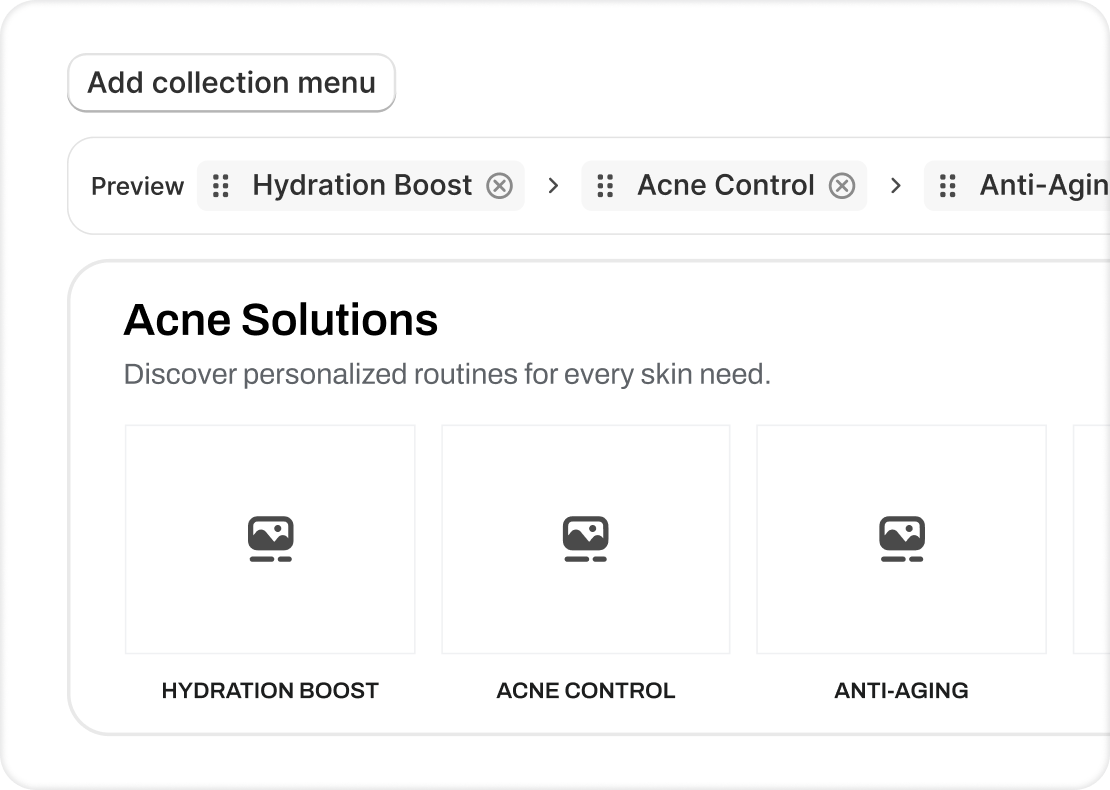
Sub-collection navigation that connects related categories and strengthens internal linking across your store. 

icon

Related Searches

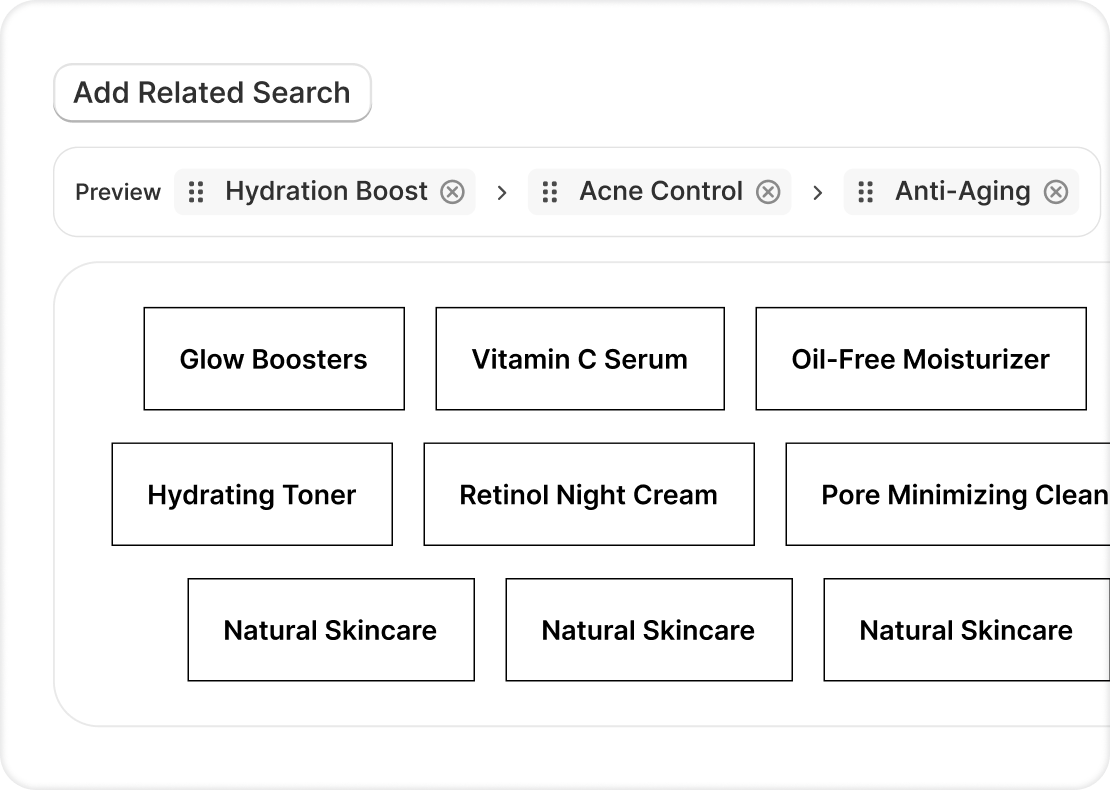
Surface relevant products and collections on every page so shoppers keep browsing instead of leaving. 

Breadcrumbs That Reflect Your Real Catalog

Shopify's default breadcrumbs change based on how the visitor arrived. Risify builds fixed paths tied to your actual collection hierarchy.

  • Custom breadcrumb paths per collection
  • Products in multiple collections get the correct primary path
  • Full BreadcrumbList schema included automatically
  • Visible in Google search results as navigation trail

Collection Menus That Guide Exploration

When a shopper lands on a collection page, they should see subcategories and related collections. Risify adds that layer.

  • Sub-collection links displayed inside parent collections
  • Shoppers drill down without using filters or search
  • Every link is a crawlable internal link for SEO
  • Works with any Shopify theme that supports app blocks

Related Searches That Keep Shoppers Moving

When a product page doesn't convert, related searches give the shopper a next step instead of a dead end.

  • Show relevant collections and products based on catalog relationships
  • Reduce bounce rate by offering alternatives on every page
  • Each suggestion is an internal link that strengthens your site structure
  • Configure which pages display related searches
risify logo

How Risify Navigation Works

What happens when you activate breadcrumbs, collection menus, and related searches.

Risify lets you build a fully structured store navigation in one click - Collection menus, Breadcrumbs, Related Searches, and more, all live across every page and fully customizable to match your theme. 


Risify is compatible with any theme that supports app blocks. The navigation components appear where you place them in the theme editor. No code changes needed.


You decide which pages show breadcrumbs, where the collection menu appears, and which pages display related searches. Everything is configurable from the Risify dashboard.


Once activated, every breadcrumb, collection link, and related search is a real HTML link that search engines can follow. Google discovers and indexes your pages faster as a result.

With Risify Navigation vs Without Navigation

Without Navigation

close icon
Shoppers guess where to go
close icon
Flat collection pages
close icon
Dead ends on products
close icon
Isolated pages with few links
risify icon

With Risify

check icon
Clear path on every page
check icon
Subcategories visible in collections
check icon
Related products suggested
check icon
Crawlable internal links
cta mask

Fix your store's navigation hierarchy and breadcrumb schema

Install on Shopify Install on Shopify  icon