

Shoppers are asking AI tools where to buy. “What are the best comfortable sneakers for a long trip?” “Which online stores sell good everyday hoodies?” The answer is a short list of stores, and either you are on it or you are not.
Until now, there was no practical way to check. Google rankings tell you nothing about what ChatGPT says, and running the same prompts by hand every week does not scale.
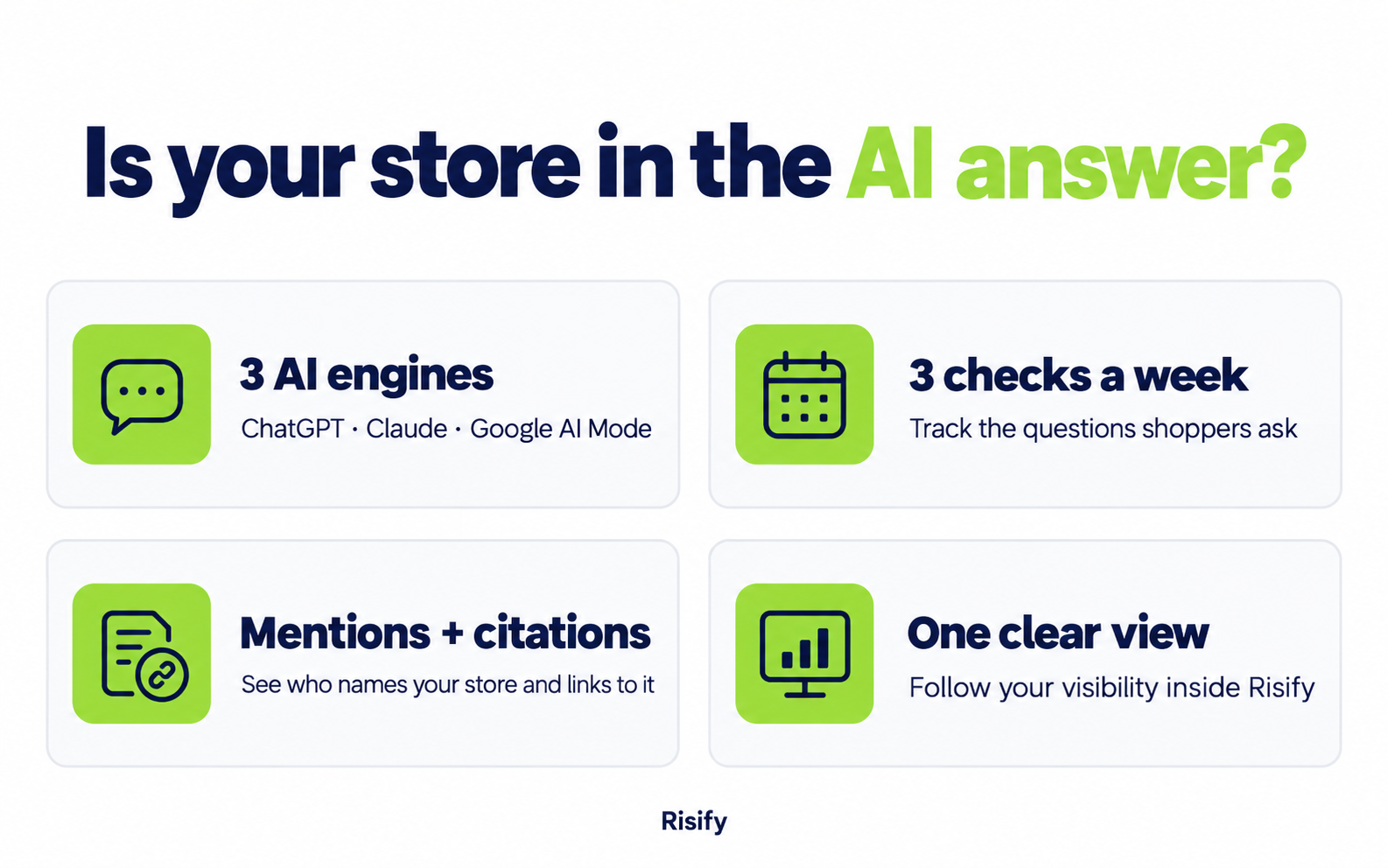
AI visibility in Risify does that check for you. You add the questions your shoppers ask, Risify asks them on ChatGPT, Claude, and Google AI Mode three times a week, and you see whether your store was mentioned or cited.
This post covers what it tracks, how to set it up, and how to read the results.
Key Takeaways:
- AI visibility tracking shows whether ChatGPT, Claude, and Google AI Mode mention your store when asked shopper-style buying questions
- Each question is checked three times a week on all three engines, and results show both mentions and citations with a link to your store
- You can track up to 20 questions, with suggestions generated from your catalogue and collections
- The feature is available on both Risify Standard and Risify Plus
What Is AI Visibility Tracking?
AI visibility tracking measures how often your store appears in the answers AI tools give to product and shopping questions.
It is the AI-search equivalent of keyword rank tracking. With rank tracking, you follow a keyword and see which position your page holds in Google. With AI visibility tracking, you follow a question and see whether the AI’s answer names your store, links to it, or leaves you out.
Risify checks three engines: ChatGPT, Claude, and Google AI Mode. These cover the assistants most shoppers use today when they ask for product recommendations rather than searching for a specific brand.
Why Rankings Alone No Longer Tell the Full Story
A product page can rank on page one of Google and still never appear in an AI answer. The two systems pick sources differently.
Search engines rank pages. AI tools build an answer and pick a handful of stores to recommend, usually three to five. They favour sources they can read confidently: clear product/collection data, extractable answers, and a catalogue structure that makes it obvious what you sell and how it is organised.
If you are investing in structured data, FAQs, and navigation to be more AI-readable, you need a way to see whether it is working. That is the gap this feature closes. For background on how AI tools pick sources, see How Structured Data Affects AI Visibility.
What You Can See in AI Visibility Tracking
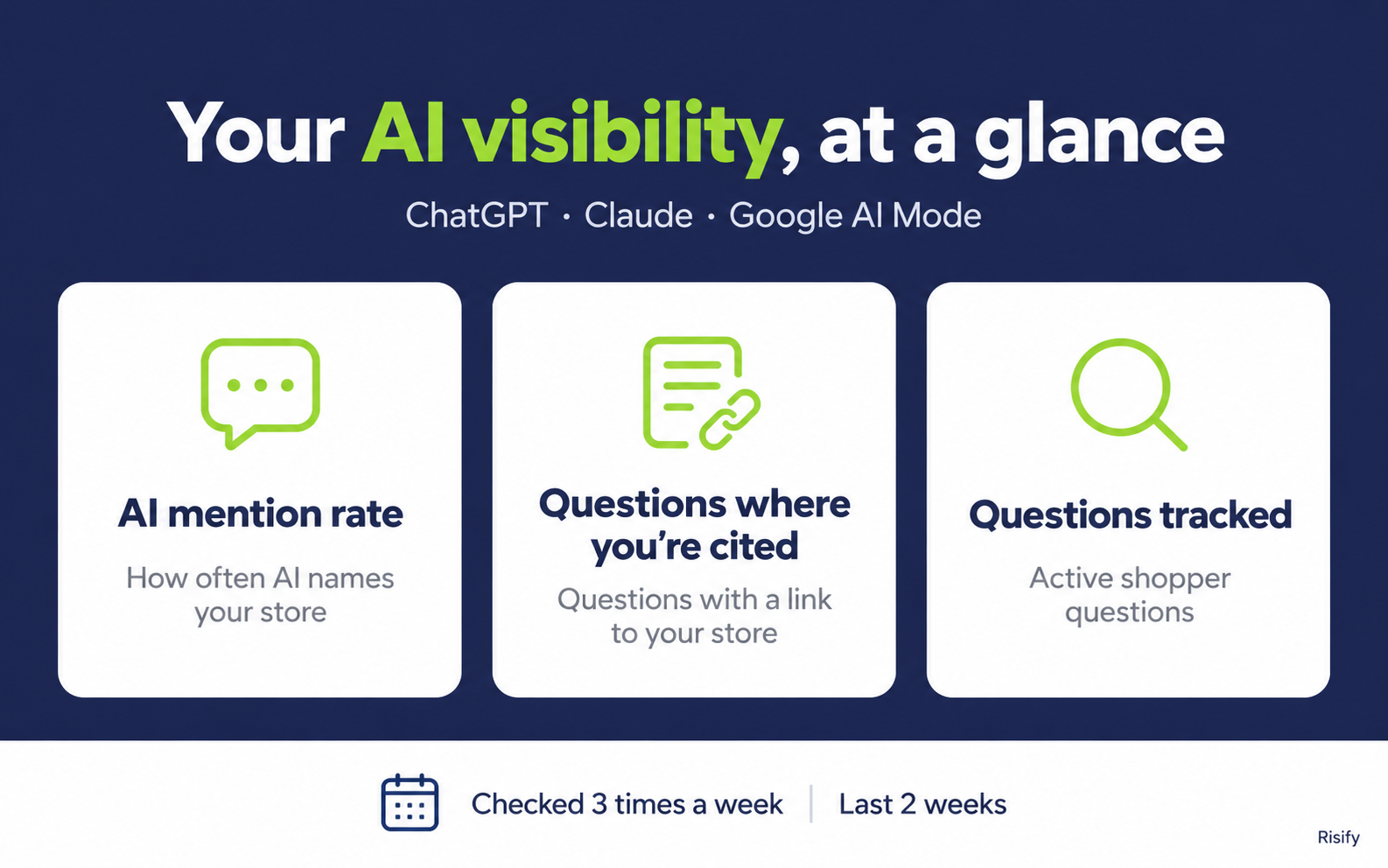
The AI visibility view has two parts: a summary at the top and a per-question table below.
Overview Metrics
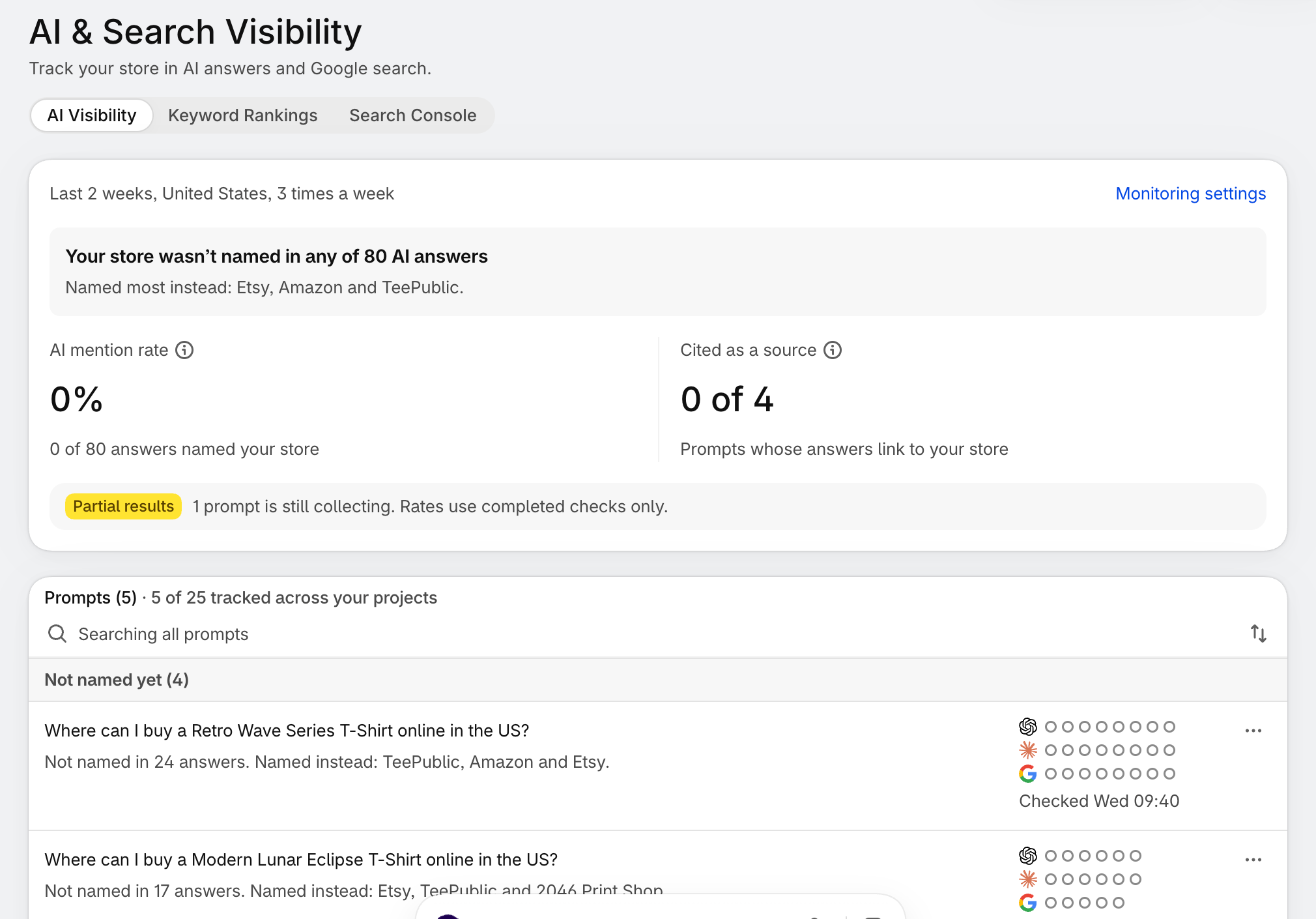
1. AI mention rate
The share of runs across all engines in which the AI named your store. This is your headline number. If it moves up over several weeks, your store is becoming a source AI tools rely on.
2. Questions where you are cited
Out of the questions that have results, how many had at least one engine cite your store with a link. A citation is stronger than a mention: the AI did not just know your brand, it pointed the shopper to your page.
3. Questions tracked
How many of your 20 question slots are in use. Risify counts active questions across all your projects.
Per-Question Results
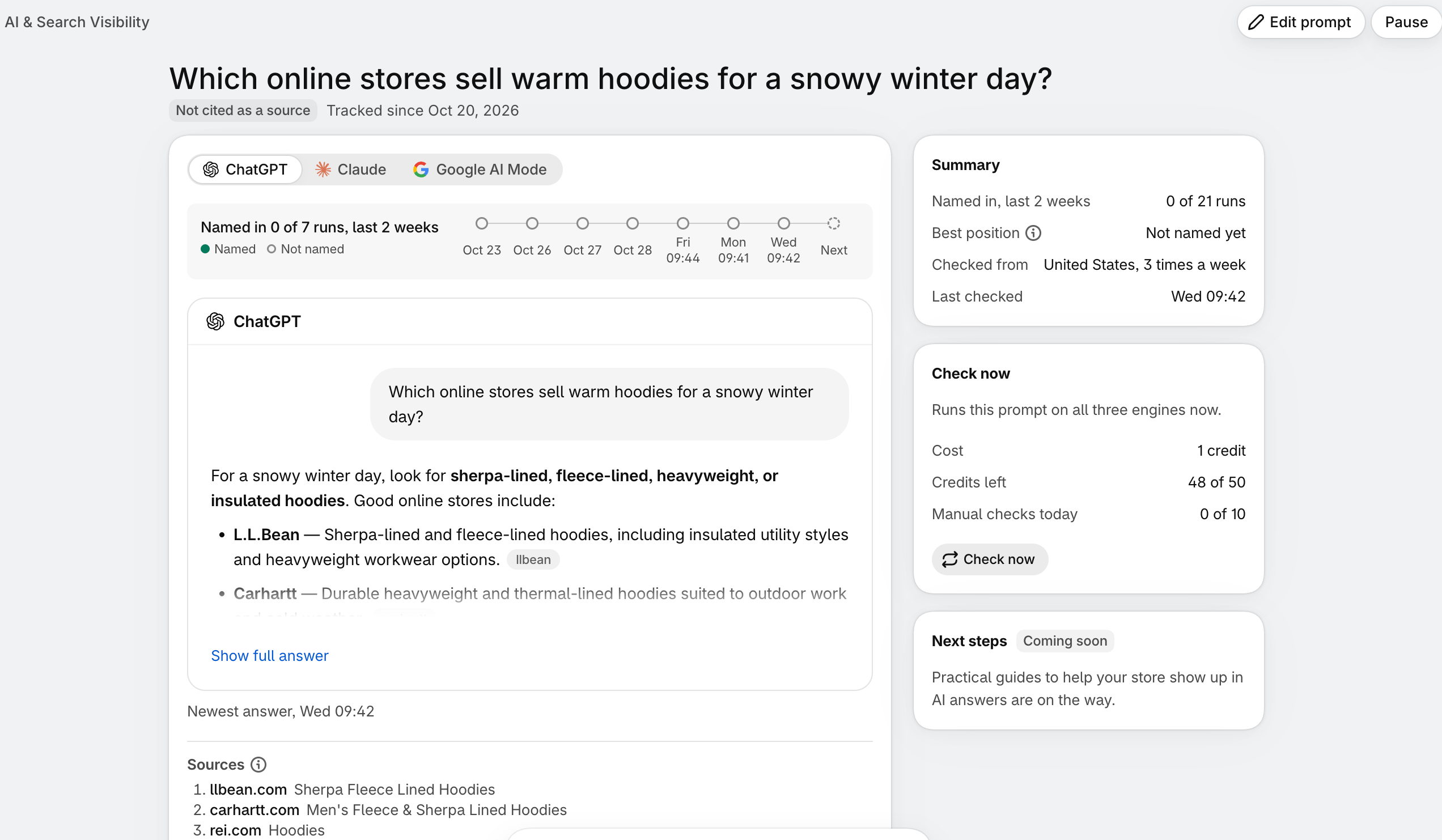
The prompt list shows the questions you’re tracking, whether your store appears in the answers, and which other brands are named. You can also see recent checks for each engine and when a prompt was last checked.
Open a question to explore its results in more detail:
Compare engines: Switch between ChatGPT, Claude, and Google AI Mode to inspect each engine’s results.
Follow mentions over time: A timeline shows whether your store was named in each completed run during the last two weeks.
Read the answer: Review the newest response, or select Show full answer to see the complete text.
Inspect sources: See the pages the engine cited and whether the answer links to your store.
Check the summary: View how many runs named your store across all three engines, its best position when included, the monitoring location and frequency, and the last check time.
A mention means the answer names your store. A citation means it includes a link to your store. Tracking both helps you understand how your store appears in AI shopping answers.
You can also use Check now to run the prompt across all three engines. The app shows the credit cost, remaining credits, and daily manual-check usage before you run it.
New prompts may show Still collecting while results build up. The overview indicates when results are partial and calculates rates using completed checks.
How to Set Up AI Visibility Tracking
Setup takes a few minutes inside the Risify app.
Step 1: Open AI Visibility
Open Risify from your Shopify admin and go to the AI visibility section. The header shows the current settings: which engines are checked, the time window, how often questions run, and which country the answers are seen from.
Step 2: Add Your Questions
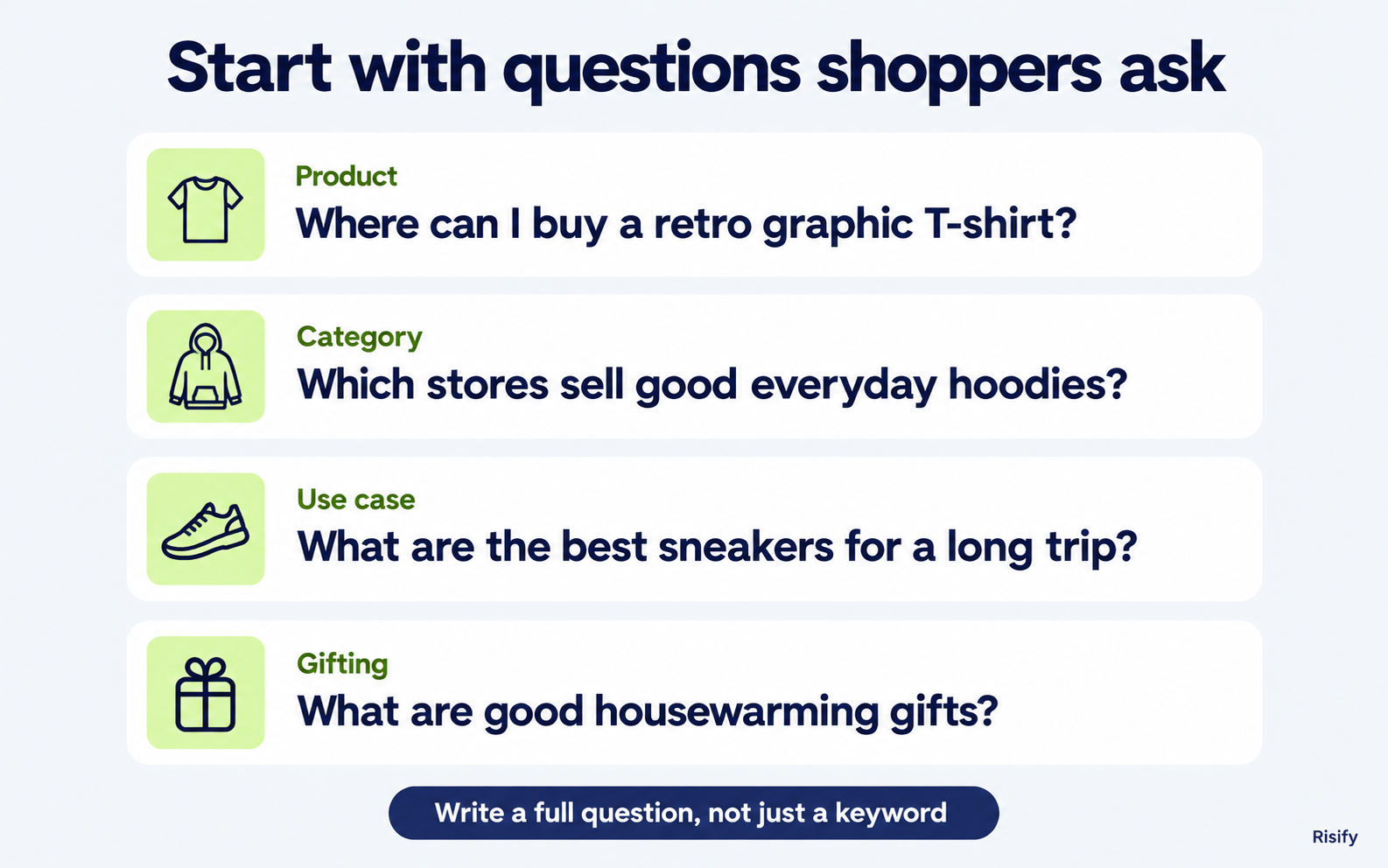
Click Add a question. You can type your own or pick from the suggestions Risify generates for your store. Suggestions come in four types:
- From your catalogue: questions about buying a specific product, such as “Where can I buy a Pacific Canyon Echo T-shirt online in the US?”
- From your product categories: broader category questions, such as “Which online stores sell good everyday hoodies for men and women?”
- Use-case questions: “What are the best comfortable sneakers to buy online for a long trip?”
- Gifting questions: “What are some good home decor gifts to buy online for a housewarming?”
You can edit any suggestion before adding it. Each question can be up to 200 characters.
Step 3: Write Questions the Way Shoppers Ask Them
This matters more than it sounds. “What’s a good new year’s gift?” is a question. “New year gift ideas” is a search term, and AI tools give it a weaker, less realistic answer. Phrase every question as a full sentence a real shopper would type.
Once a question is saved, Risify starts checking it automatically. Results fill in as the first runs complete.
How to Choose Your 20 Questions
Twenty slots is enough to cover a store well if you spread them across intent types rather than spending them all on product names.
A practical split:
- A few direct product questions for your best sellers. These show whether AI tools know your products exist.
- Several category questions matching your main collections. These show whether you are a go-to store in your category.
- Several use-case and gifting questions. These are where most AI shopping conversations actually start, and where new customers discover you.
Keep the question count stable for a while before judging the numbers. Mention rates are more meaningful across weeks than across single runs.
How to Read and Act on the Results
Treat the results as a feedback signal, not a scorecard.
A question where you are cited on one engine but not the others tells you the content is good enough to be recommended, and the gap is likely how each engine reads your store. Check that the relevant pages carry complete product and FAQ schema.
A category question where you are not seen anywhere usually points to a collection page that does not explain the category clearly. Collection-level FAQs and a collection description that answers “what is this and who is it for” give AI tools something to extract. See How to Build Better Collection Pages in Shopify.
A product question where you are not seen is worth a look at the product page itself: schema completeness, product level FAQs, and whether breadcrumbs connect the product to its category.
A mention without a citation means the AI knows your brand but has no page it trusts enough to link. Structured, extractable answers on the relevant page are the usual fix. How to Fix Shopify SEO and AI Visibility Gaps walks through the checklist.
Used this way, AI visibility tracking closes the loop. You fix structure and build better collection and product pages content using Risify, then watch whether the engines pick it up over the following weeks.
Conclusion
AI tools are now a discovery channel, and like any channel, you cannot improve what you cannot measure.
AI visibility tracking gives you that measurement inside the same app where you manage schema, FAQs, and navigation. Add the questions your shoppers ask, let Risify run them three times a week, and use the results to decide what to fix next.
If you are already using Risify, the feature is live in your dashboard. If not, install Risify on Shopify and add your first questions today.