

In Risify → AI & Search Visibility, you can see whether an answer names your store or cites your website. The next question is what makes your store useful to an assistant answering that prompt.
Clear product and collection content, useful FAQs, and relevant internal links help make your store’s information easier to find and understand. Risify gives you ways to work on these areas, so your pages can provide more useful material for search and AI answers.
Keep a tracked prompt open as you read. This guide connects what you see in the answer to the content and navigation you can improve with Risify. These improvements can support visibility, although they cannot guarantee a mention or citation.
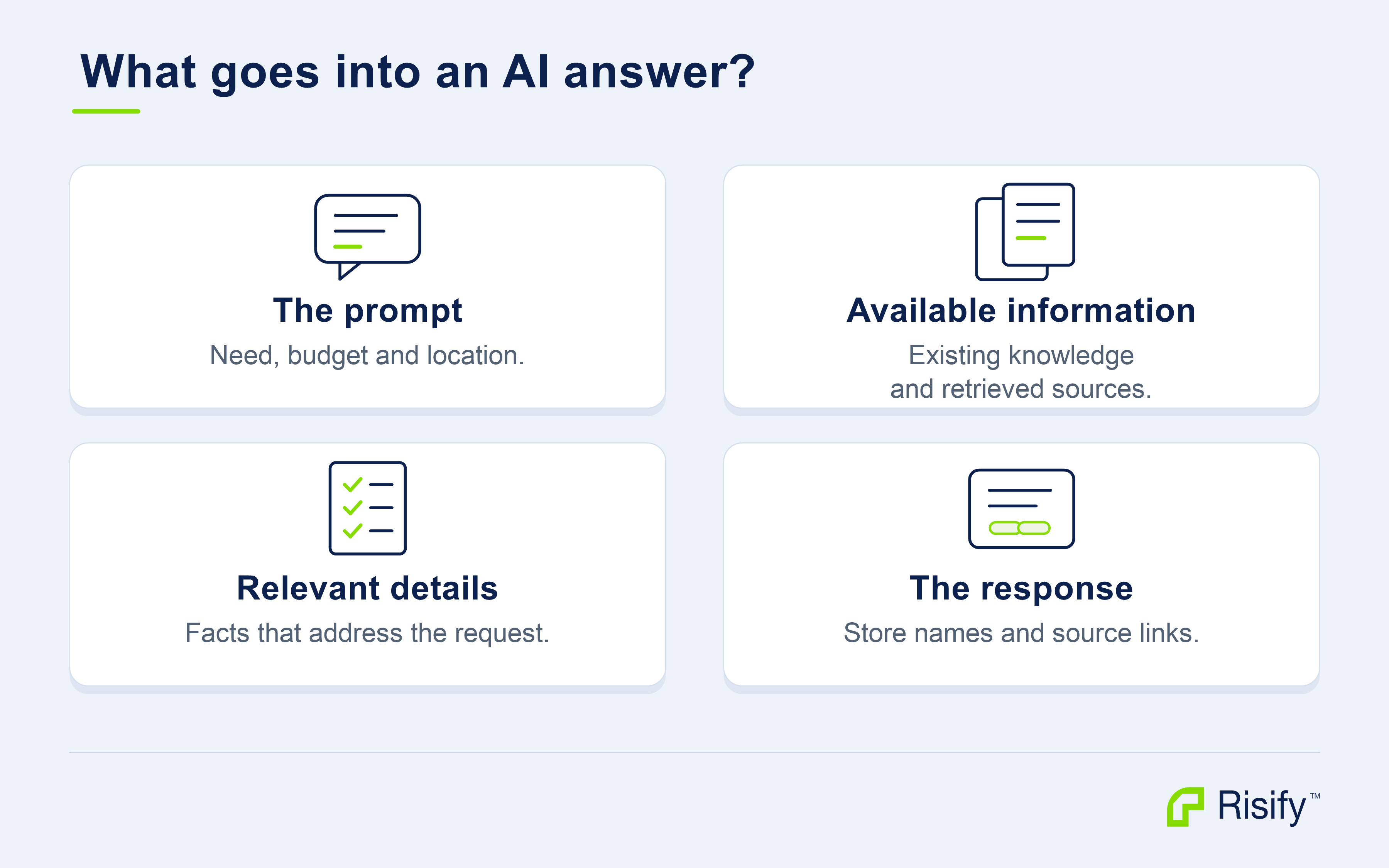
Where can an assistant get information about your store?
An assistant can draw on information learned during training and, when search is used, information retrieved for the current request.
Search can bring current information into an answer alongside the model’s learned knowledge. This makes your published storefront a useful place to maintain accurate descriptions, specifications, and answers about your products. OpenAI explains learned knowledge and search.
Search gives an assistant access to additional information. ChatGPT can search the web and include source links. Claude with web search can consult multiple sources and cite them in its response. The tools and behavior depend on the service and the request.
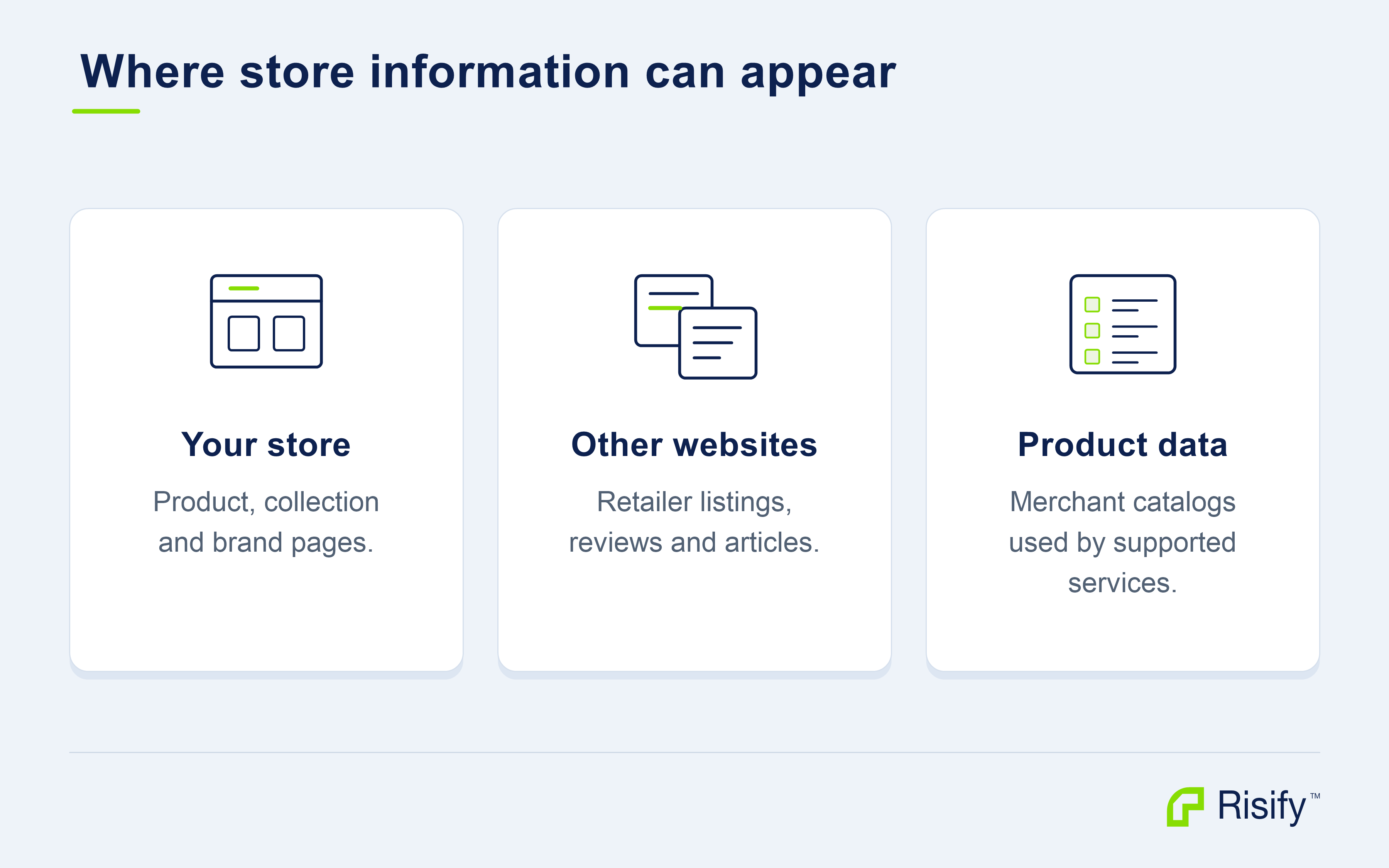
Your product, collection, and brand pages can explain what you sell. Retailer listings, reviews, and editorial articles can contain other information about the same products or business.
In Risify: Open a source from the prompt detail and check whether it belongs to your store, a retailer, or another publisher. Read what it contributes to the answer. This gives you a concrete piece of information to compare with the relevant page in your own store.
Some shopping experiences also use product data. For example, OpenAI describes merchant and third-party product metadata as inputs to ChatGPT shopping results. A product card or merchant listing is a different presentation from a source citation in an ordinary answer.
How does the prompt change the information needed?
Open a prompt in AI & Search Visibility and identify the decision the shopper is trying to make.
A request for a specific Galison puzzle calls for a matching product and somewhere to buy it.
A request for a winter hoodie calls for information about fabrics, lining, and fit. A comparison of furniture brands may require a broader view of product ranges, materials, and customer experience.
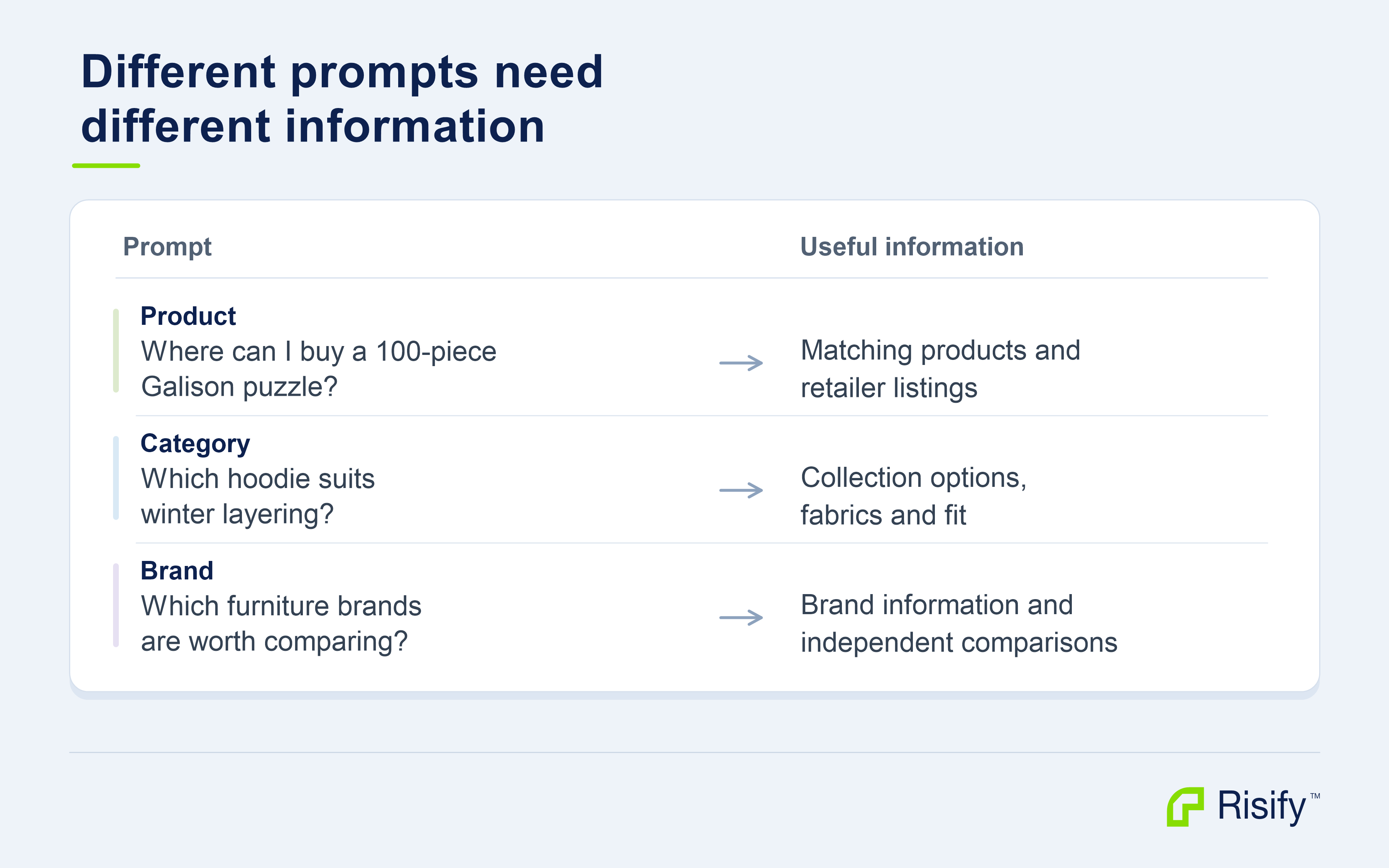
Match that decision to the pages you can improve. The Risify short description can establish what a collection contains and who it suits. Its long description can explain differences within the range. Product descriptions and relevant metafields can supply exact facts, while assigned FAQs answer specific buying questions.
For a brand comparison, review the pages that explain the business and its range. Your AI Agent / Growth Profile can help keep the brand and audience context consistent when preparing content; verify the facts and publish the resulting content on the relevant pages.
Location, budget, size, and intended use can also change what is relevant. When reviewing an answer, check which requirements it actually addressed before comparing the stores included.
Can one prompt lead to several searches?
Yes. The wording a shopper enters does not have to be the exact wording used in every search.
OpenAI explains that ChatGPT search can rewrite a request into targeted queries and run further searches.
Google describes a related approach in AI Mode: query fan-out, where a system explores related searches across subtopics and sources. ChatGPT search, Google’s AI features.
For a winter hoodie, related searches might concern fabric and lining, fit for layering, or stores with suitable options.
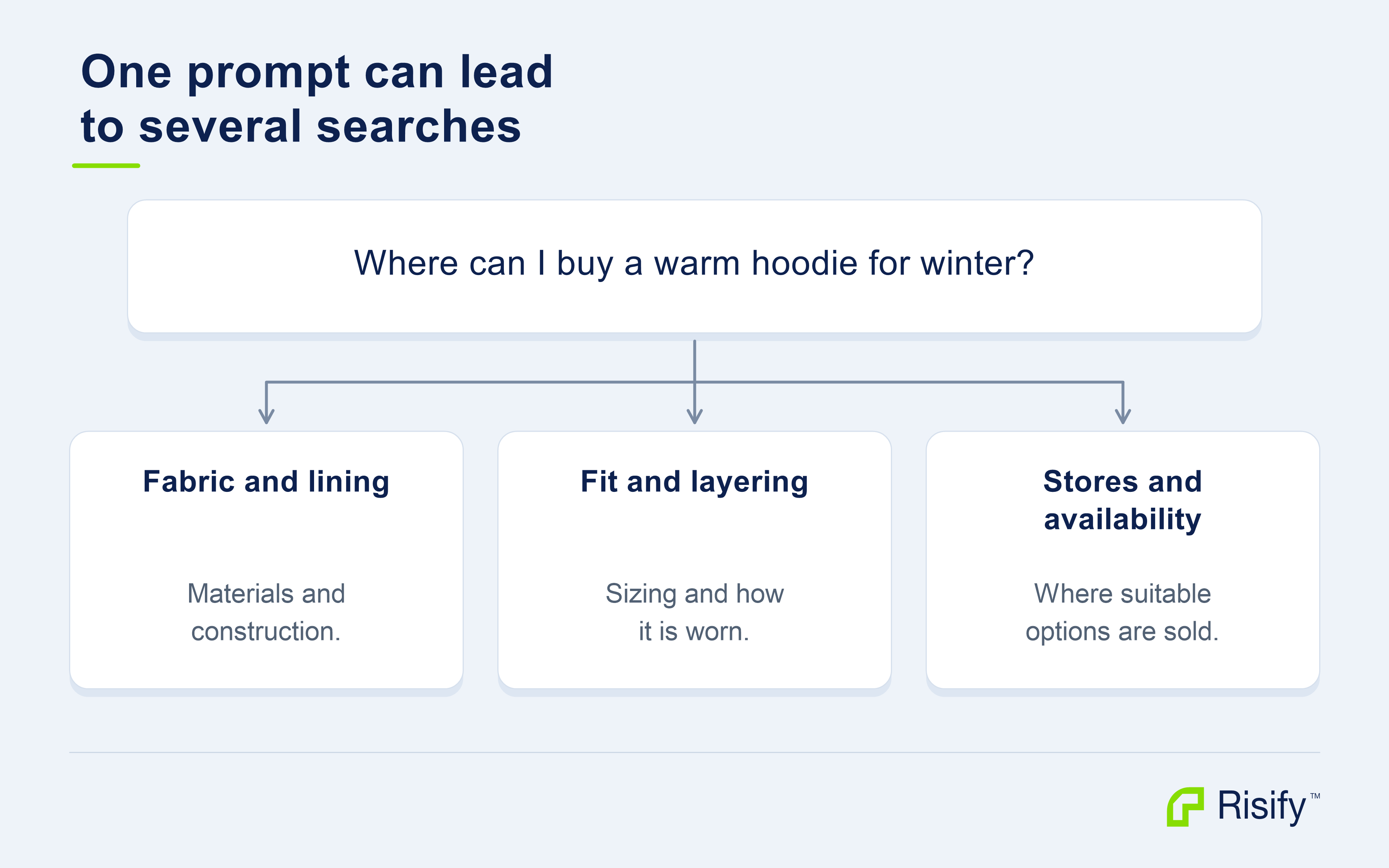
This explains why the work you do with Risify extends beyond the wording of the tracked prompt. A useful description or FAQ can address a related need, such as layering or care, that matters to the wider request.
In your store: Edit the collection’s Risify short and long description metafields in Shopify to explain suitability and choices. Then open Risify → FAQs to create or reuse an answer and assign it to the relevant products or collections. For a hoodie, explain fabric and lining in the content, then answer a recurring layering or washing question where it helps the buyer.
How do Risify’s content and navigation features help?
They help you provide useful information and connect the pages that contain it. Google’s guidance for AI features continues to recommend helpful content, internal links, and structured data that agrees with the visible page. Google’s AI search guidance.
Descriptions and FAQs explain why a product fits a need. A phrase such as “quality winter hoodie” leaves the reason unclear. Verified information about fabric, lining, and fit explains what the item offers.
A useful FAQ can then address a specific decision, such as choosing a size for layering. Risify’s content fields and FAQ assignments help you put those explanations on the right pages.
Similar, Discover, and Breadcrumbs connect relevant pages. Use Similar and Discover to link a collection to useful alternatives, and Breadcrumbs to show the route between products and their collections. Descriptive, crawlable links give visitors a route through the range and help Google discover and understand linked pages. Google’s link guidance.
Meta Tags and Structured Data keep supporting information aligned. Use Meta Tags to describe the page accurately. Review Structured Data so that product and breadcrumb information agrees with what the storefront displays. Together with clear content and navigation, these are practical ways to make the store easier to interpret.
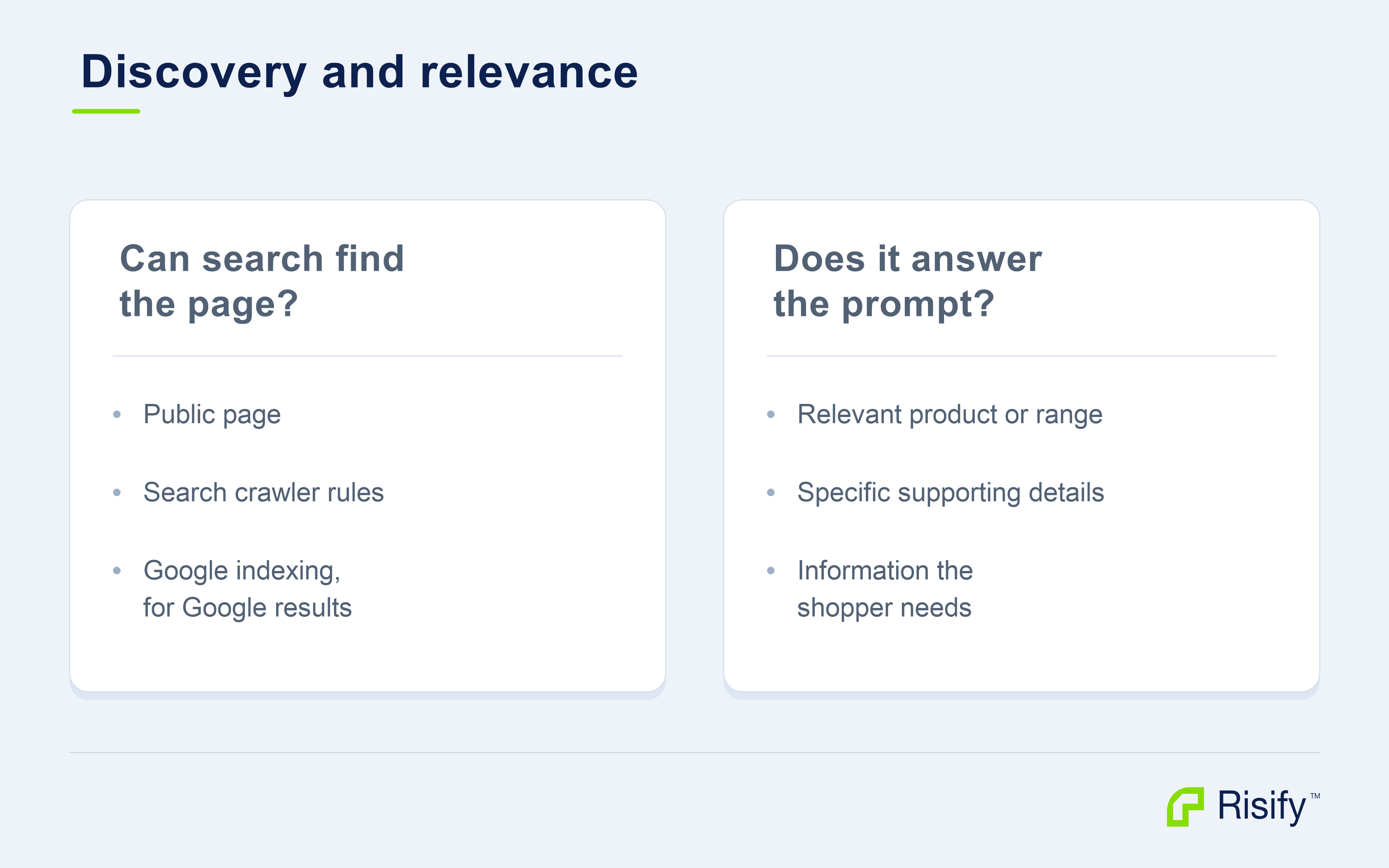
In Risify: Review relevant AI & Search Audit findings alongside the published page. If you need to investigate access, inspect the URL in Google Search Console and review search crawler rules with whoever manages your storefront and security settings. Google requires indexing and snippet eligibility for a page to qualify as a supporting AI Mode link. Google’s website guidance.
Search access and training access have separate controls. The OpenAI crawler documentation and Anthropic crawler documentation explain the distinction if you need to review those settings.
What is the difference between being named and being cited?
Named means the answer mentions the store or brand you are tracking. Cited means the answer links to a page on your website as a supporting source.
A store can be named while the answer cites an article or retailer elsewhere. A page can also be cited for information without its store name appearing in the prose.
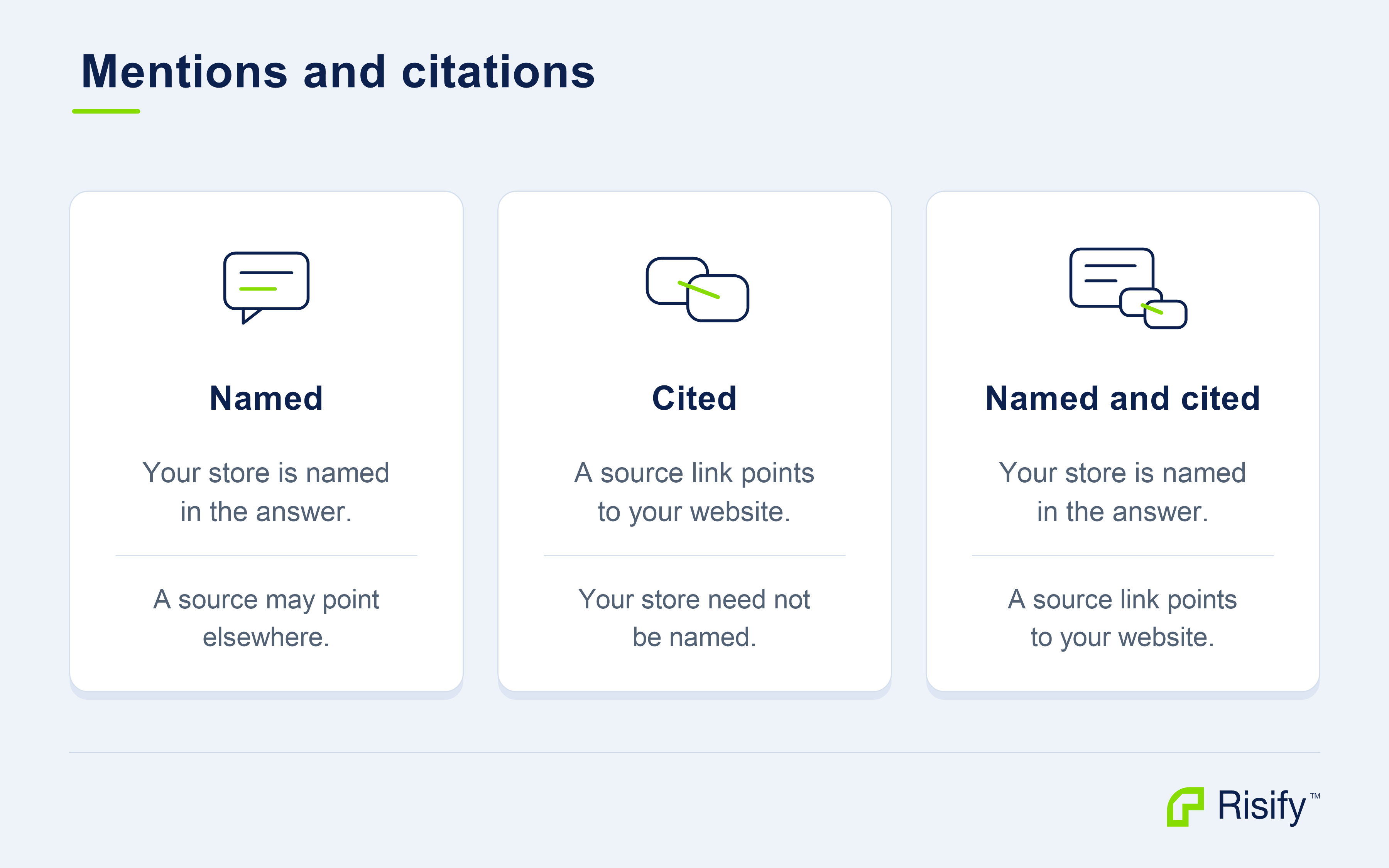
Check the destination of the link. A source about your brand on another domain is a citation to that website, even when the passage discusses your products.
If you sell products from other brands, also check whose name appears. Mentioning a product’s brand does not necessarily mean the answer named your store as a place to buy it.
Finally, a citation attributes information. Read the surrounding sentence to understand whether the answer recommends the store, compares it, or simply uses a fact from its page.
In Risify: Review both the names and source links in the prompt detail. If a page from your store is cited, inspect what information it contributes. That can guide your review of related pages and the accuracy of the content you maintain.
Why might an answer cite another website?
Different sources can contain different parts of the answer.
Your own product page may describe materials and dimensions. A retailer may list the same item for sale. An independent review may describe using it, while an editorial comparison may discuss several brands together.
When another website is cited, open the page and identify what it contributes. Does it support a product fact, a comparison, a recommendation, or the availability of an item?
The link identifies the page credited for the information. It does not show why the assistant selected that page instead of yours.
Use that source review to choose a concrete check in your store. If the answer discusses lining, compare the cited information with your product description. If it addresses care, review the FAQ assigned to that product. If it compares a range, examine the collection description and its Similar or Discover links. Verify any gap on the live page before editing it.
Independent reviews and editorial comparisons serve a different purpose from your own product facts. Keep your content accurate and useful, and use AI & Search Visibility to observe which kinds of sources recur for the prompts you track.
Why can answers differ between engines and checks?
ChatGPT, Claude, and Google AI Mode are different services. They can use different tools and information, so their answers should be read separately.
The conditions around a request also matter. For example, OpenAI documents that location and relevant saved context can influence ChatGPT’s searches. Claude also documents location use for localized requests. ChatGPT search, Claude web search.
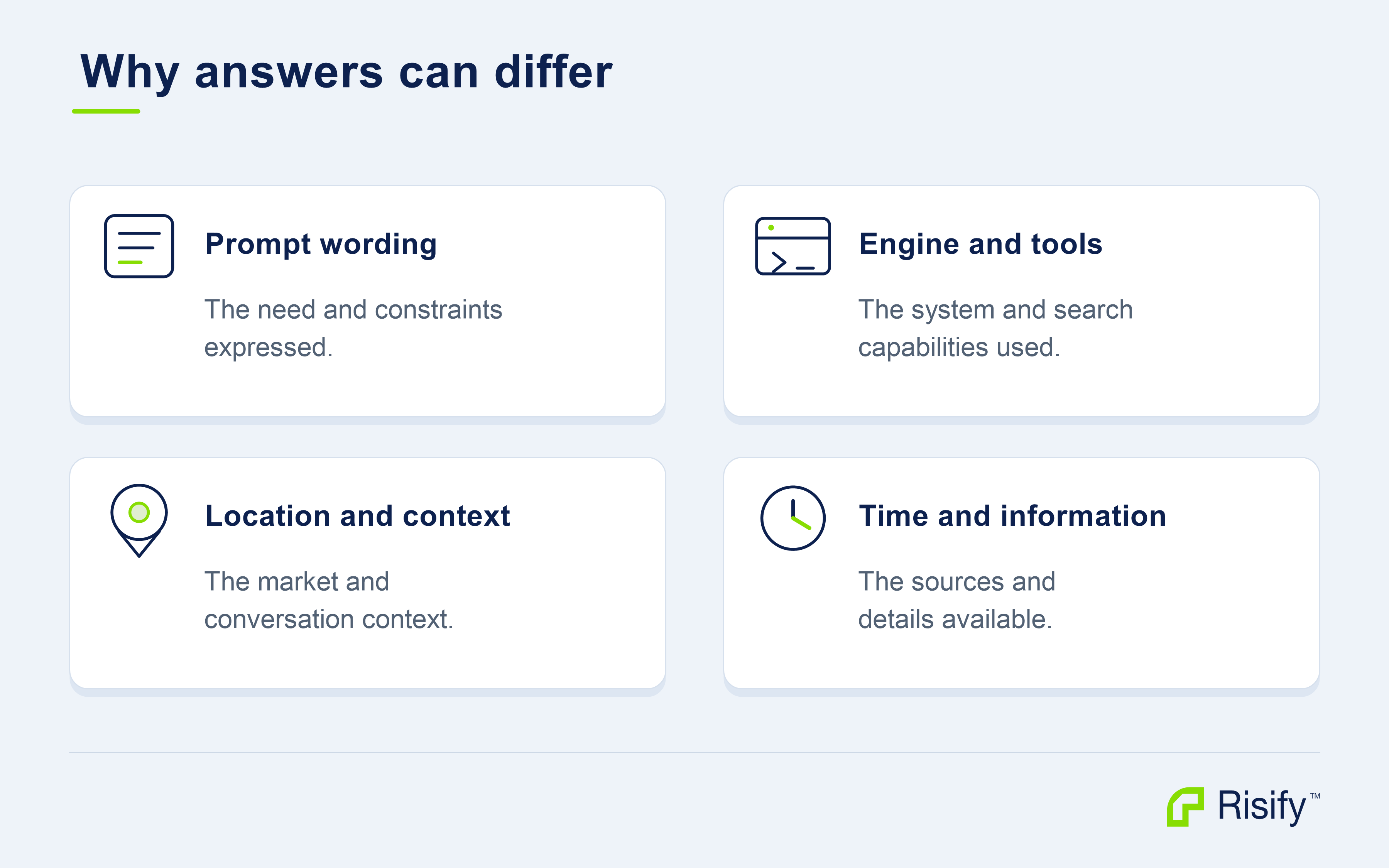
An answer in your personal conversation may therefore differ from a recorded Risify check. Your conversation and its context are not automatically the same as the monitoring setup.
Use Risify’s check history to compare the same prompt, engine, market, and monitoring settings where possible. After updating content or navigation, keep a note of what changed and review several subsequent completed checks. Record any prompt or settings changes too, so you can interpret the comparison.
The history helps you follow whether your store is being named, which pages are cited, and how the answers describe your range over time.
What should you look at in Risify?
Use the prompt detail to connect an observed answer with a useful page review. Start with the full answer, then check the names, sources, and history.
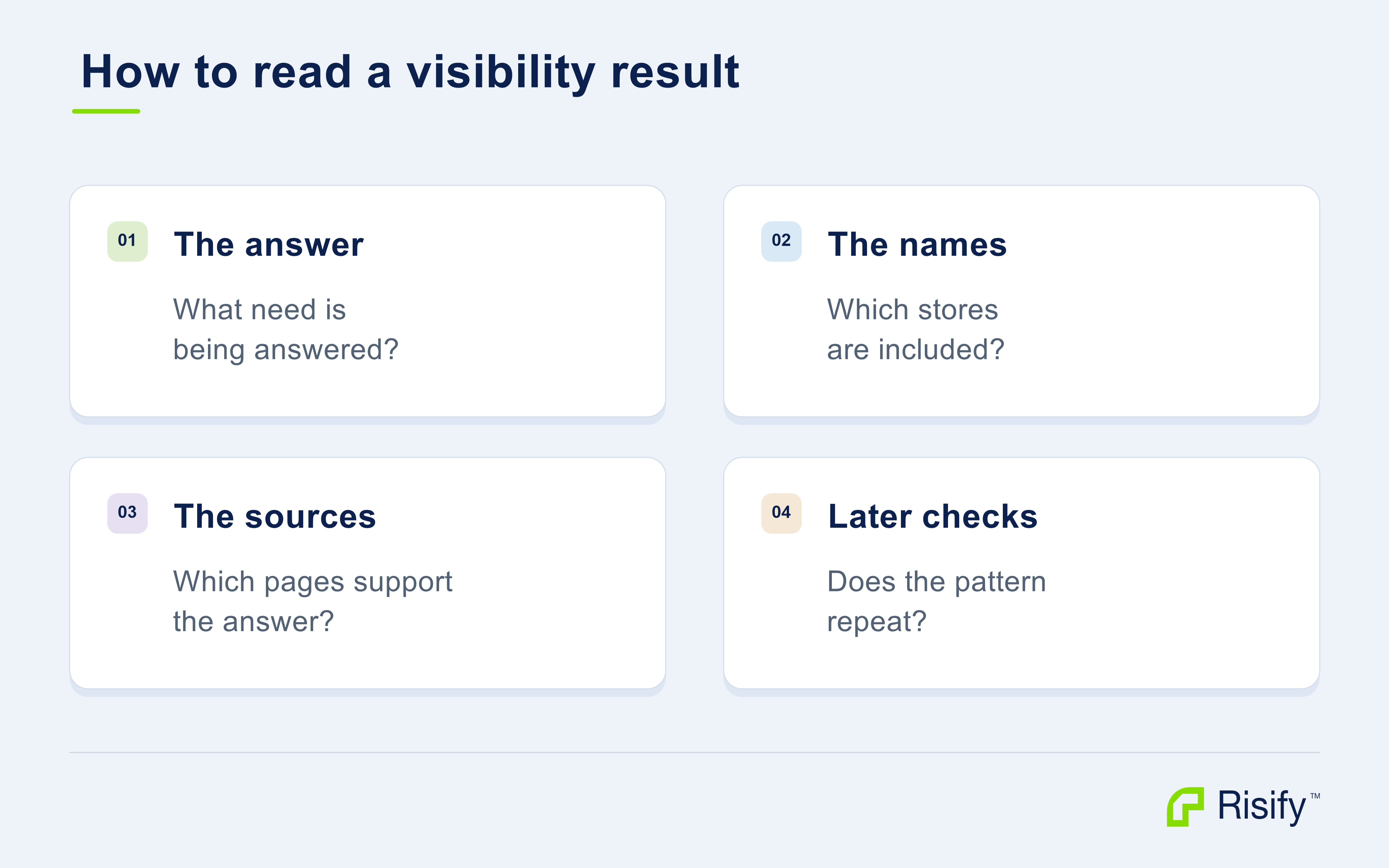
First, identify the need being answered. Did the assistant interpret the prompt as a product lookup, a category recommendation, or a brand comparison? Did it address the intended location or use case?
Next, check which stores or brands appear and which pages are cited. Open the relevant sources and read the passages that support the answer.
Compare the useful information you find with the pages in your own store. Then review the history for that engine. Notice recurring source types, repeated product attributes, and whether the store is named or cited across completed checks. Keep unfinished or failed checks separate from completed answers that do not mention the store.
Choose an action when that review identifies a real improvement: a clearer description, an accurate FAQ, a relevant navigation link, or inconsistent supporting information. The visibility result gives you a starting point; the live-page review establishes what needs work.
What should you do next?
Choose one tracked prompt and a relevant product or collection. Decide which piece of information would make that page more useful for the request, then use the matching Risify feature to improve it.
For the practical work on descriptions, product details, FAQs, navigation, and supporting store information, continue with Prepare Your Store for AI Search.
After publishing, verify the content and links on the storefront. Return to AI & Search Visibility to follow later answers for the same prompt. This connects Risify’s monitoring with the content, FAQs, navigation, and store information you can improve.