




Your Shopify store can look organized to visitors while still being difficult for search engines and AI tools to understand.
It can also have navigation that works from the homepage but breaks down when someone lands directly on a product page from Google. That difference matters.
Good Shopify store structure is not just about menus.
It is about how collections relate to each other, how product pages connect back to parent categories, how collection pages guide shoppers forward, and how search engines understand the relationships across your catalog.
In this post, we’ll look at where Shopify’s default structure & navigation capabilities fall short and how you can improve navigation, hierarchy, and internal linking across your store.
Key Takeaways:
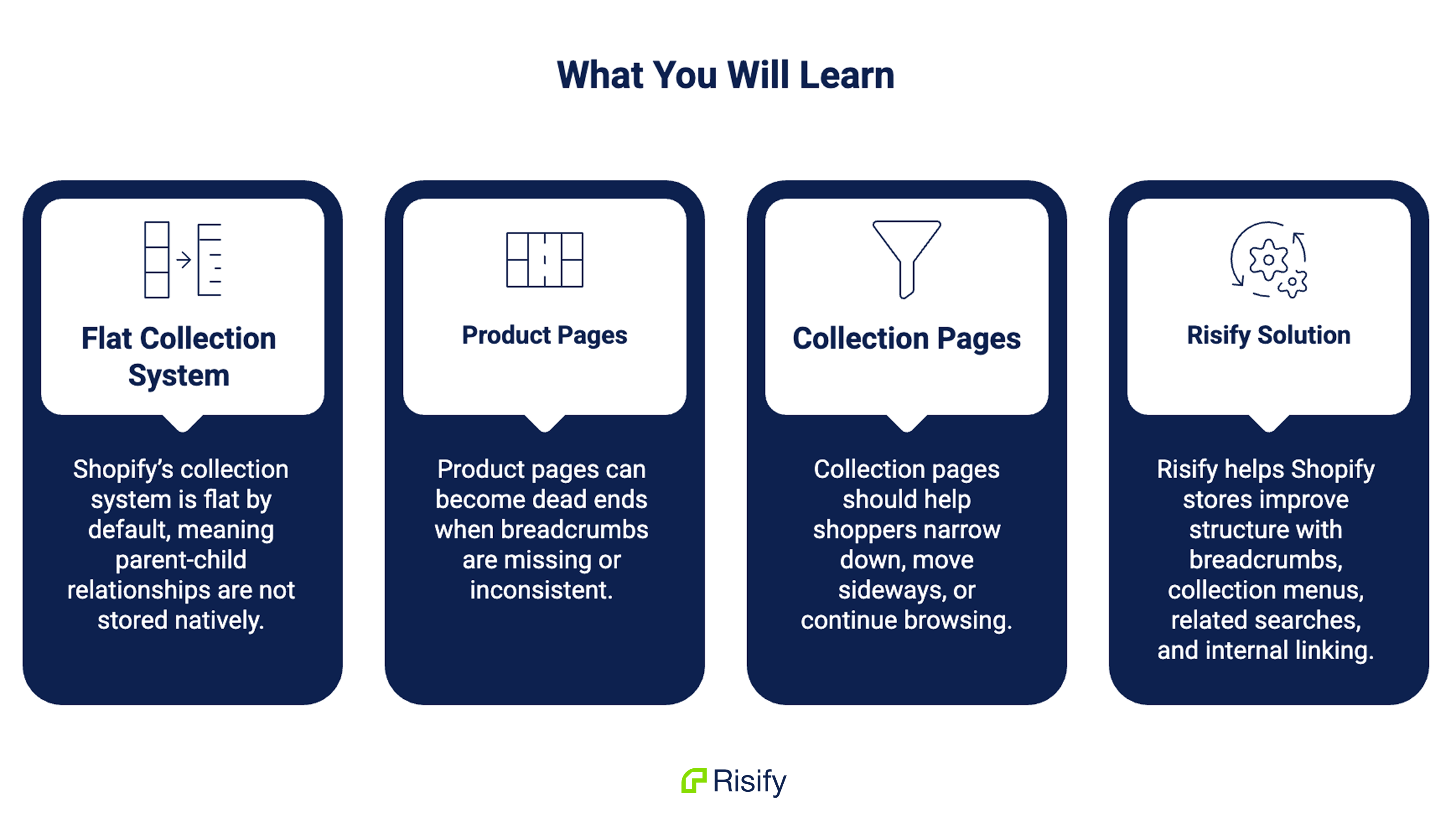
- Shopify’s collection system is flat by default, which means parent-child relationships are not stored natively.
- Product pages can become dead ends when breadcrumbs are missing or inconsistent.
- Collection pages should help shoppers narrow down, move sideways, or continue browsing.
- Risify helps Shopify stores improve structure with breadcrumbs, collection menus, related searches, and internal linking.
Exploring Store Structure in Shopify
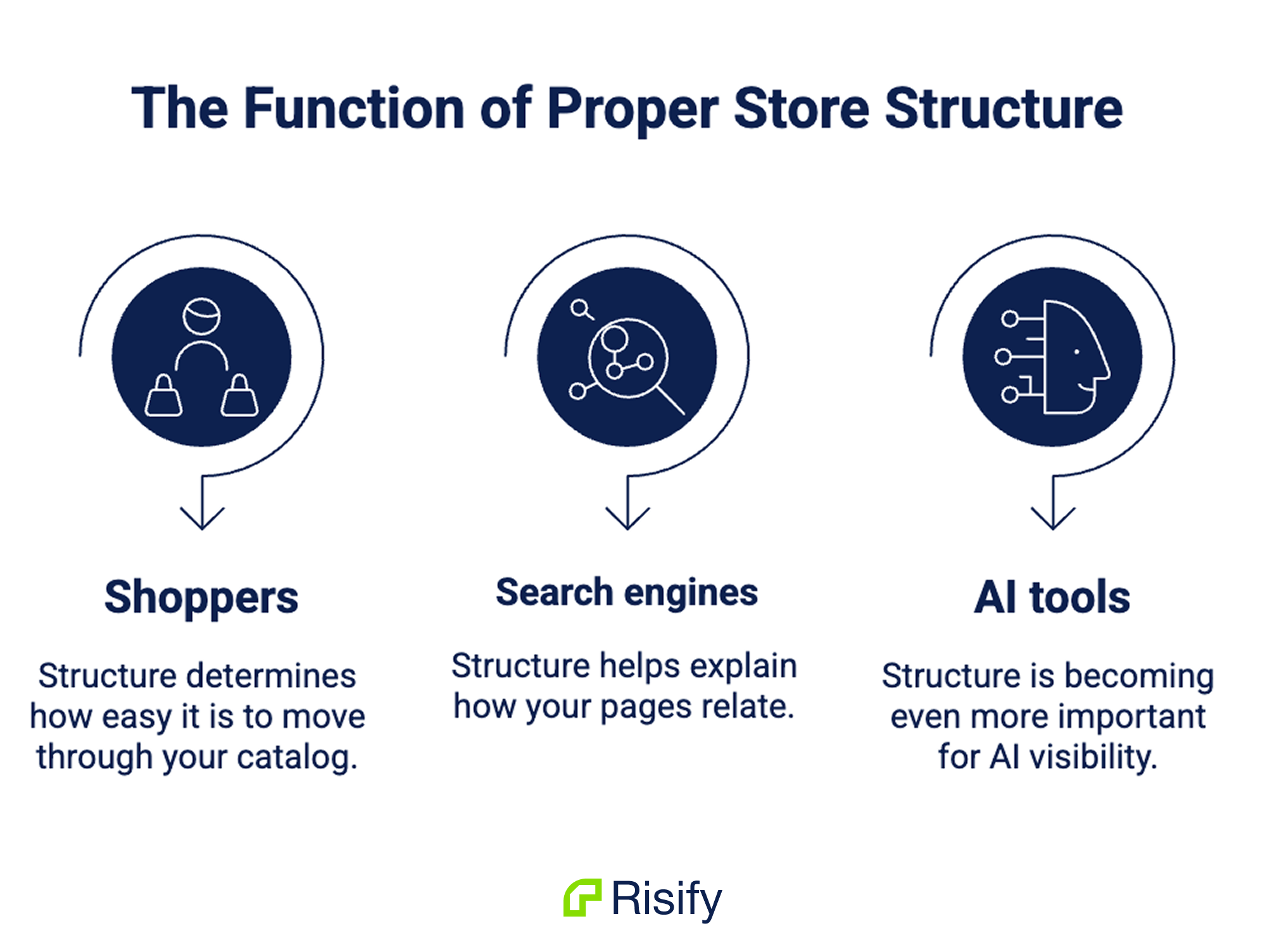
Store structure affects three groups at once: shoppers, search engines, and AI tools.
For shoppers:
Structure determines how easy it is to move through your catalog.
Someone landing on a broad collection should quickly understand what options exist underneath it. Someone viewing a product should be able to move back to the parent category. Someone who does not find what they want should have a clear next step instead of reaching the end of a product grid.
For search engines:
Structure helps explain how your pages relate.
A collection called “Corner Sofas” is more meaningful when it clearly sits under “Sofas,” which sits under “Living Room,” which sits under “Furniture.” That hierarchy gives context. It shows topical depth and helps Google understand that your store covers a category in an organized way.
For AI tools:
Structure is becoming even more important.
Tools like ChatGPT, Gemini, and Perplexity do not browse your store like a human.
They interpret signals from your pages, links, schema, and content. If your catalog relationships are unclear, these systems have to infer where products belong. If the relationships are explicit, your store becomes easier to understand and represent accurately.
That is the core principle: a well-structured Shopify store reduces guesswork.
Where Shopify’s Default Structure Falls Short
Shopify gives merchants a flexible foundation, but it does not fully solve structure and navigation out of the box. The biggest limitation is collections.
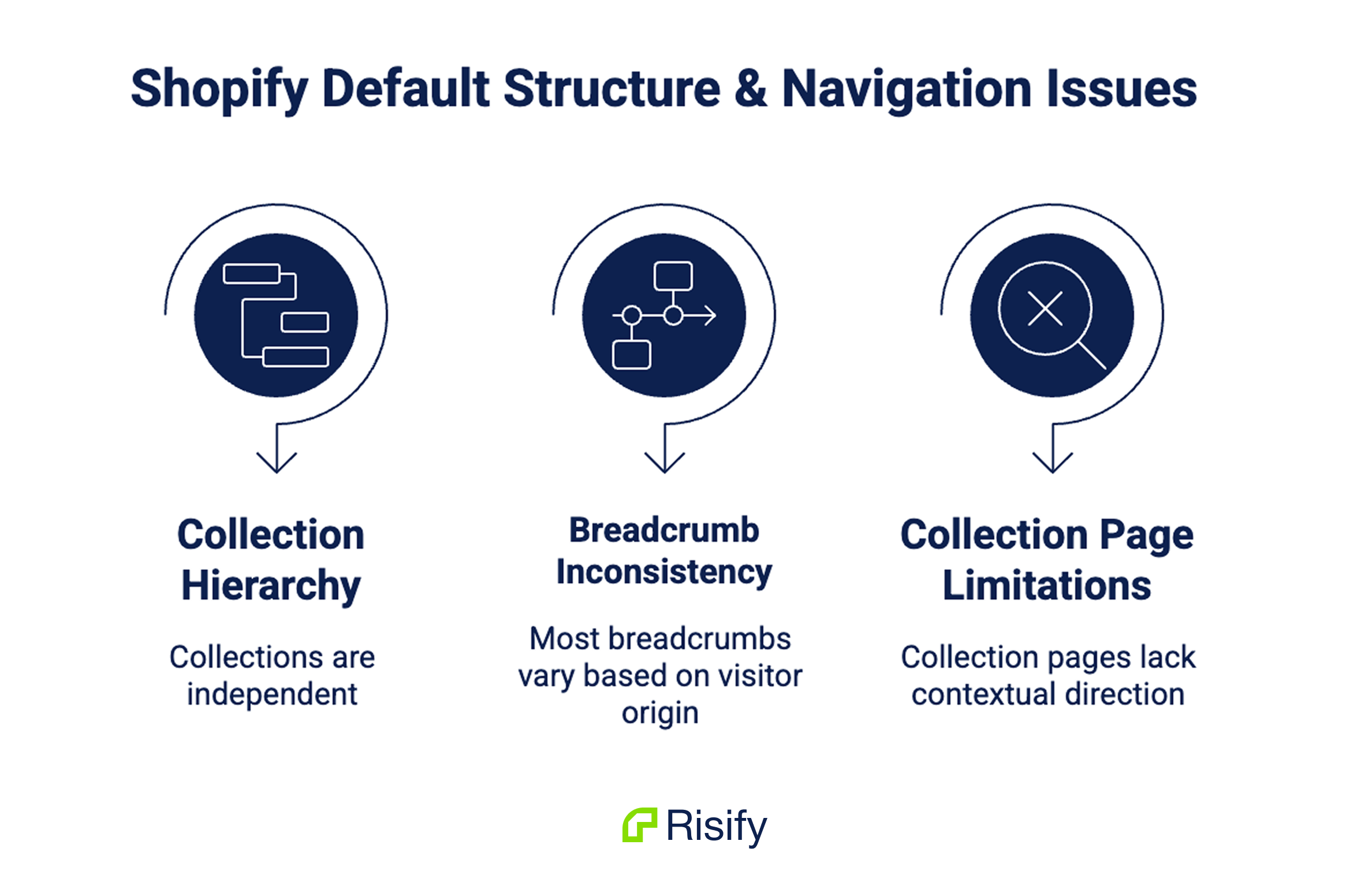
Shopify stores collections as independent entities. A collection can have a title, handle, description, and products, but there is no native parent-child field that says one collection belongs under another.
You can create a menu that visually nests collections. For example:
Home > Furniture > Living Room > Sofas > Corner Sofas
To a shopper, that looks like a hierarchy.
But inside Shopify, those collections still exist at the same level. The hierarchy is visual, not structural.
This creates a gap. The organization you see in the navigation menu is not automatically translated into a structure search engines can read.
Breadcrumbs create another issue.
In many Shopify themes, breadcrumbs are created depending on how the visitor arrives. If someone clicks from a collection to a product, the breadcrumb may show the collection path.
But if they land directly on the product page from Google, the URL may contain no collection context. The breadcrumb can disappear or fall back to something generic.
That means your most important organic landing pages may show the weakest navigation context.
Collection pages also tend to stop too soon.
Most collection pages follow the same pattern: title, filters, product grid, footer. If the visitor does not find what they want in that grid, the page gives them no contextual direction. They have to return to the main menu, use search, or leave.
So the default setup works, but it often leaves three gaps:
- unclear collection hierarchy
- inconsistent product page navigation
- collection pages that do not guide users forward
How to Improve Shopify Store Structure and Navigation
Improving Shopify navigation requires making the relationships between pages clearer and giving visitors better paths through the catalog.
Define Collection Hierarchy
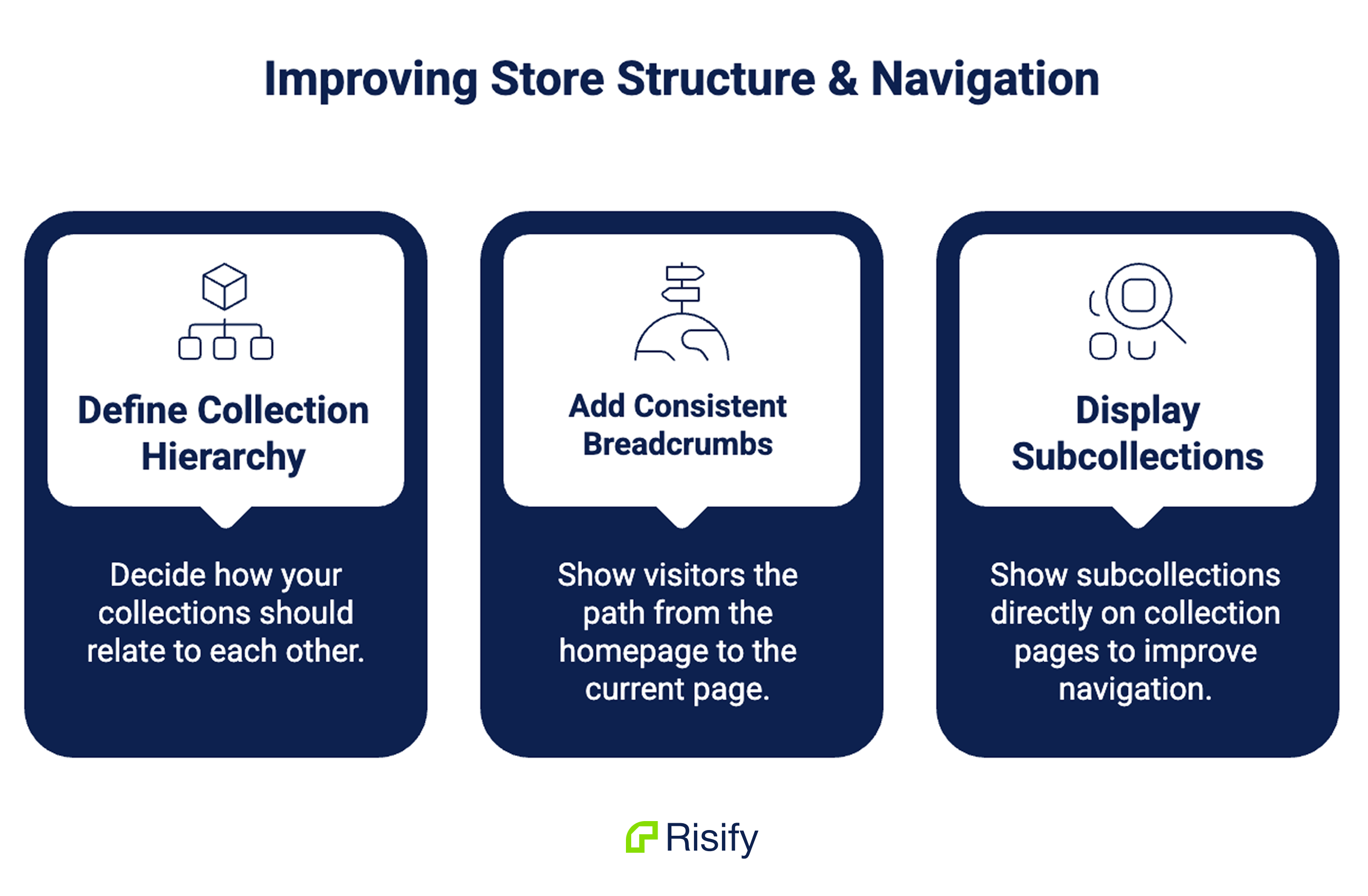
The first step is deciding how your collections should relate.
A furniture store might have a structure like:
Home > Furniture > Living Room > Sofas > Corner Sofas
A fashion store might use:
Home > Women > Shoes > Boots > Leather Boots
A beauty store might use:
Home > Skincare > Moisturizers > Face Creams
The point is not to make the structure as deep as possible. The point is to make it logical.
Each level should answer a simple question: where does this page sit in the wider catalog?
Once that hierarchy is defined, it should be reflected in navigation, breadcrumbs, internal links, and structured data.
This helps shoppers understand where they are. It also helps search engines and AI tools understand how broad and specific categories connect.
Add Consistent Breadcrumbs
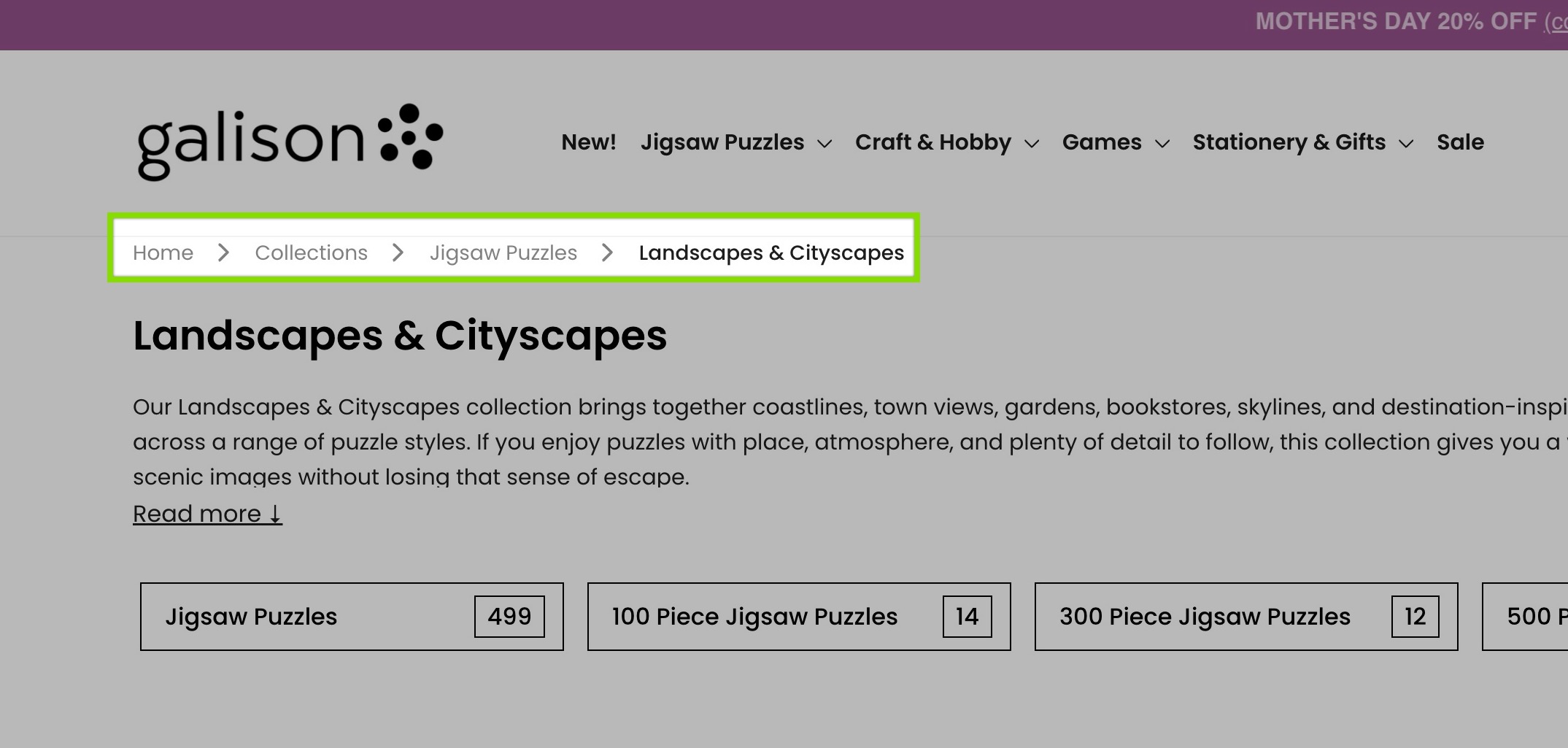
Breadcrumbs are one of the clearest ways to communicate structure.
They show a visitor the path from the homepage to the current page. On a product page, that path helps the shopper move back up to a parent collection instead of relying on the main menu or back button.
A product page without breadcrumbs can feel like a dead end, especially when the visitor lands from Google, an ad, or a shared link.
Good breadcrumbs should be consistent. The same product should not show a full path in one session and no path in another. The breadcrumb should not depend on whether the visitor clicked through from a collection first.
For SEO and AI visibility, the breadcrumb should also have a valid BreadcrumbList schema. This turns the visible path into structured data that search engines can read.
When the visible breadcrumb and the schema match, your store sends a clear hierarchy signal.
Display Subcollections on Collection Pages
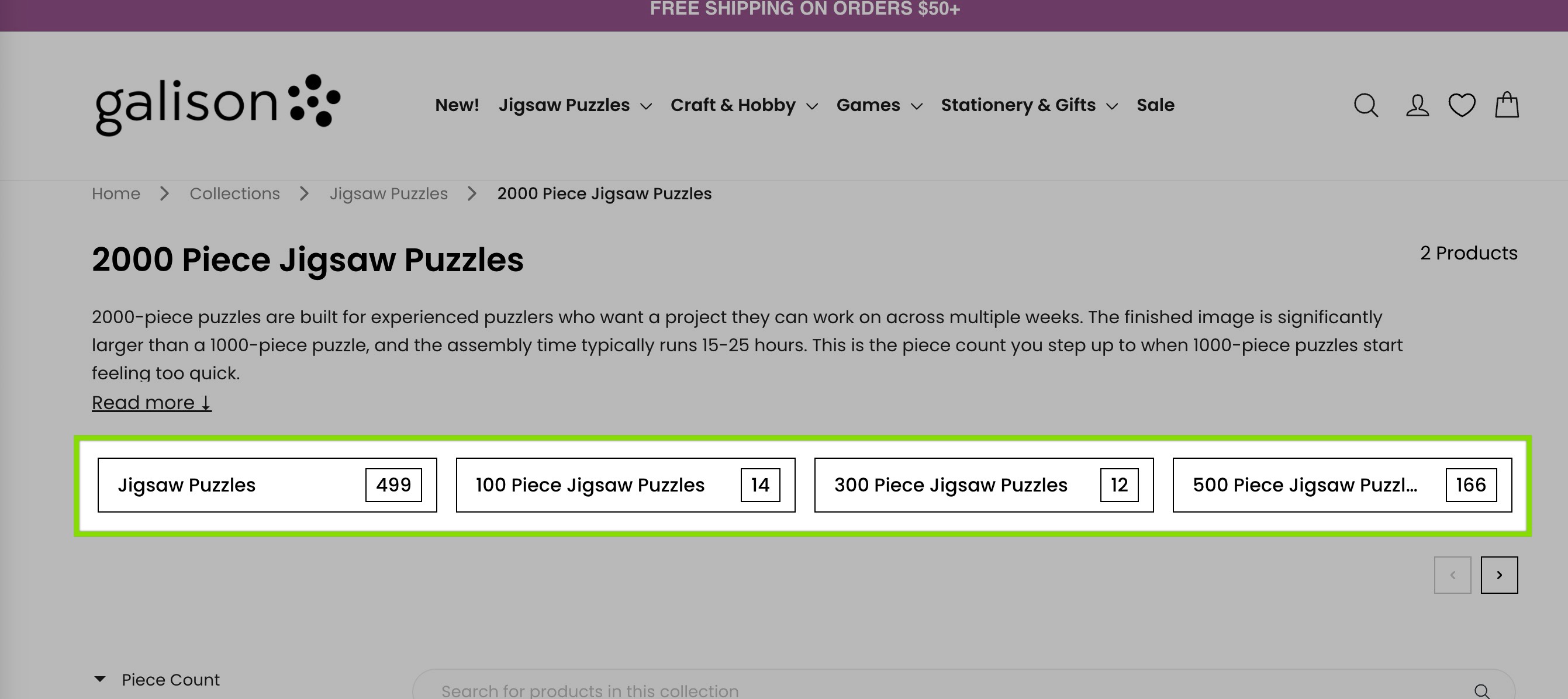
Large collection pages can overwhelm shoppers.
A broad category may contain dozens or hundreds of products. Without subcollection navigation, the visitor has to scroll, filter, or guess which path to take.
Displaying subcollections directly on the collection page solves this.
Instead of showing only a product grid, the page can show tiles for the next logical categories.
For example, a broad “Sofas” collection might show Corner Sofas, Leather Sofas, Fabric Sofas, Sofa Beds, and Two-Seater Sofas.
This changes the role of the collection page. It becomes a navigation hub, not just a product listing page.
The shopper sees available paths immediately. They can narrow their focus without opening the main menu or decoding filters.
This is especially useful for stores with large catalogs, where product grids alone can become difficult to browse.
Connecting Related Collections with Internal Links
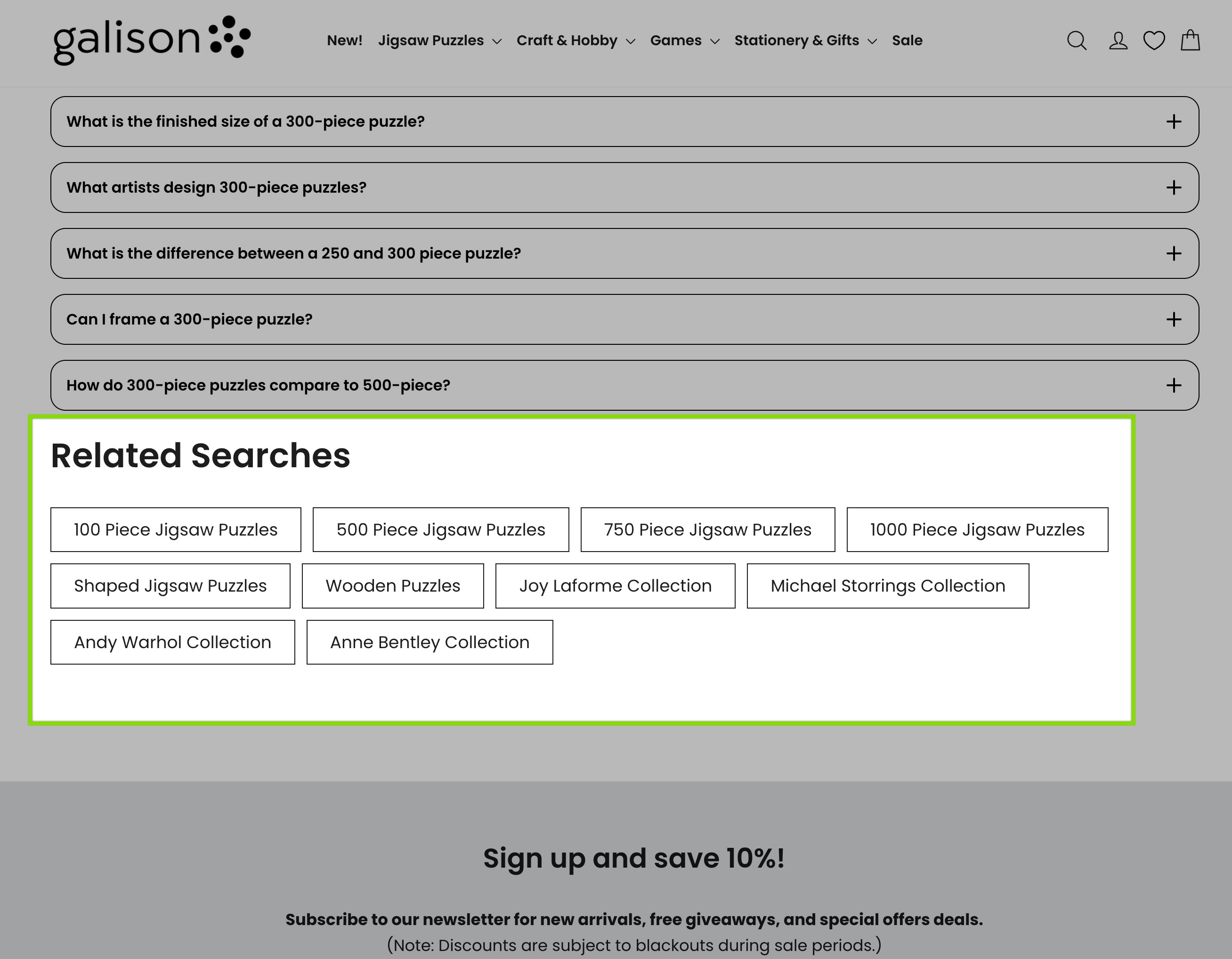
Internal linking is one of the most overlooked parts of Shopify store structure.
Many stores rely almost entirely on the main menu. Collections appear in the navigation, but the collection pages themselves do not link directly to related collections.
That creates isolated pages.
To shoppers, moving from one related category to another requires going back to the menu. To search engines, the relationship between those collections is weaker because the pages are not directly connected.
Adding internal links between related collections creates topic clusters.
For example, a Sofas collection can link to Leather Sofas, Fabric Sofas, Corner Sofas, and Sofa Beds. Those pages can link back to Sofas or sideways to related categories.
This tells search engines that these pages belong to the same topic group. It also helps authority flow from stronger parent collections to more specific subcollections.
For shoppers, the benefit is simpler: they can keep exploring without starting over.
Reducing Collection Page Dead Ends
Not every visitor finds the right product on the first collection page they open.
A shopper may land on a collection that is close to what they need but not exact. They scroll through the products, reach the end, and then face a blank decision: go back, open the menu, search again, or leave.
This is a navigation dead end.
A better collection page gives users a next step.
Related suggestions can point them to adjacent collections, narrower categories, broader categories, complementary products, or popular alternatives.
For example, someone browsing Outdoor Furniture might see suggestions for Patio Accessories, Garden Decor, or Outdoor Lighting. Someone browsing Bathroom Vanities might see related collections for Mirrors, Faucets, or Storage Cabinets.
This keeps browsing alive at the exact moment the visitor might otherwise exit.
How Risify Helps Structure Your Shopify Store
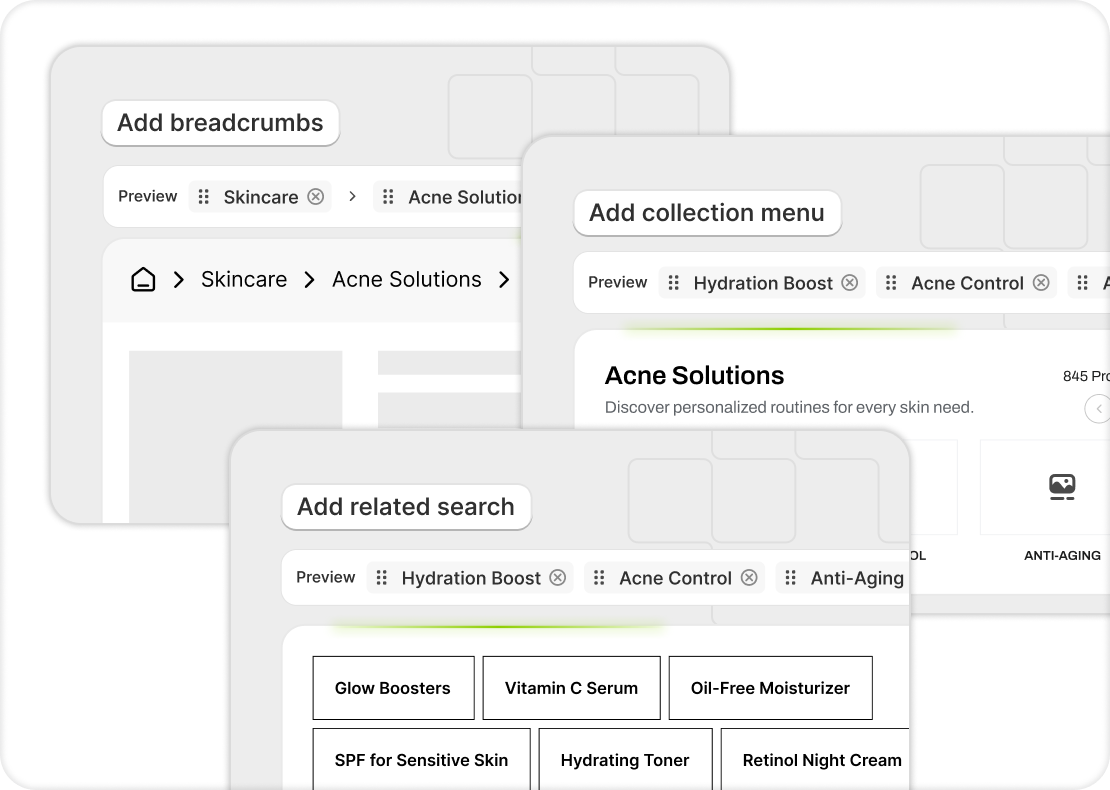
Risify is built to help Shopify merchants create clearer structure without custom development.
With Breadcrumbs, you can define consistent paths for products and collections. Those paths appear for visitors and generate BreadcrumbList schema automatically, so shoppers and search engines see the same hierarchy.
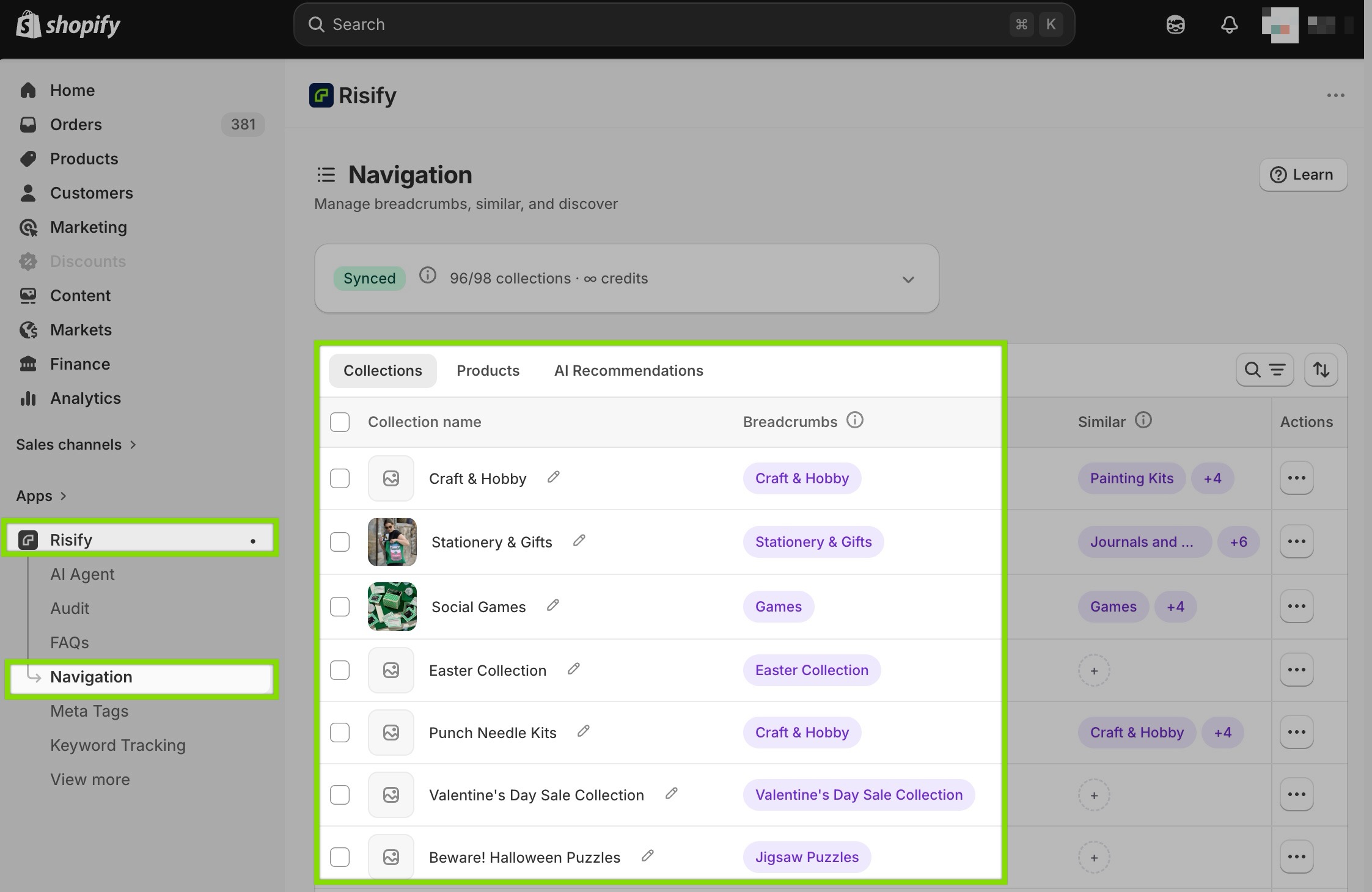
With Collection Menu, you can display subcollections directly on collection pages. Each collection can have its own menu, which means top-level categories, mid-level categories, and lower-level collections can all guide users toward the next logical step.
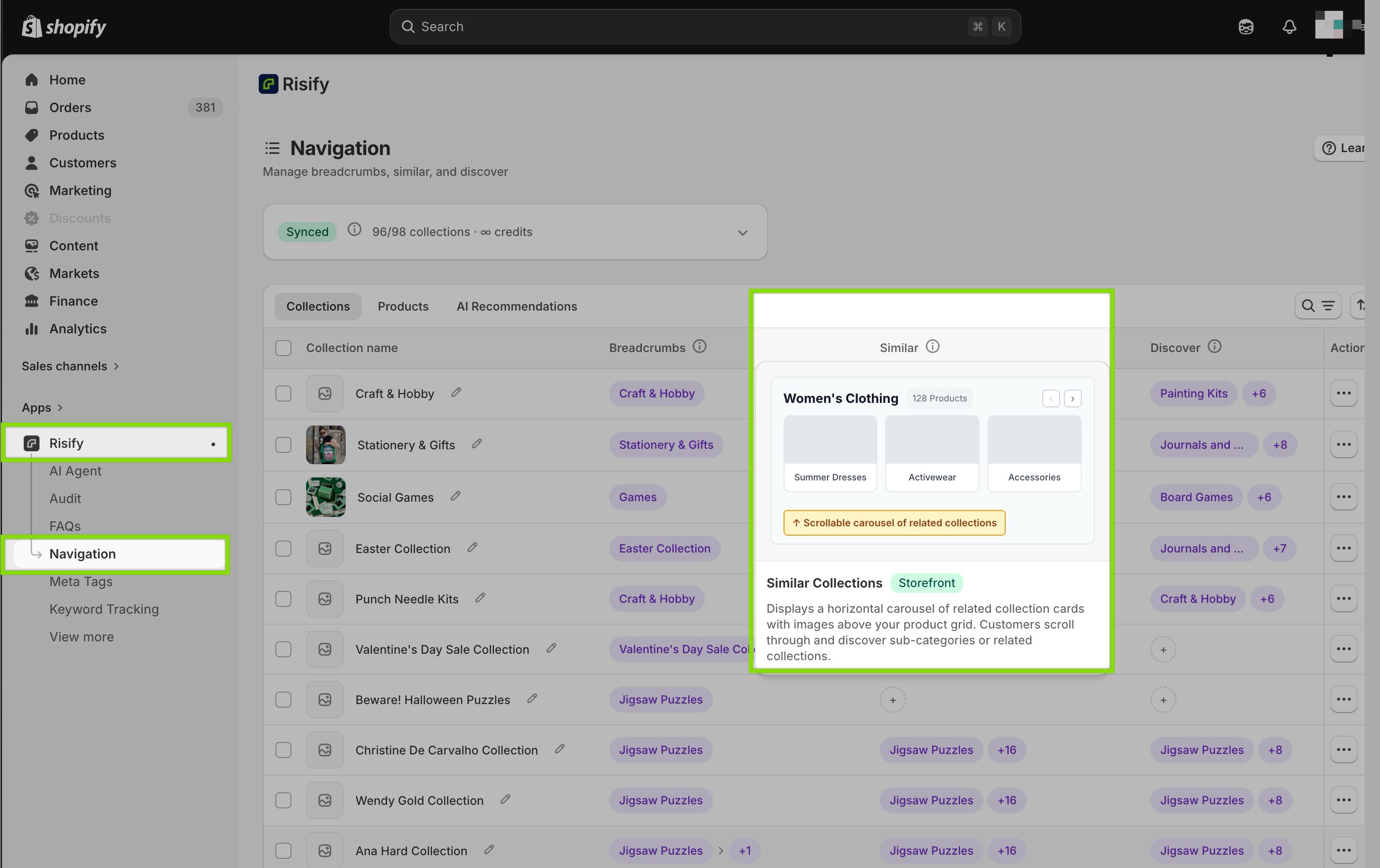
With Related Search, you can add contextual suggestions to collection pages. This helps reduce dead ends by showing relevant products or collections when users need alternatives.
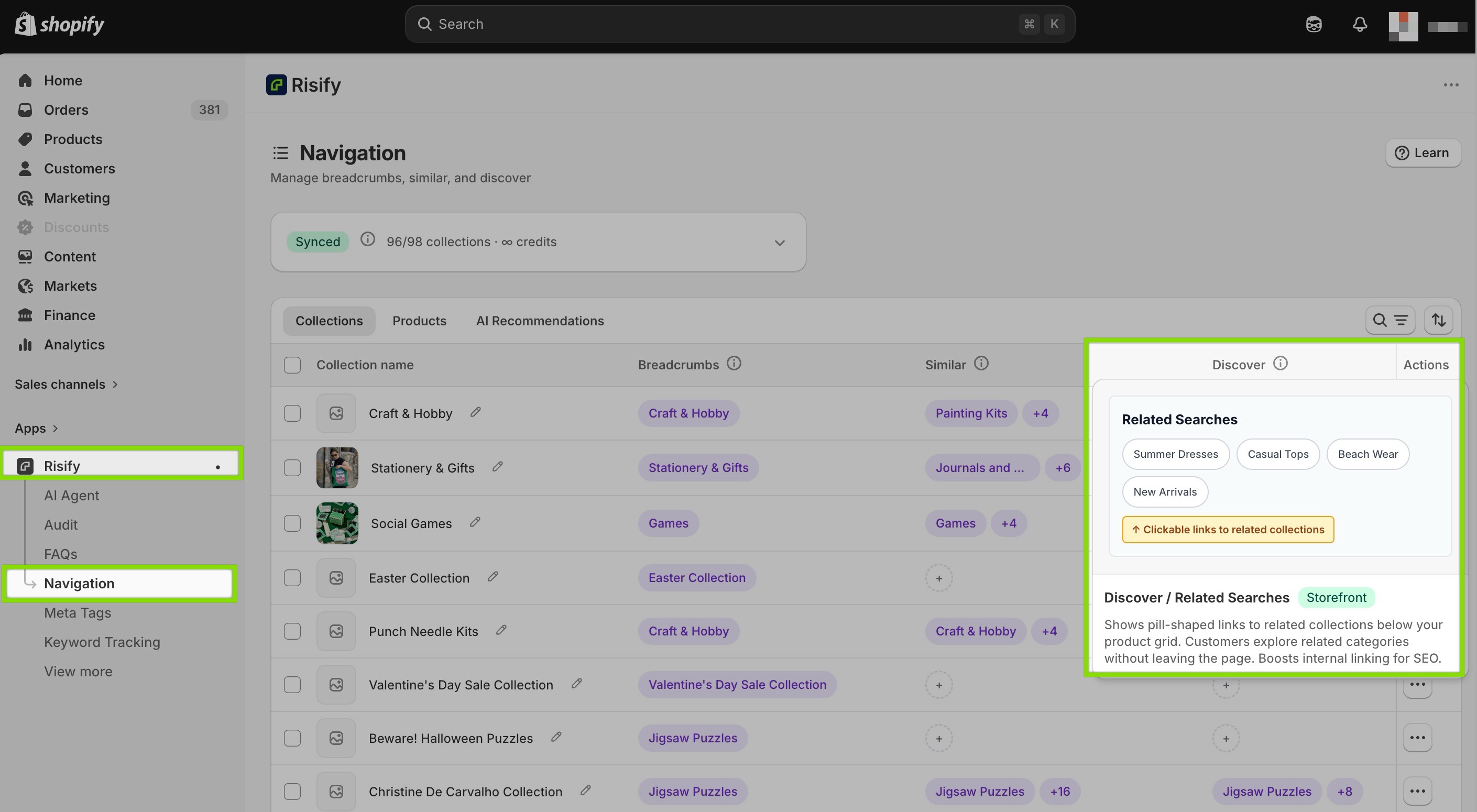
Together, these features turn Shopify navigation into a more structured system.
Your store becomes easier to browse, easier to crawl, and easier for AI tools to interpret.
 Structure your store for organic growth. Improved SEO & AI visibility.
Fix your store's structure and navigation
Build the internal paths that help shoppers, search engines, and AI tools understand your catalog and products.Conclusion
Your Shopify store’s structure is not just a design detail.
It affects how visitors browse, how search engines understand your catalog, and how AI tools interpret your products and categories.
The default Shopify setup gives you collections and menus, but it does not fully define hierarchy, connect related pages, or prevent dead ends. That work has to be added intentionally.
A stronger structure includes clear collection hierarchy, consistent breadcrumbs, subcollection navigation, internal links between related collections, and contextual suggestions that help shoppers continue browsing.
When all of these pieces work together, your store becomes more than a set of product pages. It becomes a connected catalog that is easier to navigate, easier to understand, and better prepared for organic growth.