




AI surfaces like ChatGPT, Perplexity, Google AI Overviews, and Gemini decide which products to surface based on what they can read from your store. Most Shopify stores have gaps that keep them from being cited accurately, even when the products themselves are competitive. The good news: the gaps are predictable, and you can check for them yourself.
This piece walks through a self-audit you can run in about 30 minutes using free tools. No theory, no AI-search philosophy, just the checks that matter.
Key takeaways
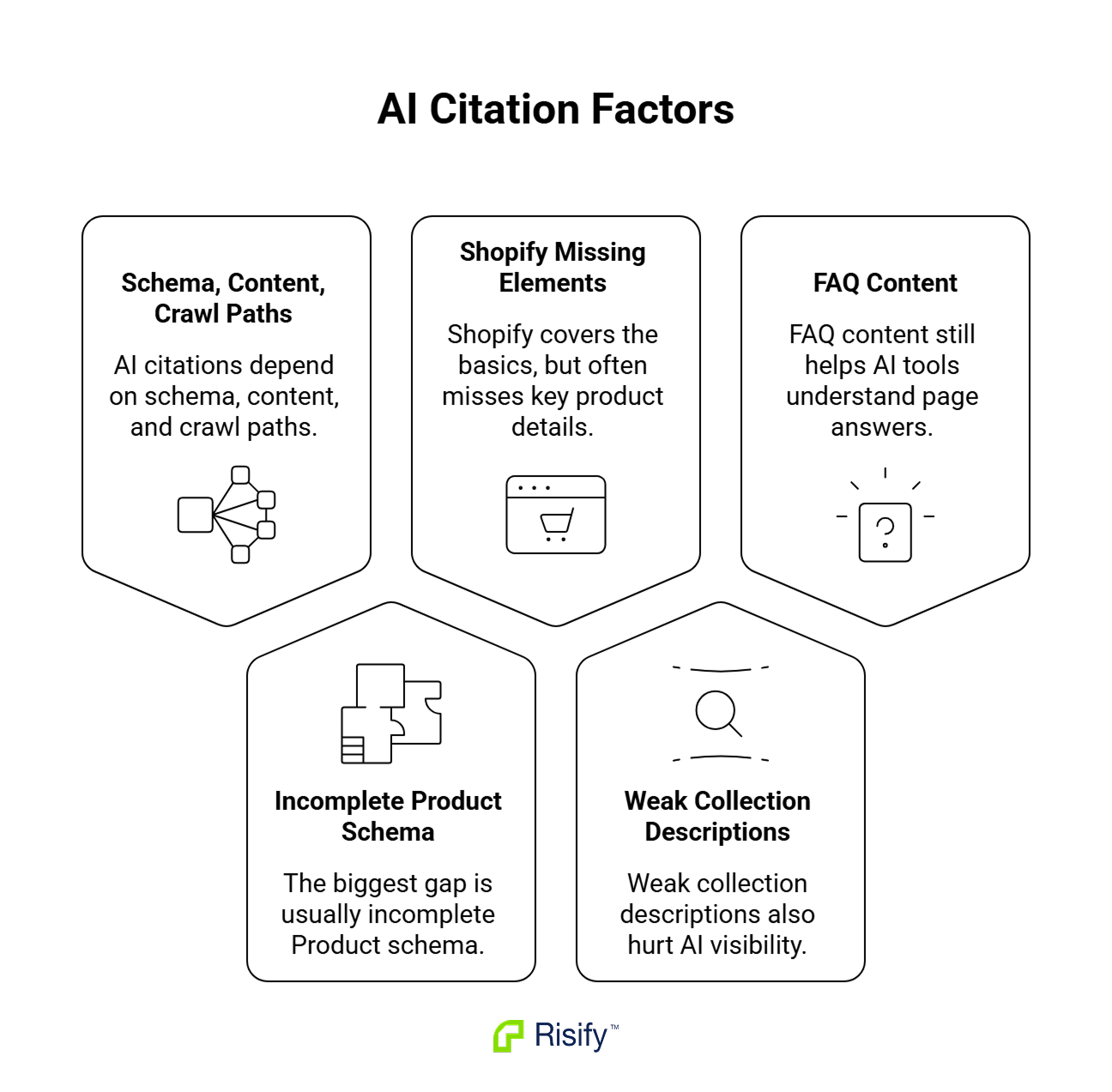
- AI surfaces pull from three places on your store: structured data, on-page content, and the crawl path. A gap in any one keeps you out of citations.
- The most common gap is incomplete Product schema. Shopify outputs the basics, but variant structure, return policy, GTIN, MPN, and AggregateRating wiring are usually missing or wrong.
- The second most common gap is collection descriptions that list products instead of explaining what the category is.
- FAQ content on product and collection pages feeds AI surfaces directly. Google removed FAQ rich results from general SERPs, but the schema still helps AI tools identify what a page answers.
- You can self-check most of this in about 30 minutes using free tools: Google Rich Results Test, Google Search Console, and viewing your page source.
How AI Search Decides Which Products to Cite
When a shopper asks ChatGPT “what’s a good ergonomic chair under $500,” the model doesn’t browse the web the way a human does. Three things can happen instead:
- It retrieves from an indexed source.
- It calls a partner integration.
- It sends a crawler to fetch the page live.
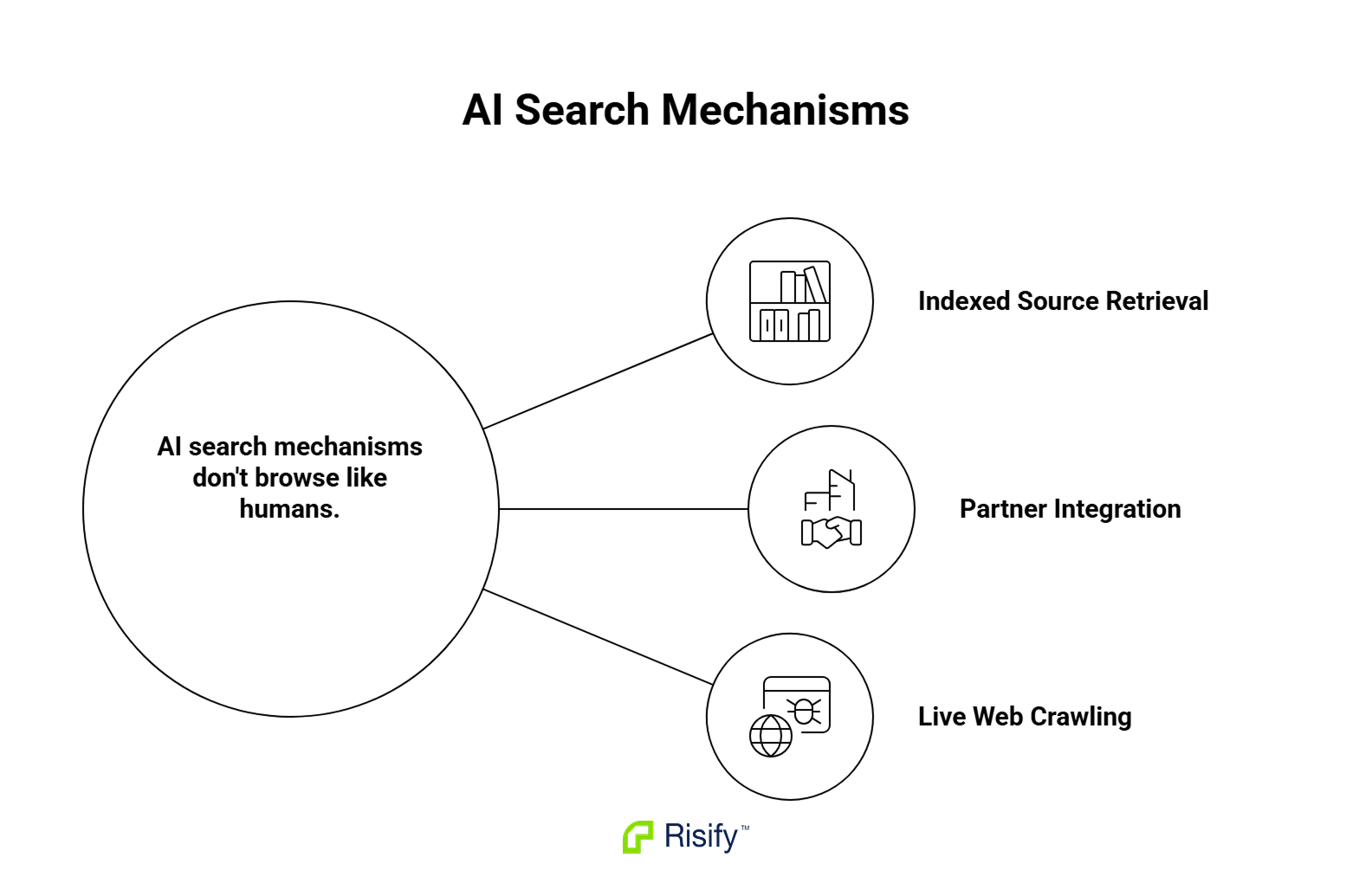
Perplexity leans on live web requests and prioritizes pages that return clean, structured content. Google AI Overviews pulls from Google’s existing index and weights structured data and entity signals heavily. ChatGPT search runs on Bing’s index.
What this means for your store: an AI surface evaluating your products reads structured data first, on-page content second, and ignores most of the rest. The Vercel/MERJ study on AI crawler behavior found that AI crawlers fetch HTML but don’t reliably execute JavaScript, so anything rendered client-side (some Shopify theme content, many app outputs) never reaches the model.
The checklist below is organized around the three things AI surfaces actually read: structured data, content depth, and site structure.
Structured Data: 7 Things to Verify
Structured data is the cleanest signal layer for AI surfaces. They parse it before prose, and a gap here gets your store filtered out before content quality is even considered.
Product schema with the full field set
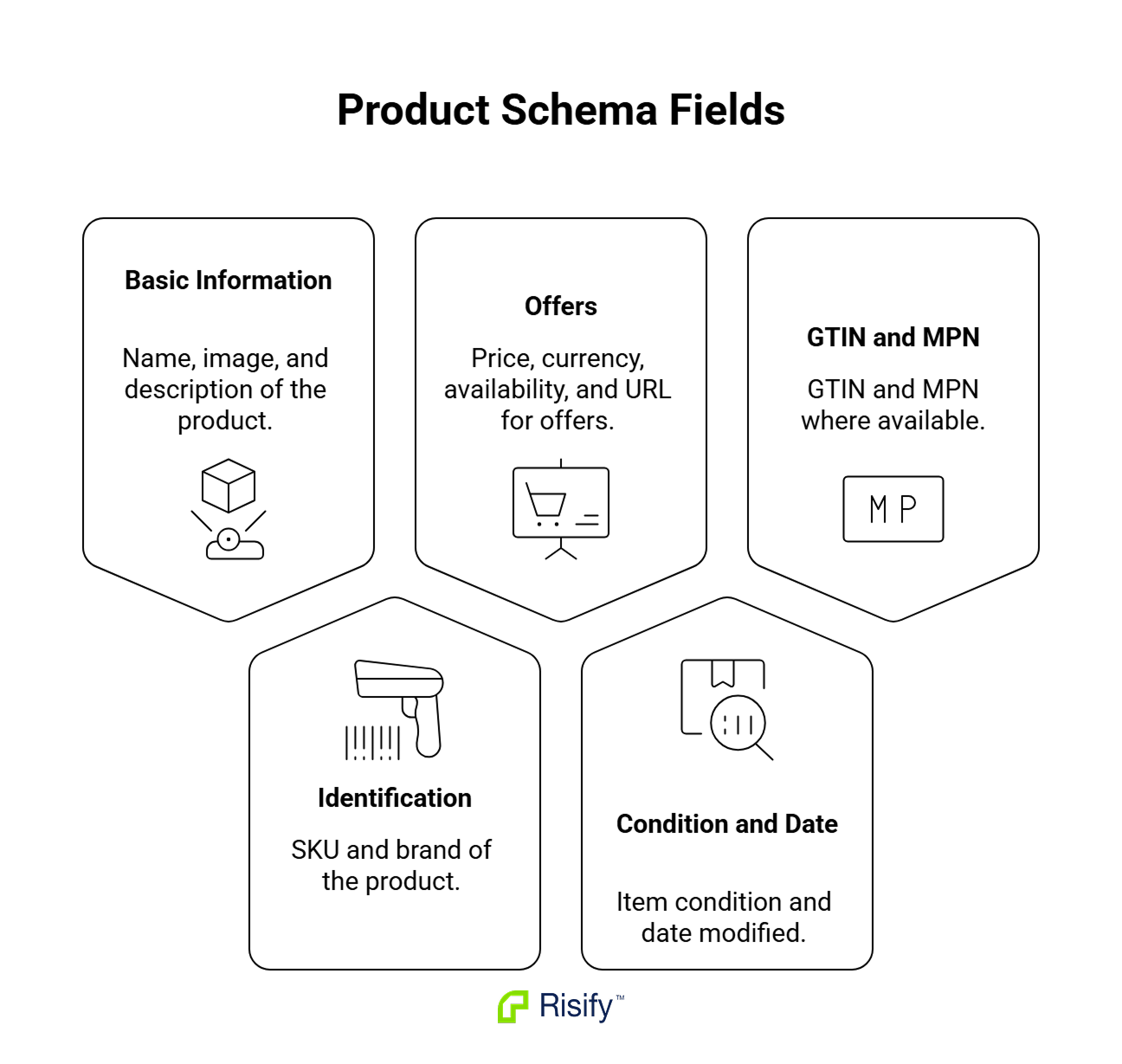
Every product page should output Product schema with these fields:
- name, image, description
- sku, brand
- offers with price, priceCurrency, availability, url
- itemCondition, dateModified
- gtin and mpn where you have them
How to check: paste a live product URL into Google’s Rich Results Test. It lists every field detected and every required field missing.
Where most Shopify stores break this: variant products. The default theme behavior is to flatten variants into a single Product, which strips per-variant pricing, availability, and SKU detail. The correct output is a ProductGroup containing hasVariant references to each variant as its own Product entry, each with its own offers block. If your theme outputs a single Product for a variant product, AI surfaces see only one variant’s data, usually the default.
Offer, AggregateRating, and MerchantReturnPolicy on product pages
Three connected checks that both Google Shopping and AI shopping surfaces look for:
- Offer needs price, priceCurrency, availability, and priceValidUntil. The availability values Google accepts are limited (InStock, OutOfStock, PreOrder, BackOrder, and a few others). Free-text values get rejected.
- AggregateRating needs to be wired to the actual Product entity. The common failure: a review app outputs review schema as a separate block on the page, and Google never connects it to the product. The fix is server-side wiring, which is what most schema apps handle.
- MerchantReturnPolicy describes your return window, refund types, and fee policy as schema. Most Shopify stores skip this entirely. When it’s missing, AI surfaces can’t answer “what’s the return policy” without parsing your policy page, and they often don’t bother.
Organization schema with sameAs links
Organization schema covers your store’s identity:
- name, url, logo, description
- Contact info and address
- sameAs linking to social profiles, Wikipedia or Wikidata entries, and other authoritative references
Why sameAs matters more than it looks: it’s how AI surfaces confirm that the brand mentioned in a customer review, the entity with a Wikipedia stub, and the storefront at your domain are the same business. Without it, you’re a string of characters. With it, you’re a verifiable entity.
Breadcrumb schema that matches the visible breadcrumb
Two checks, both quick:
- The visible breadcrumb on the page (Home > Furniture > Chairs > Ergonomic) and the BreadcrumbList in the schema should describe the same path.
- The breadcrumb itself should reflect the actual category hierarchy, not just Home > Product.
Mismatches happen when a theme renders breadcrumbs from one source and an app outputs schema from another. Both Google and AI surfaces use breadcrumbs for category context, so when the two disagree, one of them is wrong and neither tool has a way to know which.
Website schema with sitelinks searchbox
What to look for: a WebSite type with a potentialAction pointing at your store’s search URL. This is the schema behind Google’s sitelinks search box in branded results, and it tells AI crawlers your site is searchable and how to construct a search URL.
How to check: view source on your homepage and search for “@type”:”WebSite”. If it’s not there, it’s missing. Most Shopify themes don’t output this at all.
Article schema on blog content
Blog posts should output Article (or BlogPosting) with:
- headline, author, publisher
- datePublished, dateModified
- image
Why this matters more than it used to: AI surfaces cite articles heavily for category-level queries like “best wireless earbuds for running” or “how to choose a standing desk.” Unstructured blog posts get passed over for ones that publish clean metadata about who wrote what and when.
No duplicate or conflicting schema on the same page
How to check: view source on a product page and search for “@type”:”Product”. It should appear once per product.
On many Shopify stores it appears two or three times. Shopify outputs one block, the theme outputs another, and one or more apps add their own. Google tends to ignore pages with conflicting structured data rather than try to reconcile them, and AI surfaces likely do the same.
Where Risify fits: Risify Schema Markup outputs all seven of these types (Product with ProductGroup + hasVariant, Organization with sameAs, Breadcrumb, Website with sitelinks searchbox, Article, FAQ, Team/Person) and deduplicates conflicting schema from themes and other apps. If a check above fails, that’s where most merchants fix it.
Content Depth: 4 Things to Verify
Structured data tells AI what the page is. Content tells AI whether the page is worth citing.
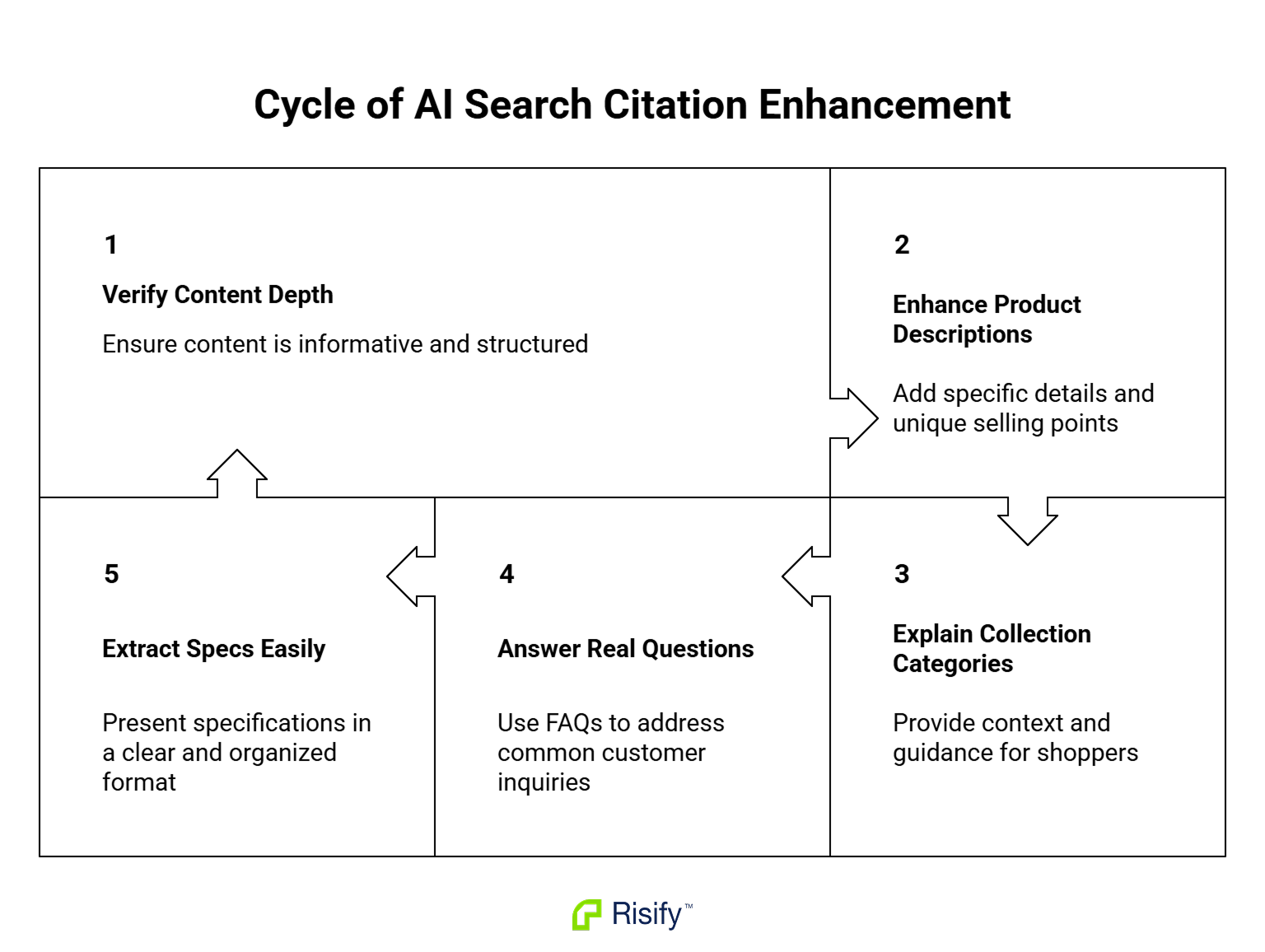
Product descriptions that explain specifications, not just benefits
Open one of your product pages and read the description out loud. If it tells you the product is “premium,” “comfortable,” and “designed with care” but doesn’t tell you what it’s made of, how big it is, or what problem it solves, no AI surface can cite it accurately.
A description AI surfaces can work with usually has four parts:
- One factual sentence stating what the product is (category, primary material or technology, key spec).
- Key specifications as scannable text or a list (dimensions, weight, capacity, compatibility, materials).
- What makes it different (specific, not “premium quality”).
- Who it’s for or what it solves.
Retrofit your top 20 products first. The rest can follow.
Collection descriptions that explain what the category is
This is where almost every Shopify store falls down. The default collection description is one or two marketing sentences, then 60 product cards.
The difference matters:
- Useless to an AI surface: “Our finest leather jackets, crafted with care.”
- Citable for a category query: “Leather jackets are outerwear made from tanned animal hide, typically worn for warmth and weather resistance. This collection includes biker, bomber, and racer styles…”
The second version gives an AI surface enough to cite the page when someone asks about leather jacket styles. The first version gives it nothing.
FAQ content on product and collection pages
Google removed FAQ rich results from general SERPs in 2023 (a narrow set of government and health sites still get them). The schema still has value: AI surfaces and Google’s entity systems use FAQ content to identify what a page answers.
- On product pages, the questions that pay off are usually the ones your support team answers most often: sizing, compatibility, materials, returns.
- On collection pages, the questions tend to be category-level: “What’s the difference between X and Y,” “How do I choose,” “Is X right for Y use case.”
 Structure your store for organic growth. Better rankings. AI visibility.
Create & Manage FAQs for Your Shopify Store Easily
Create reusable FAQs once and place them on any page from a single dashboard.Specifications and attributes in a structured format
Specs buried in prose get missed. Specs in a table or list, with consistent labels (Material, Dimensions, Weight, Country of Origin), get extracted. The same applies to compatibility info and certifications.
Where Risify fits: the AI Content Agent writes product descriptions in the four-part structure above across many products at a time, and FAQ Management adds FAQ blocks to product and collection pages without theme edits. Both feed accurate, structured content to whatever crawler reaches the page next.
Site Structure: 3 Things to Verify
AI crawlers and traditional crawlers both reach pages through links. If your structure hides pages, even perfect schema won’t help.
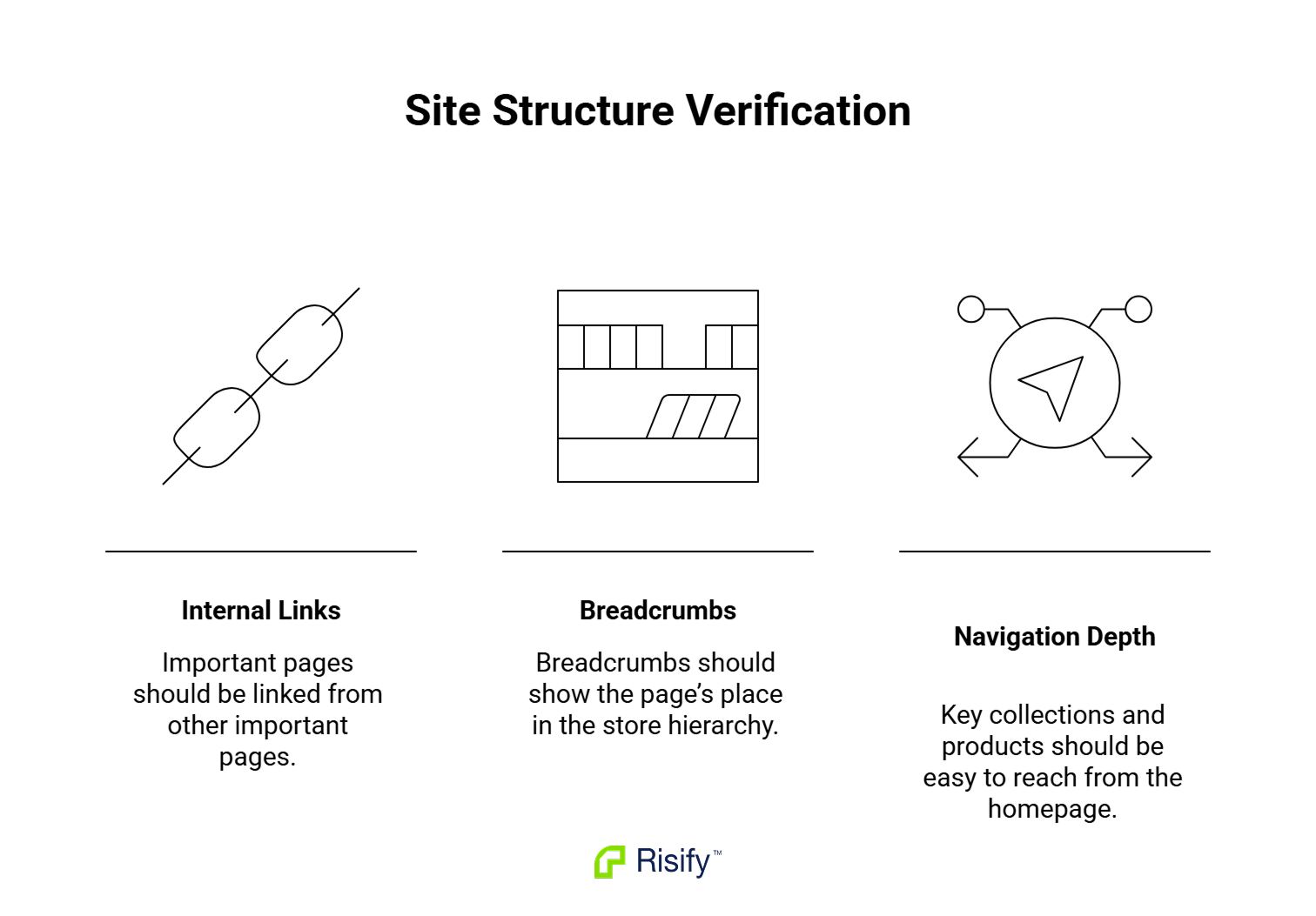
Internal links from your homepage and top collections to deep pages
Most Shopify stores rely on the main navigation for internal linking. The nav covers maybe 15 destinations. Anything deeper is reachable only through search or collection pagination, and crawlers don’t paginate the way users do.
Quick check: pick one of your secondary collections (not in the main nav). Can you reach it from the homepage in two clicks without using the search bar? If not, it’s structurally invisible.
Structure your store for organic growth. No technical knowledge required. Turn your collection pages into browsing paths
Improve your SEO & AI visibility, and enhance customer engagement with related collections.Breadcrumb paths users and crawlers can follow
A good breadcrumb does two things:
- It’s visible on the page and matches the BreadcrumbList schema in the source.
- It reflects the actual category hierarchy.
Home > Furniture > Office Chairs > Ergonomic Mesh Chair gives an AI surface three layers of category context. Home > Product gives it none.
A navigation hierarchy that reflects how your catalog is organized
The two-clicks-from-homepage rule is a useful constraint:
- Every collection you care about ranking should be reachable in two clicks from the homepage.
- Every product should be reachable in three.
Stores that grow past 200 products usually break this rule without noticing, because new collections get added to filters or tags instead of the navigation.
Where Risify fits: Store Structure (collection menu, related searches, internal linking blocks) is how most merchants build out the linking layer without theme edits. The collection menu surfaces sibling and child collections on each collection page; related searches surfaces them on product pages and search results.
The Most Common Failure Modes
Five patterns come up over and over when stores fail this checklist:
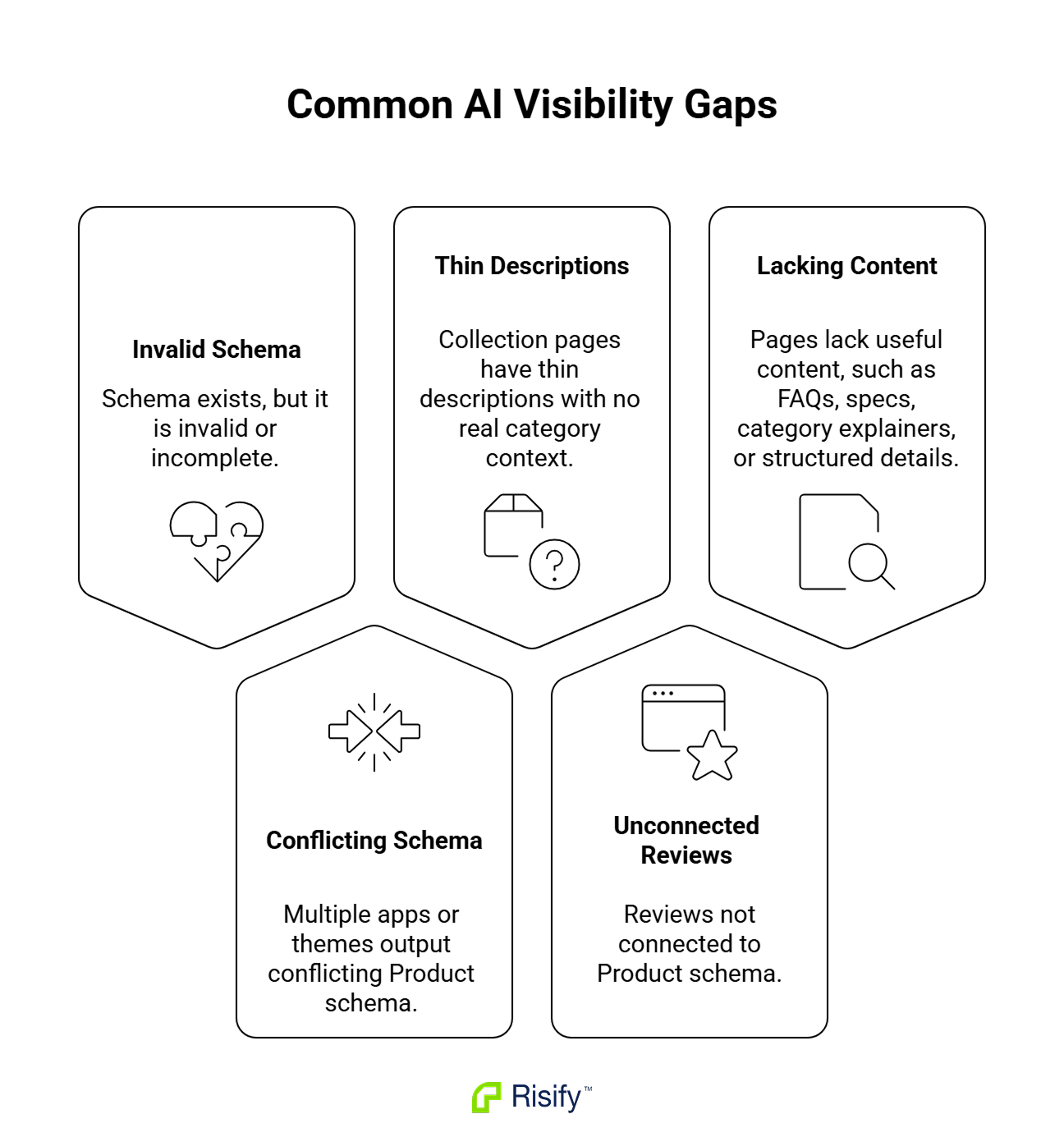
- Schema present but not valid: a view-source check shows Product schema, but the Rich Results Test rejects it for missing required fields or invalid availability values. Common on stores using older themes.
- Multiple Product schema blocks on the same page: theme, Shopify, and one or two apps each output their own. Google ignores all of them.
- Collection pages with two sentences of description and 60 products: no category-level content, nothing for AI surfaces to cite.
- Reviews installed but AggregateRating not wired to the product: star ratings appear visually on the page but never make it into the schema in a way Google or AI surfaces can connect.
- Long-form content effectively missing: no FAQ blocks, no category explainers, no specifications in structured format. The page renders, but there’s nothing on it an AI surface can quote.
How to Run This Check Yourself
You can cover most of this checklist in under an hour with three free tools:
- Google Rich Results Test: validates schema page by page. Good for spot checks on your top products and collections.
- Google Search Console > Enhancements report: shows schema errors at scale across the whole site. Better than running the Rich Results Test on 500 pages.
- Browser view source (right-click > View Page Source): catches duplicate schema, missing Website schema, and breadcrumb mismatches. Faster than it sounds once you know what to search for.
If you’d rather run all of this automatically across the full store, Risify Store Audit checks the structured data items on this list, surfaces conflicts, and flags gaps you’d otherwise have to find page by page.
Get all technical foundations set up for better AI search visibility
Risify improves product discovery with clear navigation, centralized FAQs, and smart suggestions, making your store easier for AI tools like ChatGPT and Gemini to understand.
- Navigation and internal linking
- Reusable FAQs and structured content
- Valid schema markup for AI and search visibility
- AI-powered FAQ and metadata generation
- Store audits to see exactly what to fix
Frequently Asked Questions
Does Google still penalize stores without schema?
Google doesn’t penalize for missing schema; it just can’t show enhanced results for the page. The practical effect is the same: pages without schema lose visibility to pages that have it, in both traditional SERPs and AI surfaces that lean on structured data.
If FAQ rich results were removed in 2023, why is FAQ schema still worth adding?
The SERP enhancement is gone for most sites. The schema still helps AI surfaces (ChatGPT, Perplexity, AI Overviews) identify what a page answers, and it still feeds Google’s entity understanding of the page even when no rich result shows. Treat FAQ schema as a signal layer for AI search and topical understanding, not as a SERP feature.
How often should I re-run this checklist?
Once a quarter for established stores. Once a month if you’re actively changing themes, adding apps that output schema, or restructuring collections. After any theme update, run the Rich Results Test on at least one product and one collection page, since theme changes are the most common source of schema regression.
Does Shopify Plus include any AI-search features that regular Shopify doesn’t?
No. The structured data, content, and structure checks in this list apply equally to all Shopify plans. Plus gives you more theme customization and checkout control, but doesn’t change what Google or AI surfaces see when they crawl your store.