


The best Shopify SEO app is the one that fixes what holds your store back. For most growing stores that is not meta tags or image size. It is how the store is organized and understood: collection structure, breadcrumbs, structured data and answers on the page. Those are also what AI tools read, so the right app now has to work for Google and for AI search.
This guide compares five apps by what they do, not by how many reviews they have. Risify is our own app. We built it so a merchant or a small team can do this work without an agency or an SEO specialist, and we explain below why we think it covers the most. We also say where another app is the better pick.
Key takeaways
- Most Shopify SEO apps are toolkits for tasks: meta tags, alt text, image compression and broken links.
- Tasks matter, but category rankings and AI recommendations depend more on structure, structured data and on-page answers.
- Few SEO apps work on catalog structure or track whether AI tools mention your store.
- Low-cost toolkits suit small stores. Stores that depend on organic visibility need more.
- No app can guarantee rankings or AI recommendations.
Do you need an SEO app on Shopify?
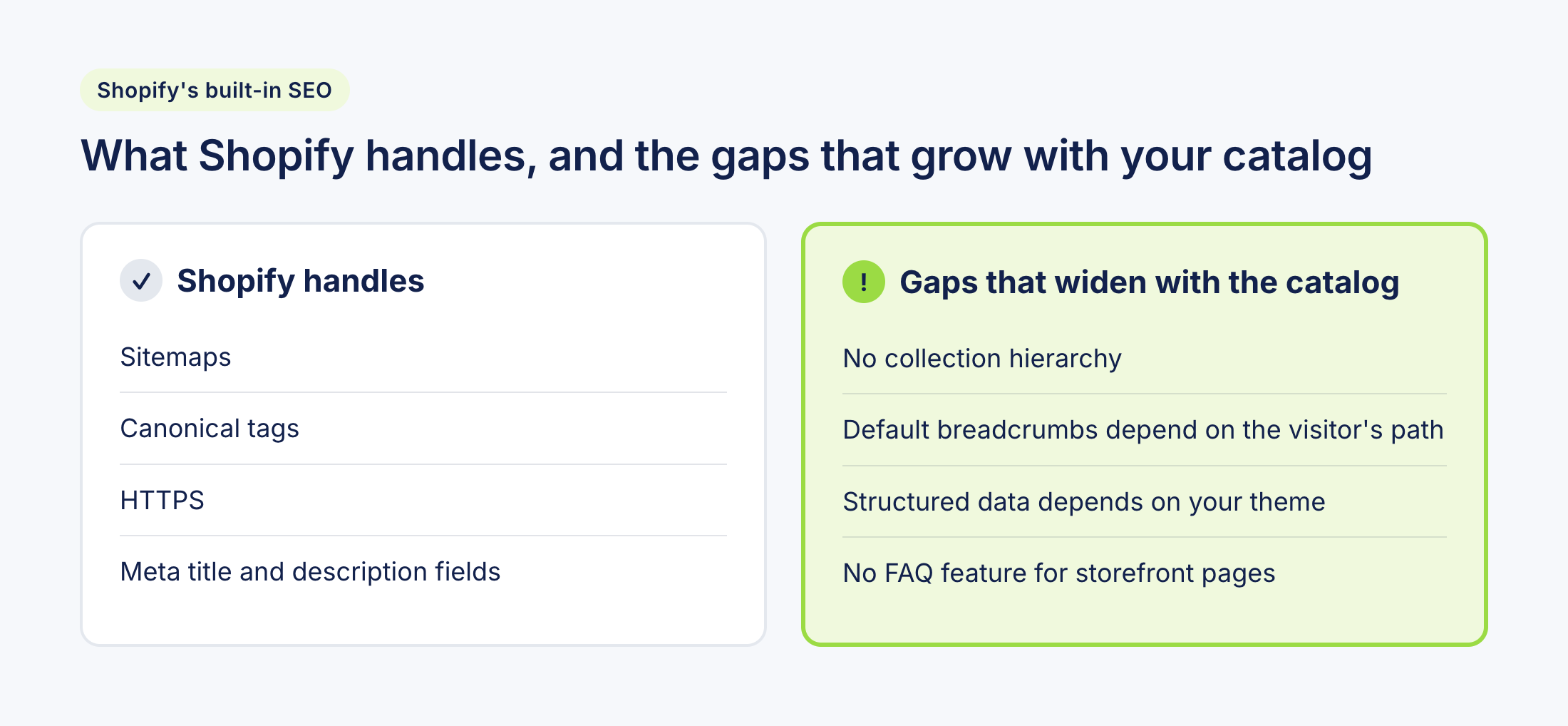
A small store with a few collections can start without one. Shopify handles sitemaps, canonical tags, HTTPS and meta fields well.
A growing store needs more, because Shopify leaves gaps that widen with the catalog: collections have no hierarchy, default breadcrumbs depend on the visitor’s path, structured data depends on your theme, and there is no FAQ feature for storefront pages. We cover this in Is Shopify’s Built-In SEO Enough?. If you are unsure where you stand, Is Your Shopify SEO Working? 4 Signals gives you a quick check.
What should a Shopify SEO app do in 2026?
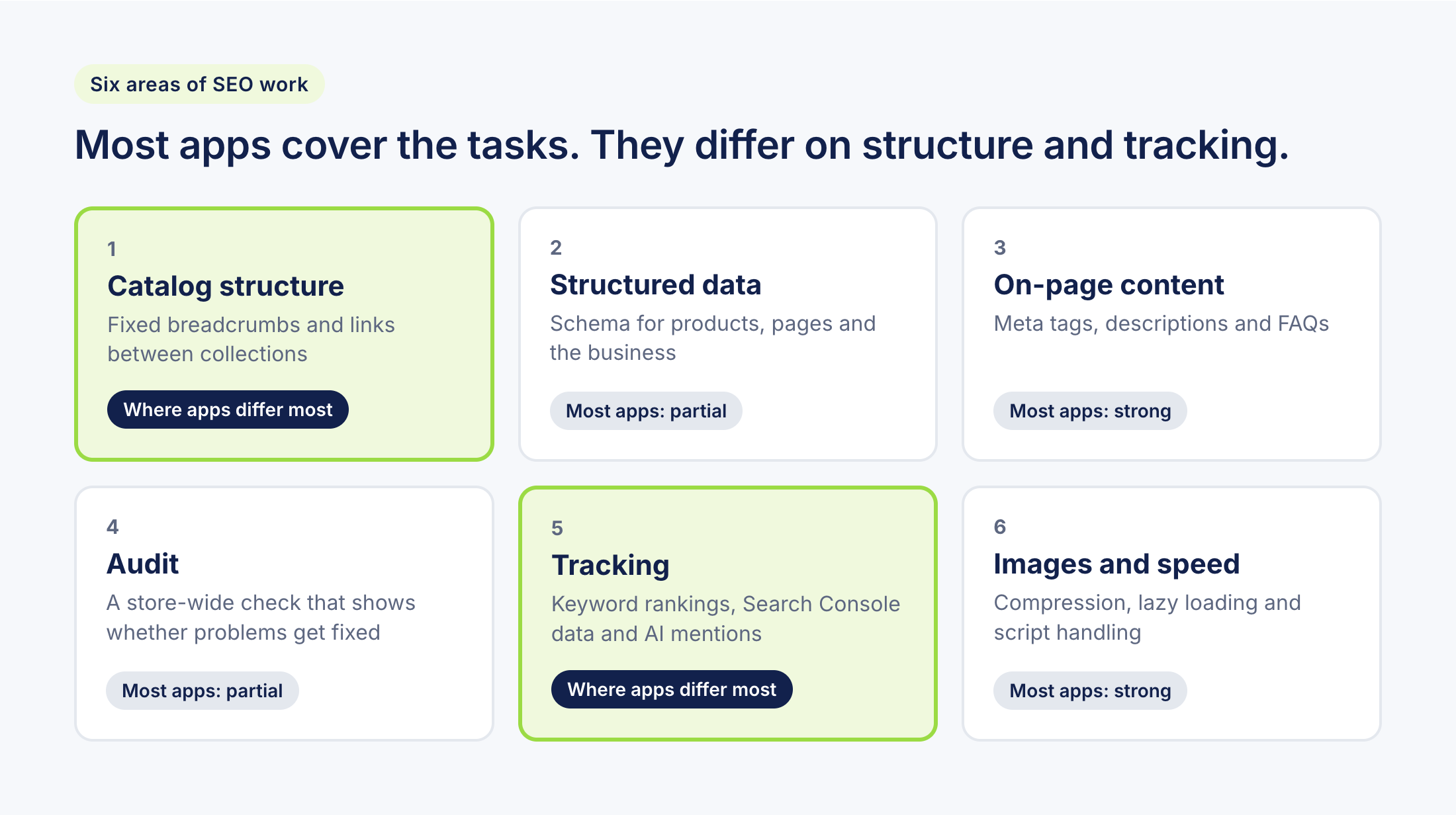
An SEO app should cover the tasks and the foundation. We group the work into six areas.
- Catalog structure. Fixed breadcrumbs and links between collections, so search engines and AI tools can see how your catalog fits together.
- Structured data. Schema that states facts about products, pages and the business.
- On-page content. Meta tags, descriptions and FAQs that answer shopper questions.
- Audit. A store-wide check that finds problems and shows whether they are getting fixed.
- Tracking. Keyword rankings, Search Console data and AI mentions.
- Images and speed. Compression, lazy loading and script handling.
Most apps are strong on areas 3 and 6 and partial on 2 and 4. Areas 1 and 5 are where they differ most.
How we compared the apps
We compared on the six areas above, plus two practical points: whether expert help is included, and price.
We did not rank on ratings, review counts or install counts. Those numbers reward apps that have been around longest and have free plans. They say little about fit. We did not test the apps hands-on. Details come from each app’s Shopify App Store listing.
Shopify SEO apps compared
| App | Catalog structure | Structured data and FAQs | Audit and rank tracking | AI mention tracking | Images and speed | Paid plans from |
|---|---|---|---|---|---|---|
| Risify | Fixed breadcrumbs, collection menus, related searches | Seven schema types; reusable on-page FAQs | 100+ checkpoint audit; 100 to 1,000 keywords | ChatGPT, Claude, Google AI Mode | Page speed in audit; no image compression | $145/month |
| Smart SEO | Not described | JSON-LD; FAQs not described | SEO audit with page limits by plan; backlinks report | A tracker appears in screenshots; not described | Image and page speed optimization | $14.99/month |
| TinySEO | Not described | JSON-LD; FAQs not described | Site audit with automated fixes; rank tracking | Not described | Compression, lazy loading, script minification | $14/month |
| StoreSEO | Breadcrumbs listed as a feature tag | JSON-LD, FAQ schema, FAQ generation | SEO score and reports; keyword tracking | Not described | Compression and resizing | $19.99/month |
| Booster SEO | Not described | Structured data; FAQs not described | Automated scans and fixes | Not described | Bulk image compression | See listing |
1. Risify
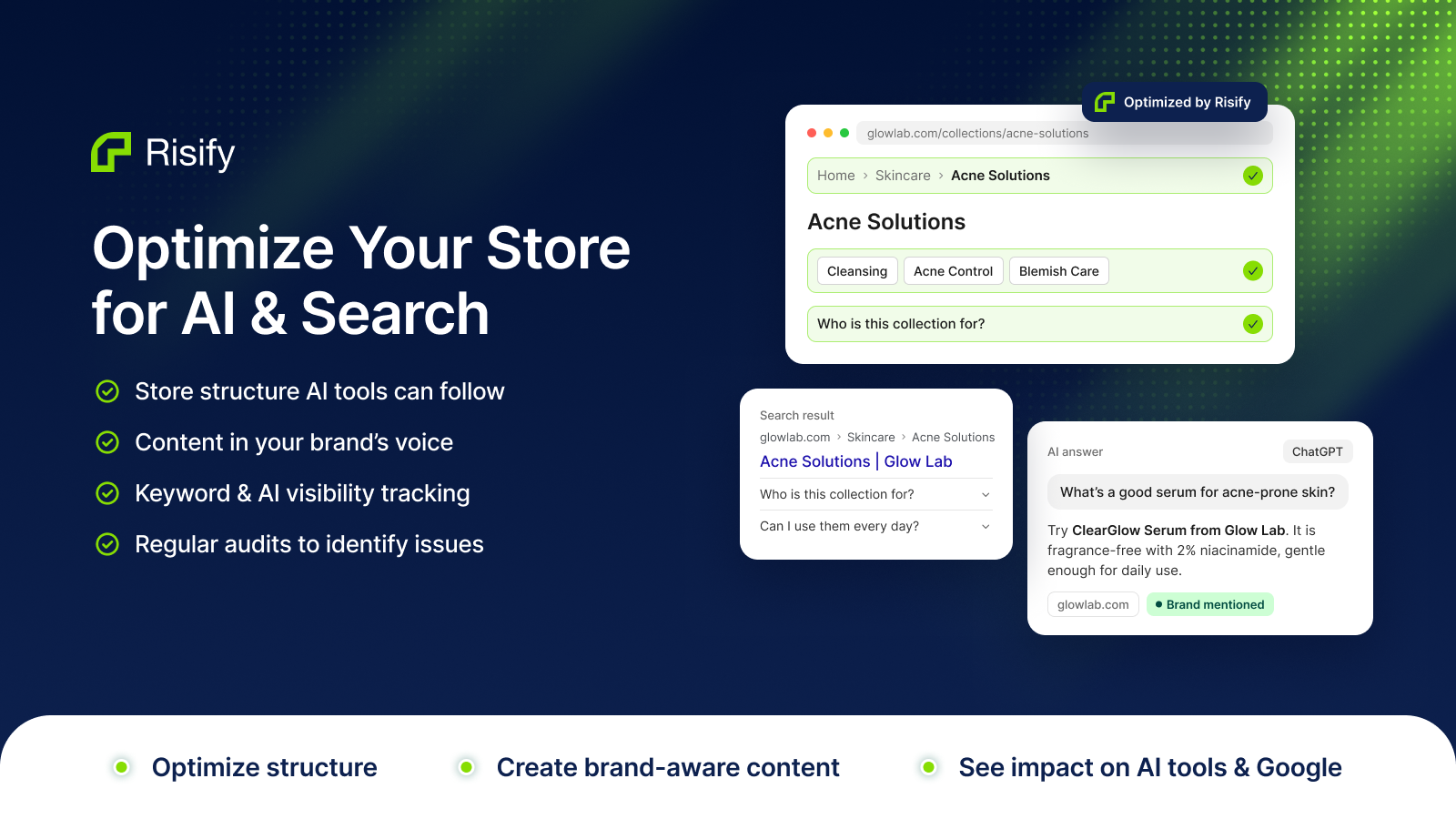
Risify is a Shopify app that optimizes a store’s AI and search visibility by fixing its structure, content and signals, and tracks the result. It is made by Solverhood, the team behind Analyzify.
What it makes possible. Getting a store properly ready for search used to mean an agency retainer, an SEO specialist or a developer editing the theme. Risify puts that work in the merchant’s hands, inside the Shopify admin, with no code. If you would rather not do it yourself, the Risify team does it for you on the Plus plan.
Where it goes further than a toolkit:
- Navigation. Set one fixed breadcrumb path for every product and collection, add collection menus that link to subcategories, and add related searches. This is the structure Shopify does not give you.
- Structured Data. Seven schema types, including Product, Breadcrumb, FAQ, Article and Organization, with errors flagged.
- FAQs. Write an FAQ once, assign it to many products and collections, and show it on the page with FAQ schema.
- Meta Tags and Page Optimization. Bulk editing with flags for missing, long and duplicate tags.
- Risify AI. Content written to your brand instructions.
- AI & Search Audit. More than 100 checkpoints, covering broken links, meta issues, page speed and schema errors, compared against earlier audits.
- AI & Search Visibility. Keyword rankings, Search Console data and AI Visibility, which shows whether ChatGPT, Claude and Google AI Mode mention your store, and which competitors and sources appear.
Learn all Risify features here.
You get help. Every plan includes expert support and a one-on-one onboarding call. Solverhood has built for Shopify merchants since 2017.
Proof. Bad.no, a Norwegian retailer with more than 30,000 products, grew organic sessions by 132% over 8 quarters with Risify’s structure-first approach. Read the Bad.no case study.
Pricing: Risify Standard is $145 a month. Risify Plus is $745 a month and includes done-for-you setup and FAQ coverage. Pricing does not depend on product count. There is no free plan and no free trial.
2. Smart SEO
Smart SEO is made by Sherpas Design and has been on the App Store since 2015. Its listing describes AI-written meta tags, alt text and product descriptions, image and page speed optimization, JSON-LD, broken link detection, a backlinks report and indexing controls.
Best for: stores that want a low-cost, self-serve toolkit for technical SEO, including multi-language stores. Plans are free, $14.99, $24.99 and $49.99 a month.
What it does not describe: on-page FAQs, collection menus or related searches.
3. TinySEO
TinySEO, formerly TinyIMG, is listed as Tiny SEO Speed Image Optimizer and has been on the App Store since 2019. Its listing describes image compression, lazy loading, script minification, JSON-LD, broken link fixes with redirects, AI product titles and descriptions, an AI blog builder and site audits with automated fixes.
Best for: stores where images and page speed are the main problem. Plans are free, $14, $23 and $49 a month.
What it does not describe: on-page FAQs, catalog structure or AI mention tracking.
4. StoreSEO
StoreSEO is made by Storeware. Its listing describes bulk product SEO with AI, image optimization, JSON-LD and FAQ schema, sitemap submission, AI blog posts and keyword tracking.
Best for: small catalogs that want a self-serve tool with a free plan. Its plans are limited by product count: 25 products free, then 100, 250 and 10,000 on paid plans at $19.99, $39.99 and $249.99 a month after a discounted first month.
What it does not describe: collection menus, related searches or AI mention tracking.
5. Booster SEO
Booster SEO is listed as Booster AI SEO + AEO Optimizer and has been on the App Store since 2016. Its listing says it uses AI to scan your store continuously and fix SEO issues automatically, and describes bulk image compression, alt text, structured data and AI-optimized meta tags.
Best for: stores that want hands-off automation of basic fixes, with a free plan to start.
What it does not describe: on-page FAQs, catalog structure or AI mention tracking.
Why structure matters more than tags
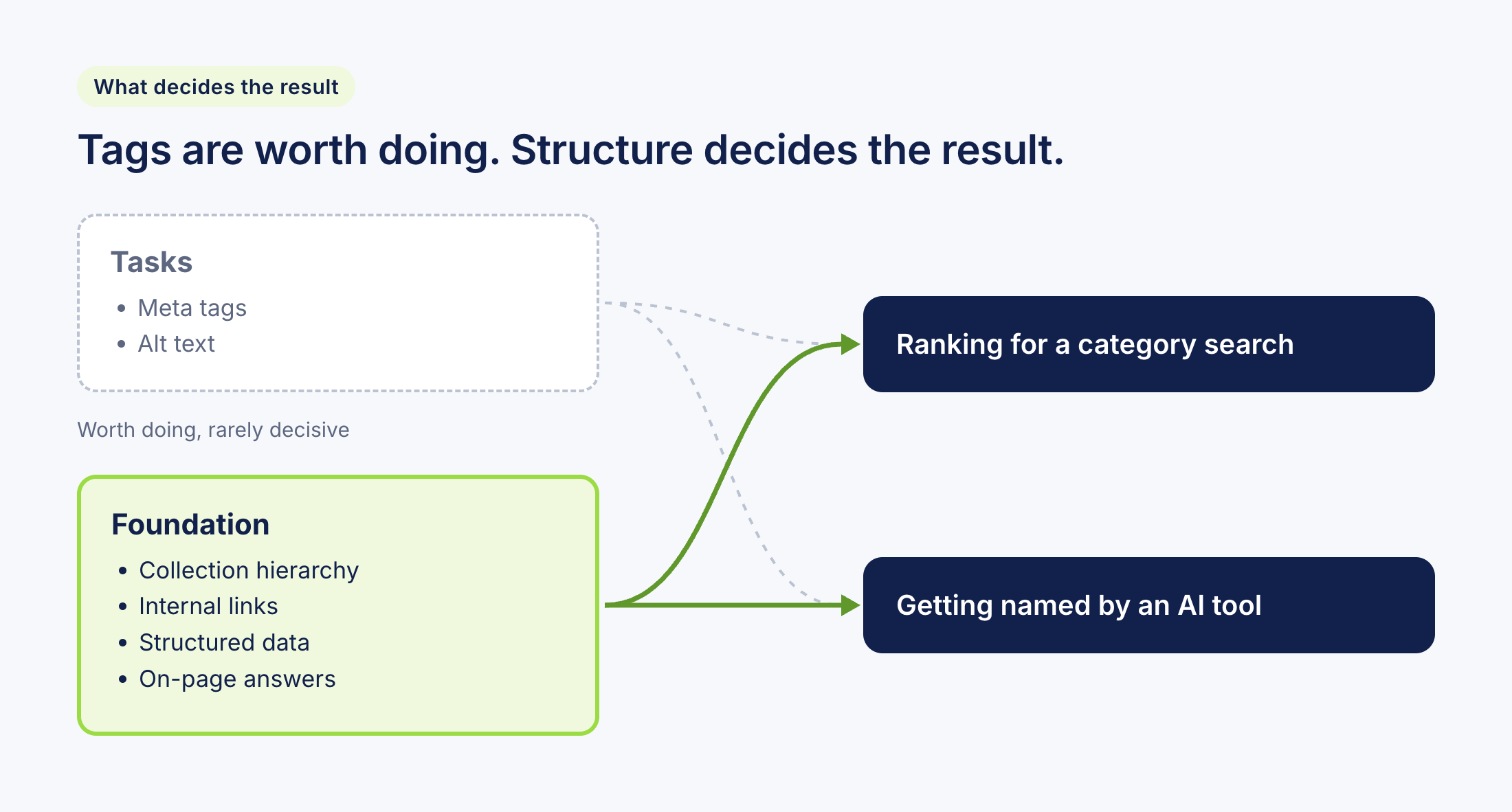
Meta tags and alt text are worth doing, and a toolkit does them cheaply. They rarely decide whether a store ranks for a category search such as “oak dining table” or gets named when a shopper asks an AI tool what to buy.
Those results depend on whether a search engine or an AI tool can tell what you sell, how your categories relate and which page answers which question. That comes from collection hierarchy, internal links, structured data and on-page answers. Our guide on how to fix Shopify SEO and AI visibility gaps explains the full picture.
This is why we put catalog structure first in the comparison, and why Risify was built around it.
How to choose
- Organic search and AI visibility matter to your revenue, and you want the foundation done properly. Choose Risify.
- Your catalog is large, or your collections and breadcrumbs are disorganized. Choose Risify.
- You were about to hire an agency or a freelancer. Compare that cost with Risify Plus, where the Risify team does the setup.
- You want cheap, self-serve basics. Look at Smart SEO.
- Speed and images are the main issue. Look at TinySEO.
- You have a small catalog and want a free plan with AI content. Look at StoreSEO.
- You want basic fixes to run automatically. Look at Booster SEO.
If you do not know what is wrong, run an audit before you choose. Our Shopify SEO audit guide shows what to check.
Conclusion
Shopify SEO apps fall into two kinds. Toolkits handle tasks such as meta tags, alt text and images at a low price, and they suit small stores. A foundation app makes the whole store understandable to search engines and AI tools, which is what growing stores need.
Risify is the second kind. It gives your catalog a structure, completes your structured data and on-page answers, tracks Google and AI tools in one place, and comes with a team. You can find Risify on the Shopify App Store.