



Your Shopify store can look perfectly fine on the surface while technical SEO issues quietly build up underneath.
A deleted product creates a broken link. A new collection goes live without a meta description. A theme update slows down your product pages. An app adds extra code that affects mobile performance.
None of these problems announce themselves.
Your store still loads. Customers can still browse. Orders may still come through.
But search engines, AI tools, and shoppers may be encountering friction that weakens your store’s organic performance over time.
That is why a Shopify SEO audit should not be treated as a one-time cleanup task. It should be part of how you maintain your store.
In this post, we’ll break down what a Shopify SEO audit should check, how to interpret your audit score, and how Risify helps Shopify merchants find and fix issues across broken links, metadata, and page speed from a single dashboard.
Key Takeaways:
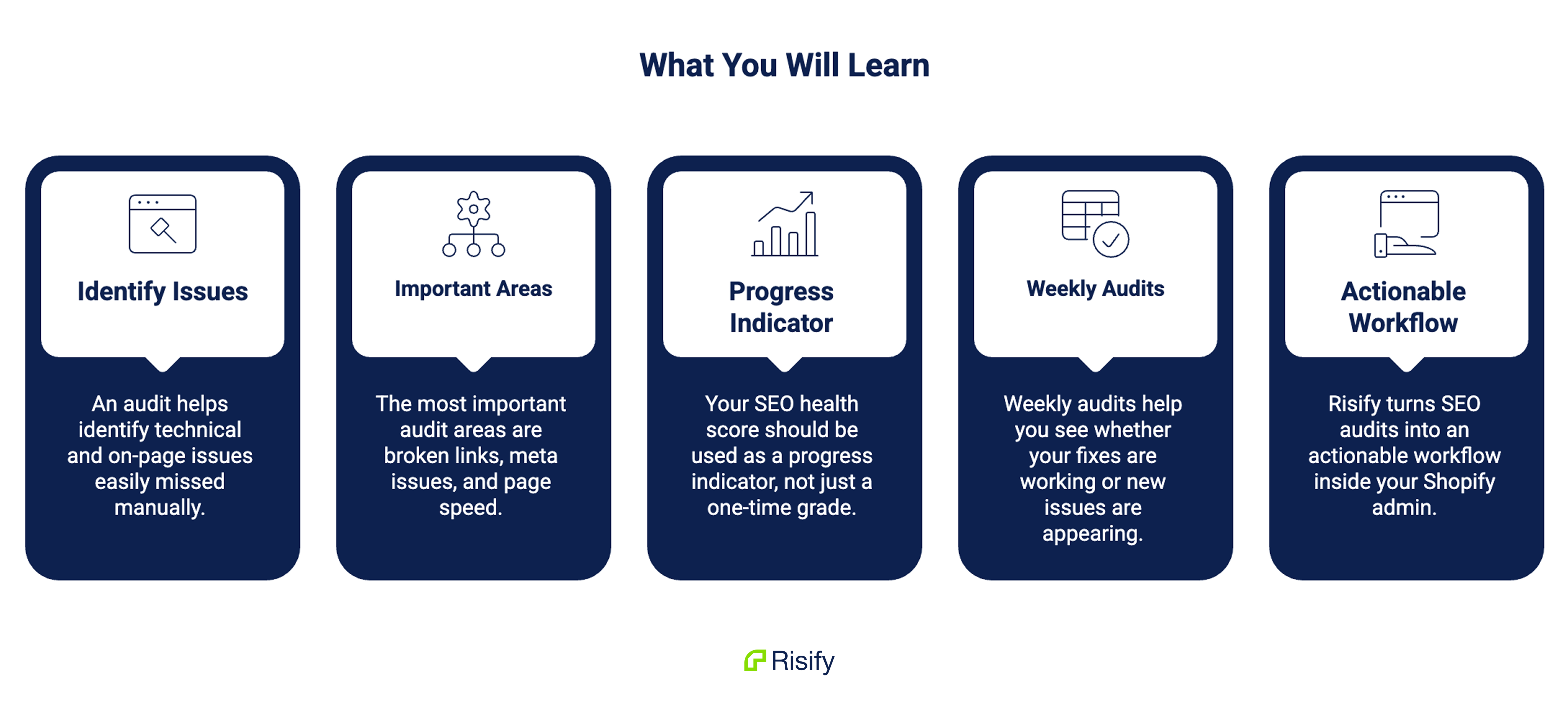
- A Shopify SEO audit helps you identify technical and on-page issues that are easy to miss manually.
- The most important audit areas are broken links, meta issues, and page speed.
- Your SEO health score should be used as a progress indicator, not just a one-time grade.
- Weekly audits help you see whether your fixes are working or new issues are appearing.
- Risify turns SEO audits into an actionable workflow inside your Shopify admin.
Why Shopify SEO Issues Are Easy to Miss
Shopify stores change constantly.
Products get added, removed, duplicated, or redirected. Collections are reorganized. Blog posts are published. Navigation menus are edited. Apps are installed and uninstalled. Themes are updated.
Every one of those changes can introduce small SEO problems.
A product that gets deleted without a redirect may leave broken links across collections or blog content. A new collection may launch with a generic meta title pulled from the collection name. A heavy app script may slow down your mobile page speed.
The challenge is that these issues rarely appear in one obvious place.
You might notice a broken link if you click it yourself, but you probably won’t manually click every link across your store. You might catch a missing meta description on an important product page, but not across hundreds of SKUs. You might feel your store is slower, but you may not know whether the issue affects mobile, desktop, or a specific page type.
That is where a proper SEO audit for Shopify becomes useful.
It gives you a structured way to inspect the parts of your store that affect crawlability, search appearance, user experience, and technical performance.
What a Shopify SEO Audit Should Check
A useful Shopify SEO audit should not overwhelm you with vague warnings. It should show specific issues, where they exist, and how urgently they need to be fixed.
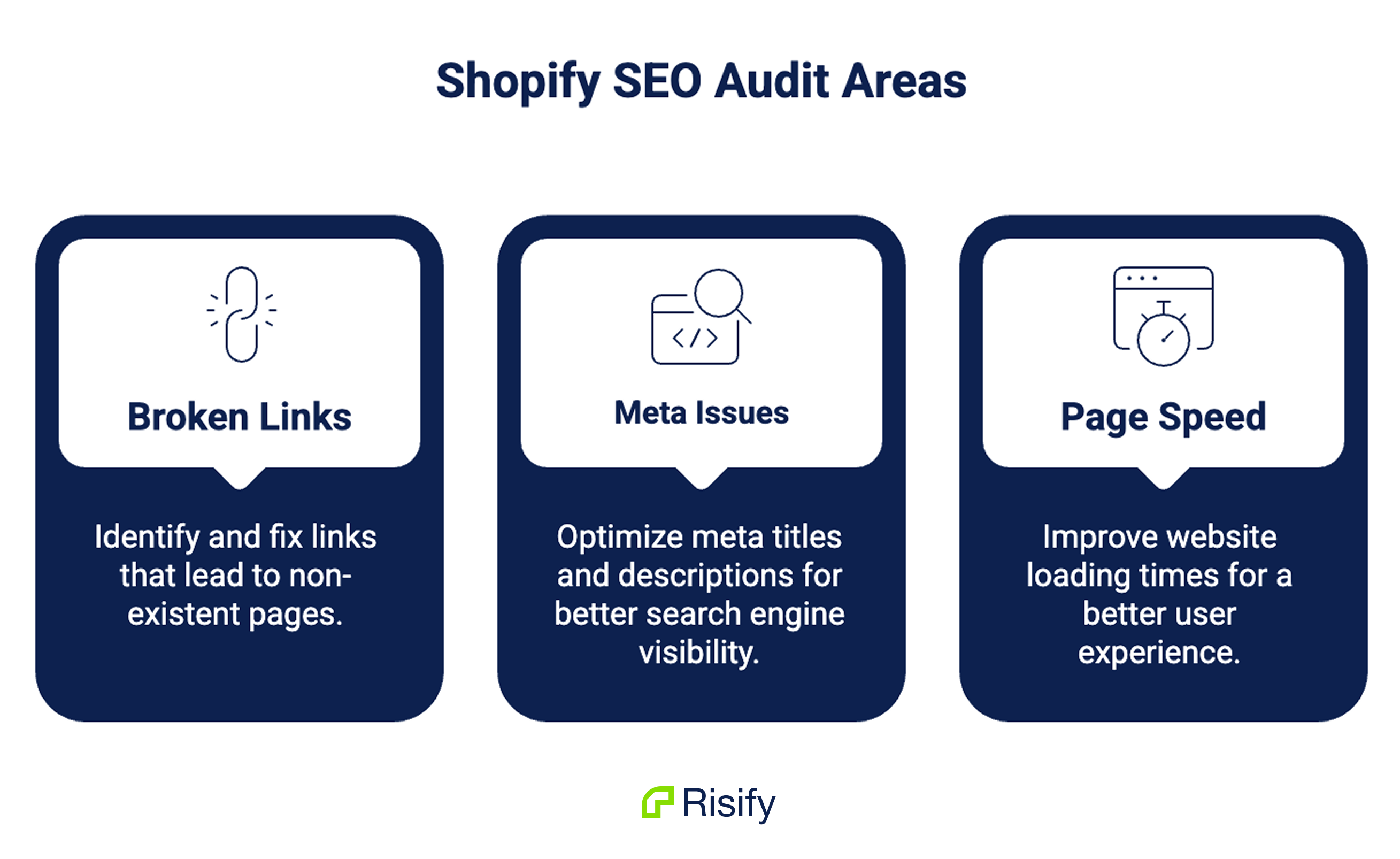
For most Shopify stores, three categories matter first: broken links, meta issues, and page speed.
Broken Links
Broken links are links that lead to pages that no longer exist or return an error, usually a 404 page.
They create two problems at the same time.
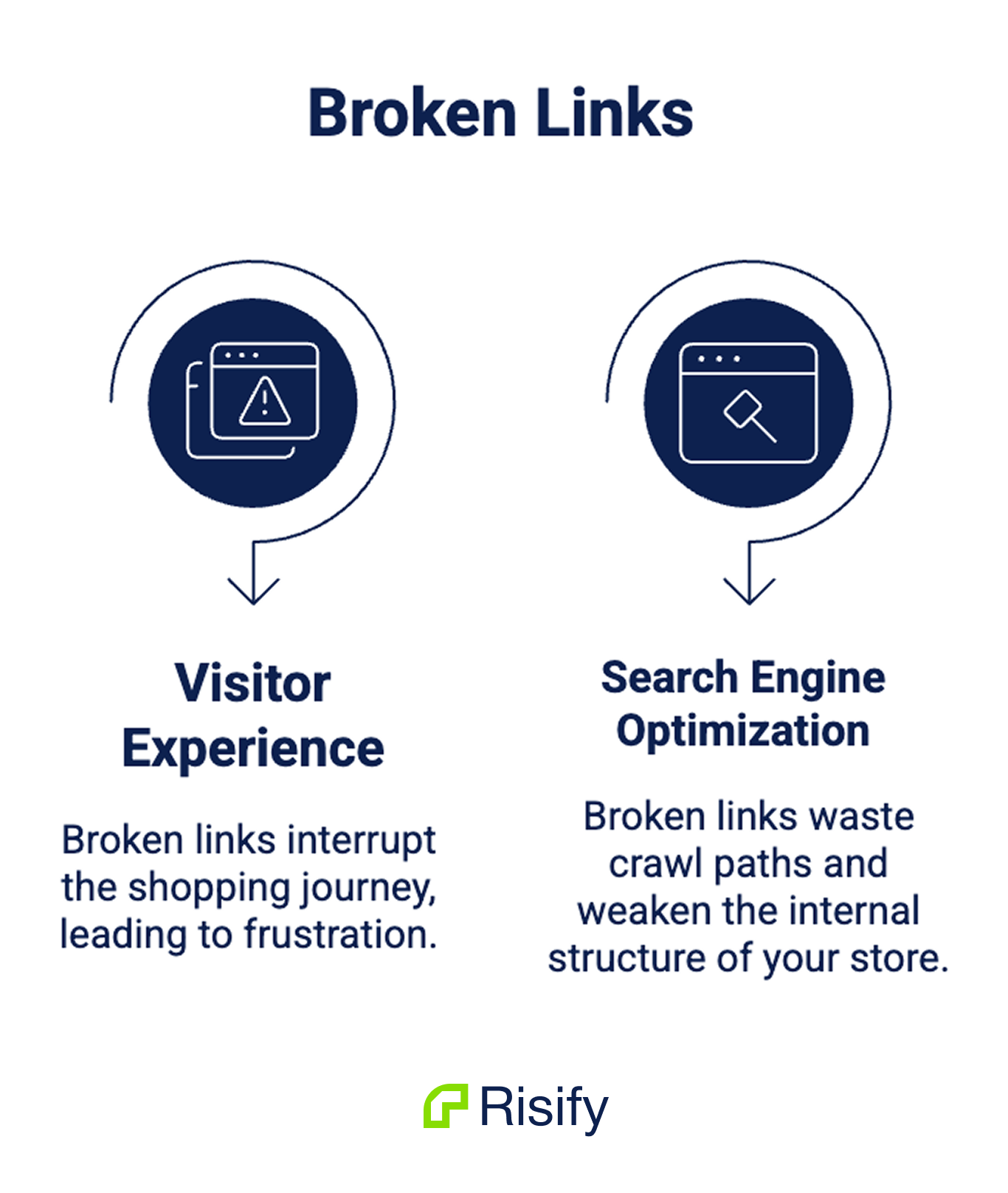
For visitors, they interrupt the shopping journey. Someone clicks a product link, collection link, or blog recommendation and lands on an error page instead of the content they expected.
For search engines, broken links waste crawl paths and weaken the internal structure of your store. If important pages are linked incorrectly, search engines may have a harder time understanding and navigating your site.
A good Shopify SEO audit should show more than “you have broken links.”
It should show:
- The page where the broken link exists
- The anchor text used in the link
- The broken destination URL
- The severity of the issue
This matters because fixing broken links manually can be slow if you do not know where to look. When the source page and broken destination are clearly shown, the fix becomes straightforward: update the URL, remove the link, or create a redirect.
High-severity broken links should be handled first, especially when they appear on important product pages, collection pages, or navigation paths.
Meta Issues
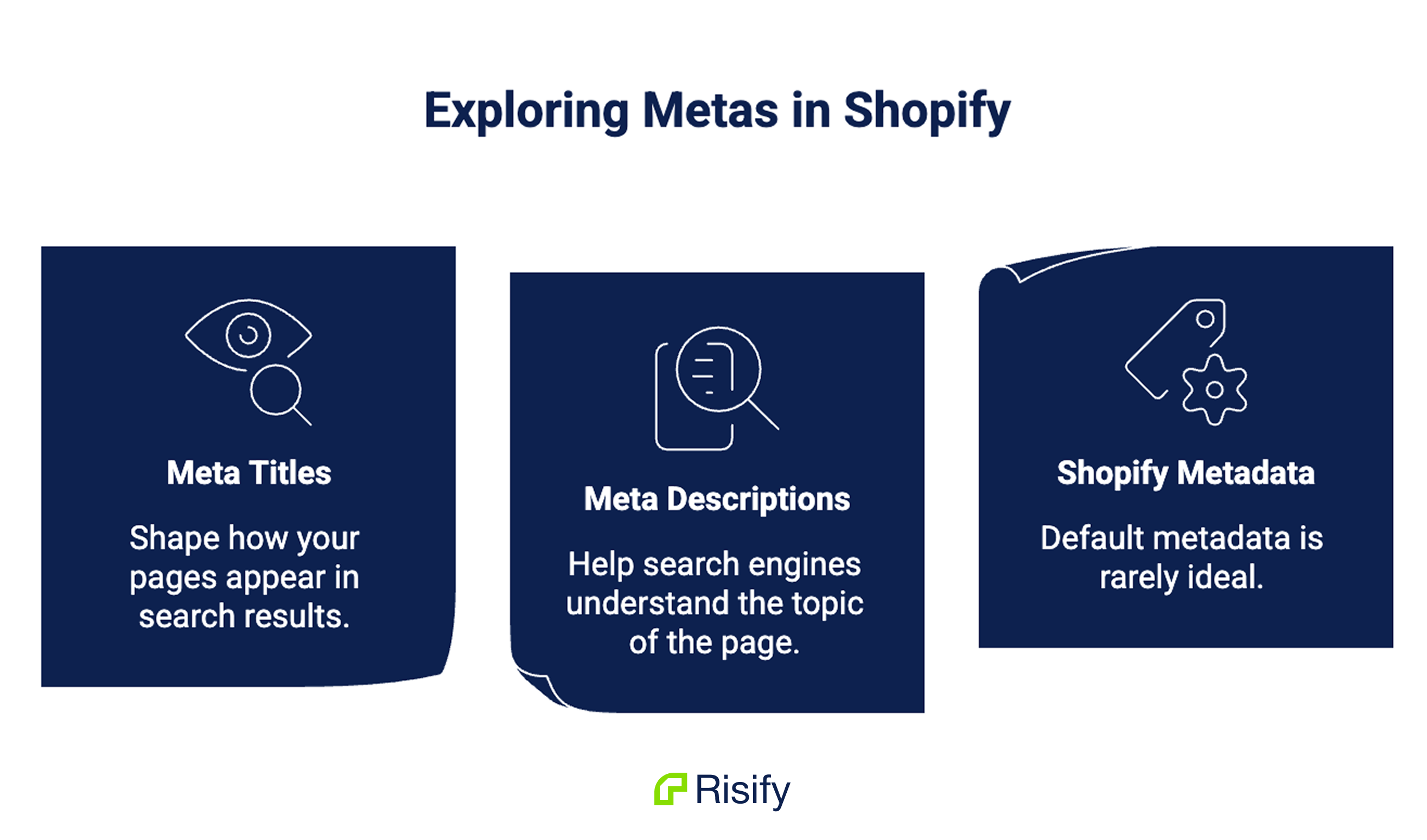
Meta titles and meta descriptions shape how your pages appear in search results.
They help search engines understand the topic of the page, and they help users decide whether to click.
Shopify can generate metadata automatically, but default metadata is rarely ideal. Product names become titles. Product descriptions may be reused or shortened. Collection pages can end up with missing or generic descriptions.
For small catalogs, merchants can sometimes manage this manually. For stores with hundreds of products and collections, metadata quickly becomes difficult to maintain page by page.
A Shopify SEO audit should flag issues such as:
- Missing meta titles
- Missing meta descriptions
- Meta titles that are too short
- Titles or descriptions that are too long
- Duplicate or poorly structured metadata
The goal is not to rewrite everything at once. The goal is to know which pages need attention first.
For example, a missing meta description on a high-value collection page is more urgent than a slightly short title on a low-priority product. Priority levels help you avoid treating every issue as equally important.
Risify’s audit workflow makes this more practical by showing the affected product or collection, the specific metadata problem, and an edit option so you can take action directly.
Page Speed
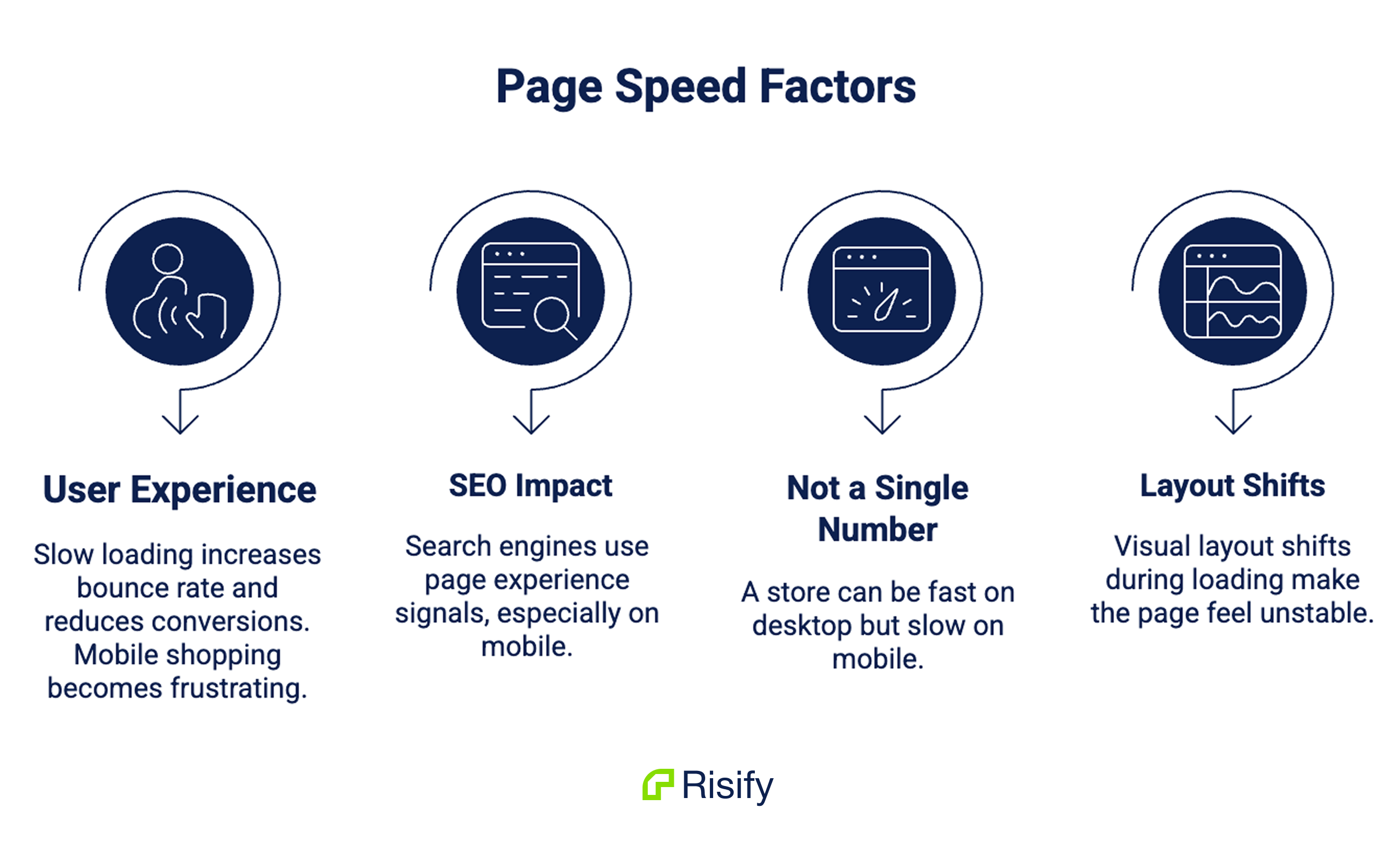
Page speed affects both user experience and SEO.
A slow-loading store can increase bounce rate, reduce conversions, and make mobile shopping more frustrating. Search engines also use page experience signals when evaluating pages, especially on mobile.
But page speed is not one number.
A store can feel fast on desktop and still perform poorly on mobile. A homepage can load quickly while product pages lag. A visual layout can shift during loading, making the page feel unstable even if the total load time looks acceptable.
That is why page speed audits should include detailed metrics, not just a generic performance score.
Important metrics include:
- Largest Contentful Paint: how long it takes for the main content to appear
- First Contentful Paint: how long it takes for the first visible content to appear
- Cumulative Layout Shift: how much the page moves during loading
- Interaction to Next Paint: how responsive the page feels after user interaction
- Time to First Byte: how quickly the server starts responding
- Speed Index, Total Blocking Time, and Time to Interactive
A strong audit should also separate mobile and desktop performance. Many Shopify stores look acceptable on desktop while mobile performance suffers because of image weight, app scripts, theme code, or layout behavior.
Risify reports page speed for both device types and includes opportunities and diagnostics, so merchants can see not only that a page is slow, but what might be causing the issue.
Why Your SEO Health Score Matters
An SEO audit can produce a long list of issues. That list is useful, but it can also become hard to interpret.
This is where an SEO Health Score helps.
Risify’s SEO Health Score gives you a single percentage that reflects your store’s overall SEO condition based on the audit results. It combines findings across broken links, meta issues, and page speed into one measurable number.
The important part is that the score is weighted. A serious issue does more damage than a minor one. A broken link on an important product page matters more than a small metadata issue on a less important page.
That means the score should not be treated as a simple count of issues. It is better understood as a direction signal.
If your score improves after fixing high-priority issues, your store’s SEO foundation is getting stronger. If your score drops, something new may have changed: a page was deleted, metadata was removed, performance declined, or new issues appeared after a store update.
There is no universal “perfect” score for every Shopify store. A large catalog with thousands of products will naturally have more moving parts than a small store.
The trend matters more than the number itself.
Why One SEO Audit Is Not Enough
A single audit shows your store’s condition at one moment.
That is useful, but it does not tell you whether your SEO health is improving or declining over time.
This is where many merchants make a mistake. They run an audit once, fix a few issues, and assume the work is finished.
But Shopify stores are not static.
New products are added. Old products are removed. Collections change. Apps are installed. Themes are updated. Content gets published. Each change can create new SEO issues.
Without recurring audits, you may not notice those issues until they start affecting traffic, rankings, or user experience.
Weekly audits create a clearer picture.
A rising Health Score shows that your fixes are working. A stable score shows that your store is maintaining its current condition. A declining score signals that new problems are appearing faster than they are being fixed.
This turns SEO maintenance from guesswork into a measurable workflow.
Instead of asking, “Did our SEO work help?” you can compare audit results over time and see what changed.
How to Run a Shopify SEO Audit With Risify
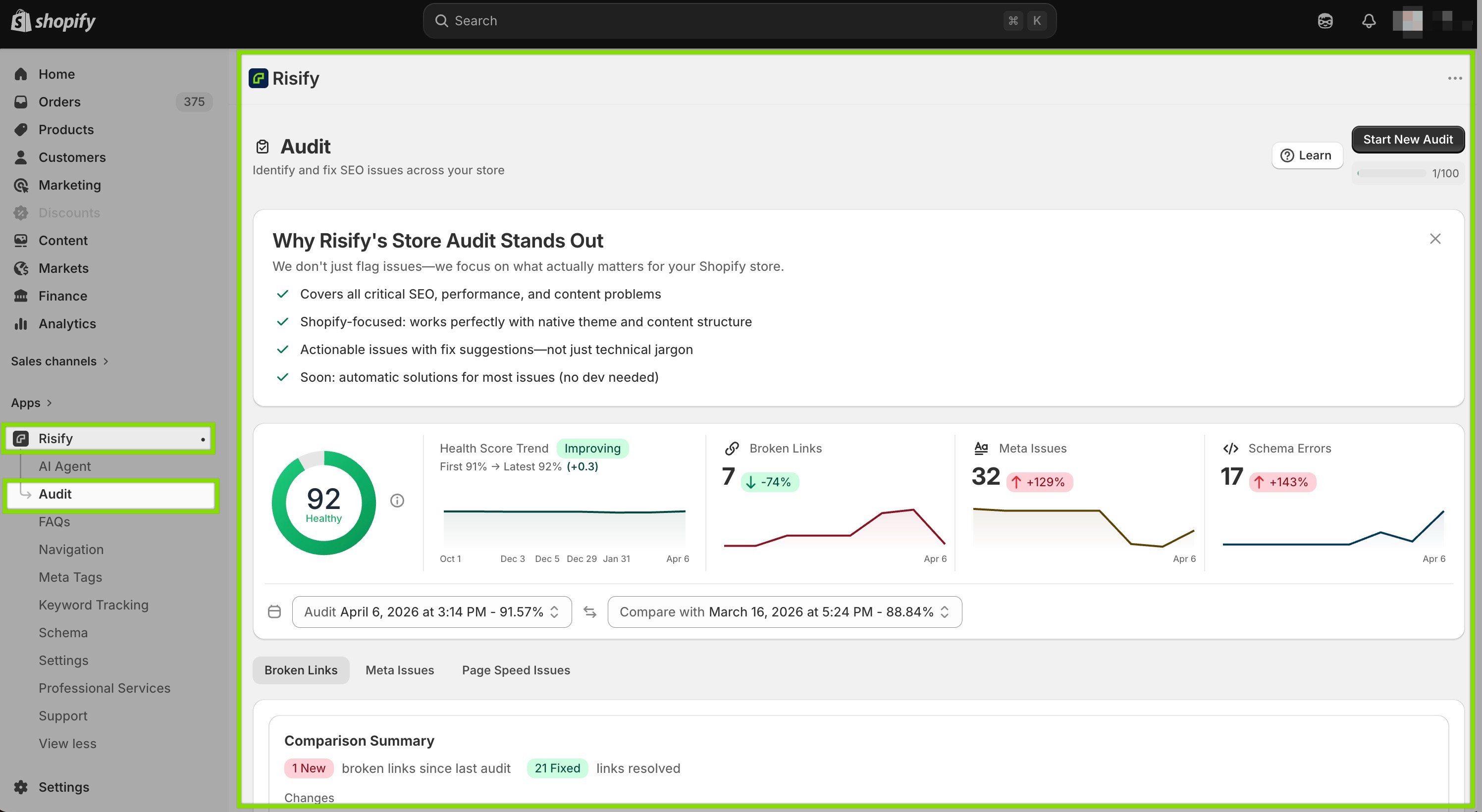
Risify’s Store Audit is built to make this process easier for Shopify merchants.
Inside your Shopify admin, you open Risify, go to the Audit section, and start your first scan. Risify reviews your store’s pages, links, and performance, then returns a Health Score with issue categories below it.
The audit is organized around three practical areas:
- Broken Links shows where broken URLs exist and which page they come from.
- Meta Issues shows missing or poorly structured metadata across products and collections.
- Page Speed shows mobile and desktop performance metrics, along with opportunities and diagnostics.
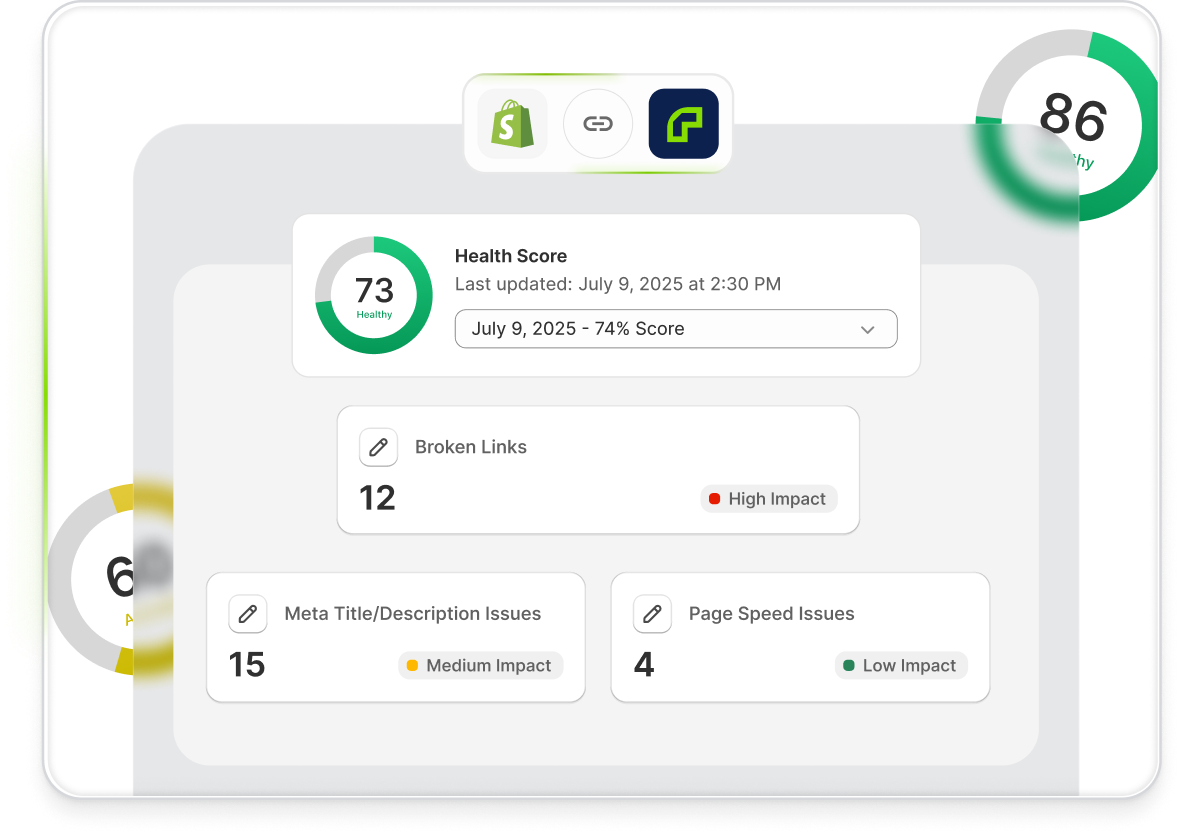
This structure matters because it turns the audit into a to-do list.
Also, you can see the schema errors on your store, which you can go ahead and fix by navigating to Risify > Schema.
Fixing your schema issues will help you improve your store’s AI visibility.
You do not have to interpret a long technical report from scratch. You can see which issues exist, how severe they are, and where to start.
After making fixes, you can run a new audit to confirm whether the changes improved your Health Score. Risify also saves past audits, so you can compare results over time instead of relying on memory.
For stores that treat SEO as an ongoing growth channel, this is the real value: monitoring the store continuously as it changes.
 Structure your store for organic growth. Improved SEO & AI visibility.
Run a full SEO audit on your Shopify store
Track your SEO health score with automated scans in your Shopify dashboard.Conclusion
A Shopify SEO audit is not just a technical checklist.
It is how you keep your store clean, crawlable, fast, and easier to understand for both search engines and shoppers.
Broken links block navigation. Missing metadata weakens your search appearance. Slow pages hurt user experience. Individually, these issues may look small. Together, they create friction across your organic growth engine.
The solution is not to audit once and forget it.
The better approach is to audit regularly, fix the highest-priority issues first, and track whether your Health Score improves over time.
Risify helps Shopify merchants do exactly that from inside Shopify: scan the store, understand what is wrong, take action, and measure progress with each new audit.