




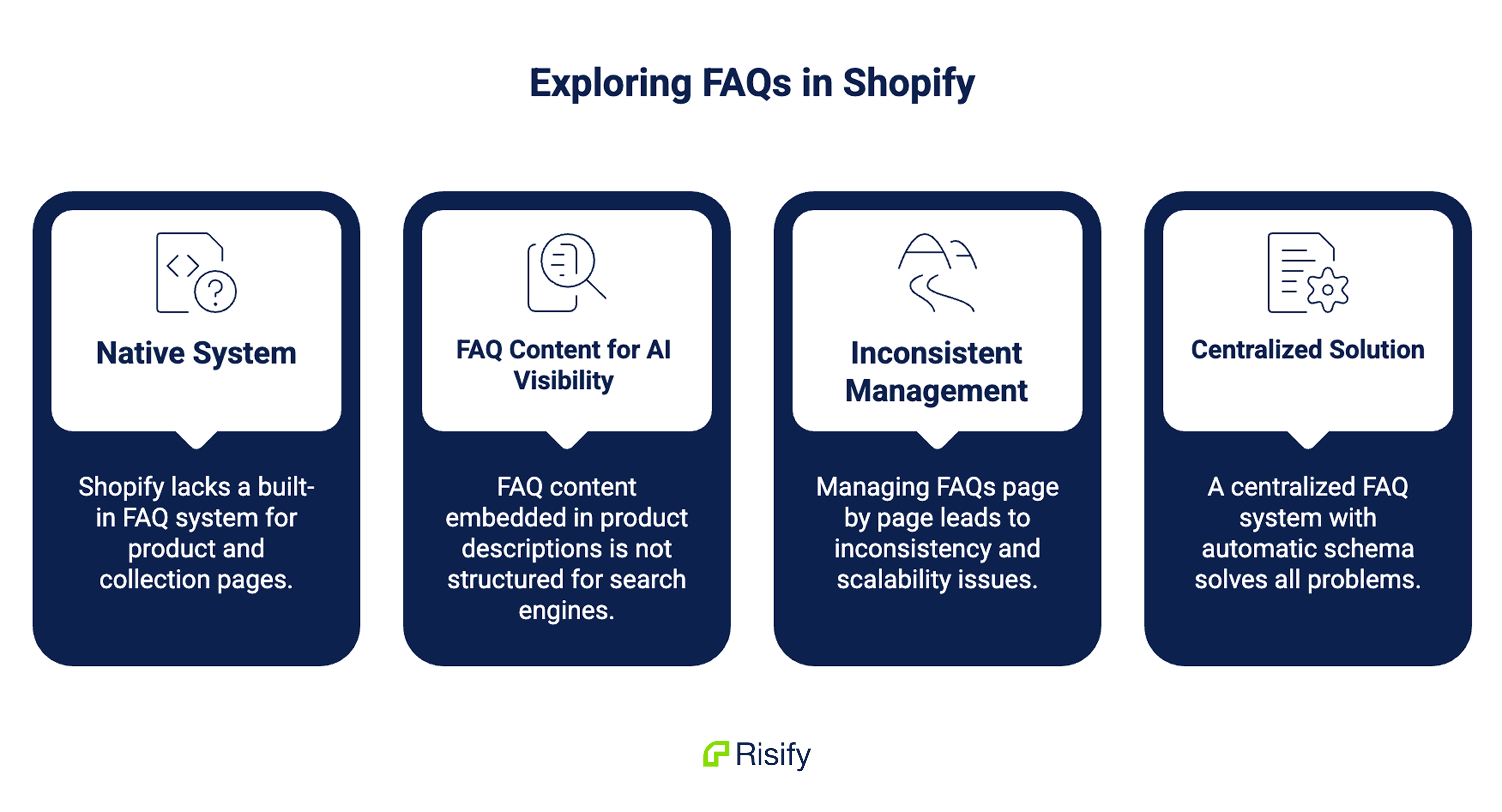
Shopify doesn’t have a native FAQ system for product or collection pages.
There’s no FAQ field, no FAQ section, and no automatic FAQPage schema. If you want FAQ content on your pages, you write it into product descriptions or collection description.
But that’s just unstructured text that your customers can read but AI tools can’t interpret as structured Q&A data.
For most merchants, this means one of two things: either there’s no FAQ content on the store at all, or there is FAQ content but it’s scattered, inconsistent, and invisible to search engines and AI tools.
This post covers Shopify’s FAQ limitations and how you can create & manage FAQ content easily on Shopify.
Key takeaways:
- Shopify has no native FAQ system for product or collection pages
- FAQ content written into product description field is unreadable to search engines and AI tools as structured data
- Page-by-page FAQ management creates inconsistency and breaks down at scale
- Collection pages rank for category-level queries but almost never have FAQ content to answer them
- A centralized FAQ creation system with automatic FAQPage schema solves every layer of the problem
Why Should You Have FAQ Content on Your Shopify Store?
Most merchants think of FAQs as a customer service tool.
They think having FAQ content is a way to answer common questions so shoppers don’t have to contact support.
That’s true, but it undersells what FAQ content actually does.
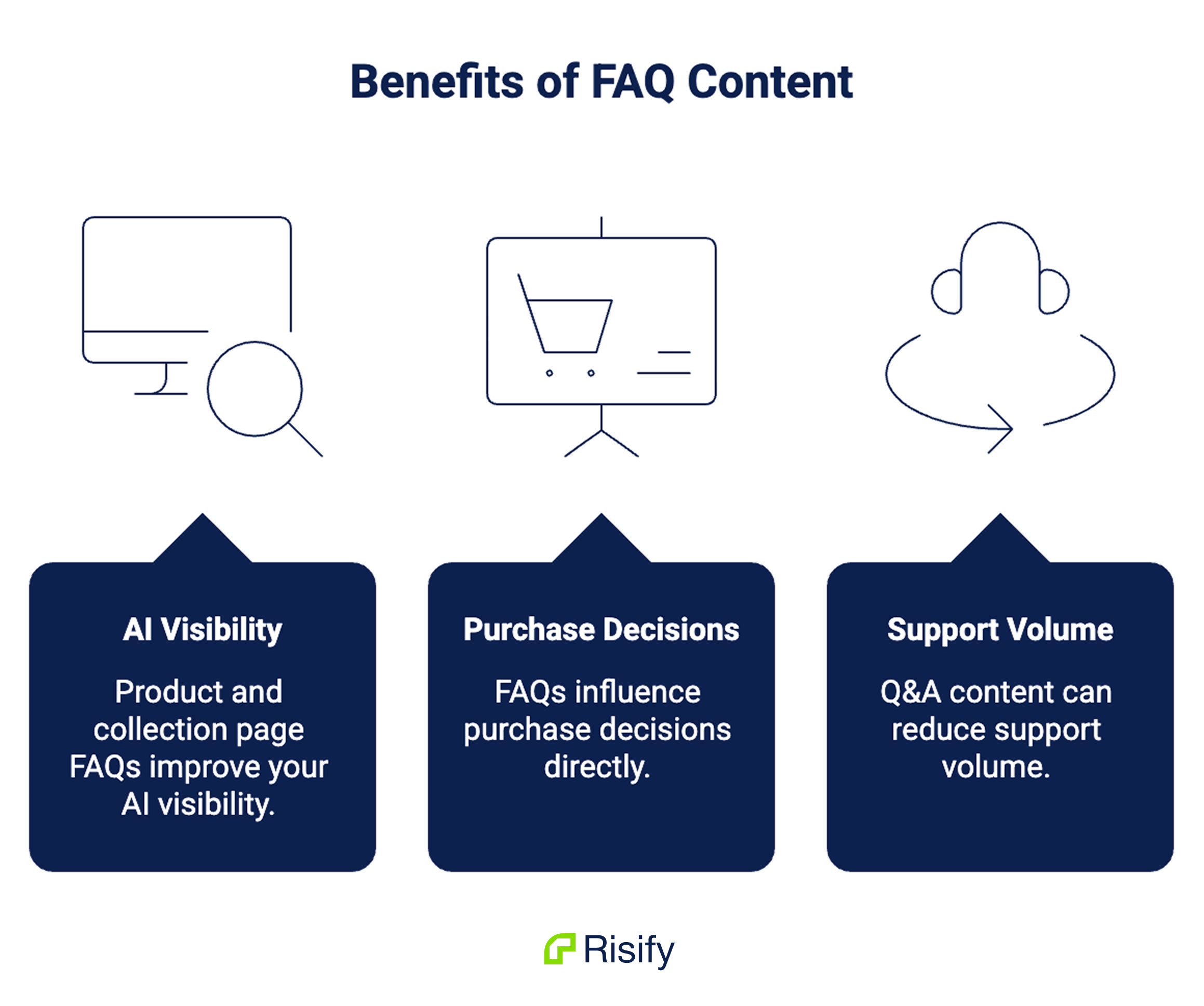
Product & Collection Page FAQs Improve Your AI Visibility
This is the part most merchants don’t know about. When FAQ content is marked up with correct FAQPage schema, search engines can index it as explicit question-answer pairs rather than unstructured text.
AI tools like ChatGPT, Perplexity, and Gemini can extract and cite those answers directly when responding to user queries. Without the schema, your FAQ text is just another paragraph that AI tools have to interpret, which they do less reliably.
FAQs Influence Purchase Decisions Directly
A shopper who can’t find out whether a product fits their use case, what the return window is, or how a material holds up over time doesn’t wait around.
They find the answer somewhere else, usually on a competitor’s page. FAQs placed on product and collection pages intercept that moment. The answer is already there, at the point where the question arises.
Q&A Content Can Reduce Support Volume
When the same questions get answered on the page, they stop arriving in your inbox. Stores with well-maintained FAQ content consistently see fewer repetitive support tickets on the topics those FAQs cover.
These three benefits only work together when FAQs are properly structured and placed on the right pages. Shopify’s default setup makes that harder than it should be.
What Shopify Gives You for FAQs by Default
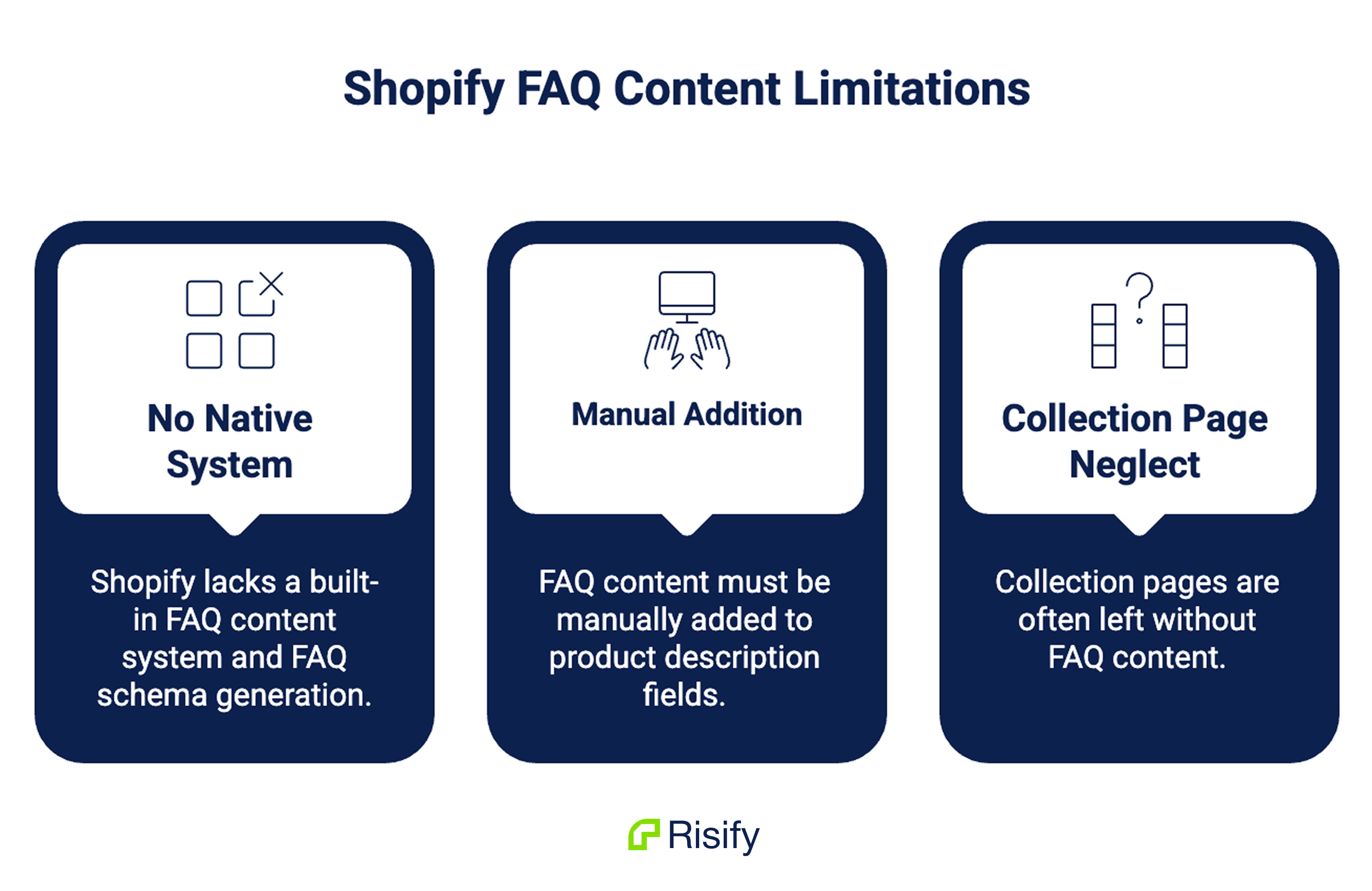
Shopify has no native FAQ system at the product or collection level.
There’s no FAQ field, no FAQ section, and no FAQ schema generation built into the platform. If you want FAQ content on your product pages, you add that into the product description.
If you want it on a collection page, you add it to the collection description. In both cases, it’s just text: unformatted, unstructured, and invisible to machines as Q&A content.
Most merchants handle this one of two ways. Some write FAQ-style content directly into product descriptions, mixing questions and answers with the rest of the product copy.
Others install a dedicated FAQ page app that creates a single store-wide FAQ page covering shipping, returns, and general questions.
Both approaches solve the surface problem, as customers can read the answers, but neither produces the structured content that search engines and AI tools actually need.
There’s also no FAQPage schema generated anywhere in Shopify’s default setup.
The question-and-answer pairs that could be making your pages more visible to Google and more citable by AI tools simply don’t exist in any suitable format unless you add them separately.
The result is a store where FAQ content may exist visually but is structurally absent: present for shoppers, invisible to AI tools.
👉🏻 Check out your store’s schema with Google’s Rich Result Test or Risify’s Free Schema Checker
The Collection Page Gap
The structural absence is worst on collection pages, and this is where most stores lose the most ground without realizing it.
Collection pages rank for category-level, research-phase queries like comparison questions, material explanations, general guidance.
When someone searches “memory foam vs spring mattress” or “best running shoes for flat feet,” they land on a collection page, not a product page.
They have a category-level question, but the collection page has nothing but a product grid to answer it.
Product pages rank for narrower, purchase-intent queries like specific product names, model numbers, exact attributes.
The questions that belong there are item-specific: dimensions, compatibility, warranty terms, available variants.
Most stores add FAQs only to product pages, leaving collection pages completely empty.
This means the pages that rank for research-phase queries have no FAQ content at all. The store ranked for the query. The visitor landed. The page had nothing for them.
The mismatch runs in both directions.
Stores that do add comparison FAQs often put them on product pages, where visitors have already moved past the category research stage and don’t need them anymore.
The content exists, but it serves nobody where it’s placed.
Why Page-by-Page FAQ Management Breaks Down
Even if a merchant commits to adding FAQ content manually, the approach creates two problems that get worse as the catalog grows.
Update Complexity
When an answer changes, every page that contains a version of that answer needs to be updated.
If your return window extends from 30 days to 60 days, you have to find every product page where that information appears and edit each one individually.
Miss a page and customers see conflicting answers depending on which product they’re viewing.
The more products you have, the more likely you are to miss pages. A store with 50 products might manage it. A store with 500 has a real problem.
Inconsistency
Manual copy-pasting leads to drift.
You write an answer for one product, copy it to the next, edit one version but not the others, and over time different pages show slightly different answers to the same question.
Customers notice. Support teams get confused about which version is actually correct. The FAQ content meant to build trust starts eroding it instead.
Both problems are structural. They’re the inevitable outcome of managing FAQ content at the page level rather than from a central source.
How to Create & Manage FAQ Content in Shopify
A properly structured FAQ setup solves the visibility problem, the collection page gap, and the management problem simultaneously.
Risify’s FAQ builder is built around the centralized approach. Here’s how you can create and manage FAQ content in your Shopify store:
Central Library and Assigning FAQs
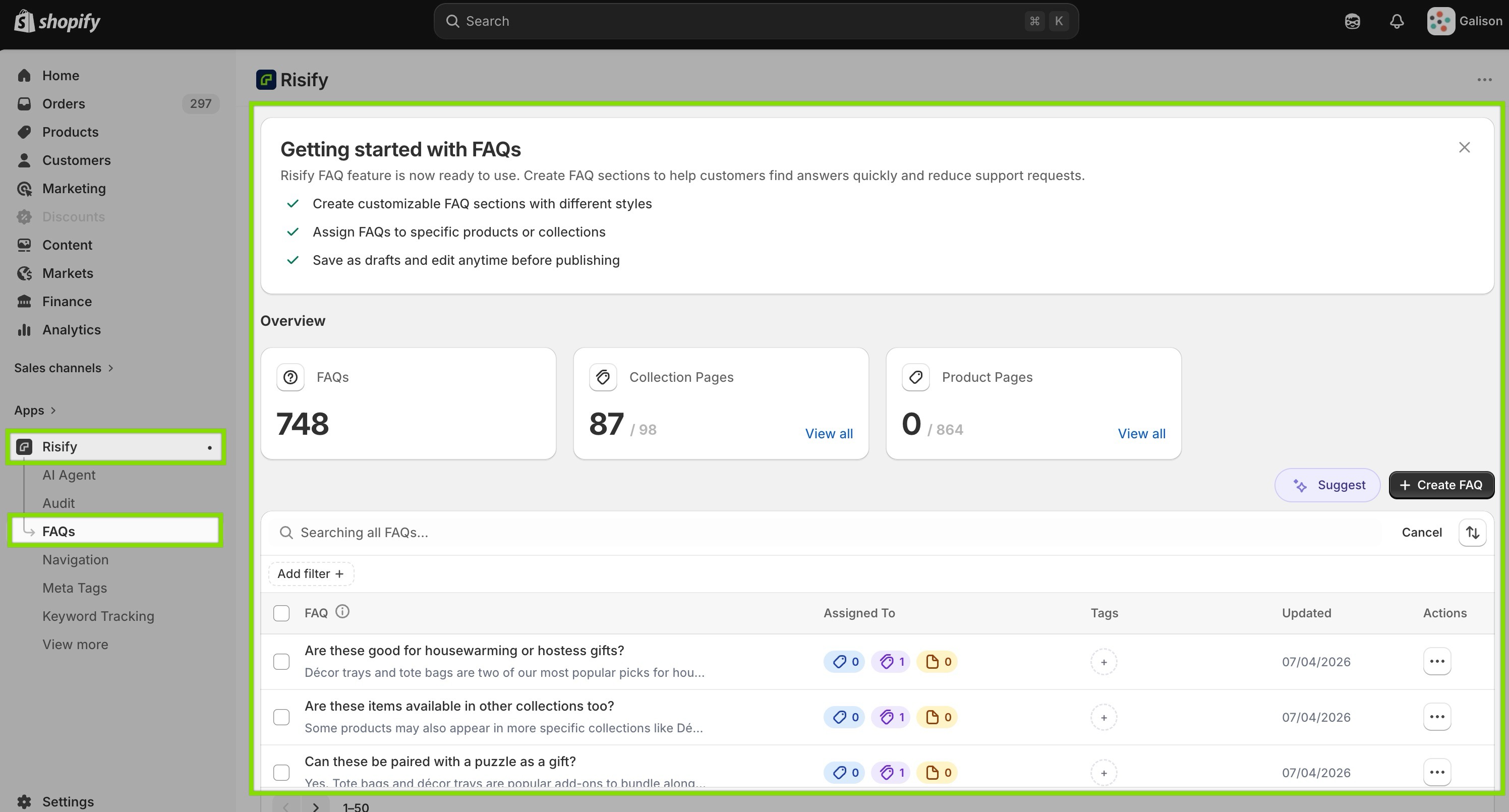
All FAQs are created inside the Risify admin and stored in a central library.
Each FAQ exists as an independent content block with a question, an answer, and optional tags for organization. Once created, you assign it to any combination of products, collections, or pages by selecting from a checklist.
One FAQ assigned to 50 products takes the same effort as one assigned to one. When you update the answer, the change applies to all 50 immediately. The management problem disappears because the content is managed in one place rather than replicated across pages.
Adding FAQs to Both Collection and Product Pages
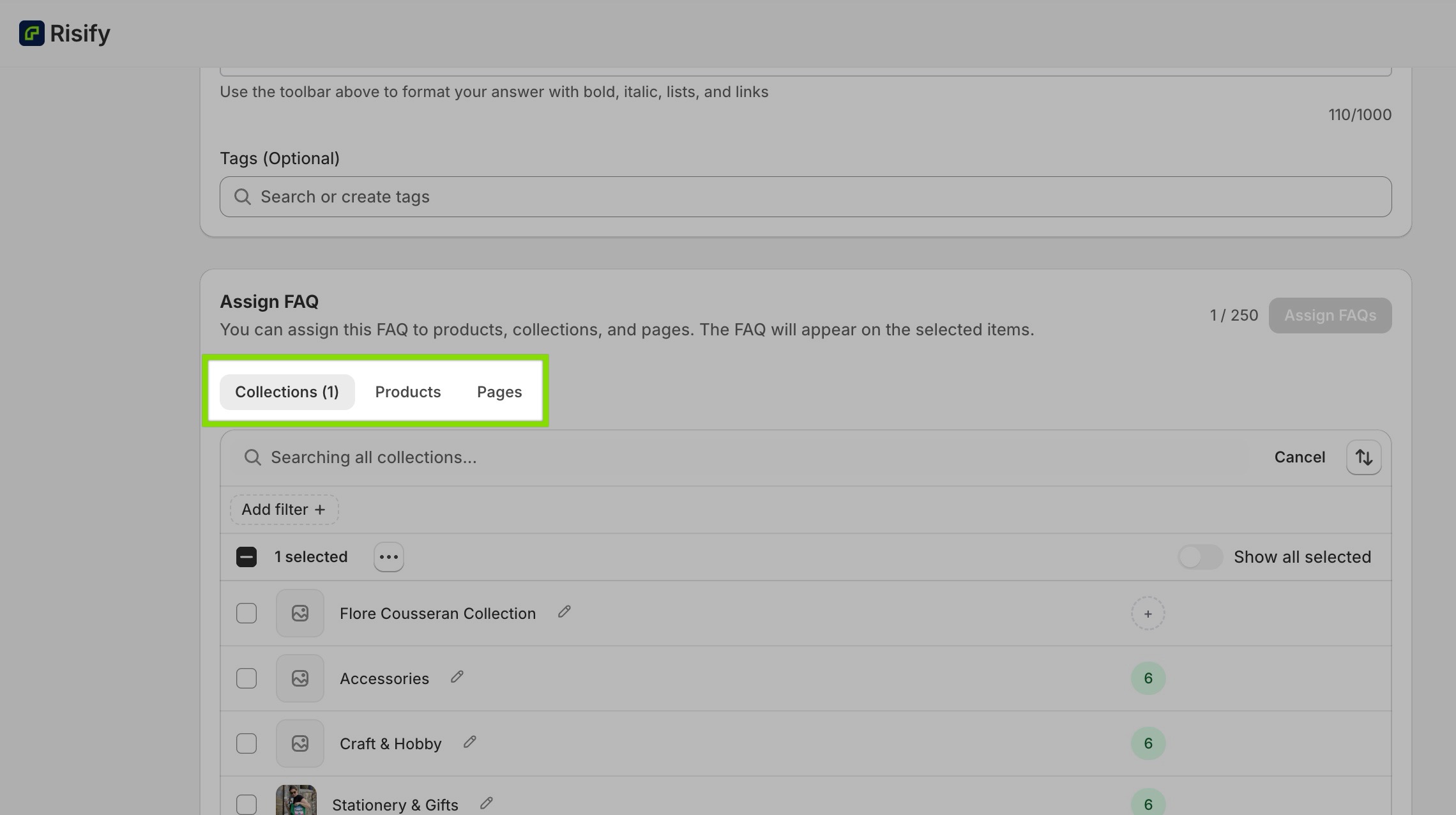
Risify supports FAQ assignment at both levels.
Category-level comparison questions get assigned to the relevant collections. Product-specific questions get assigned to individual products. Store-wide policies can be assigned to both.
This is the direct fix for the collection page gap. A collection page for Standing Desks can carry FAQ content answering category-level queries, which is exactly where AI tools pull answers for broad recommendation queries.
Automatic FAQPage Schema
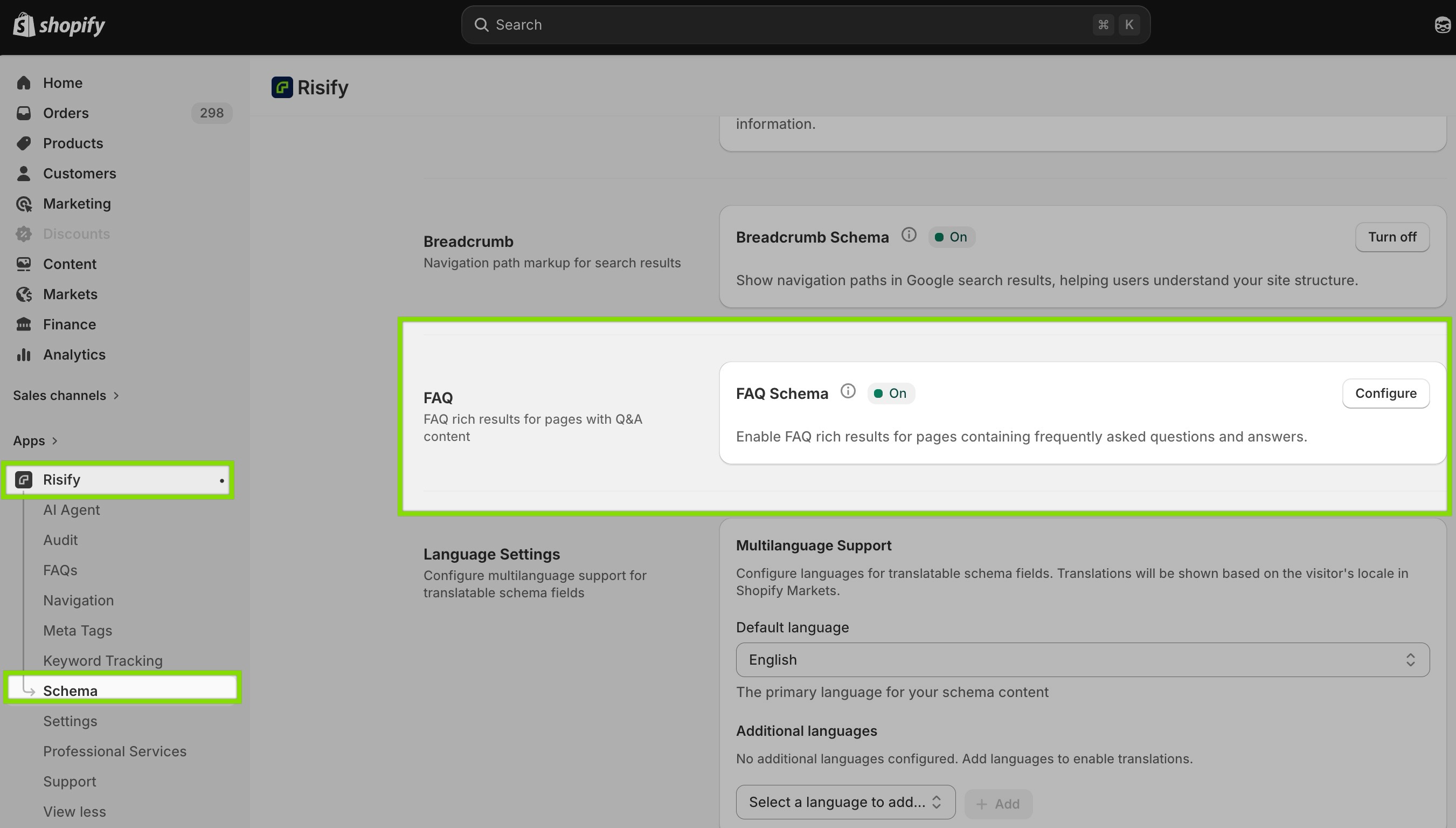
When you assign a FAQ in Risify, a valid FAQPage schema is generated automatically on every page where that FAQ appears.
You don’t write JSON-LD, you don’t need to understand schema syntax, and there’s no risk of the markup drifting out of sync with visible content because both come from the same source.
This is what makes your FAQ content readable to search engines as structured Q&A pairs and citable by AI tools rather than treated as unstructured text.
Creating FAQs in Bulk with AI
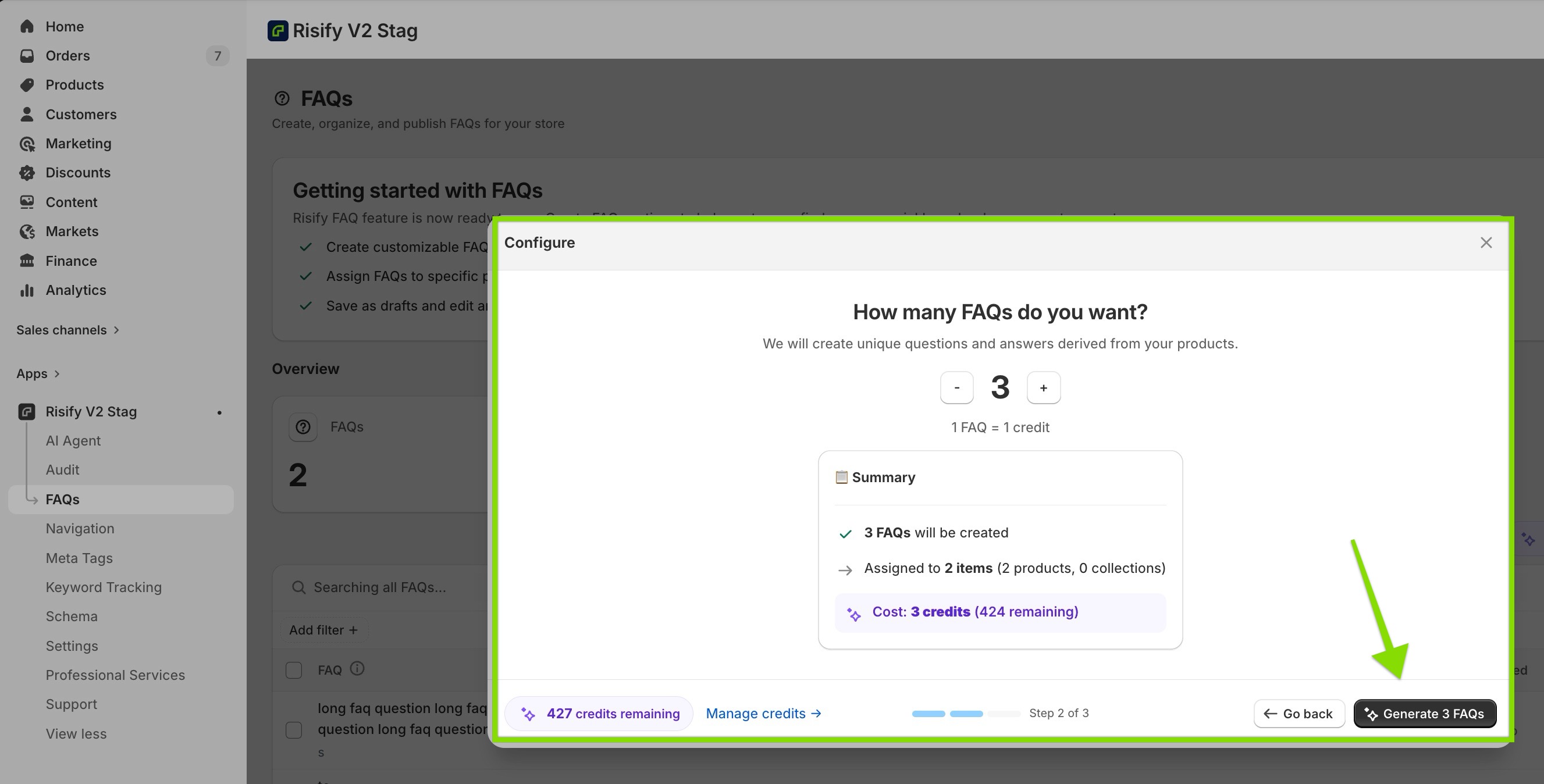
For stores with large catalogs, writing FAQs manually for every product isn’t realistic.
Risify’s AI agent analyzes your product data (title, description, variants, attributes) and generates relevant FAQ suggestions in bulk.
You select the products and collections you want covered, choose how many FAQs to generate per item, and review the output before publishing.
You can review, edit, and then publish - which is still significantly faster than writing from scratch across hundreds of products.
 Structure your store for organic growth. Better rankings. AI visibility.
Create & Manage FAQs for Your Shopify Store Easily
Create reusable FAQs once and place them on any page from a single dashboard.Conclusion
Shopify doesn’t have a native FAQ system and that gap affects more than customer experience.
It affects how search engines categorize your pages, how AI tools extract your content, and whether collection pages answer the category-level questions they rank for.
The fix is clear: centralized FAQ management, proper FAQPage schema, and coverage at both the product and collection level.
That turns FAQ content into a visible, structured layer that works for your audience, search engines, and AI tools.